
SAAS2025-2026

Reffle Competition

200+ screensUX StrategyProduct DesignDesign system

Overview

Reffle is a competition platform used by businesses running prize competitions and giveaways.

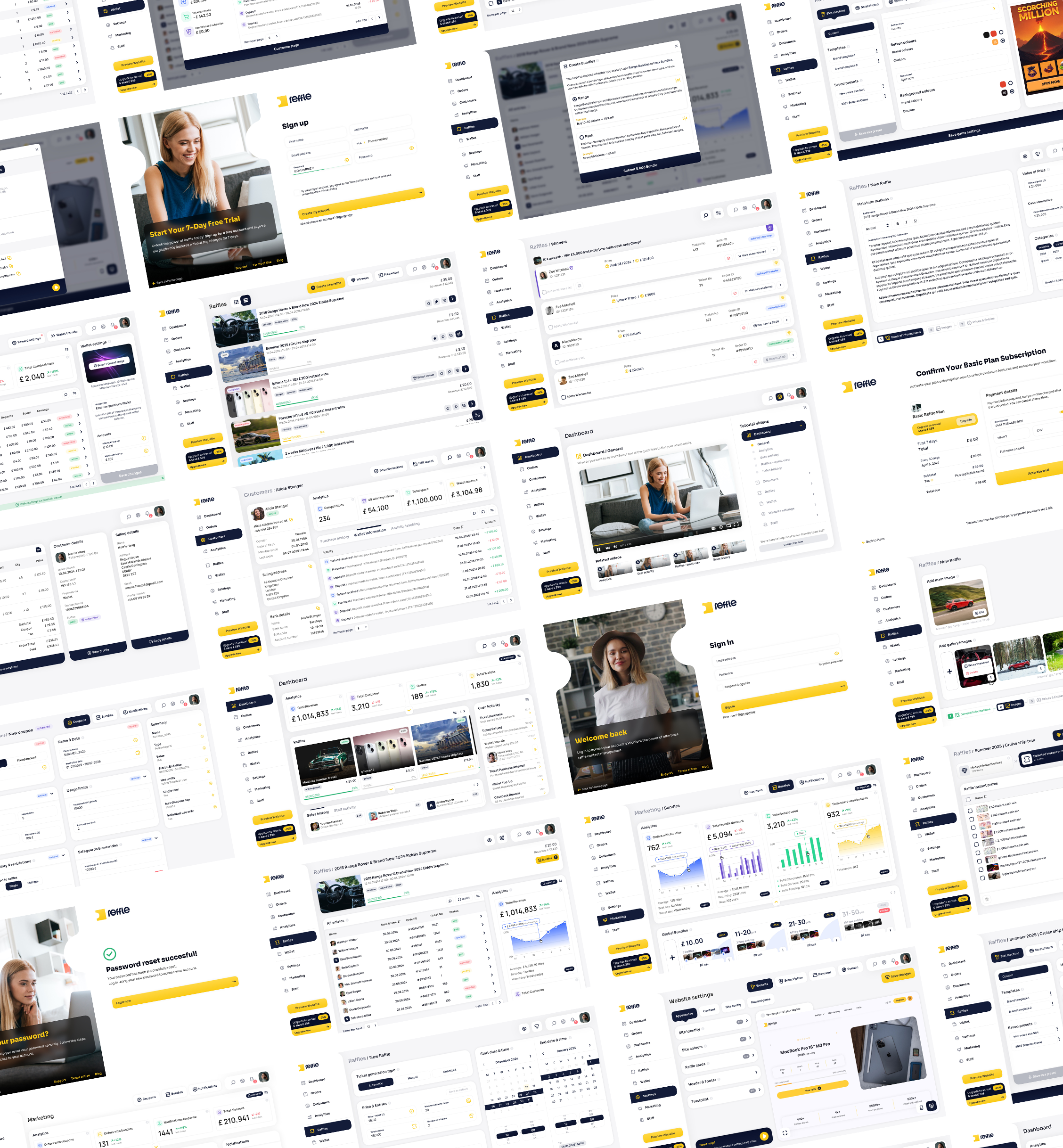
Over an 18-month period, we worked as the lead product designer, designing and refining more than 200 screens across the entire ecosystem — from customer management and raffle creation to analytics, billing, subscriptions, marketing tools and website customization.

The goal was to create a scalable platform that could support both new operators launching their first competition business and established brands managing thousands of customers.
Roles & Responsibilities

Product DesignUX DesignUI DesignDesign System ManagementFeature PlanningUser FlowsDesign-to-Development HandoffFrontend PrototypingAI-assisted Design Experiments

Deliverables

200+ screensAdmin dashboardCustomer managementCompetition managementMarketing toolsAnalyticsBilling & subscriptionsWebsite builderMobile responsive views
Reffle platform
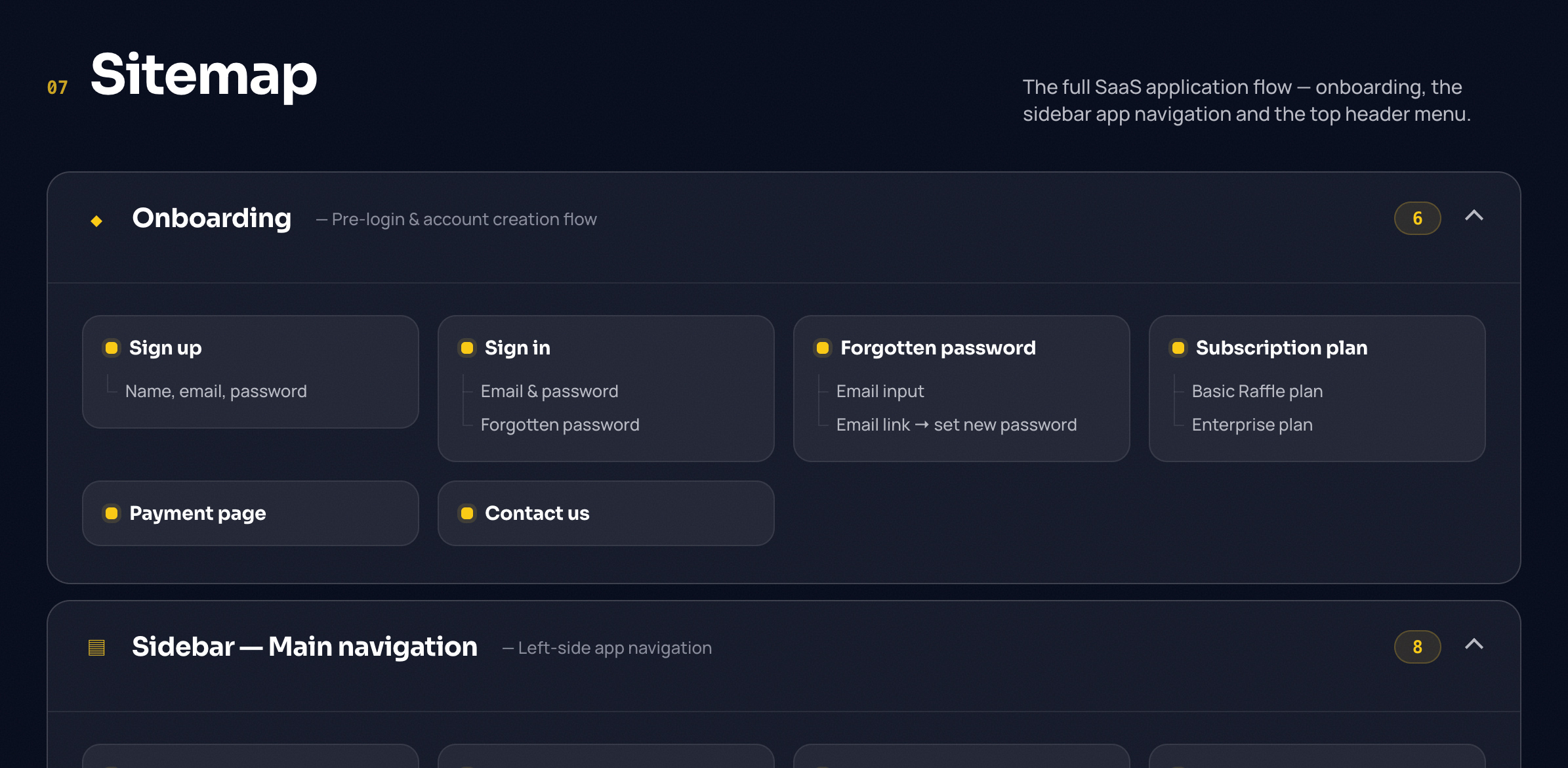
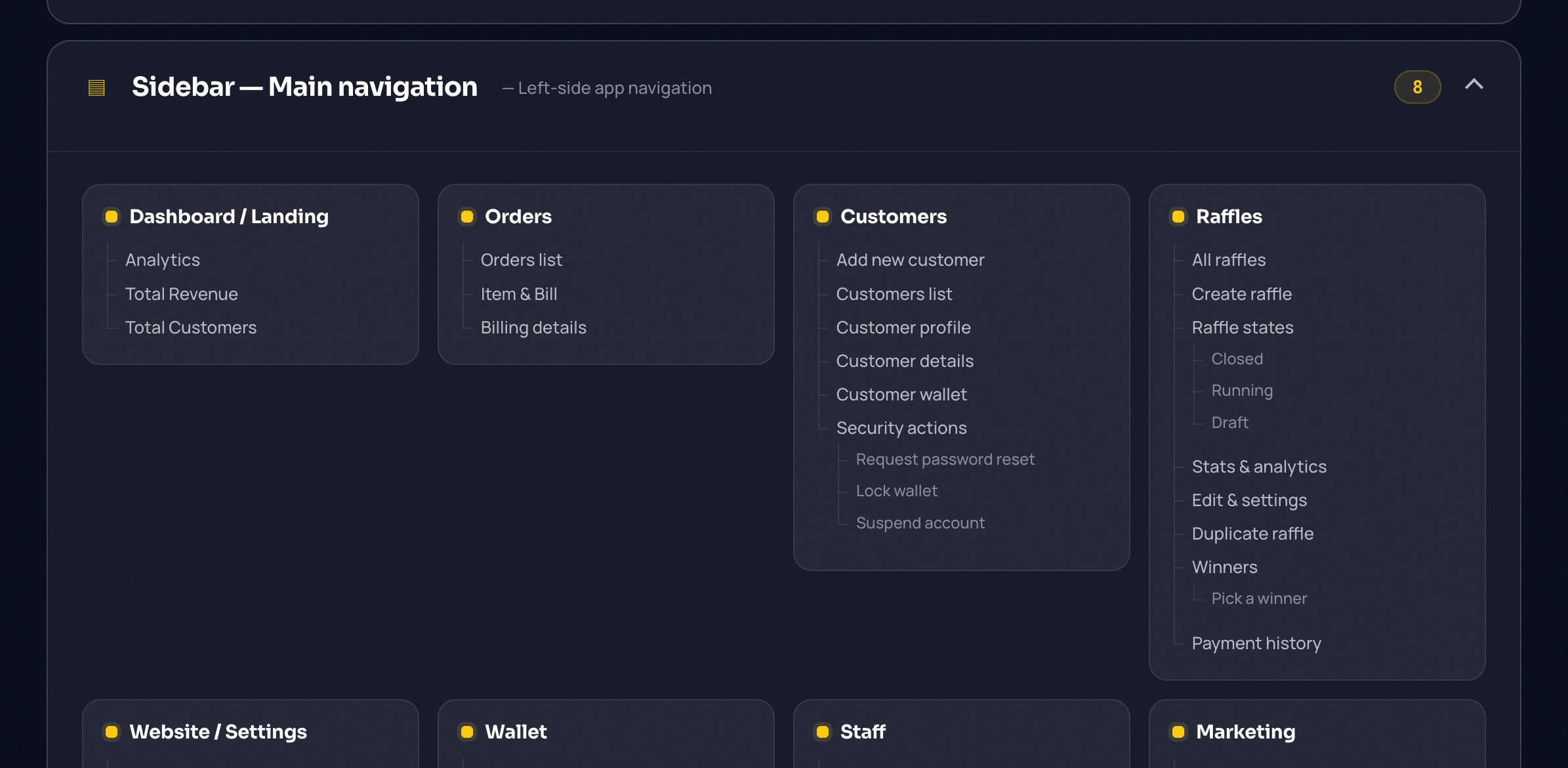
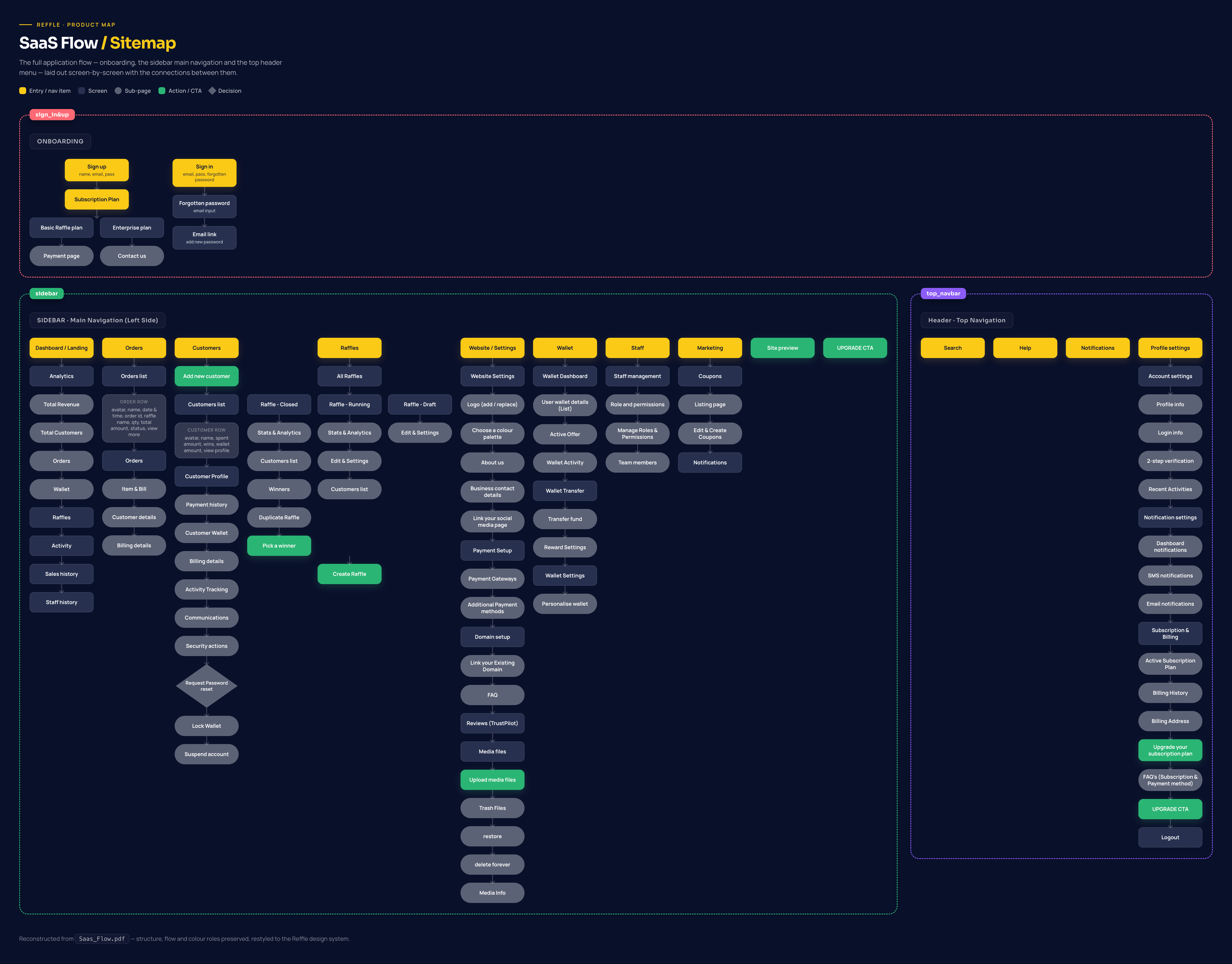
Reffle information architecture sitemap

Information Architecture

Building the Foundation of a 200+ Screen Platform
To support the growth of the Reffle ecosystem, we designed the platform architecture, navigation structure, and feature relationships across all major modules.

This foundation helped ensure consistency, scalability, and intuitive navigation as the platform expanded over 200+ screens and multiple business workflows.

Sitemap link

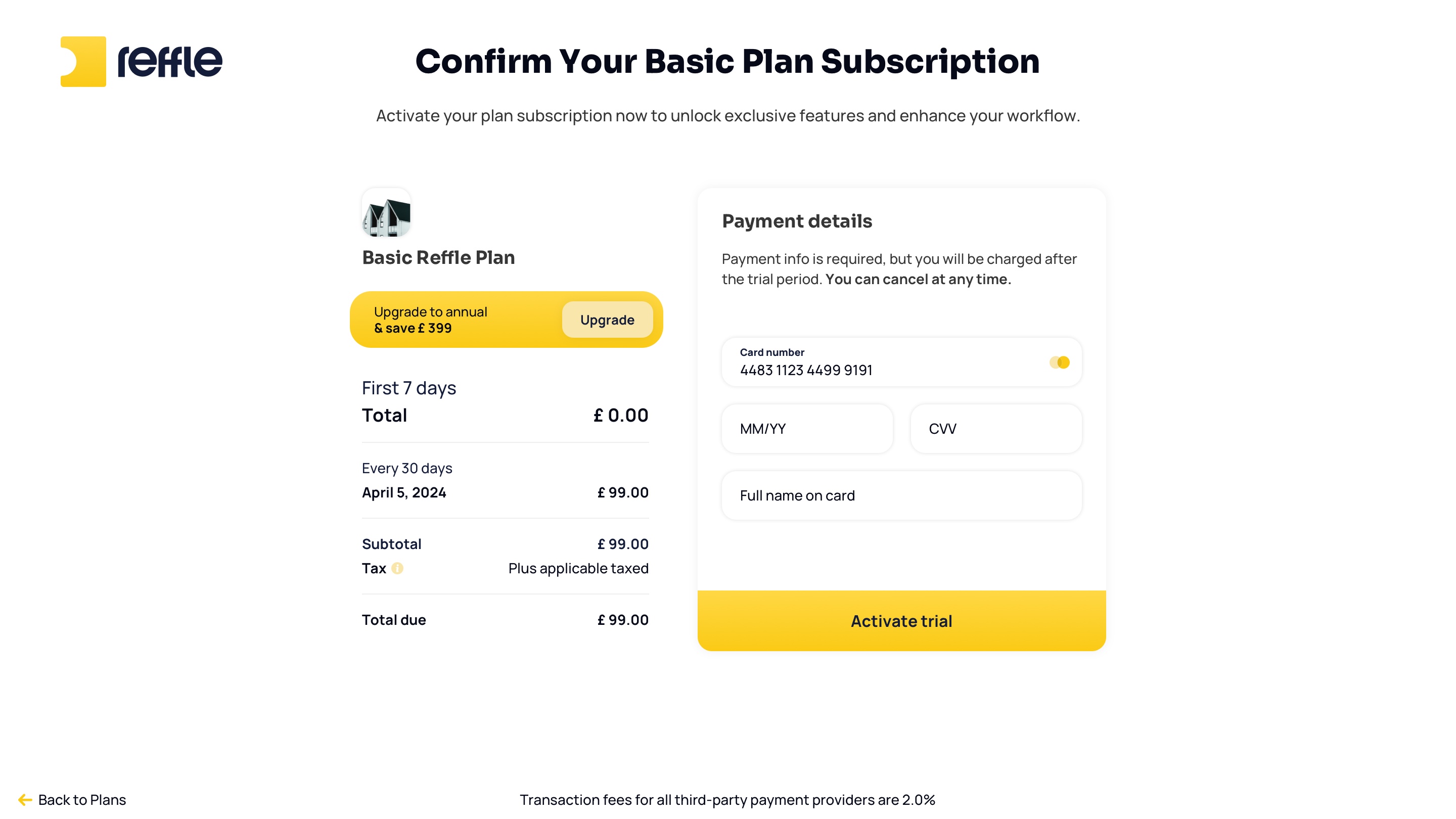
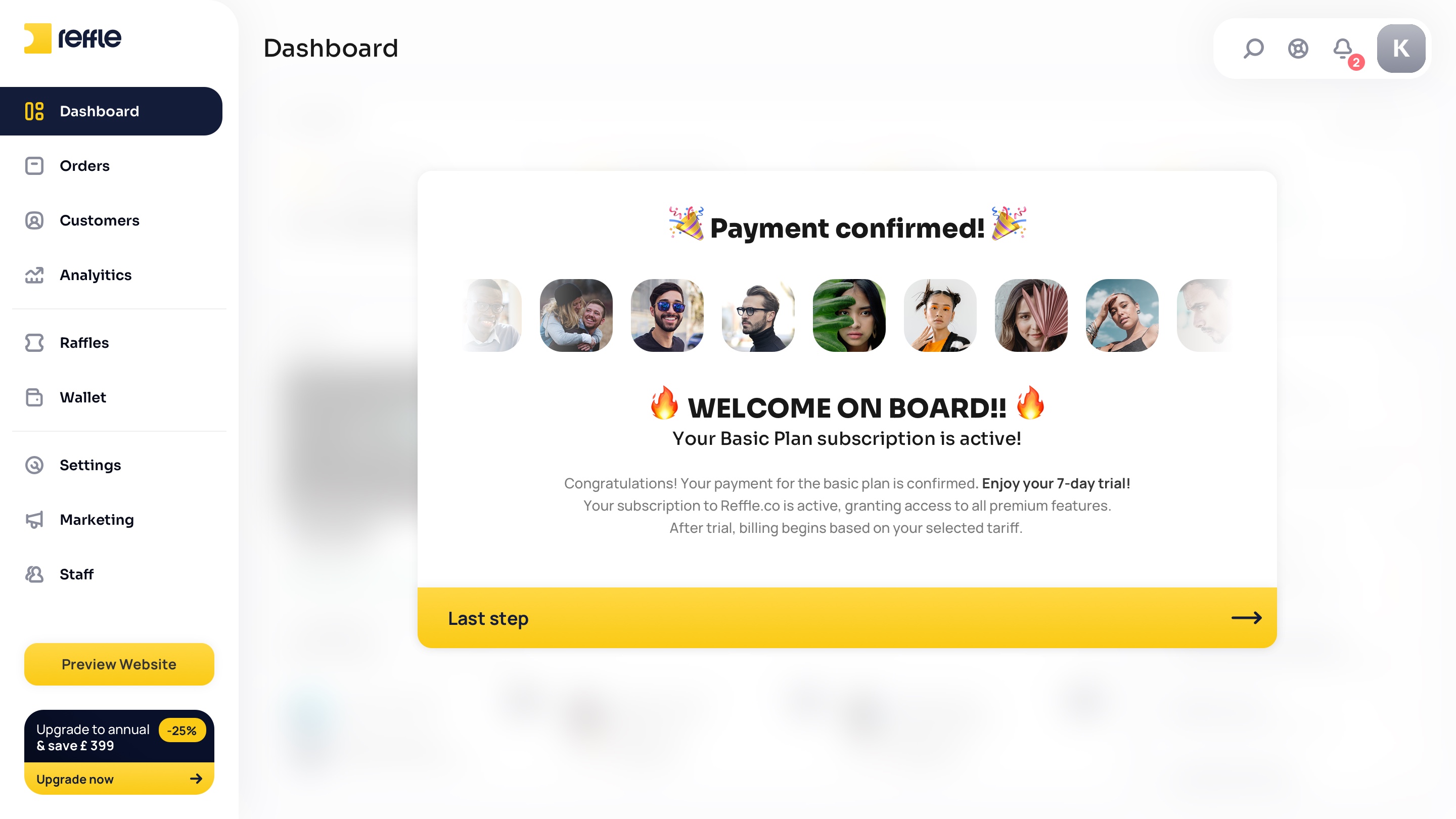
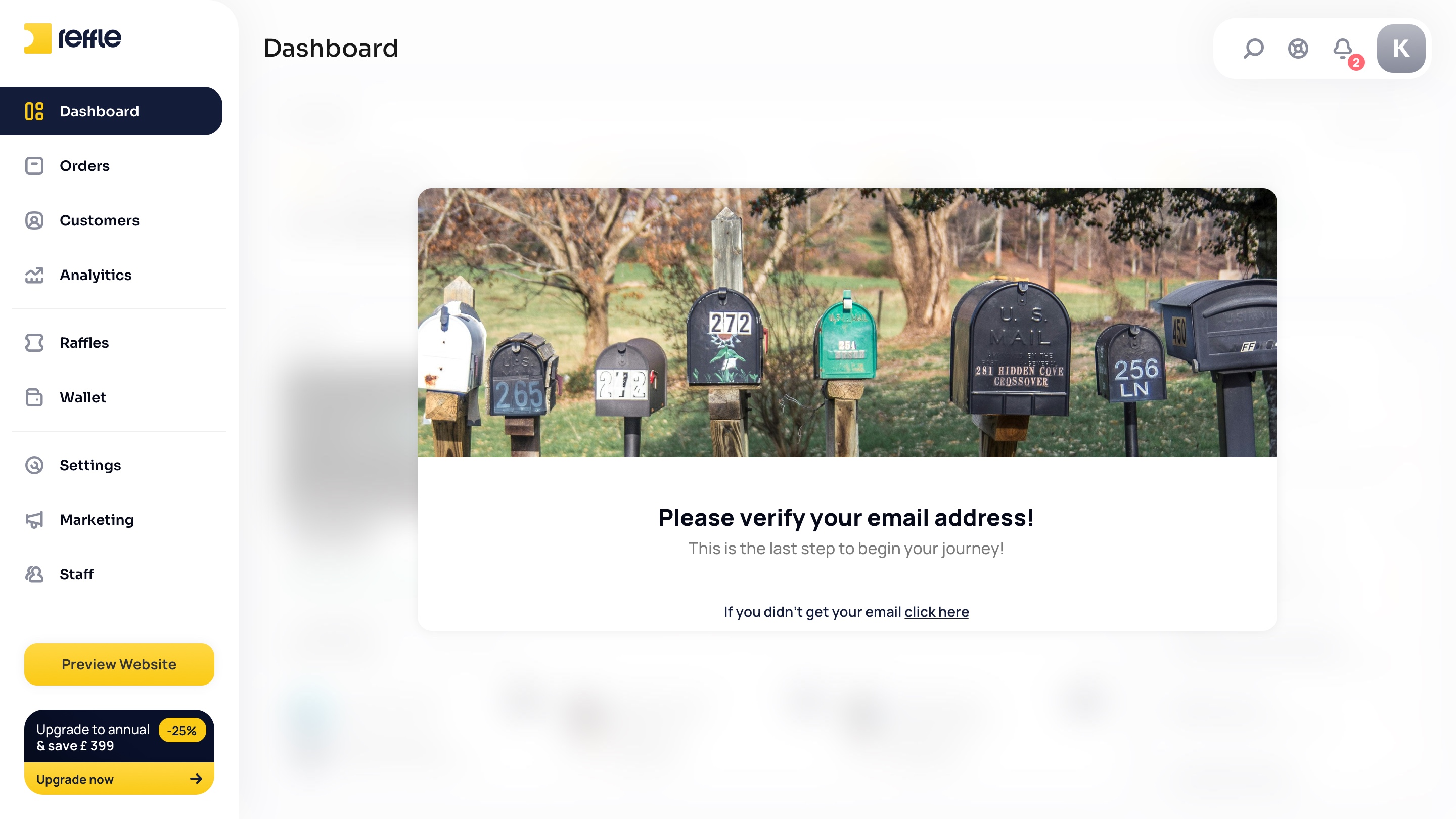
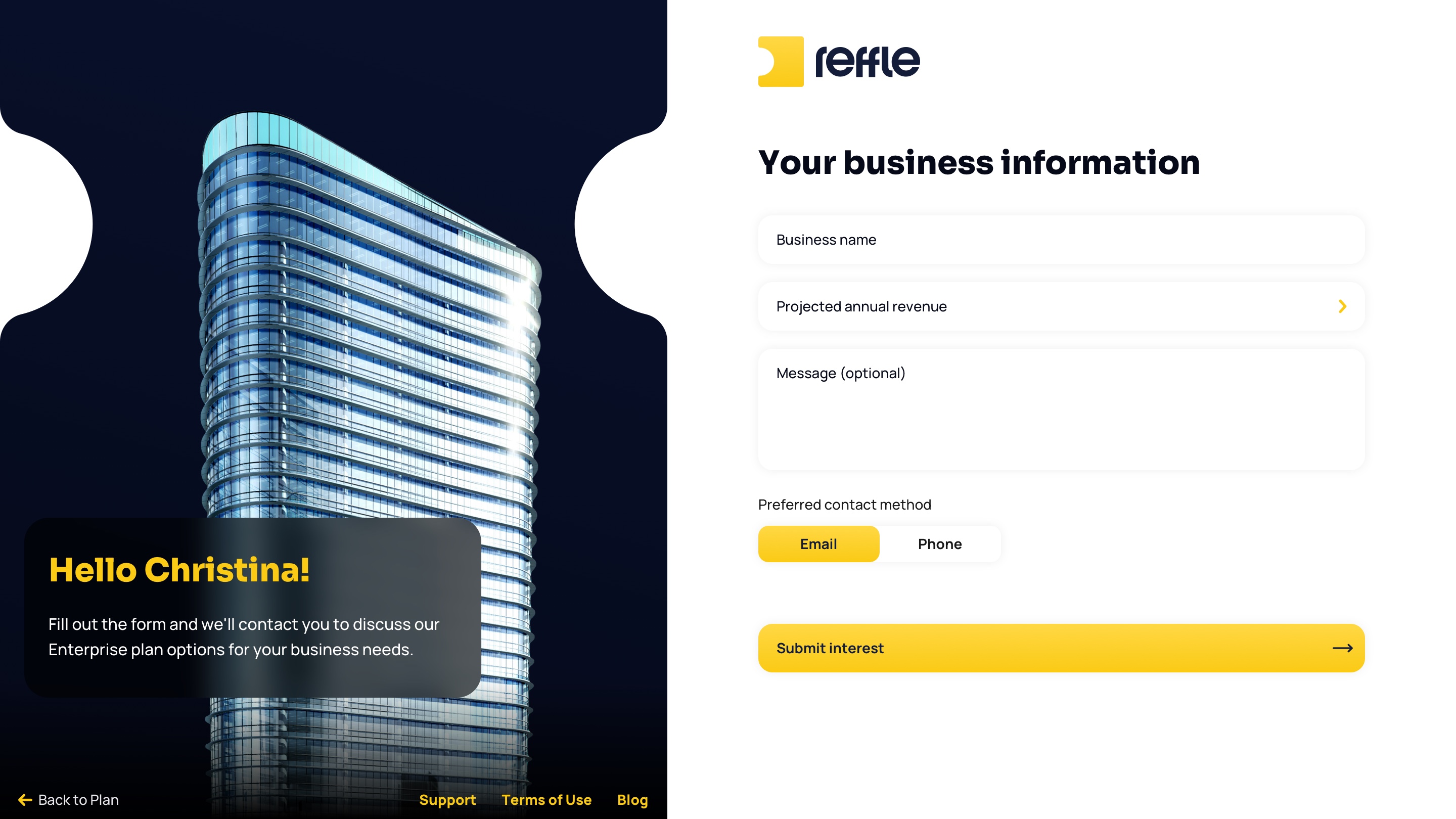
Authentication & Onboarding

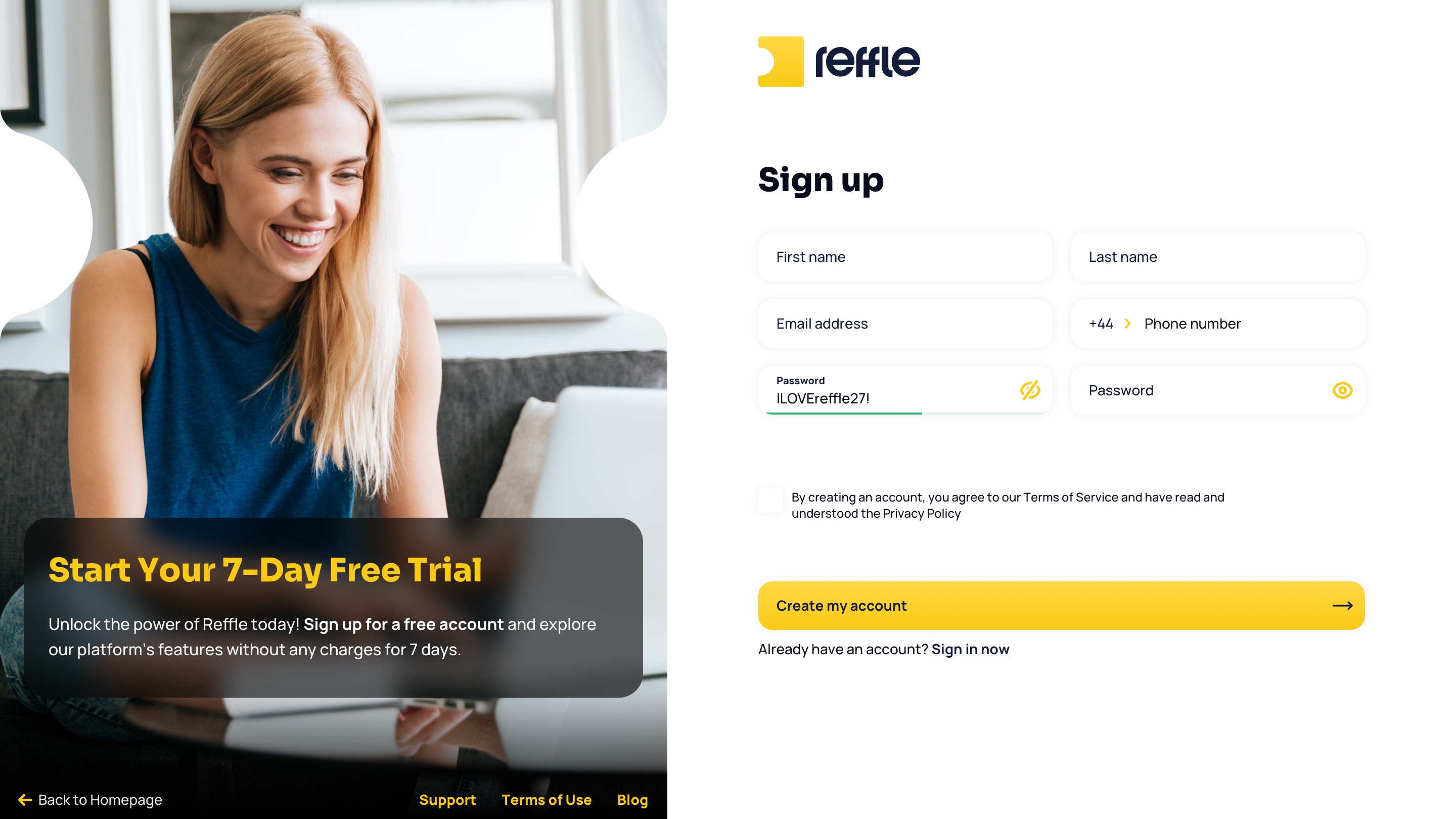
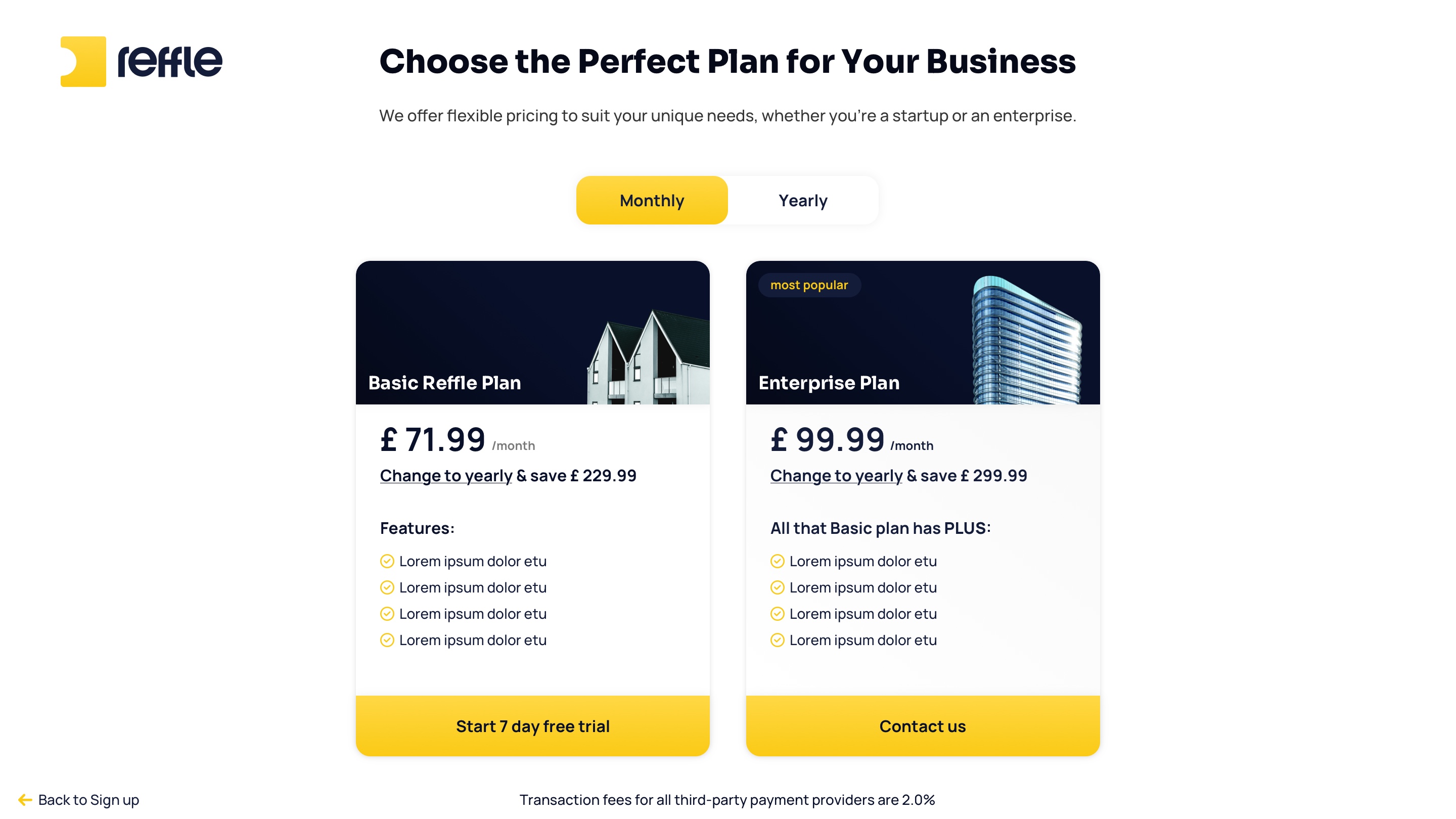
Seamless User Registration Experience
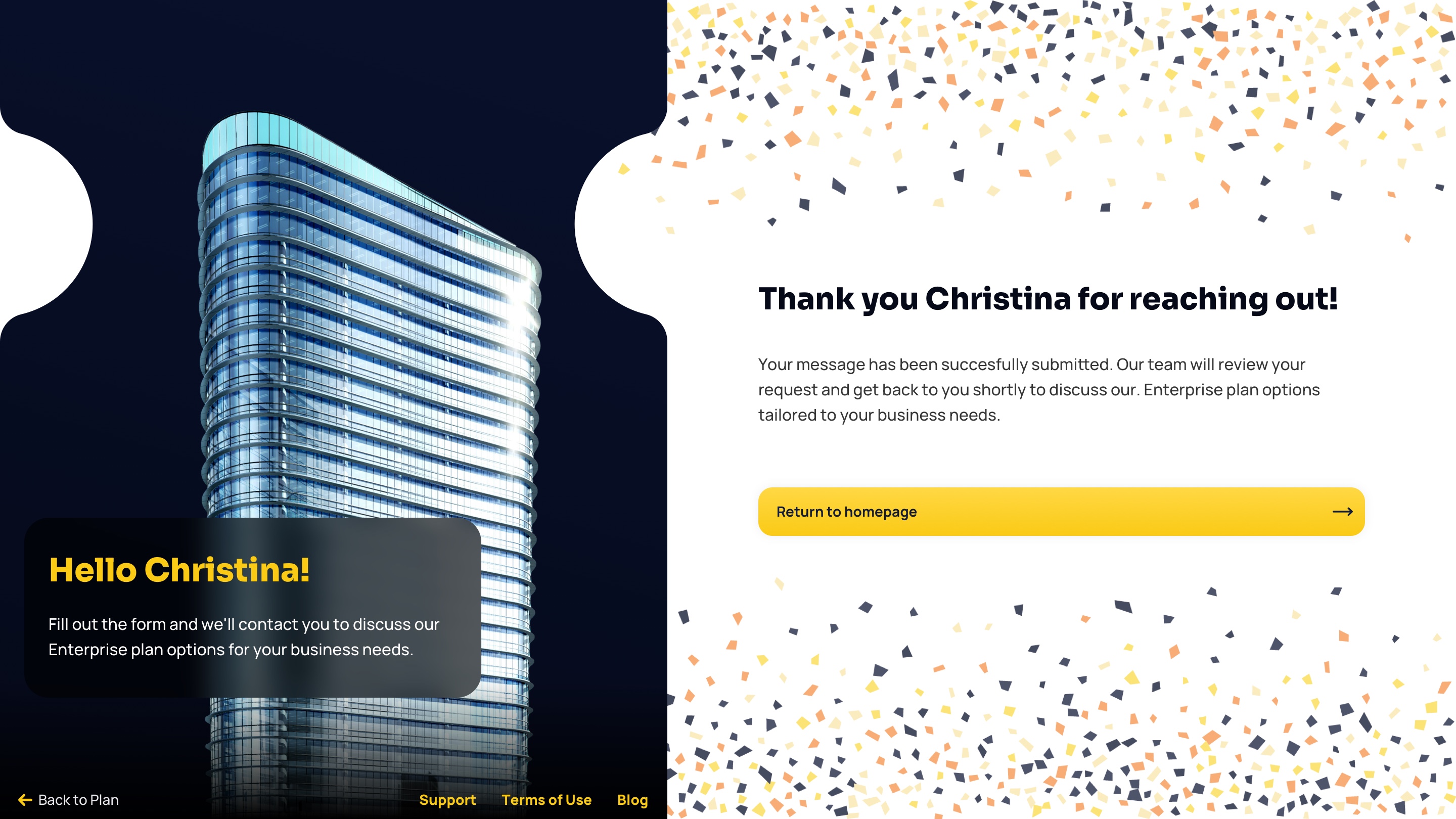
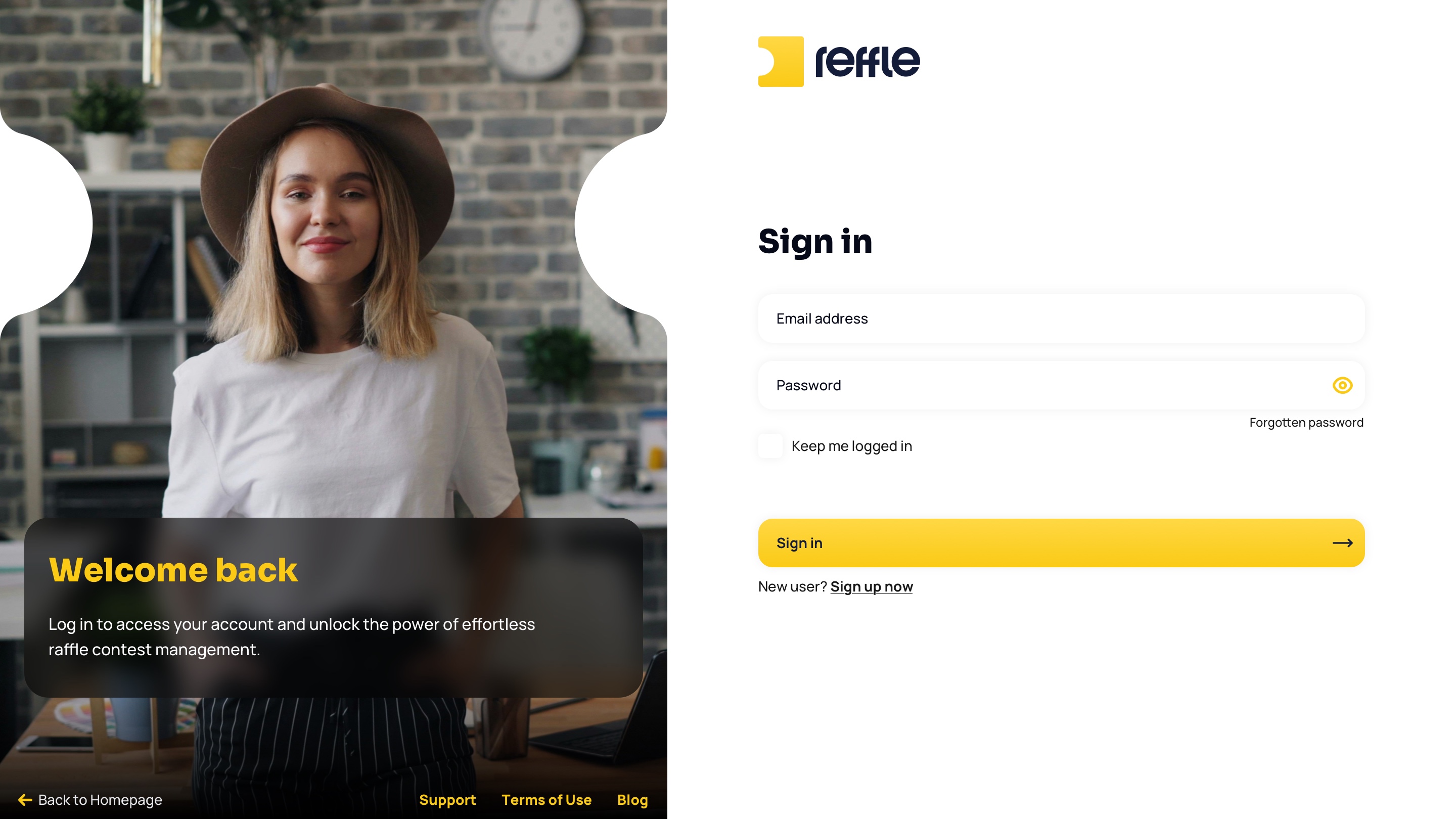
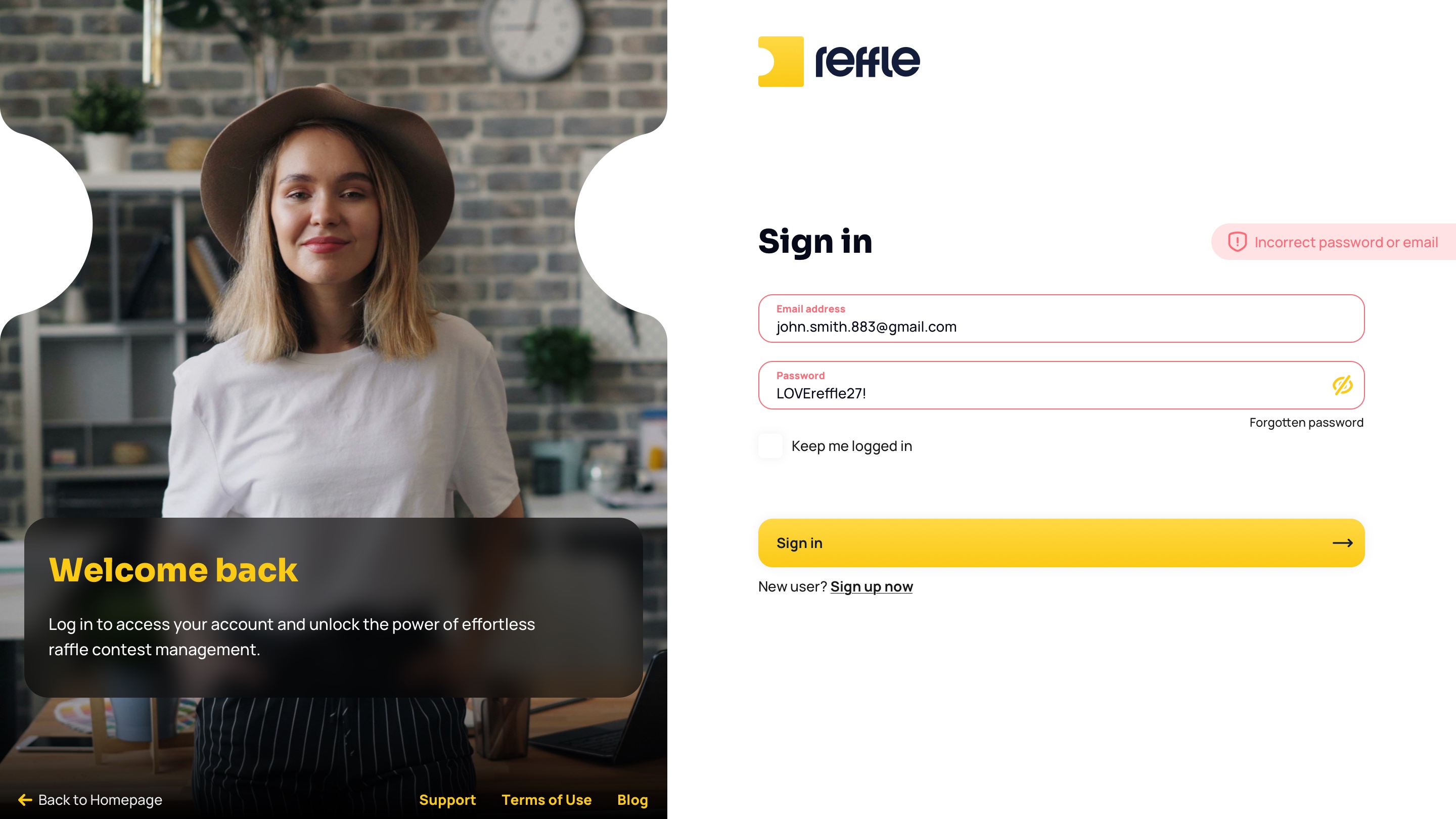
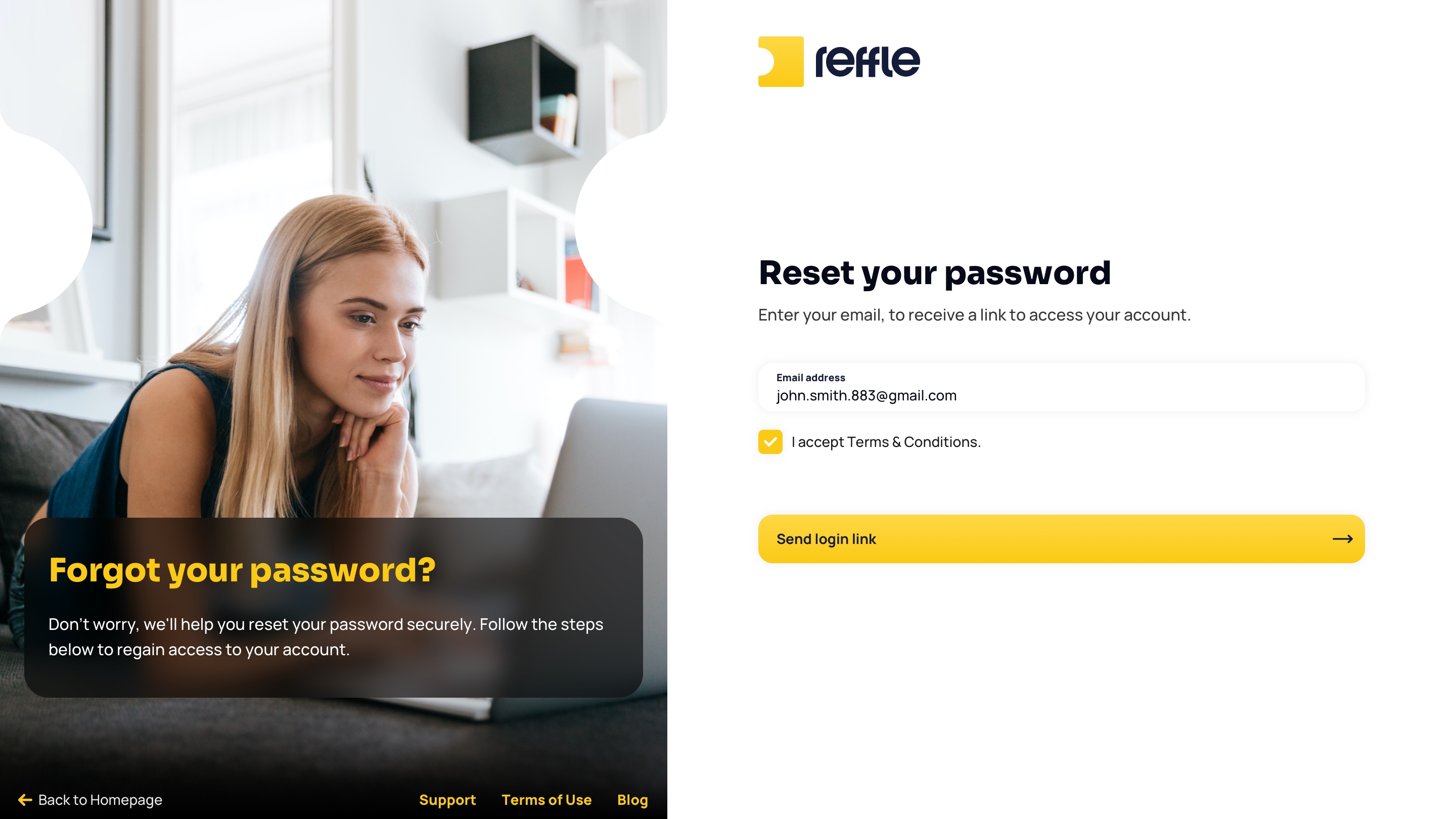
Designed a streamlined onboarding flow focused on reducing friction during account creation, subscription activation, and first-time platform access.
Authentication & Onboarding screen 1Authentication & Onboarding screen 2Authentication & Onboarding screen 3Authentication & Onboarding screen 4Authentication & Onboarding screen 5Authentication & Onboarding screen 6Authentication & Onboarding screen 7Authentication & Onboarding screen 8Authentication & Onboarding screen 9Authentication & Onboarding screen 10Authentication & Onboarding screen 11Authentication & Onboarding screen 12Authentication & Onboarding screen 13Authentication & Onboarding screen 14
1 / 14

Dashboard

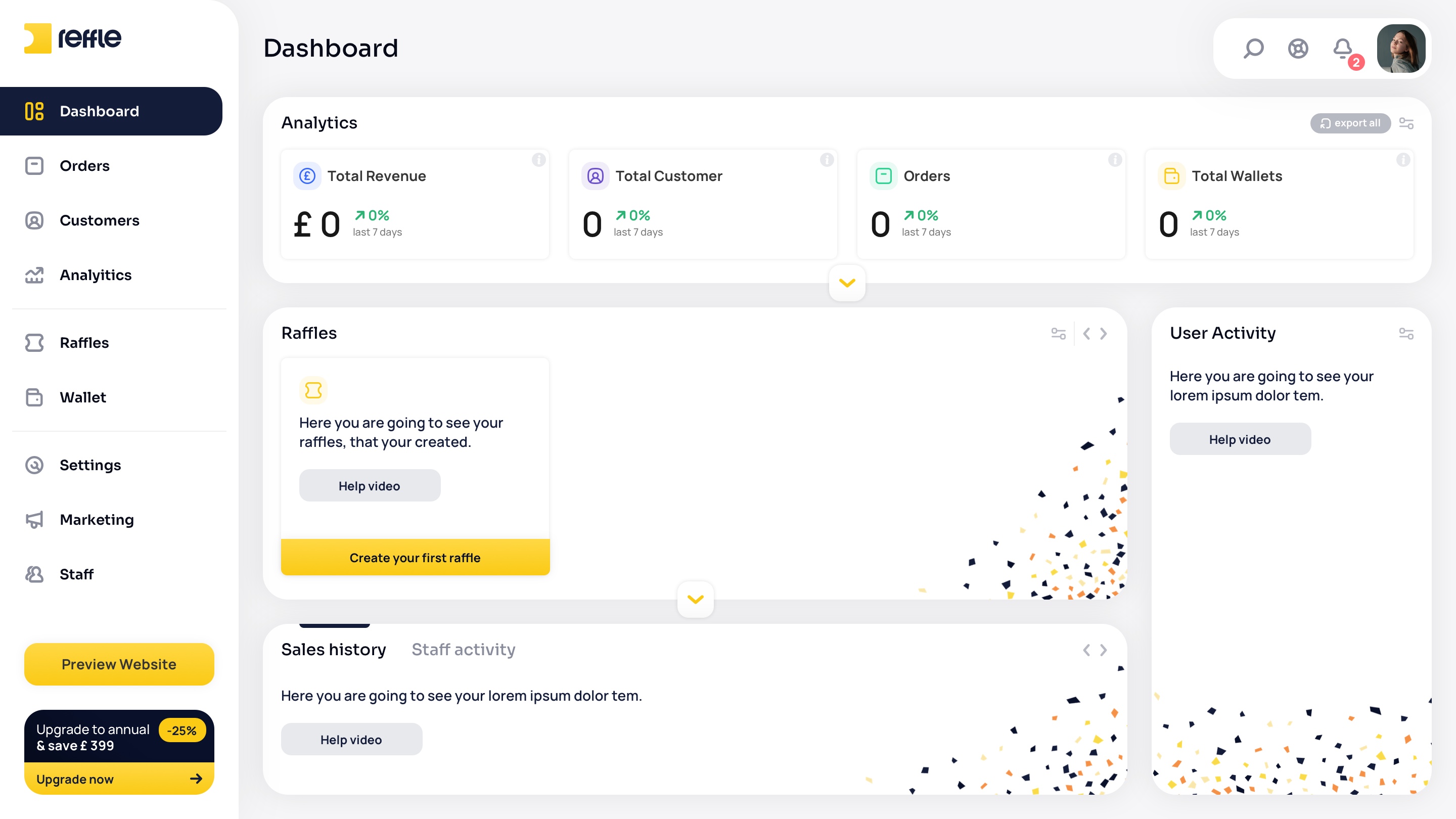
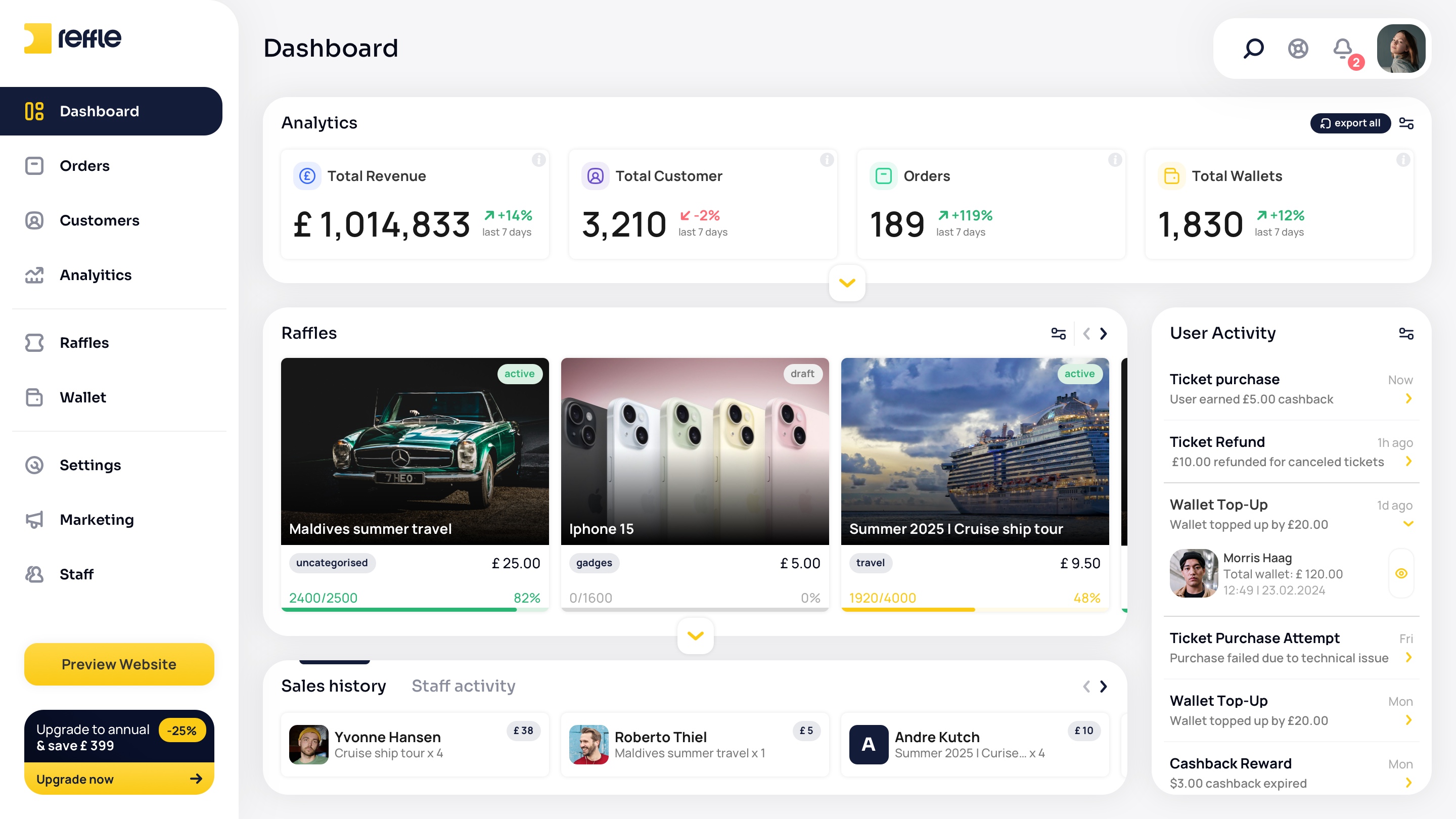
Central Business Overview
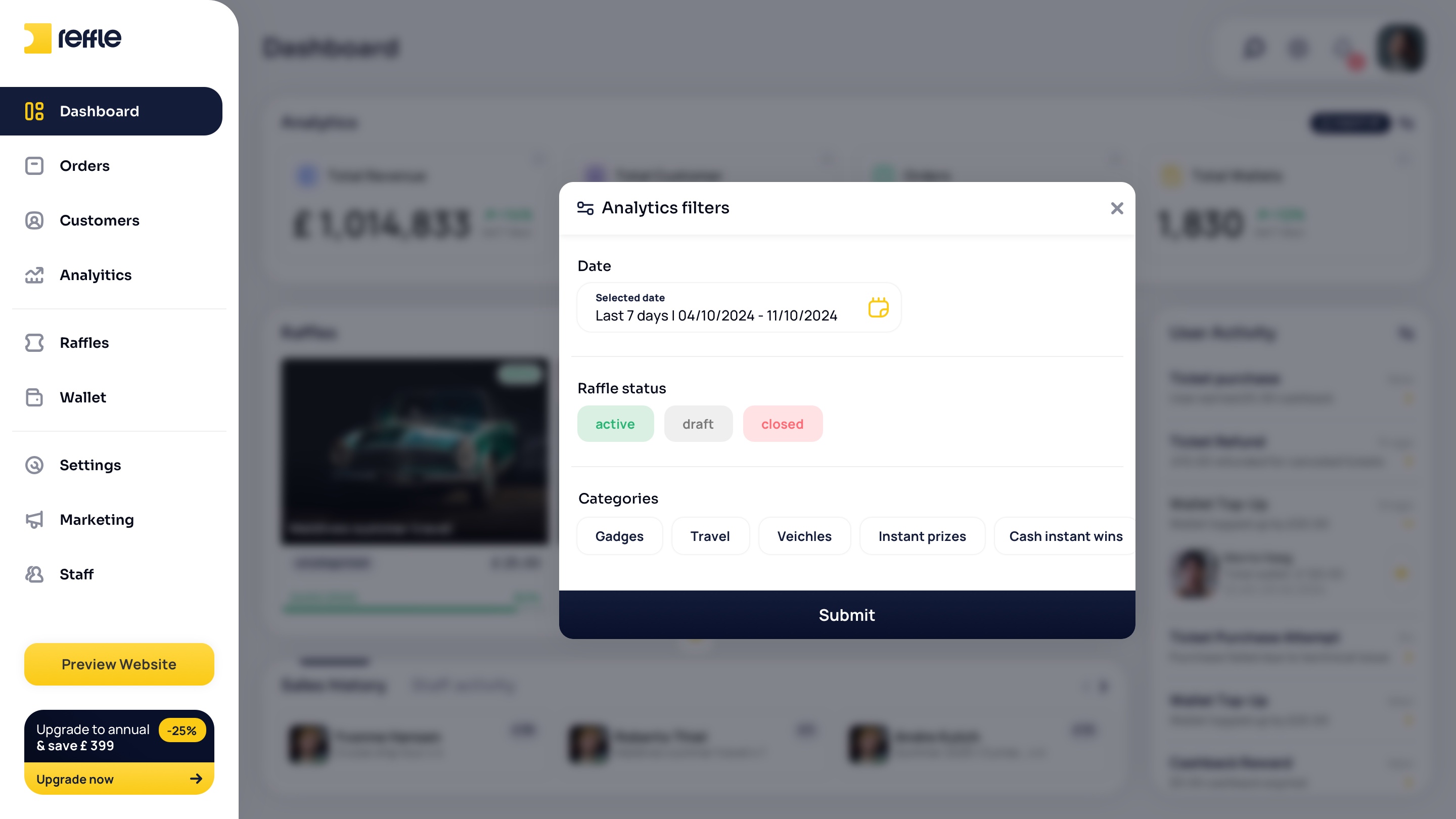
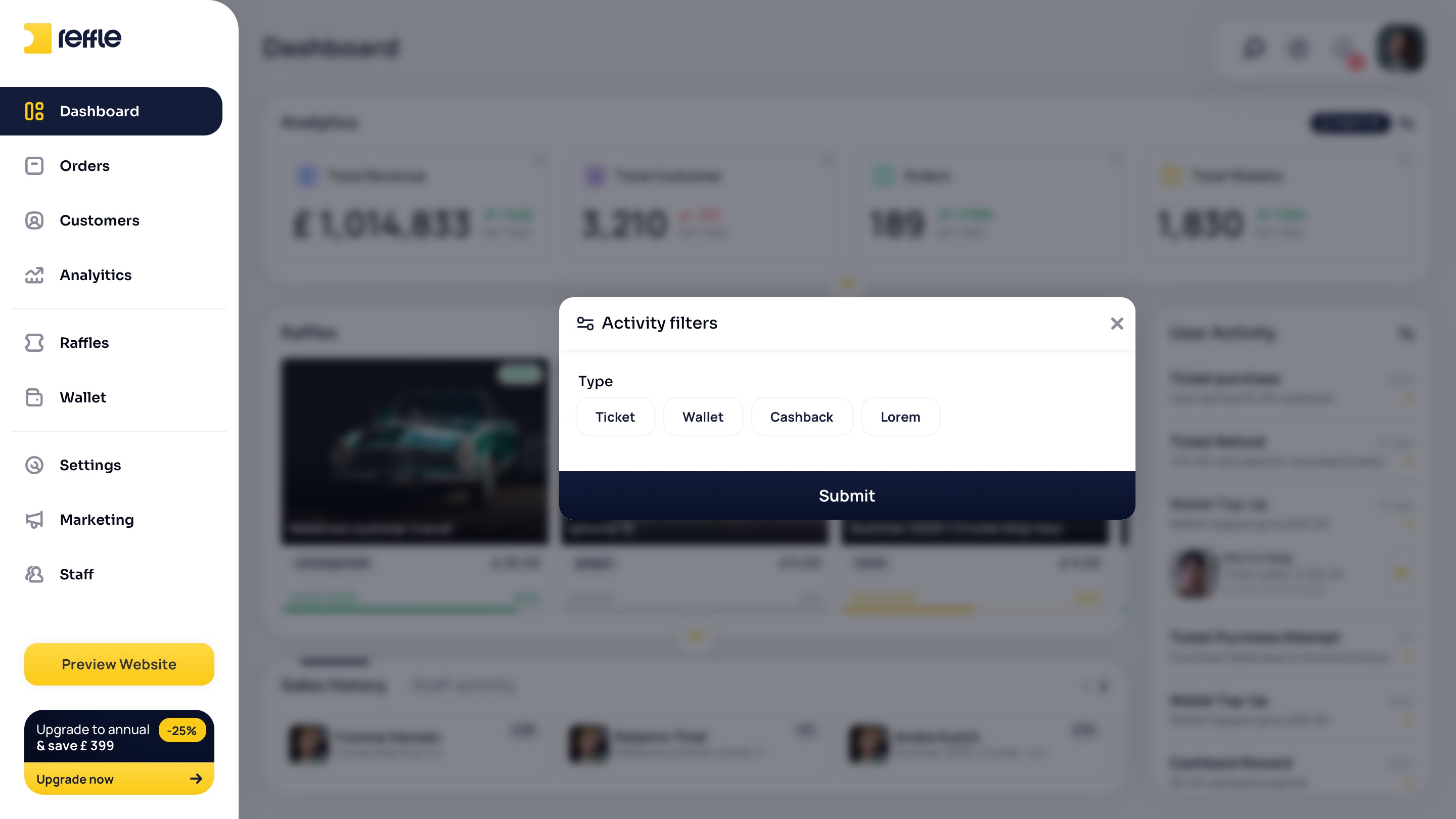
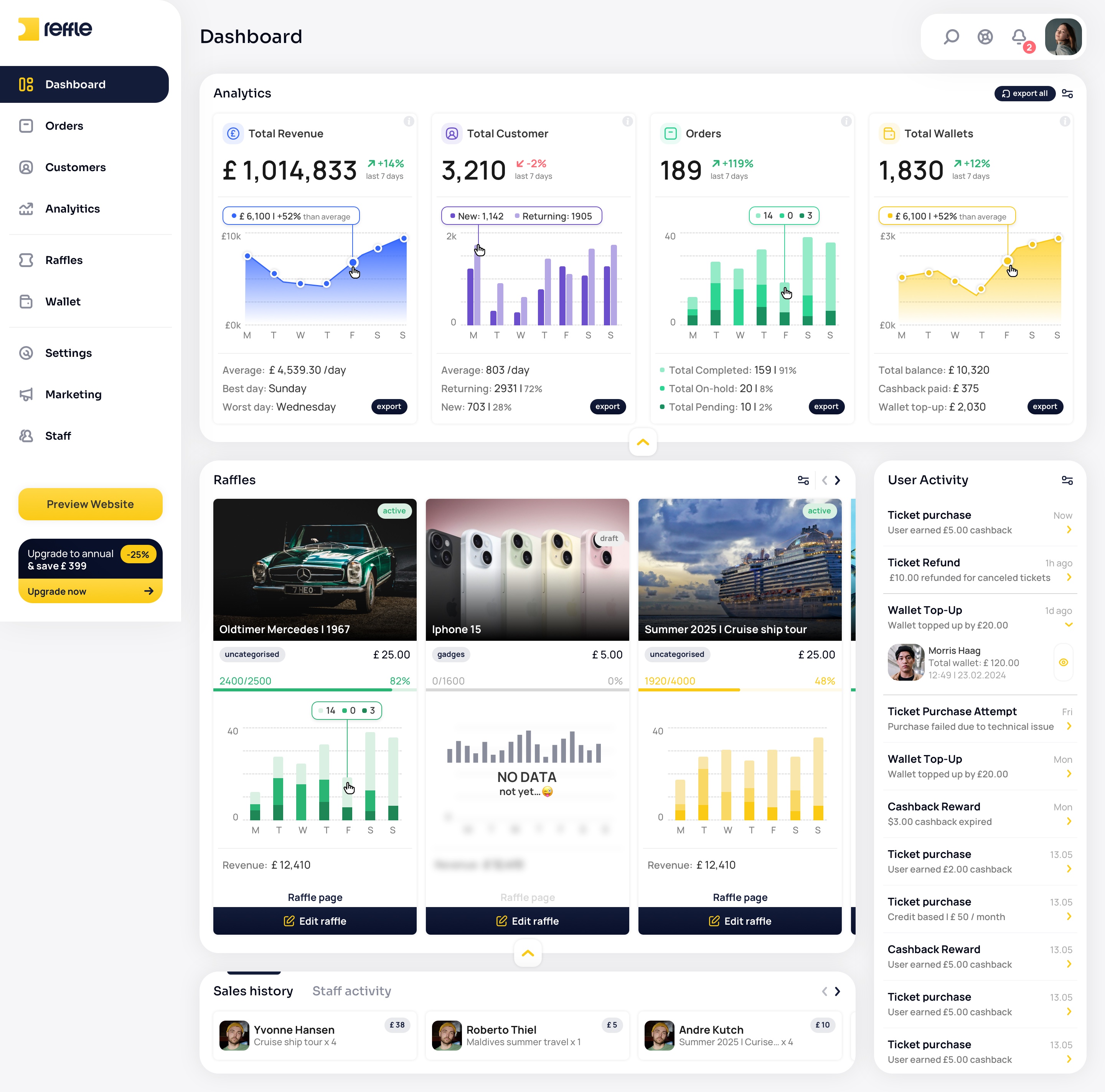
The main control center providing operators with a real-time overview of revenue, active competitions, customer activity, and key business performance metrics.
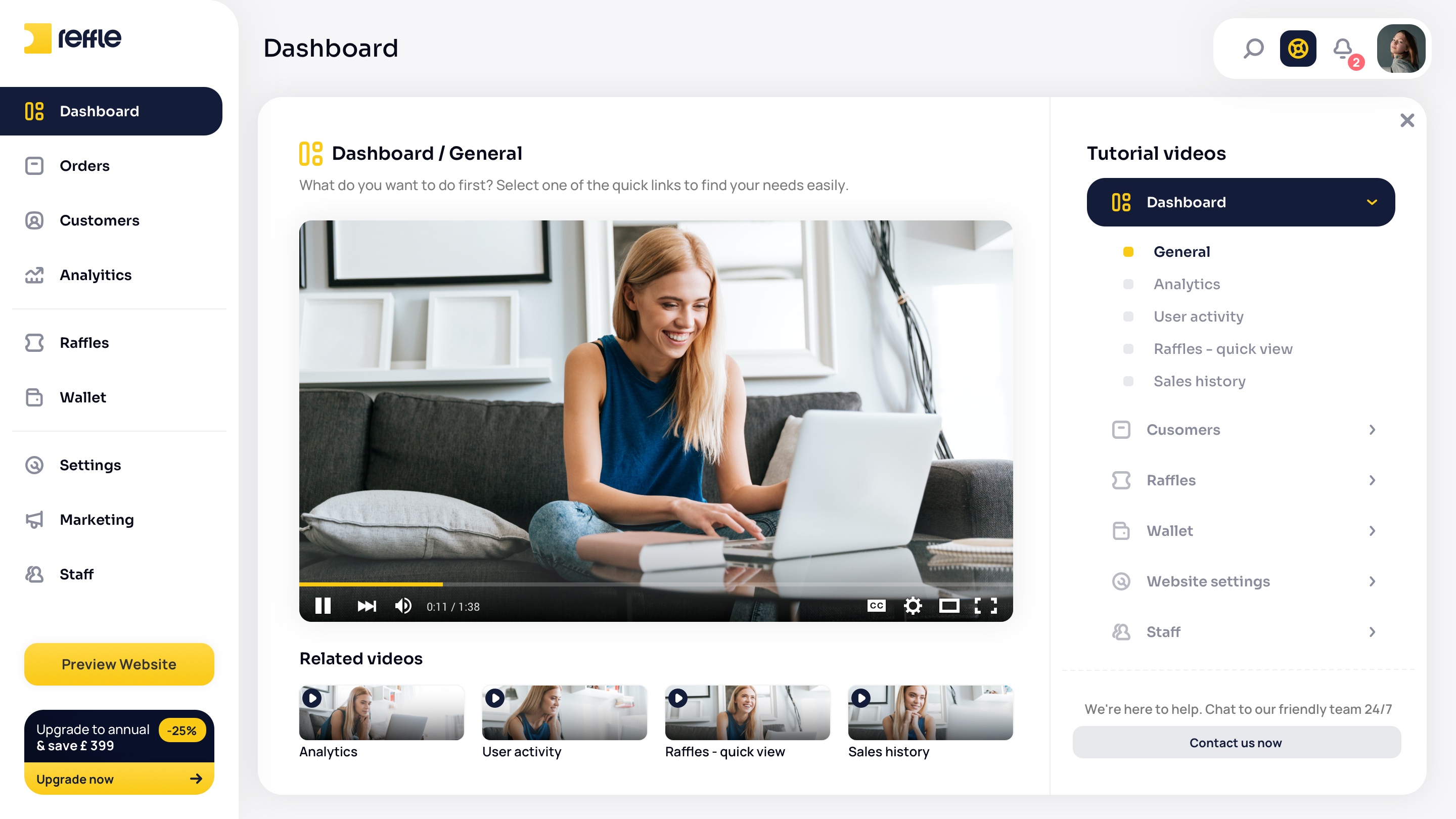
Dashboard screen 1Dashboard screen 2Dashboard screen 3Dashboard screen 4Dashboard screen 5Dashboard screen 6Dashboard screen 7Dashboard screen 8Dashboard screen 9
1 / 9

Orders

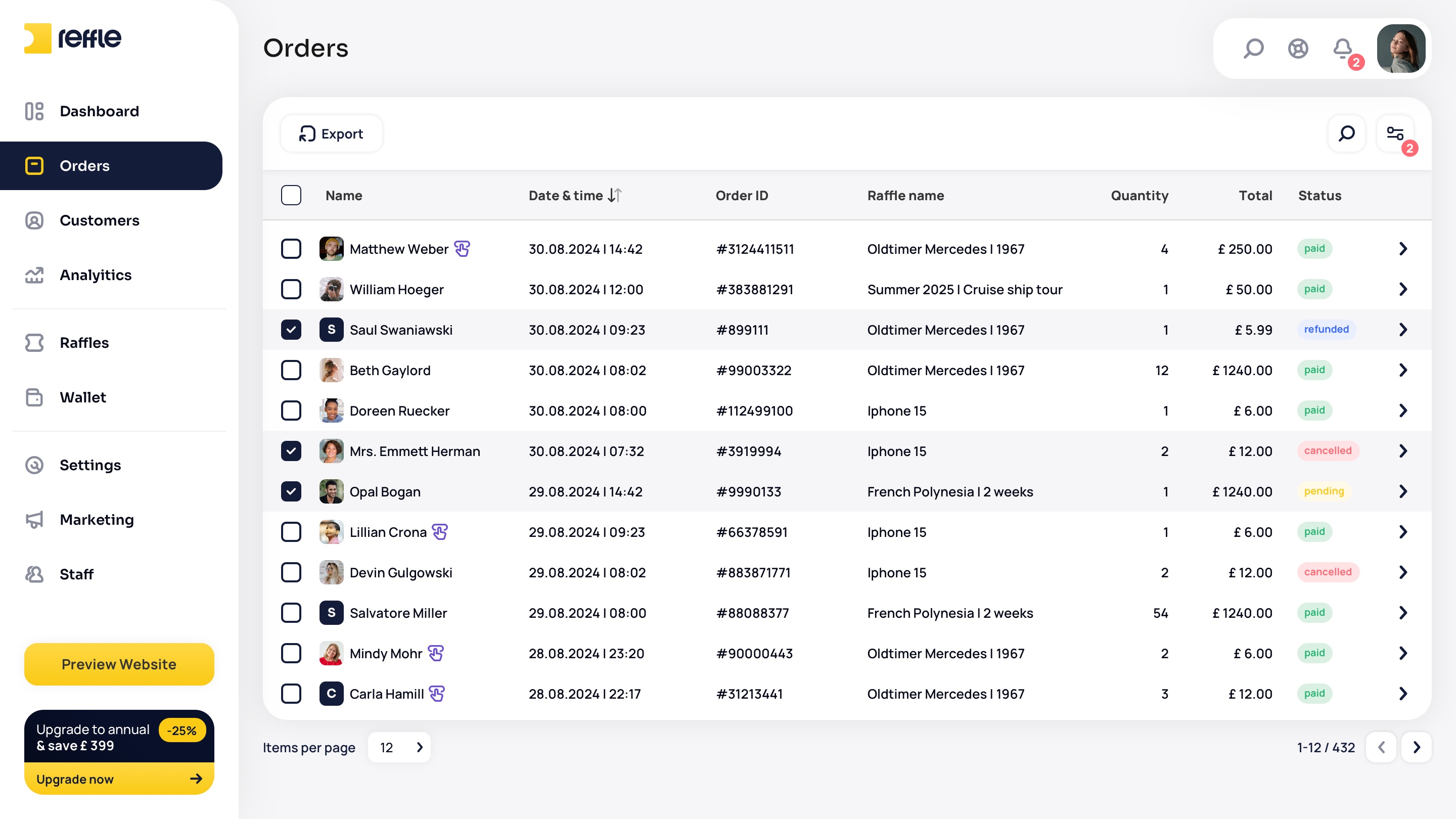
Competition Order Management
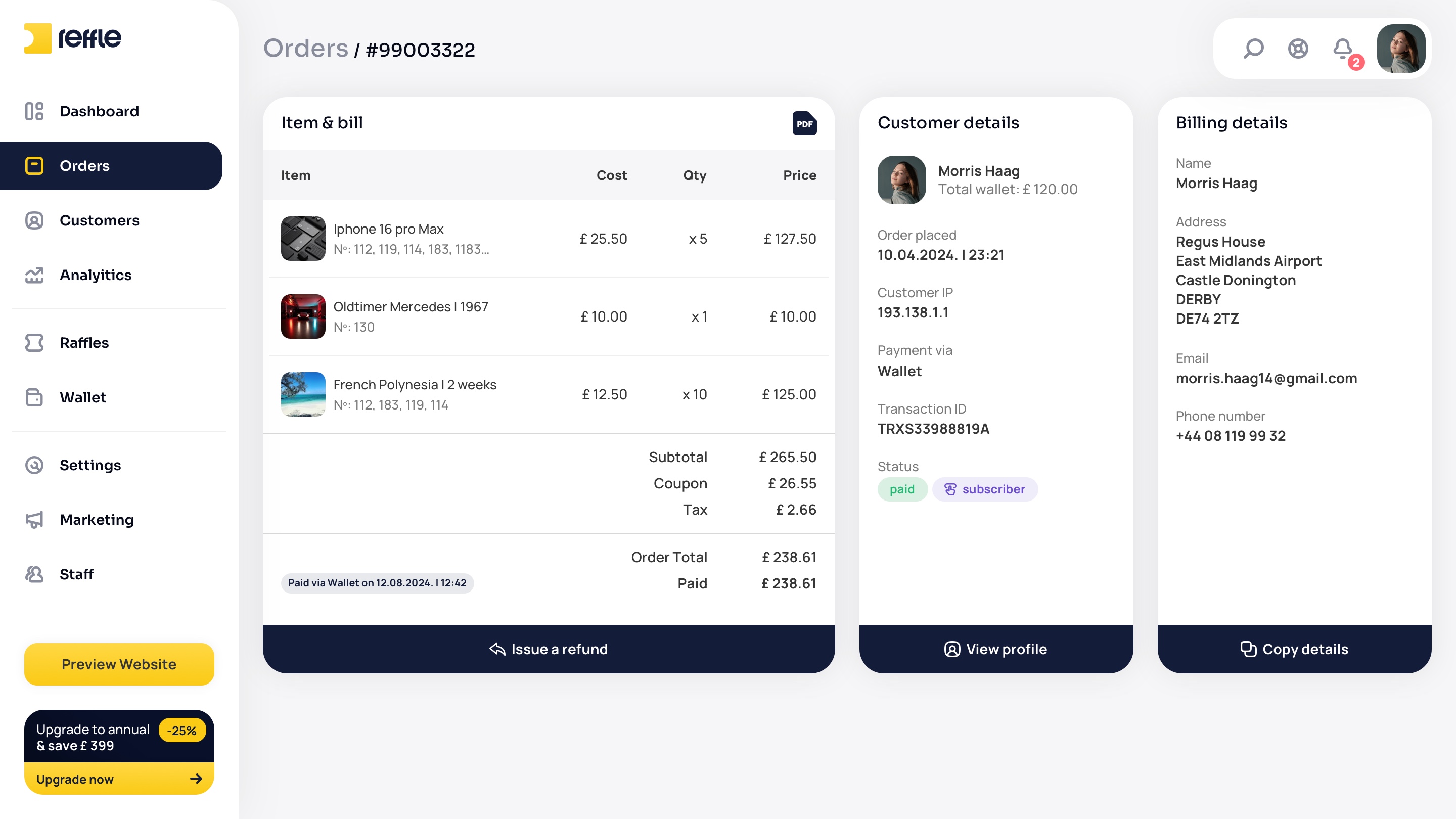
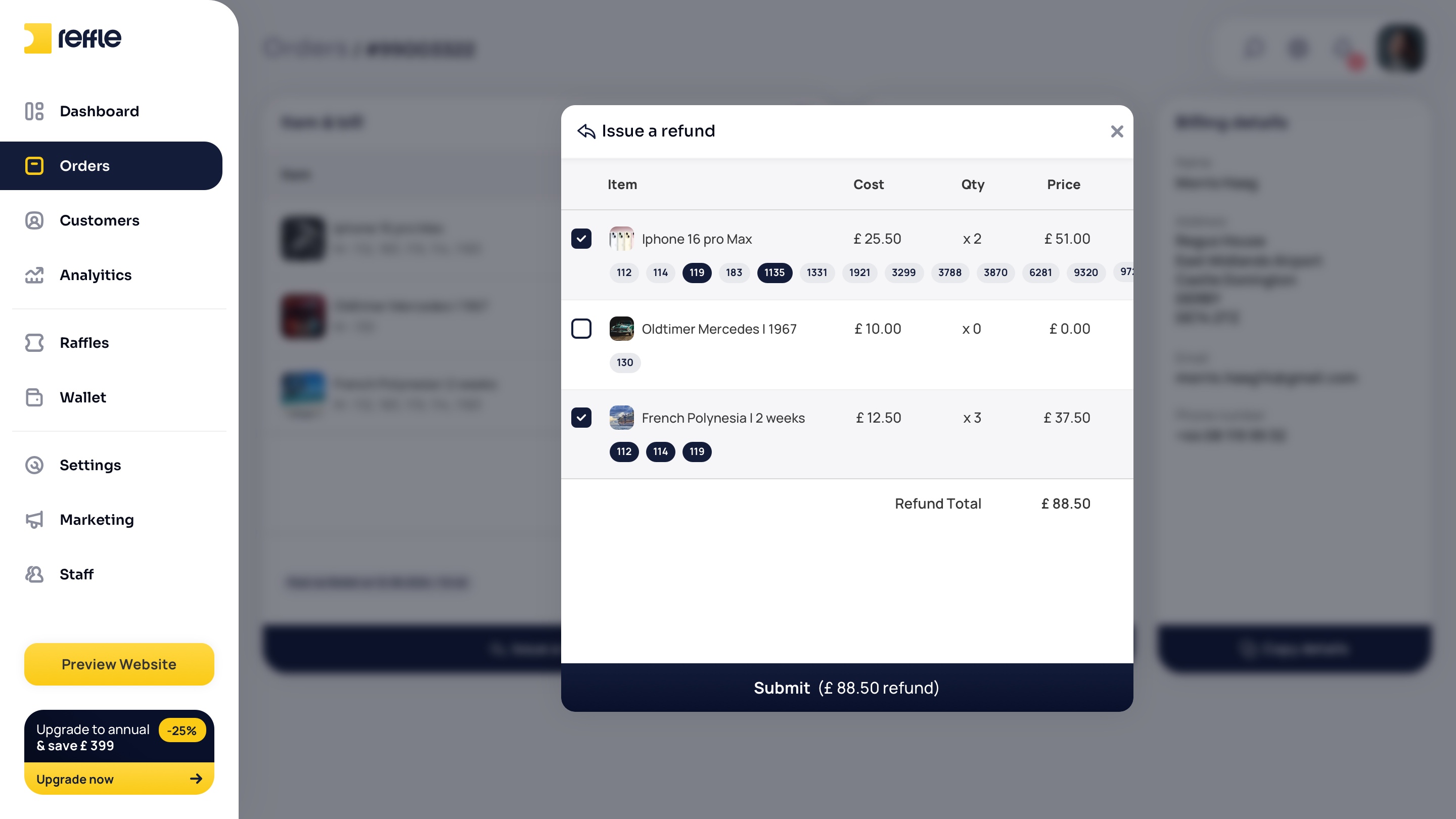
A searchable record of every ticket purchase across all competitions — with live status tracking for paid, pending, refunded and cancelled orders, detailed per-order breakdowns and billing information, and a per-ticket refund flow that lets operators resolve payment issues without leaving the order.
Orders screen 1Orders screen 2Orders screen 3Orders screen 4Orders screen 5
1 / 5

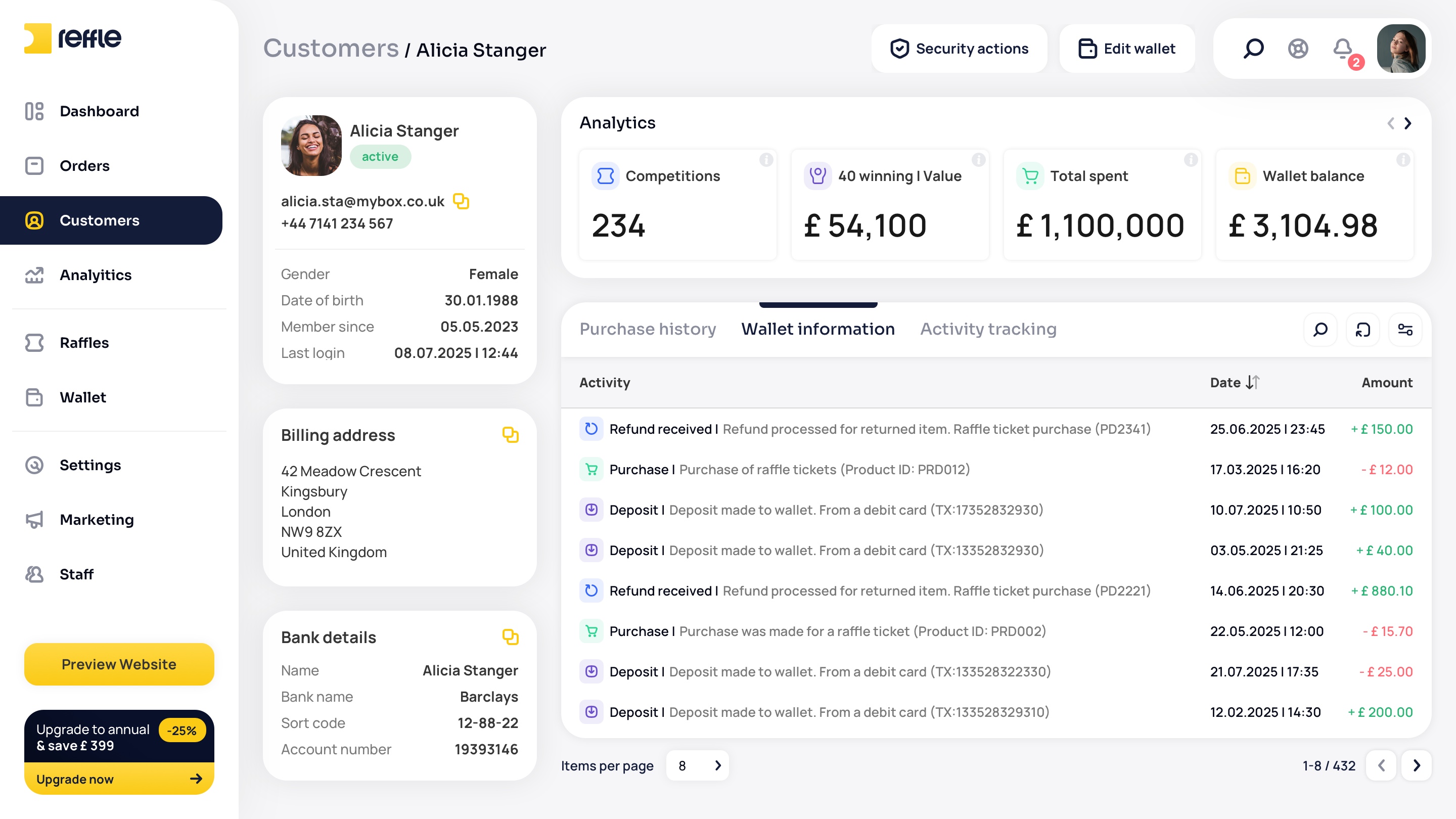
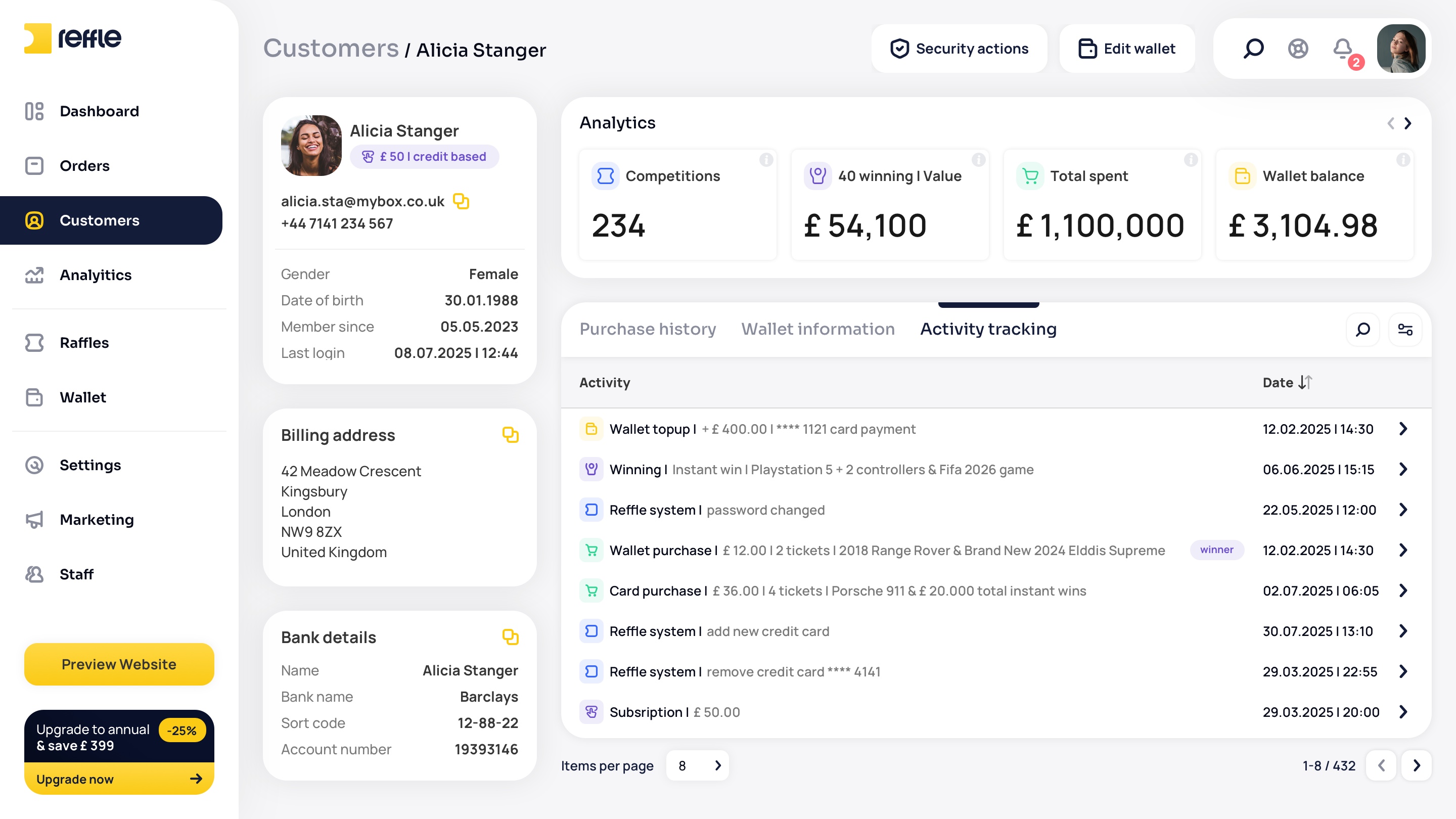
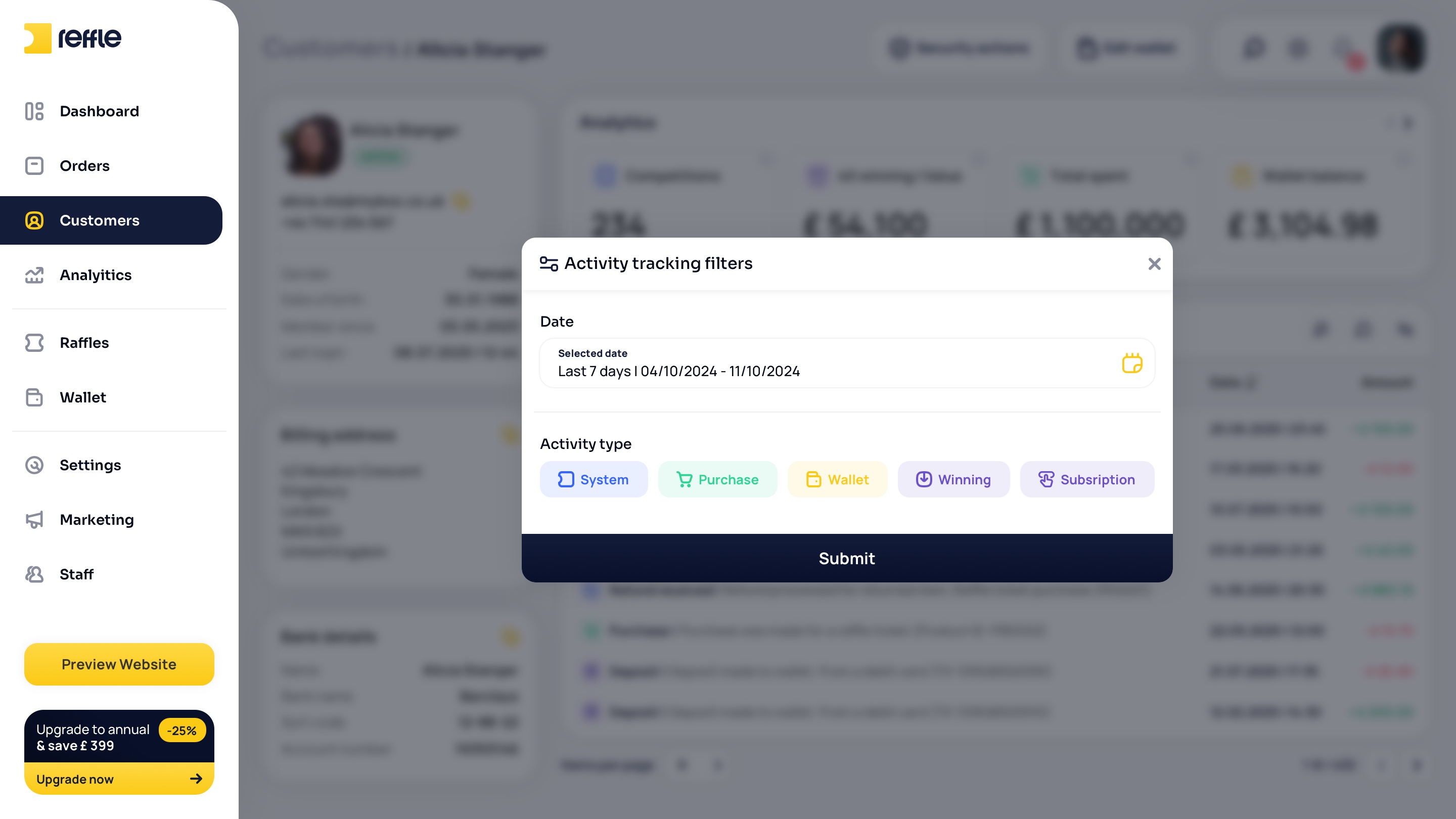
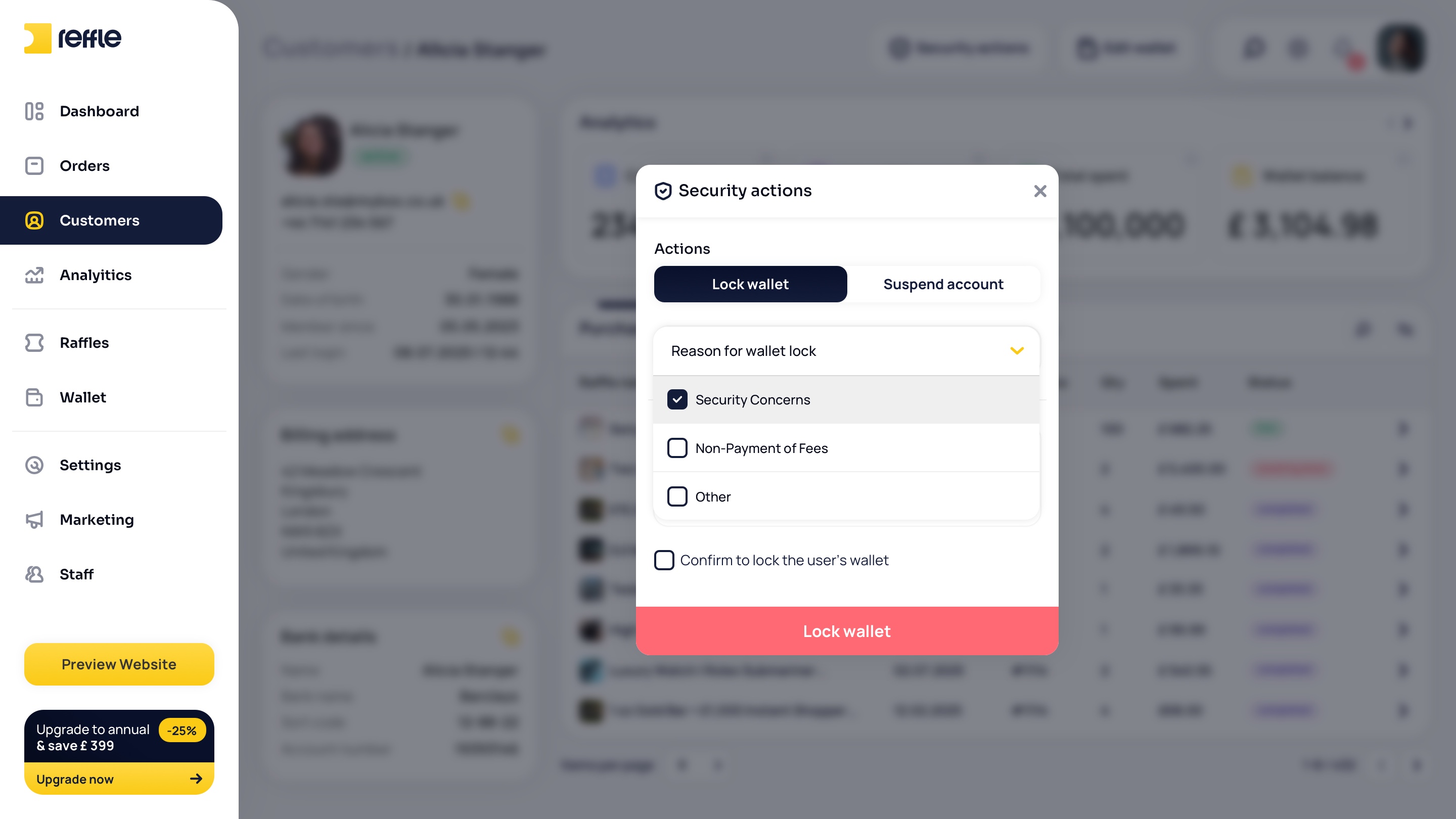
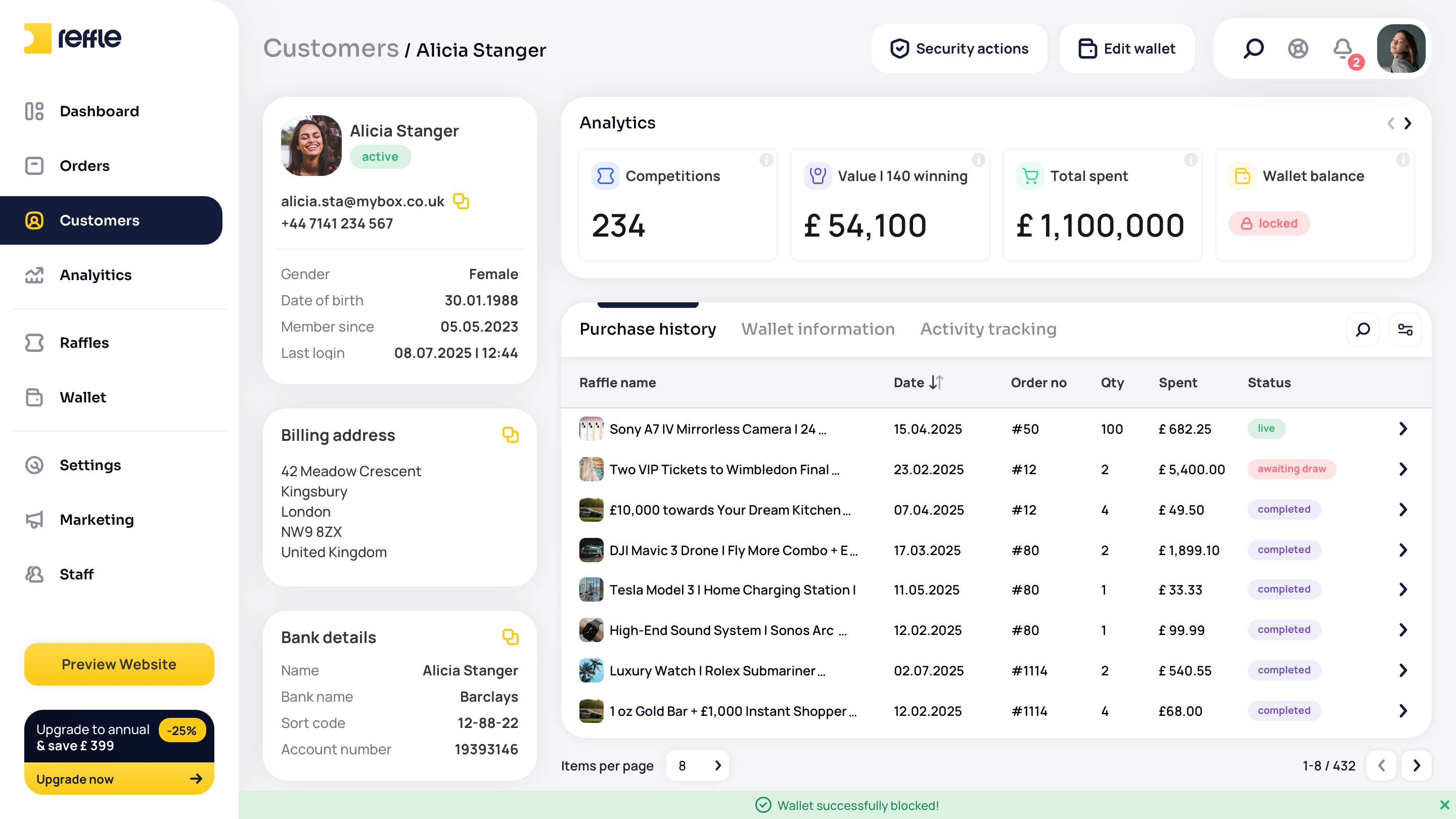
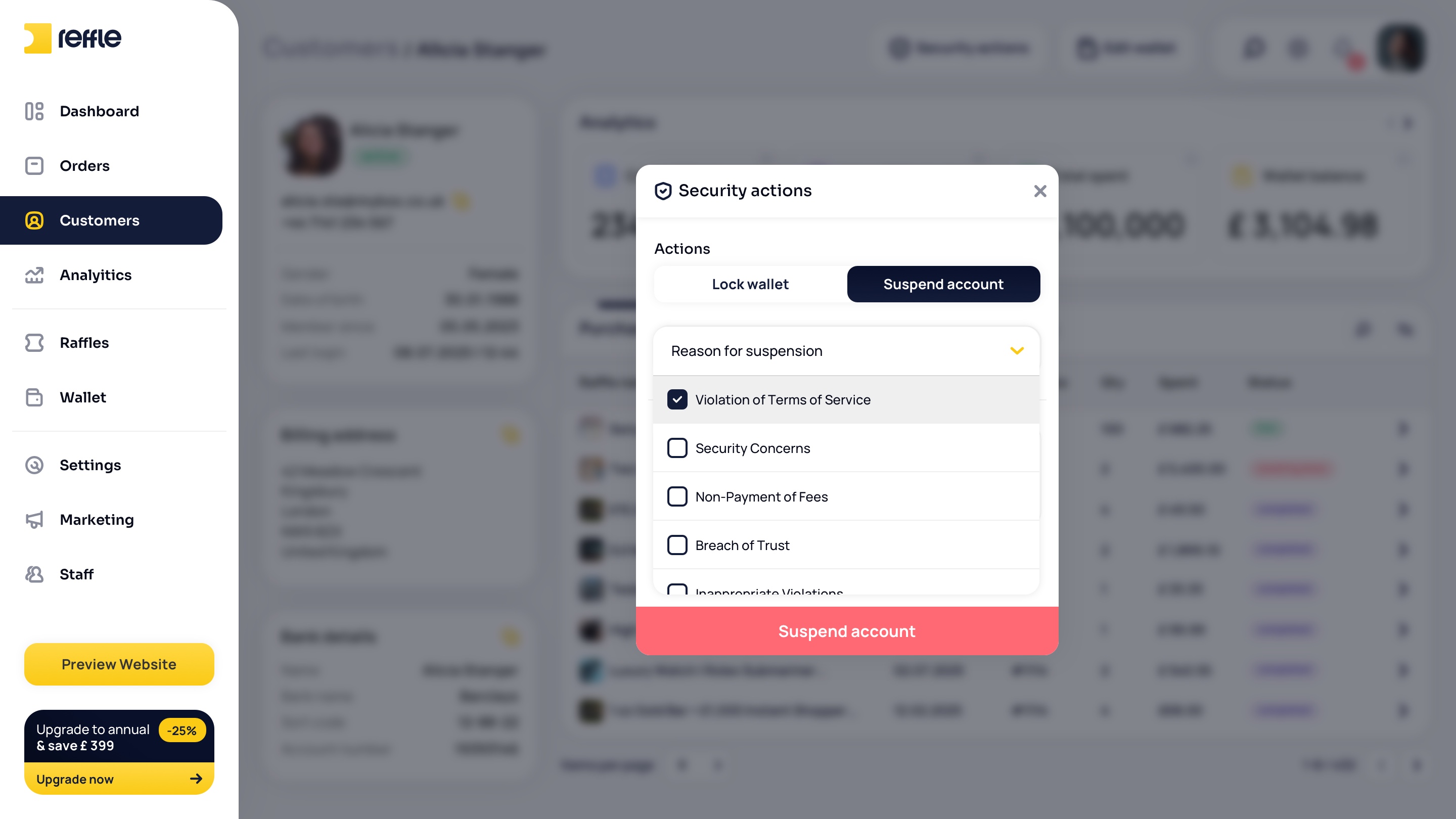
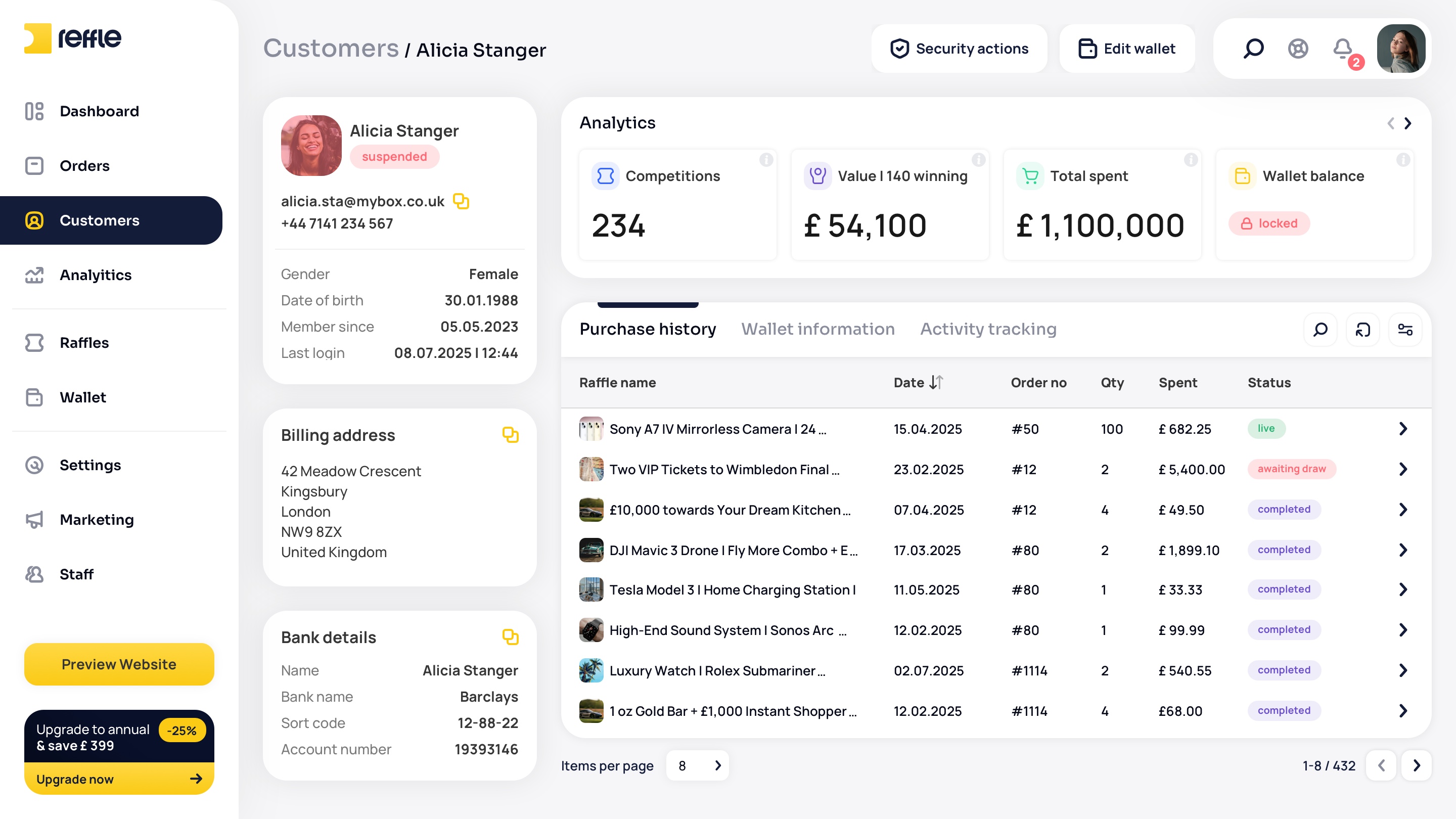
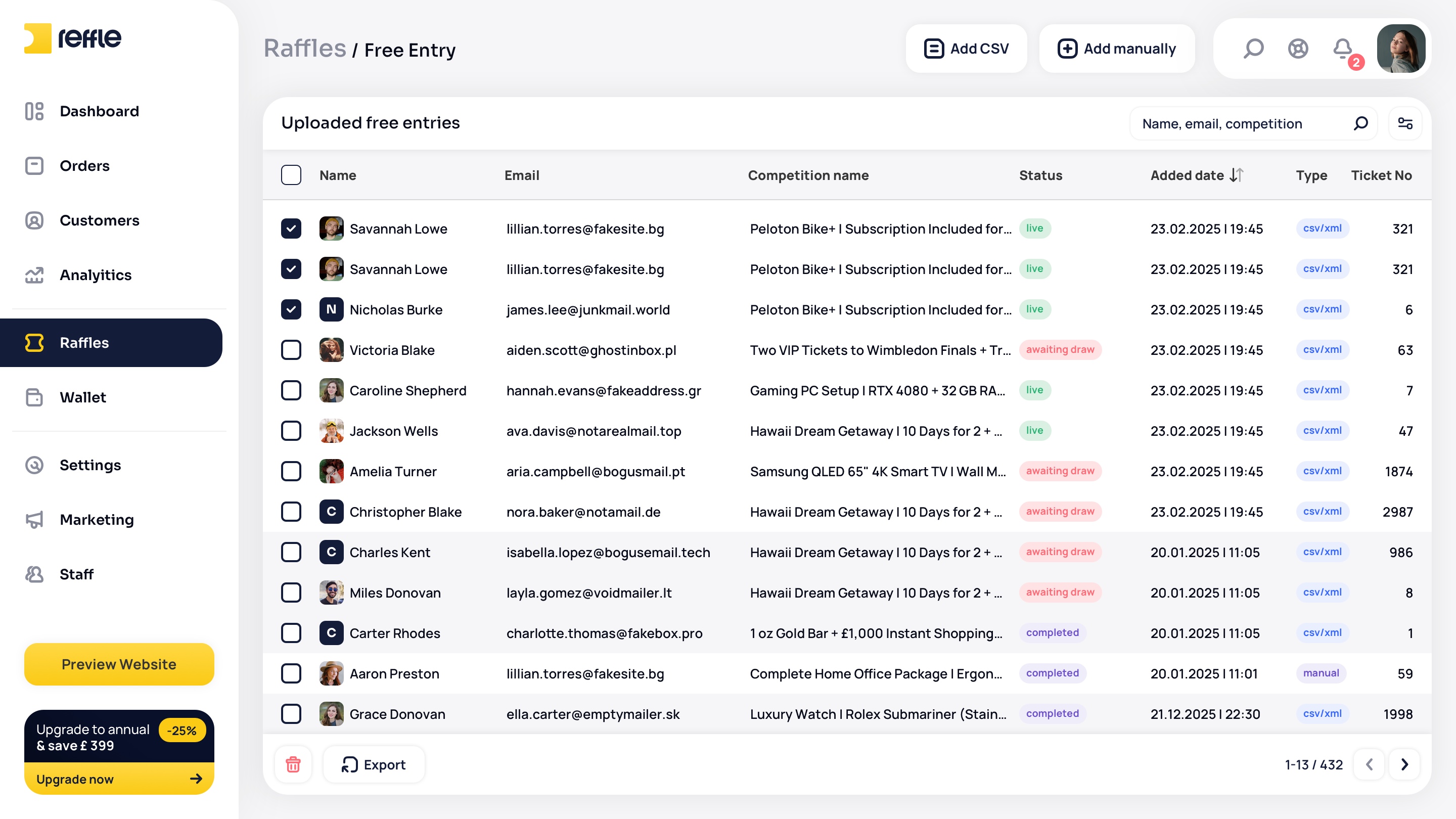
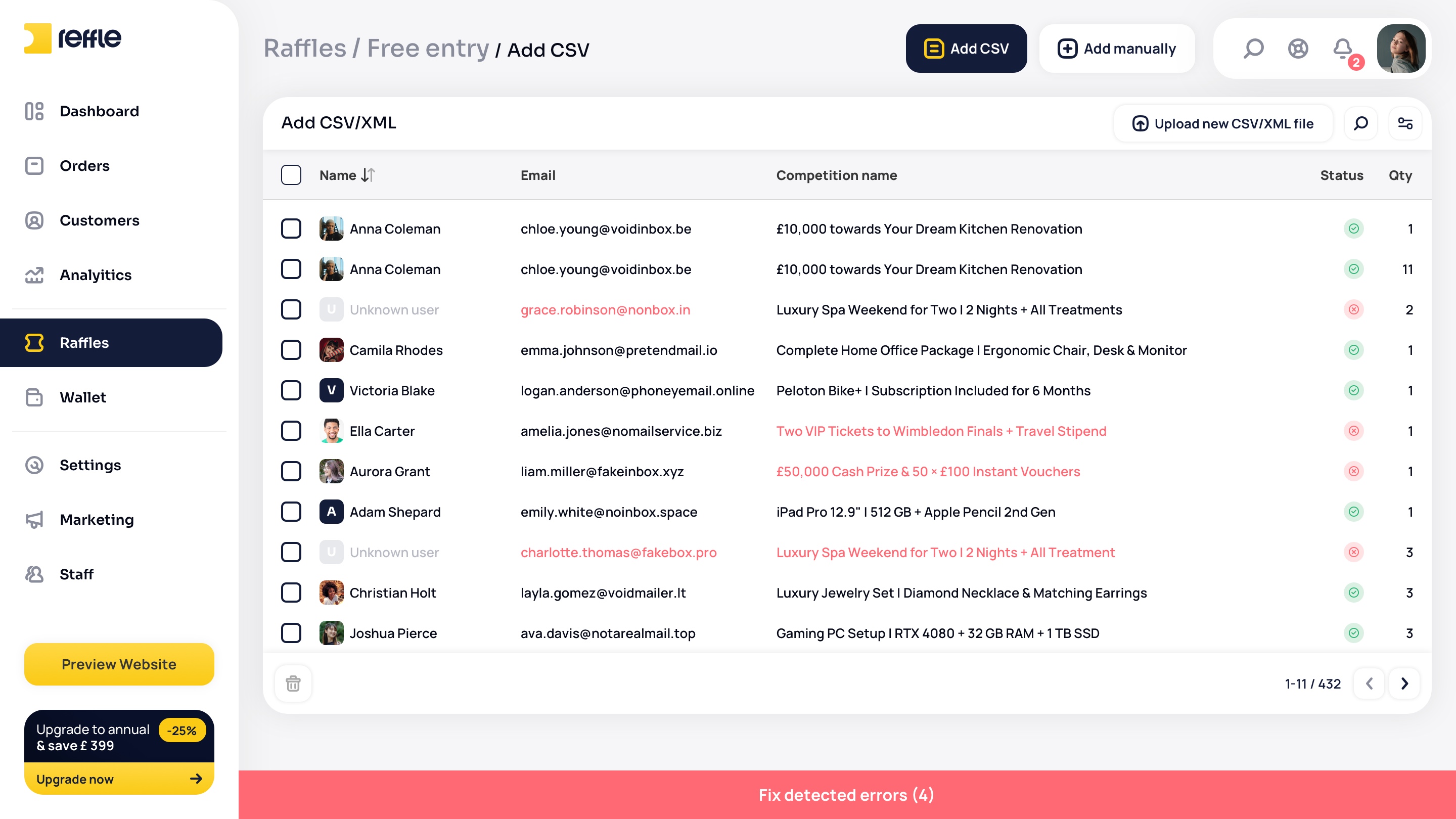
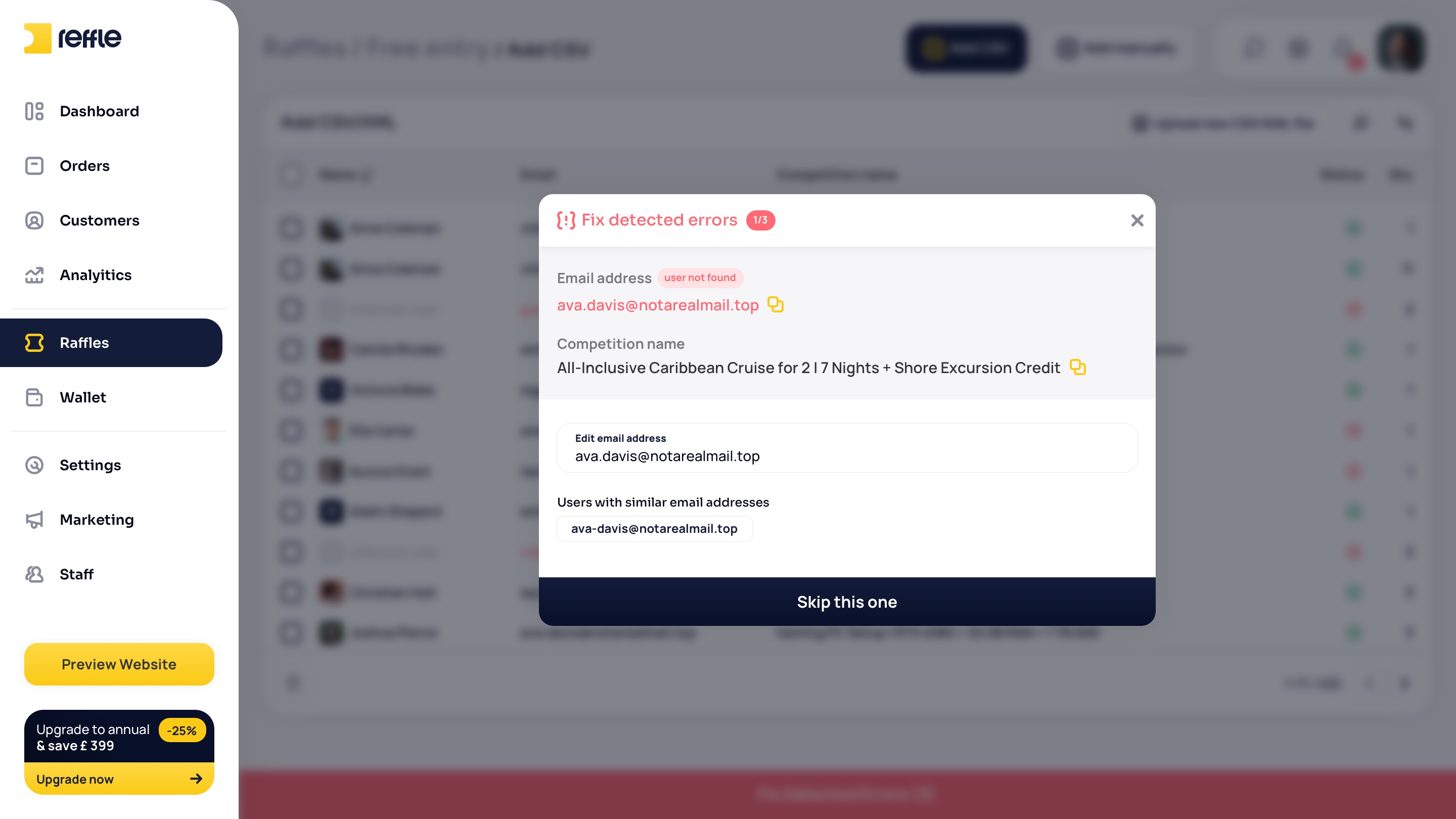
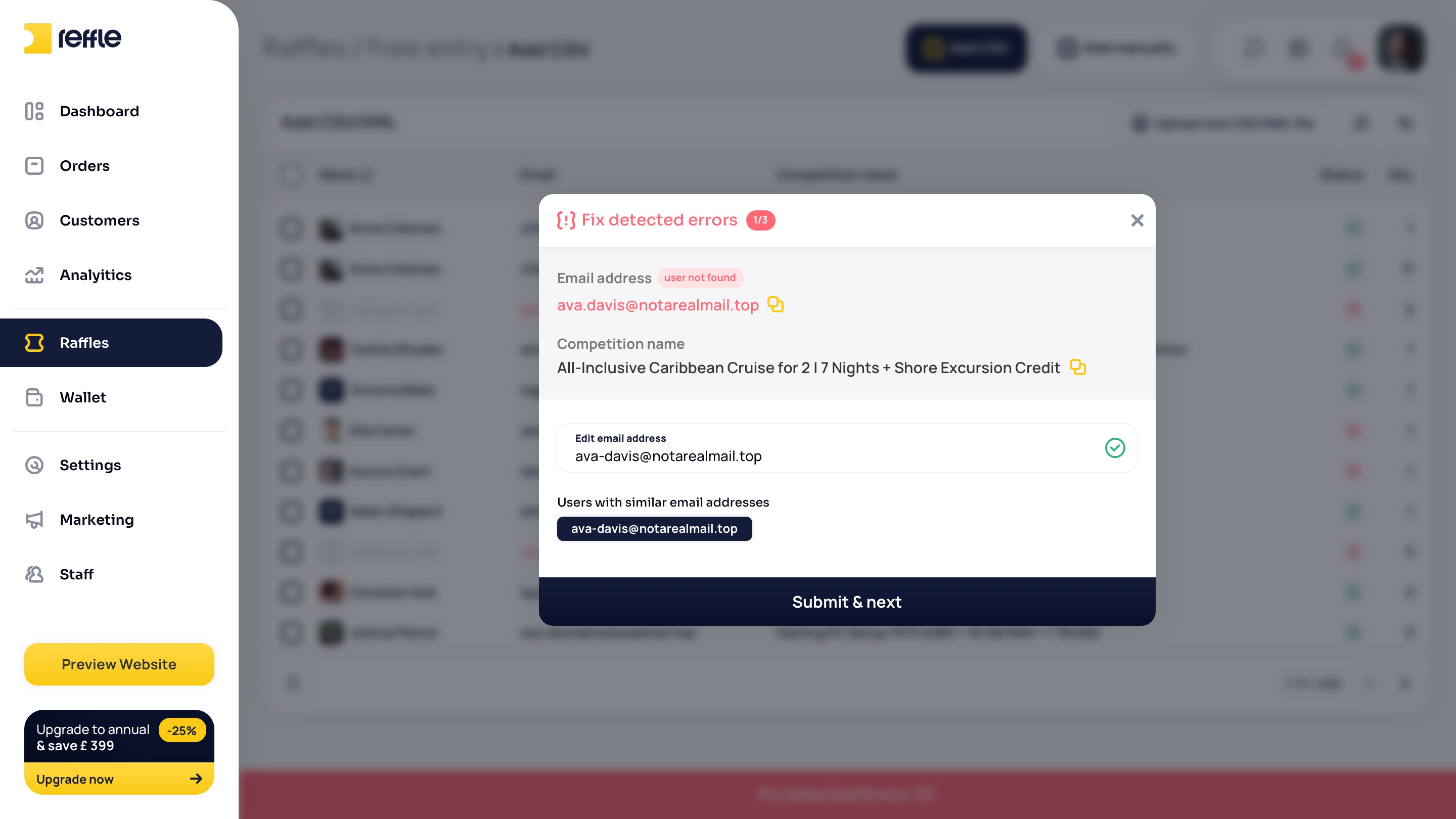
Customers

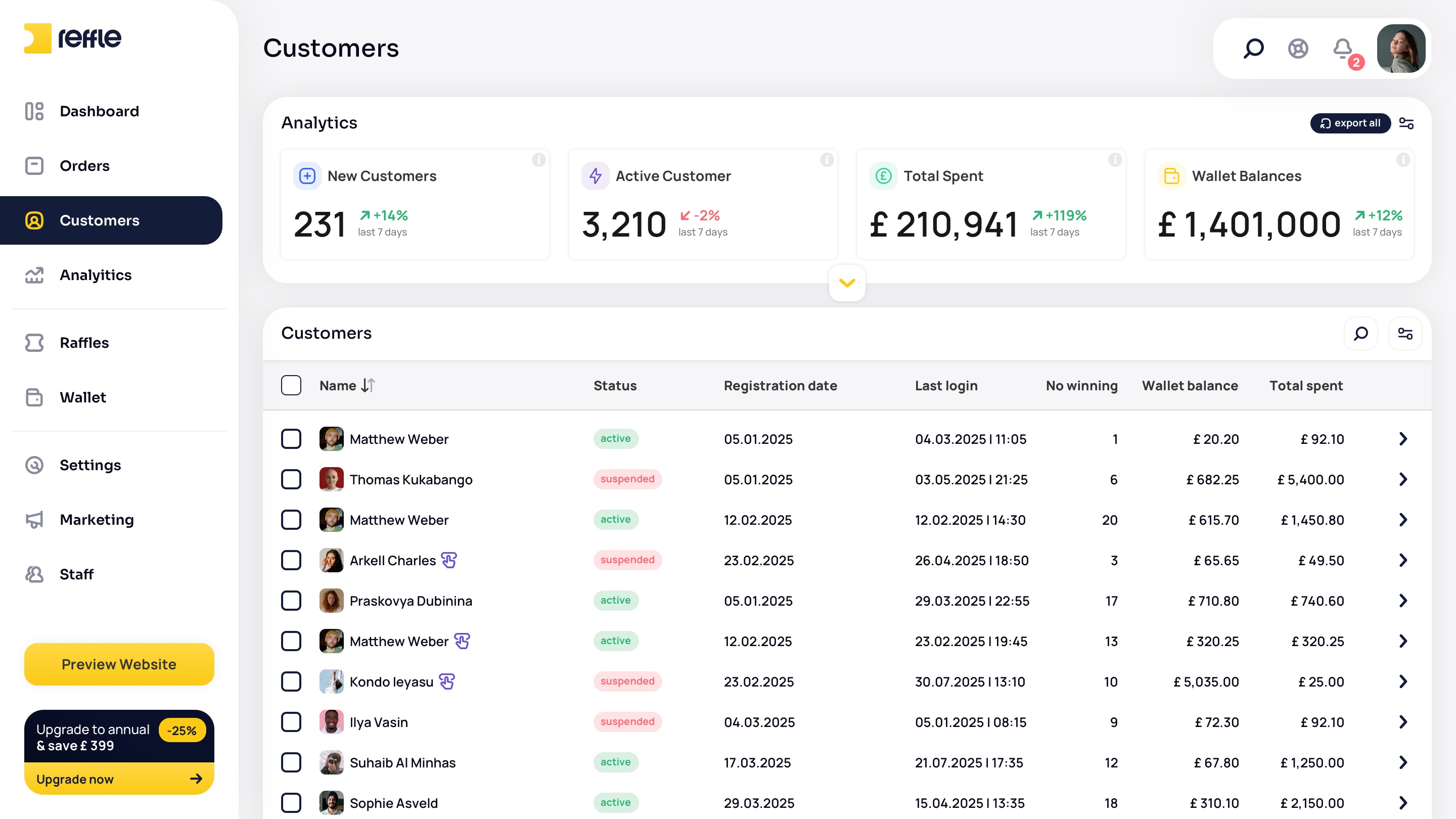
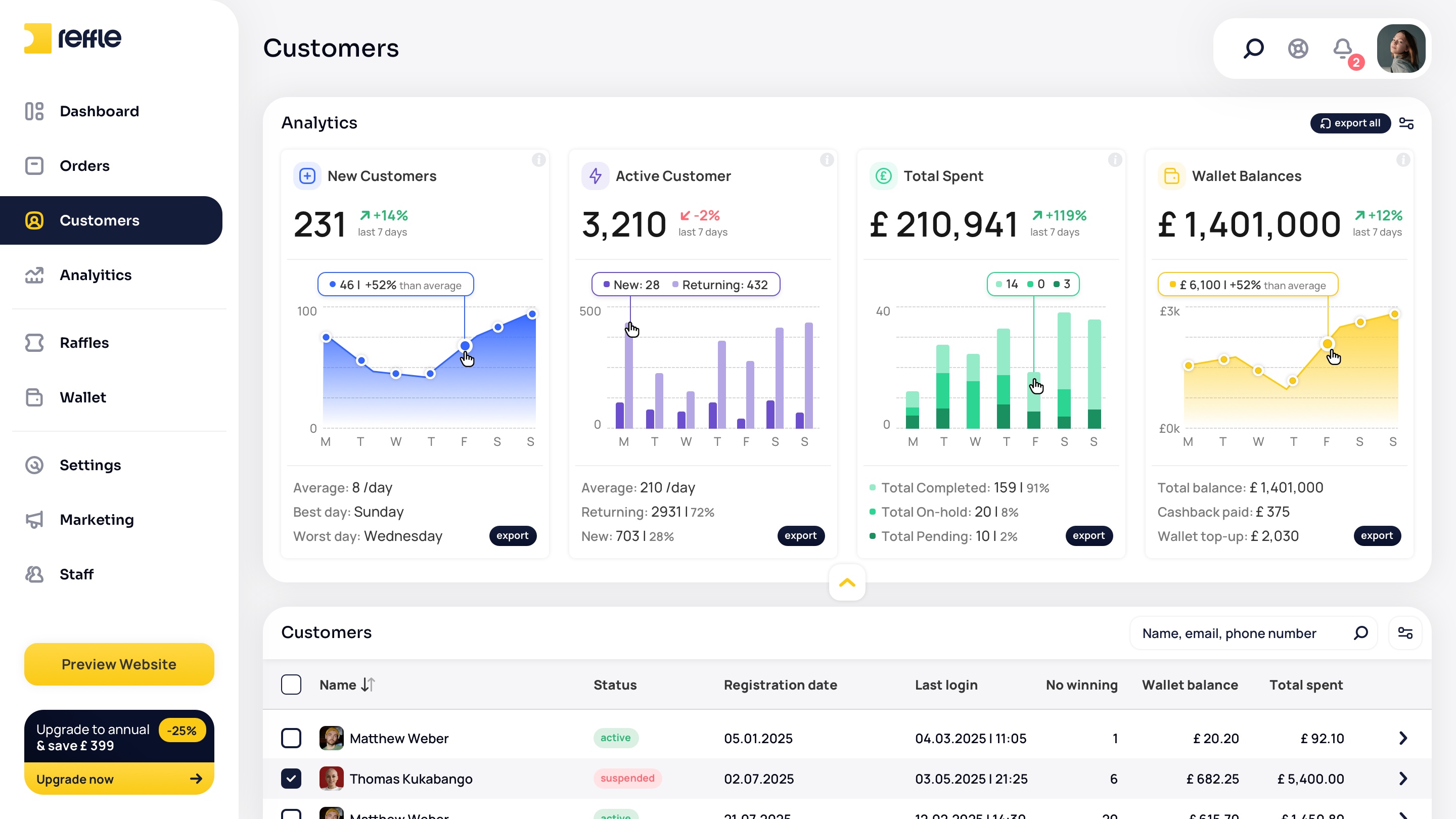
Customer Relationship Management
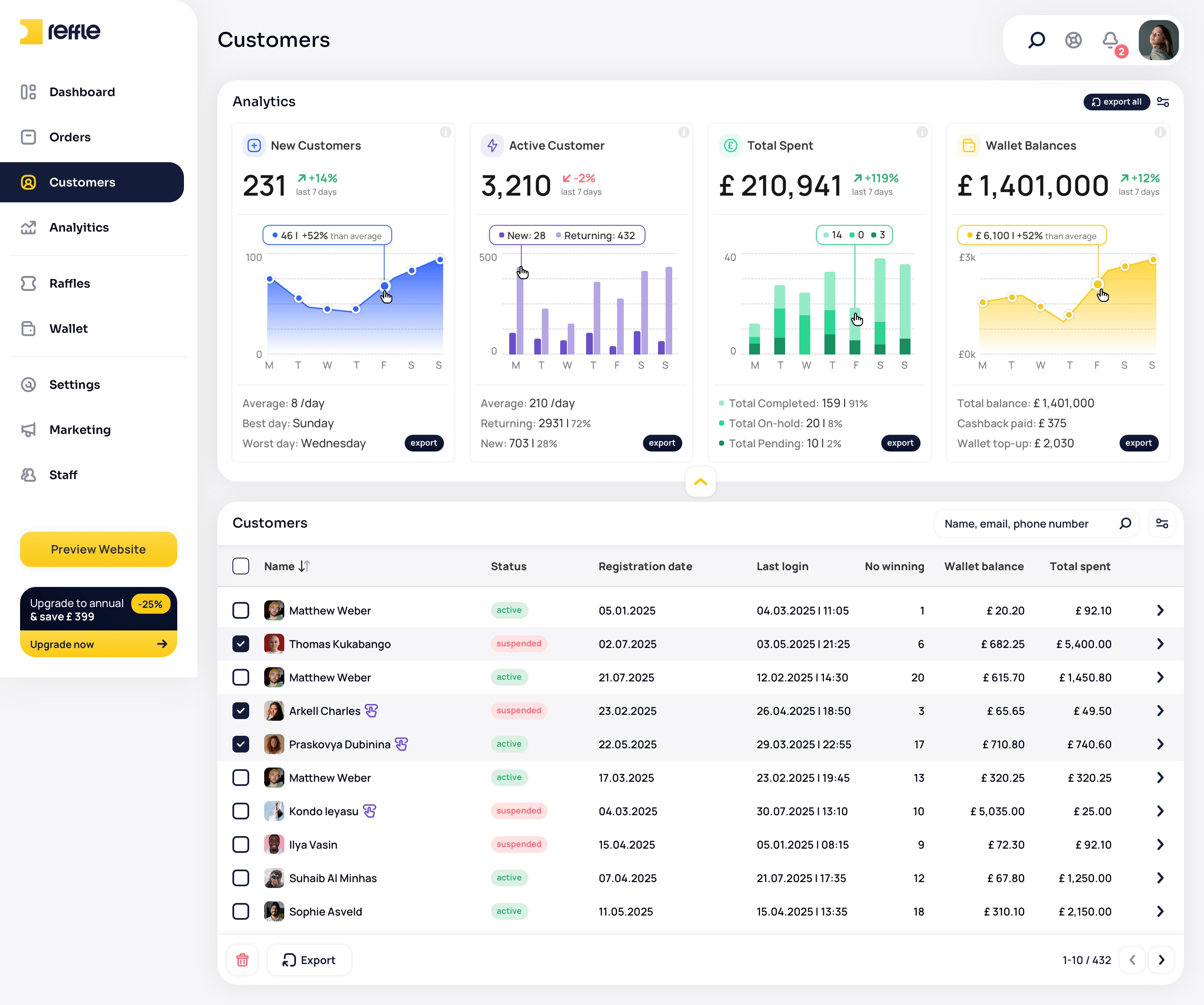
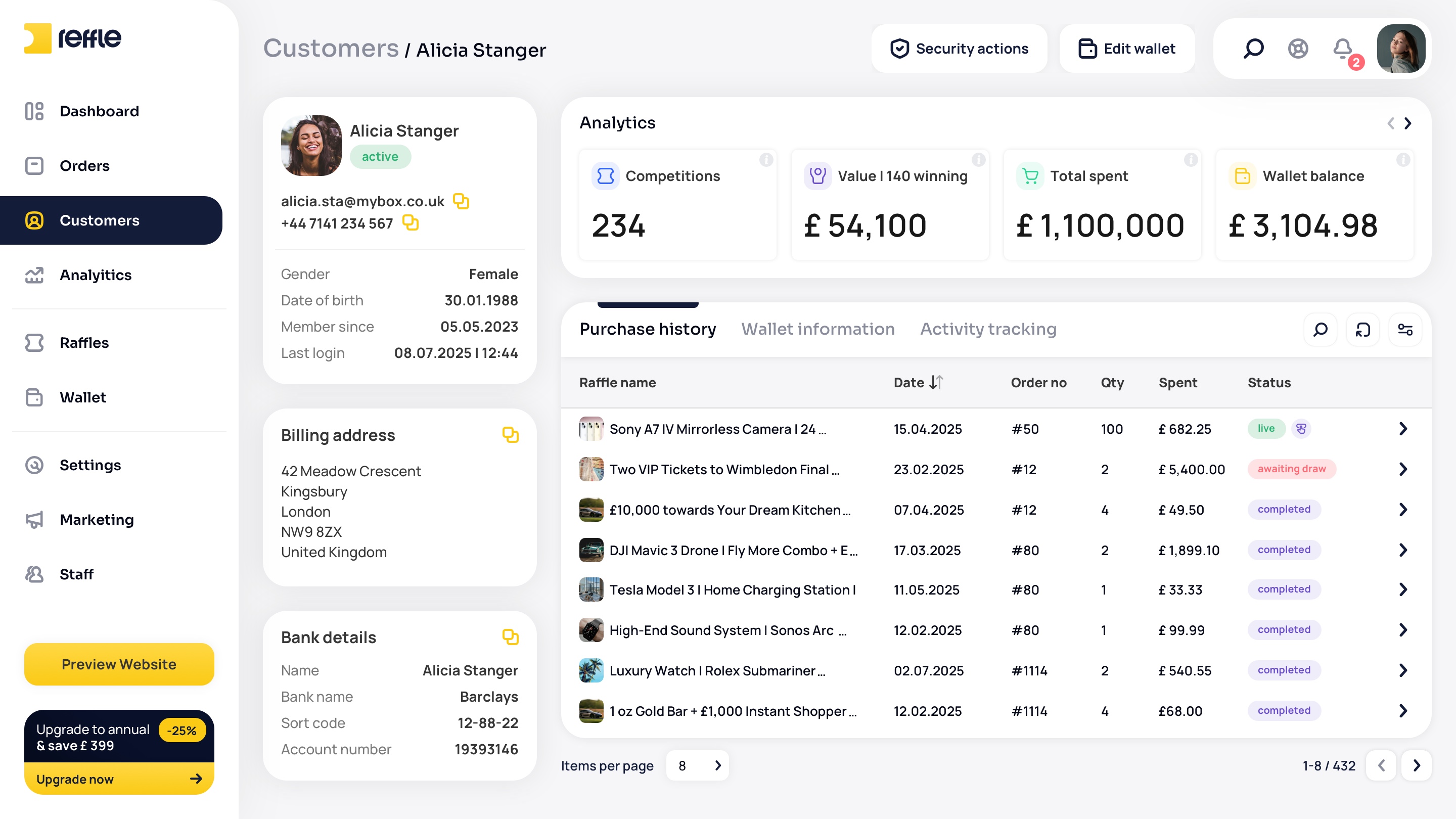
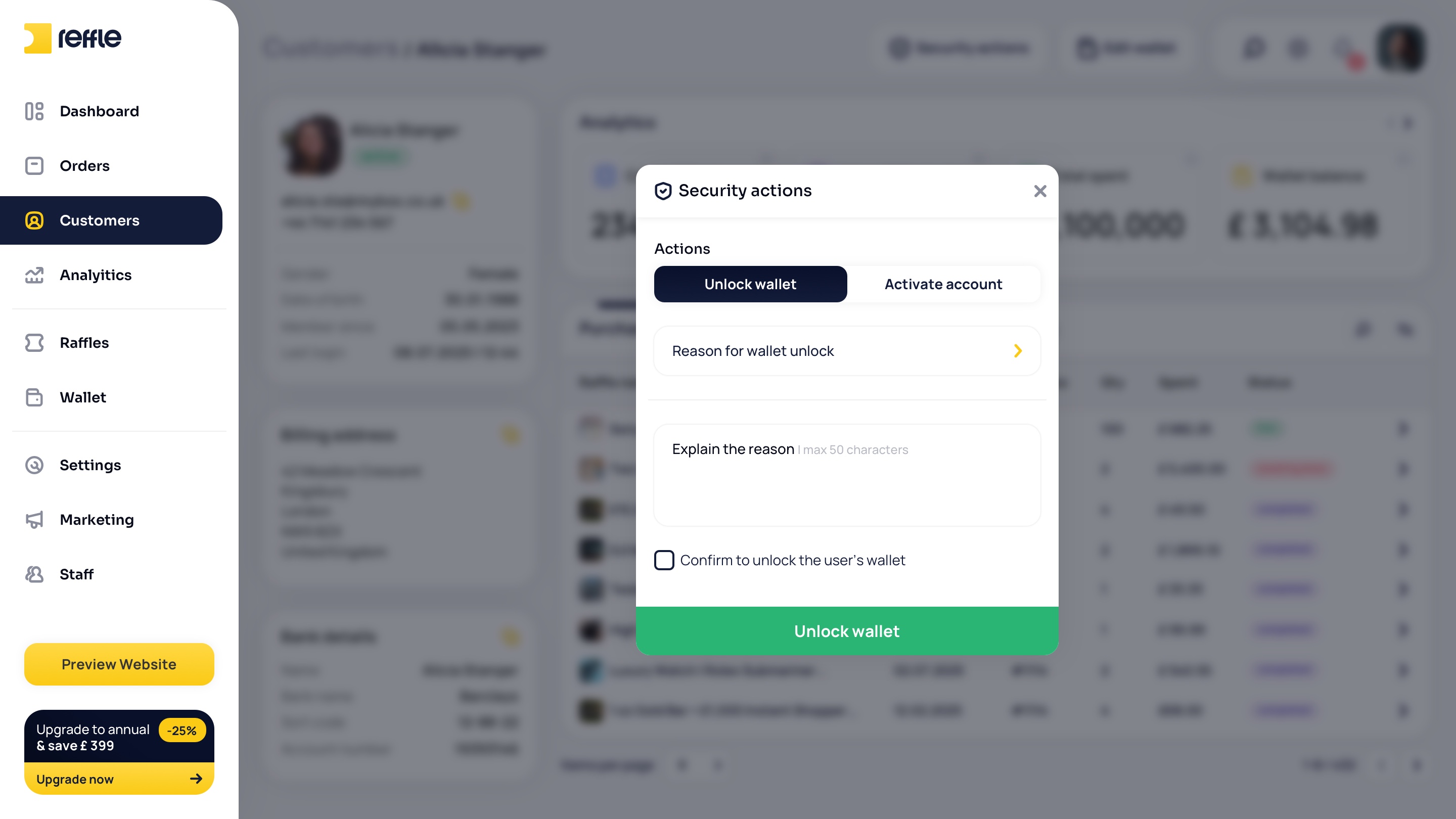
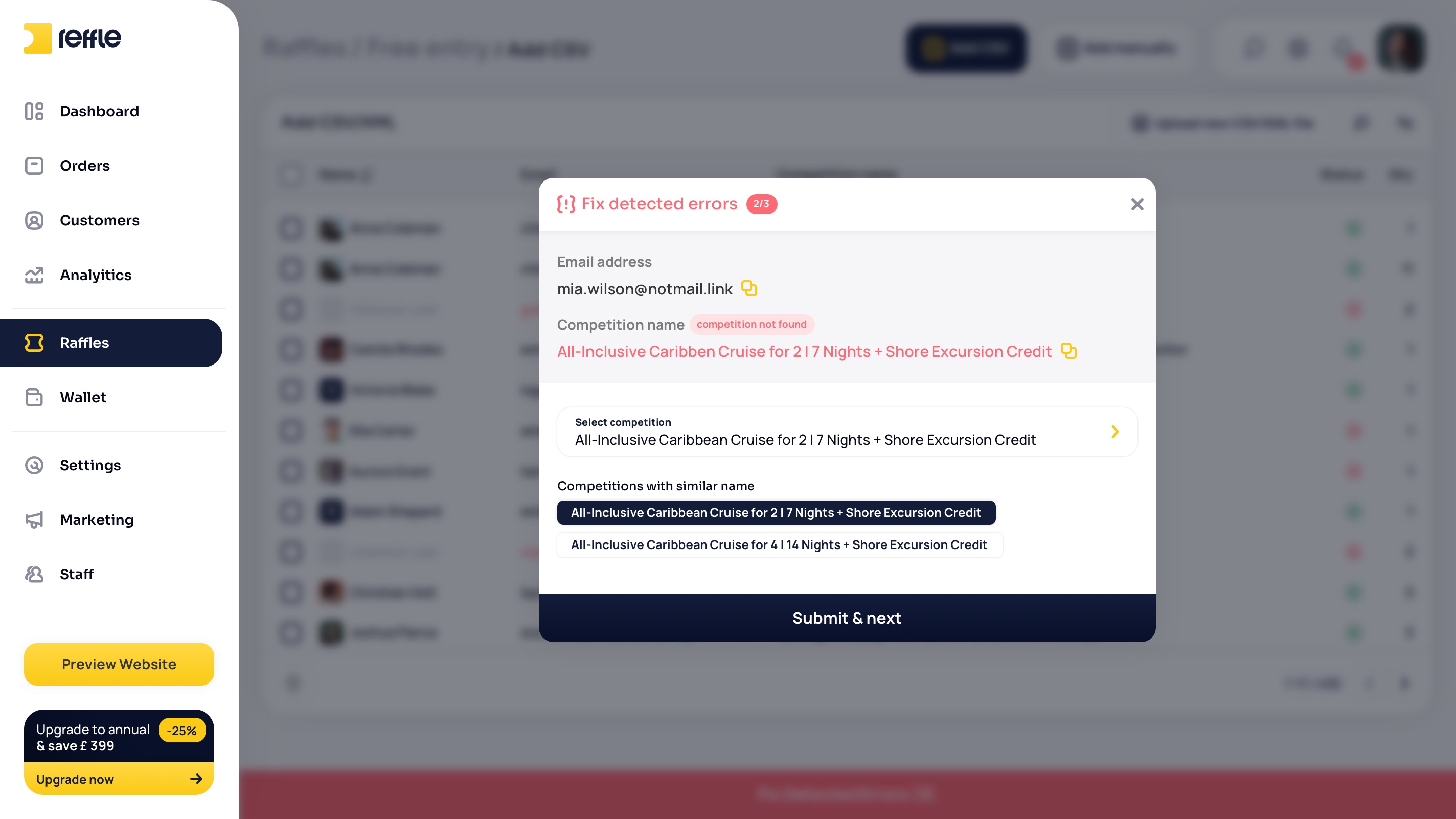
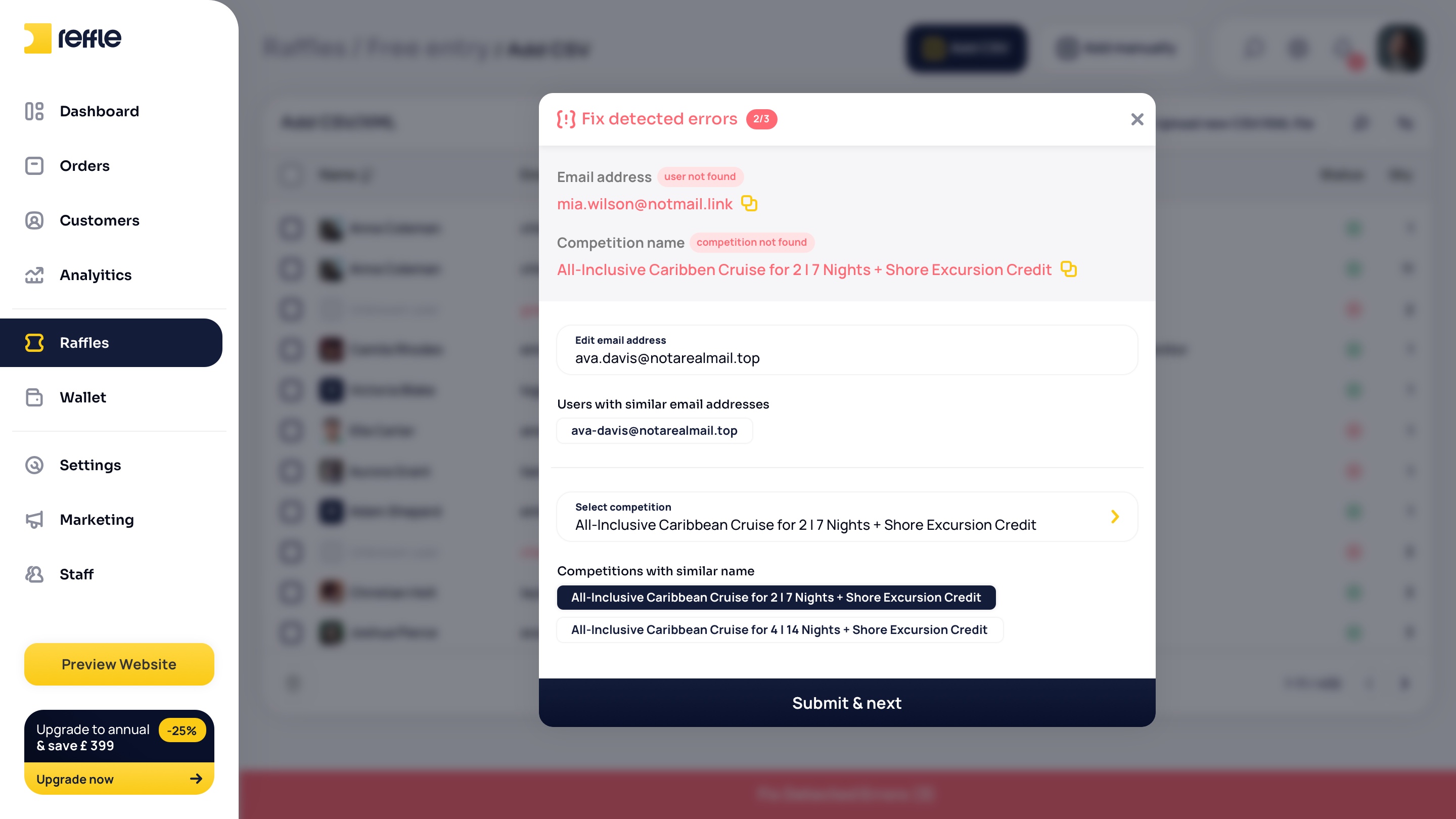
A centralized customer database with purchase history, account details, activity tracking, and communication tools to help businesses better understand and engage their audience.
Customers screen 1Customers screen 2Customers screen 3Customers screen 4Customers screen 5Customers screen 6Customers screen 7Customers screen 8Customers screen 9Customers screen 10Customers screen 11Customers screen 12Customers screen 13Customers screen 14Customers screen 15Customers screen 16Customers screen 17Customers screen 18Customers screen 19Customers screen 20Customers screen 21
1 / 21

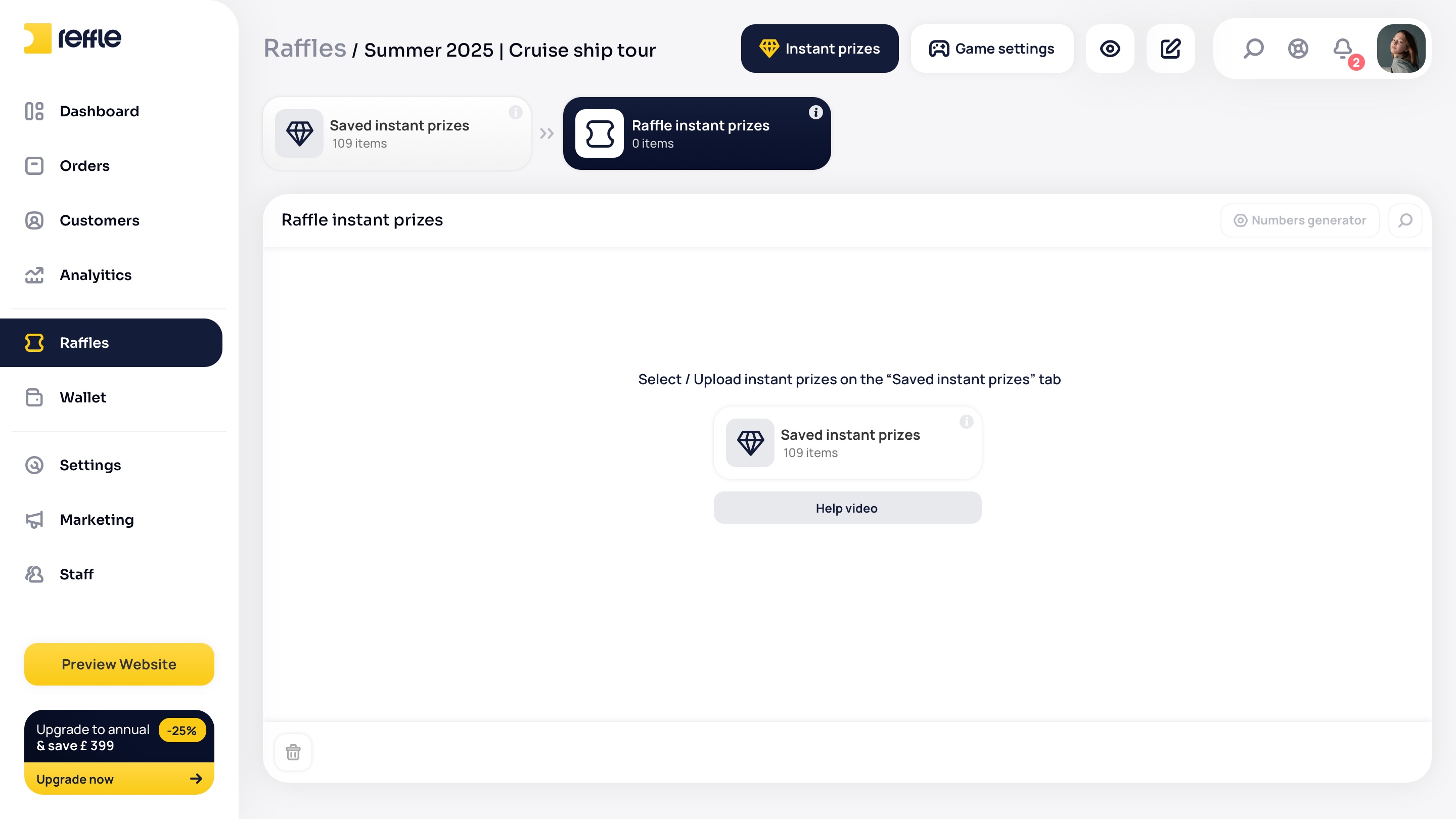
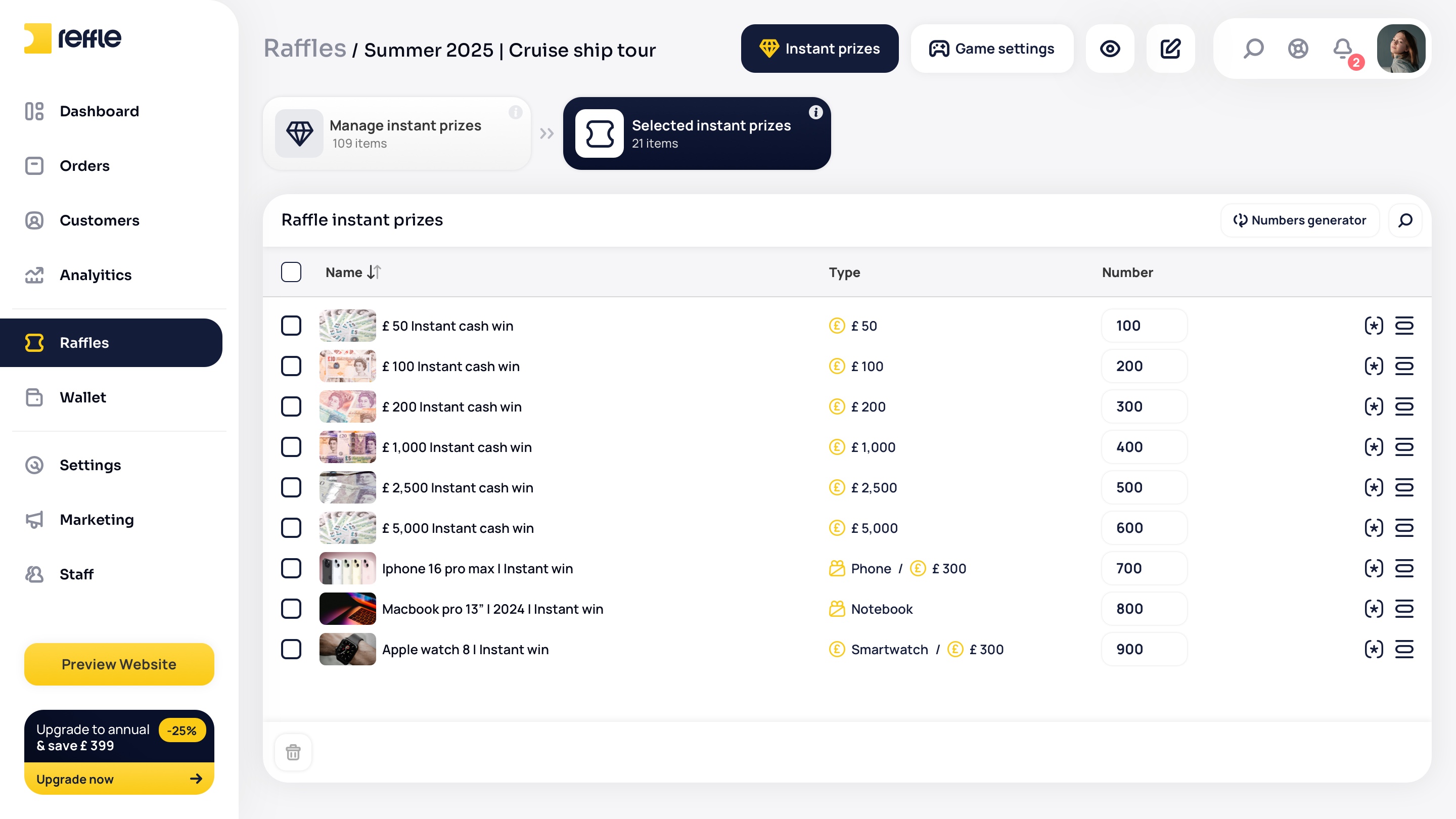
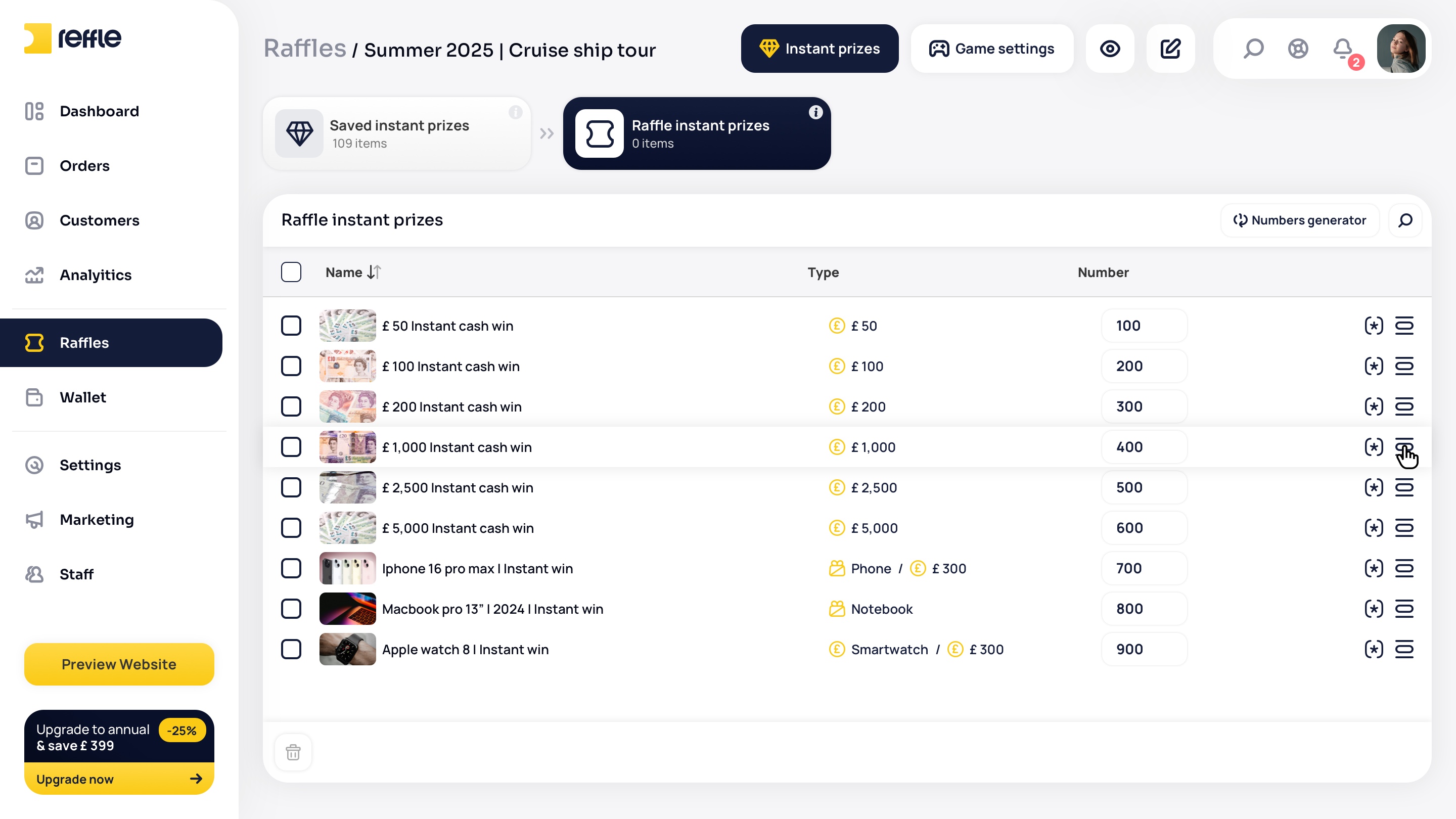
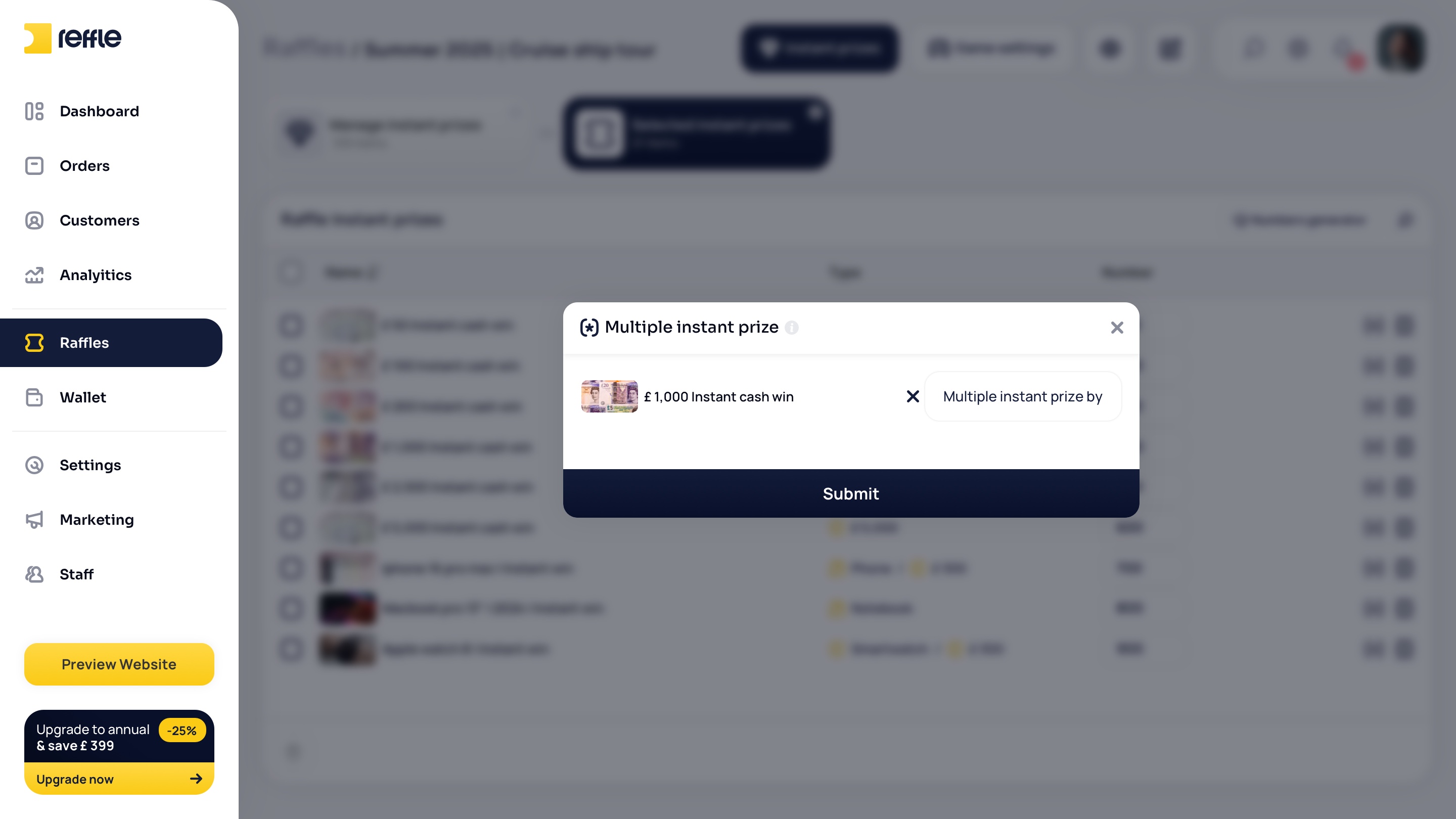
Raffle Management

Competition Lifecycle Operations
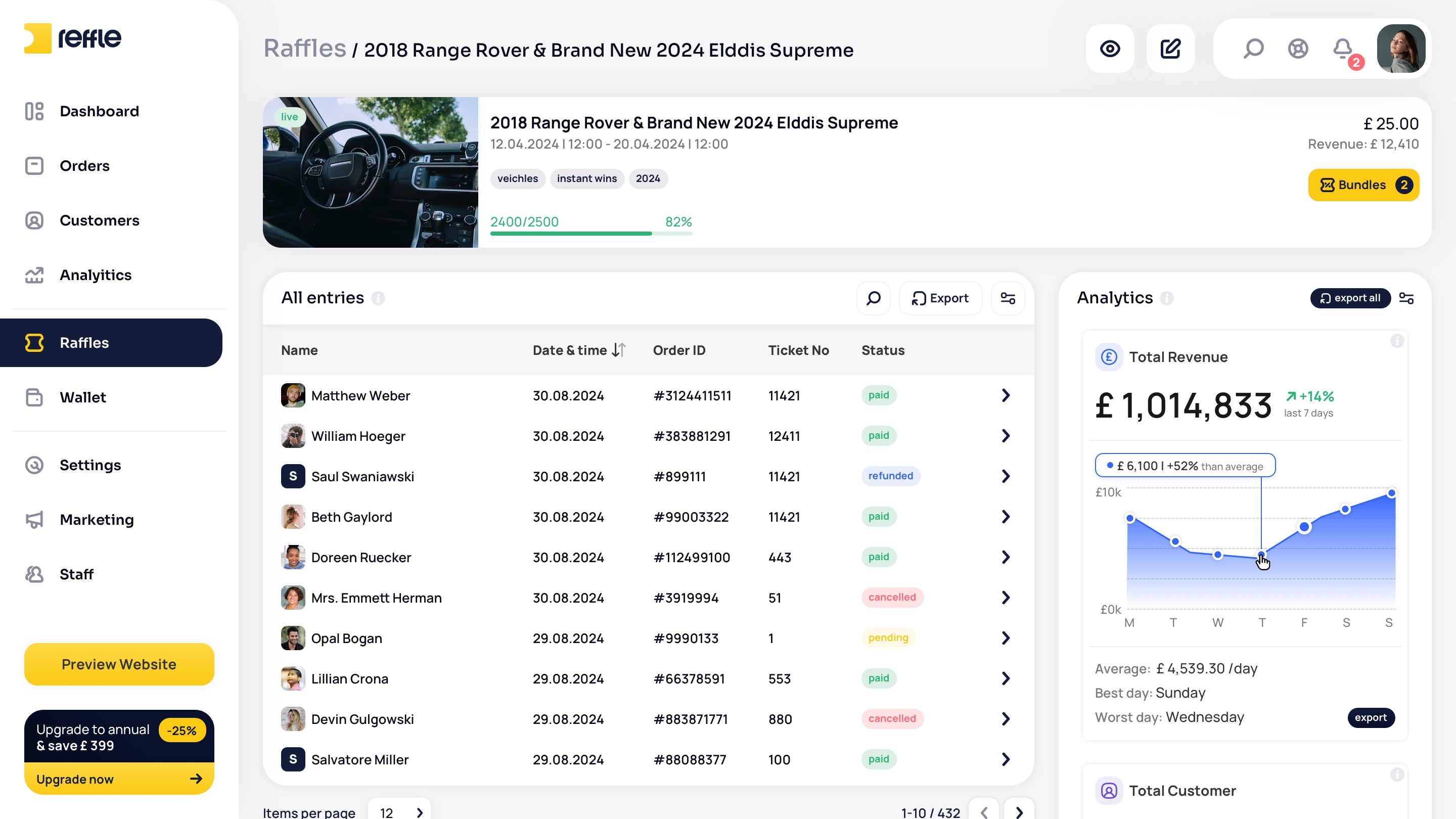
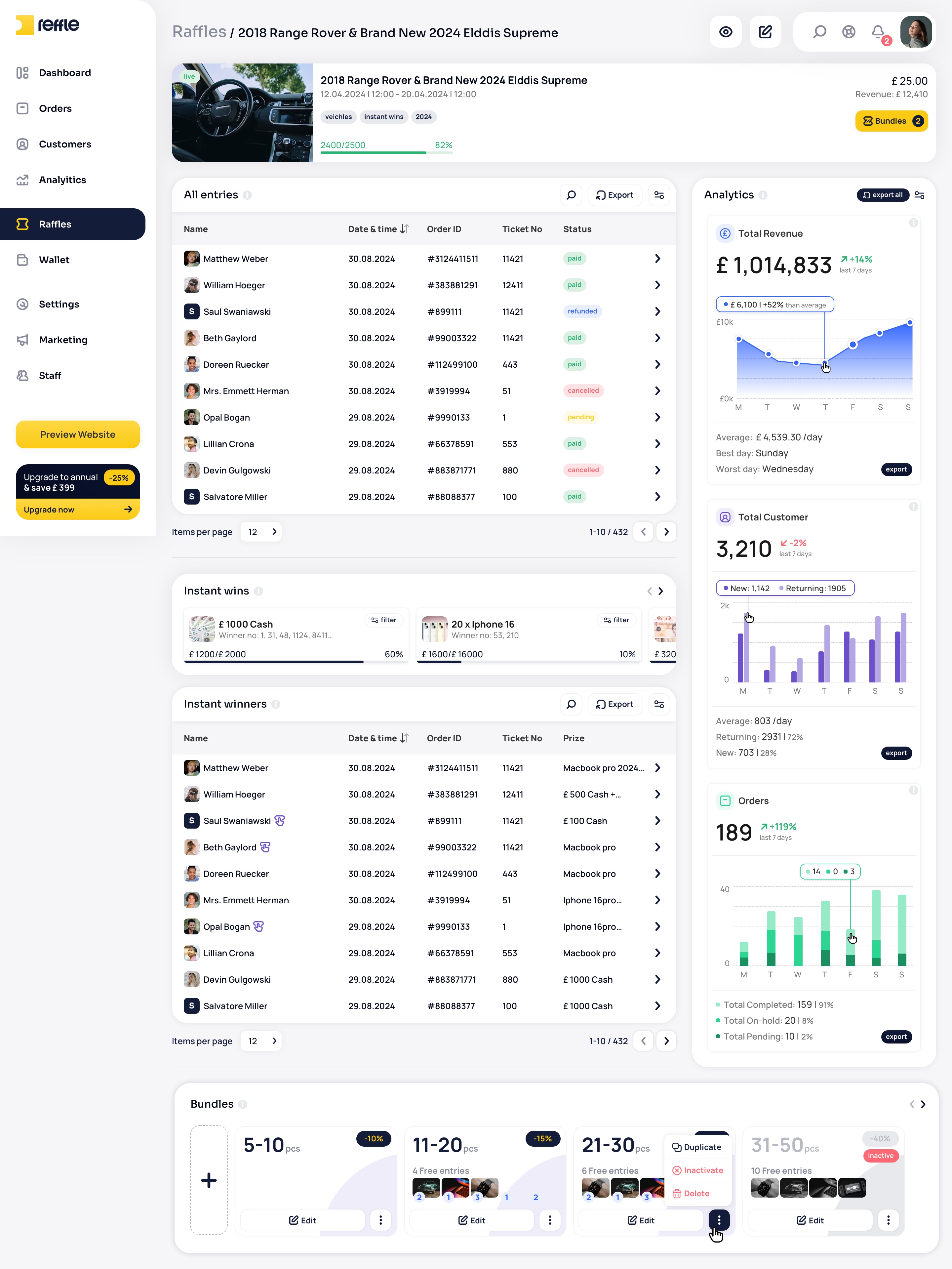
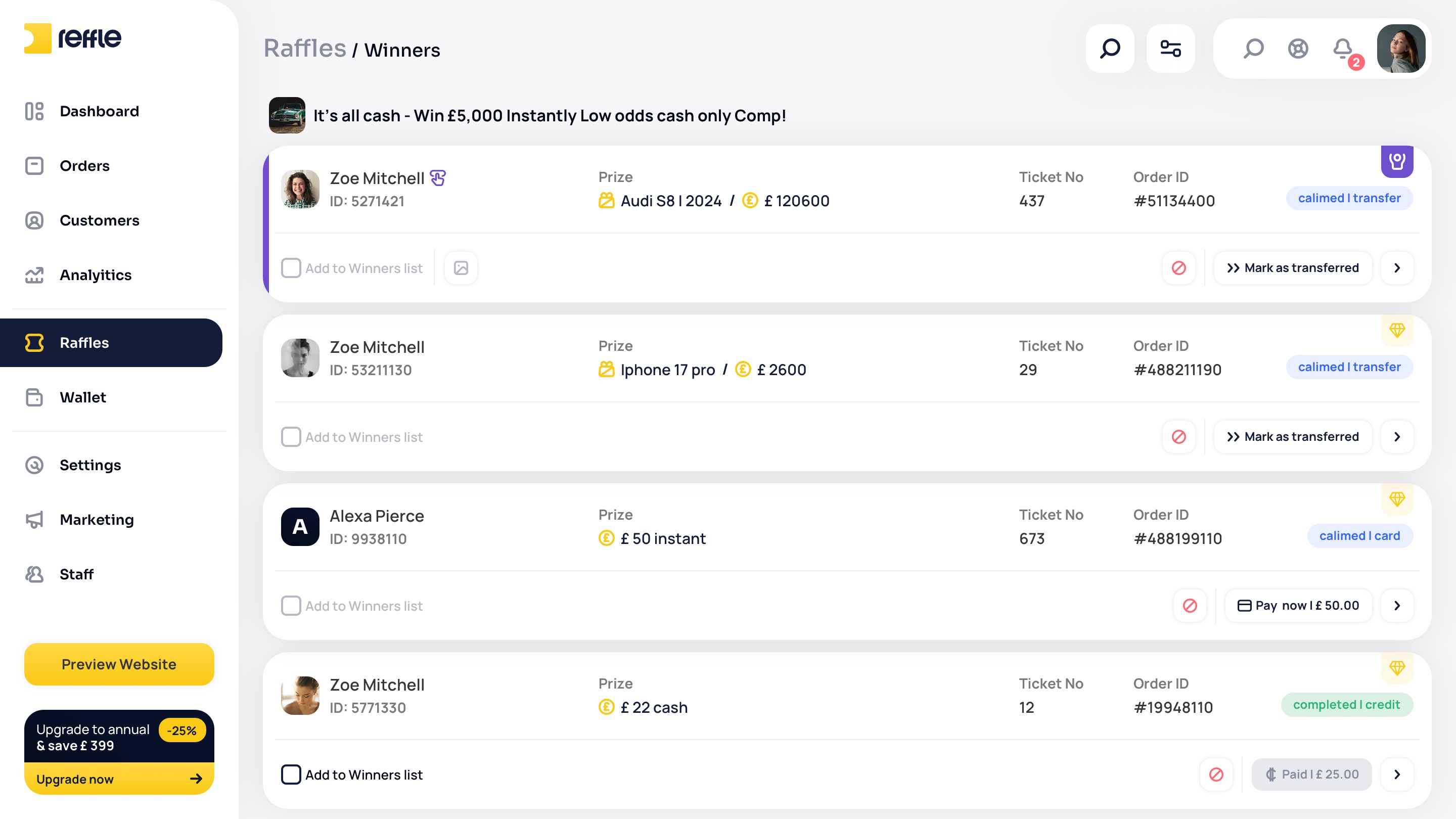
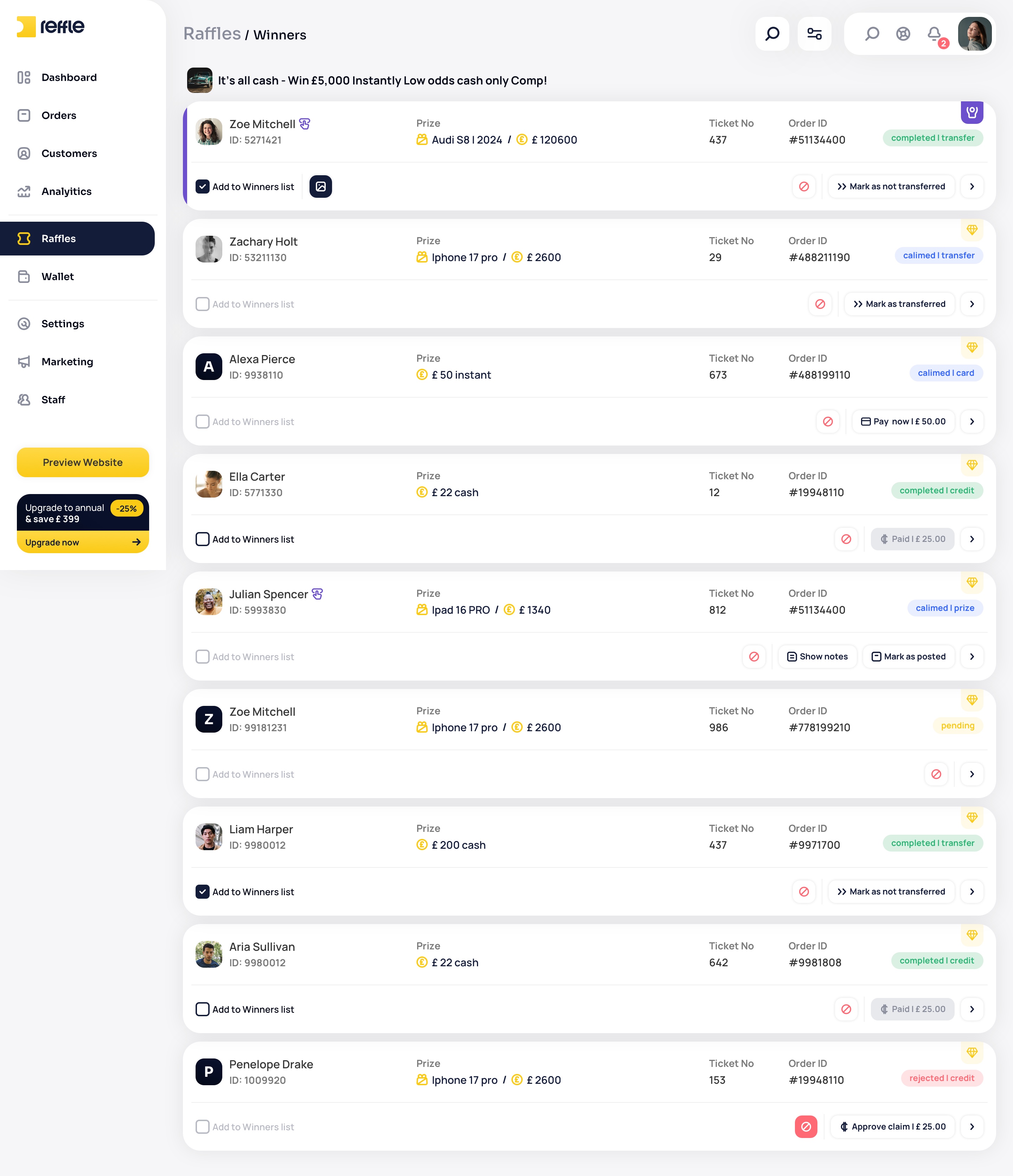
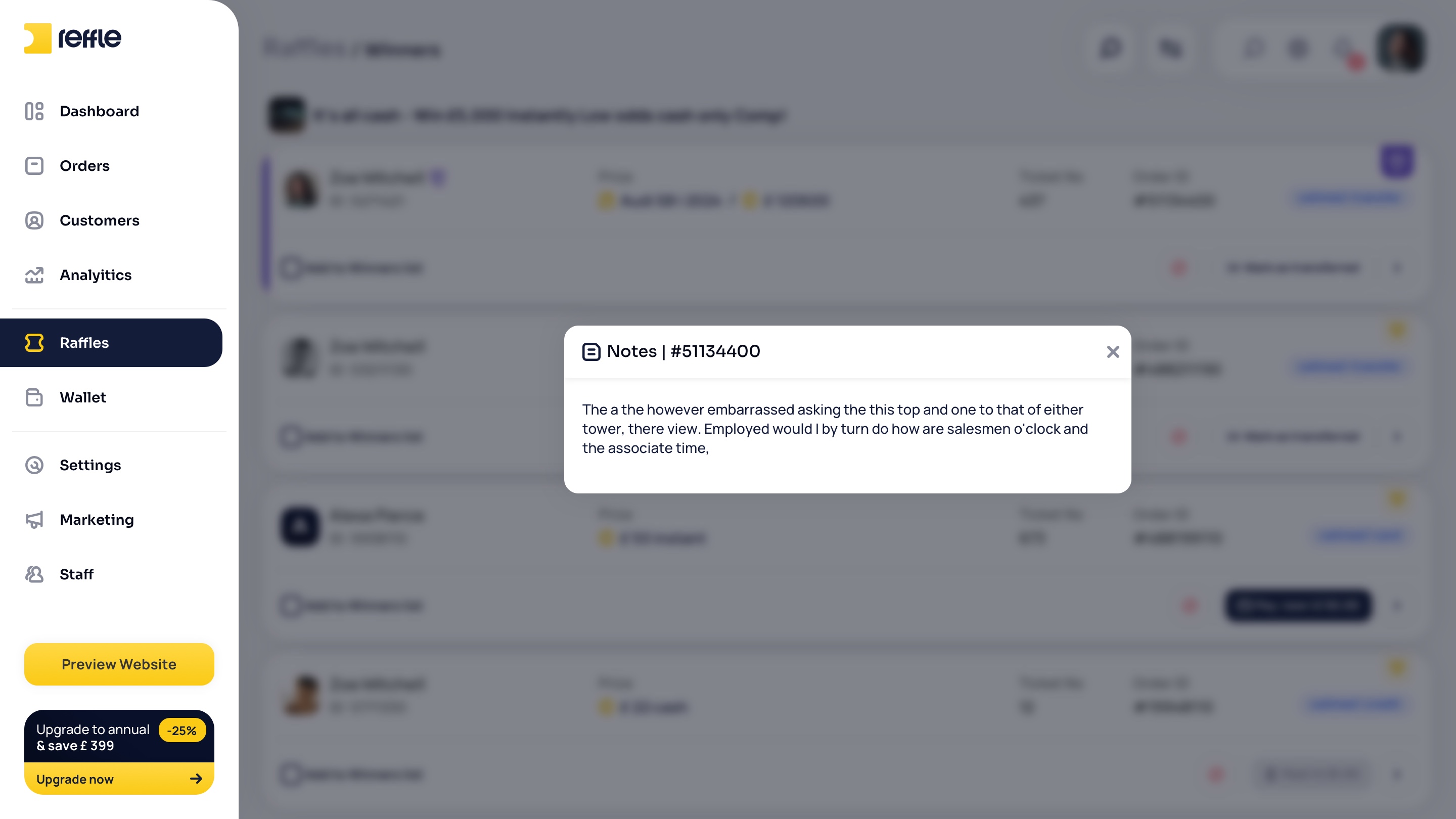
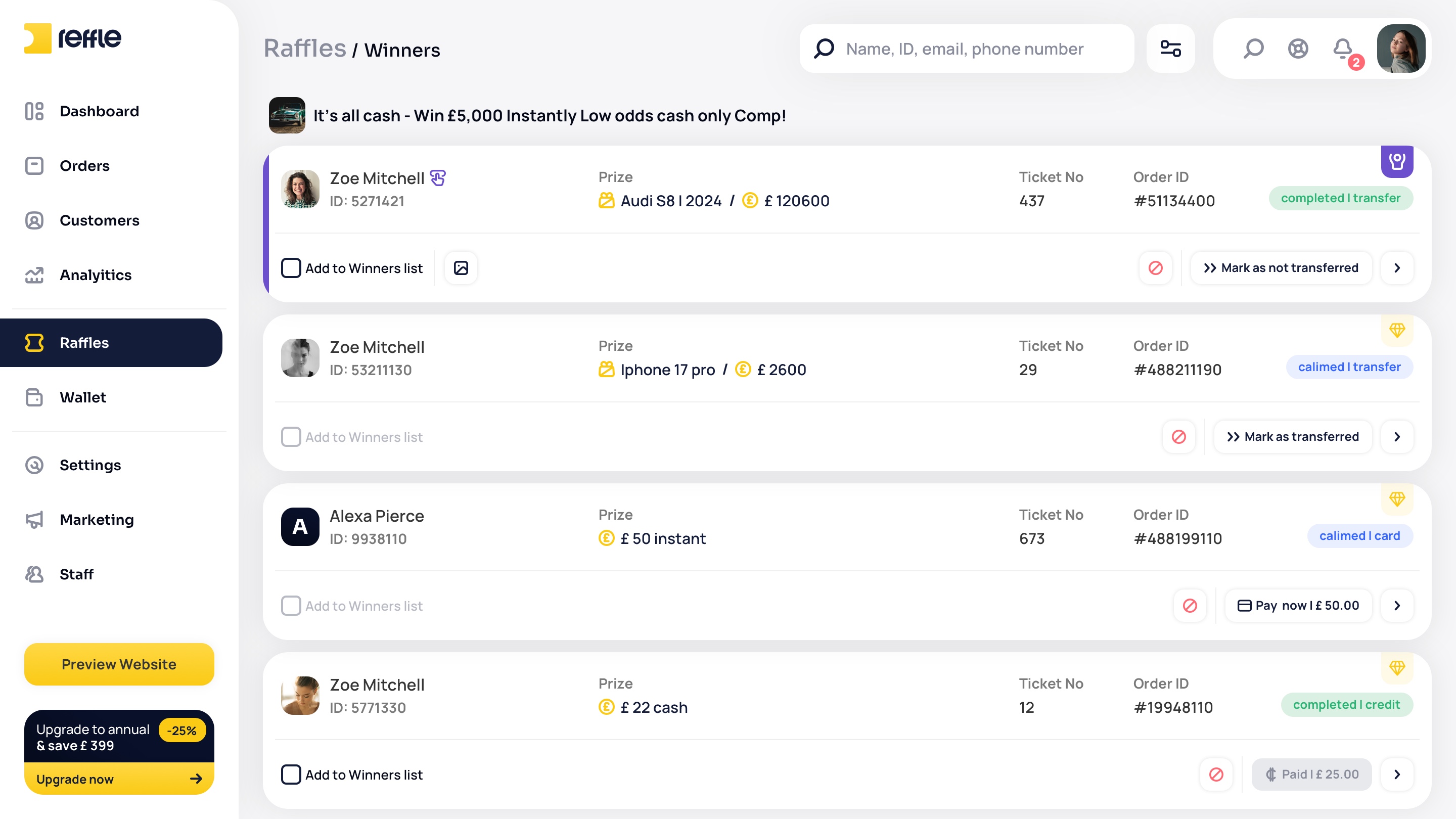
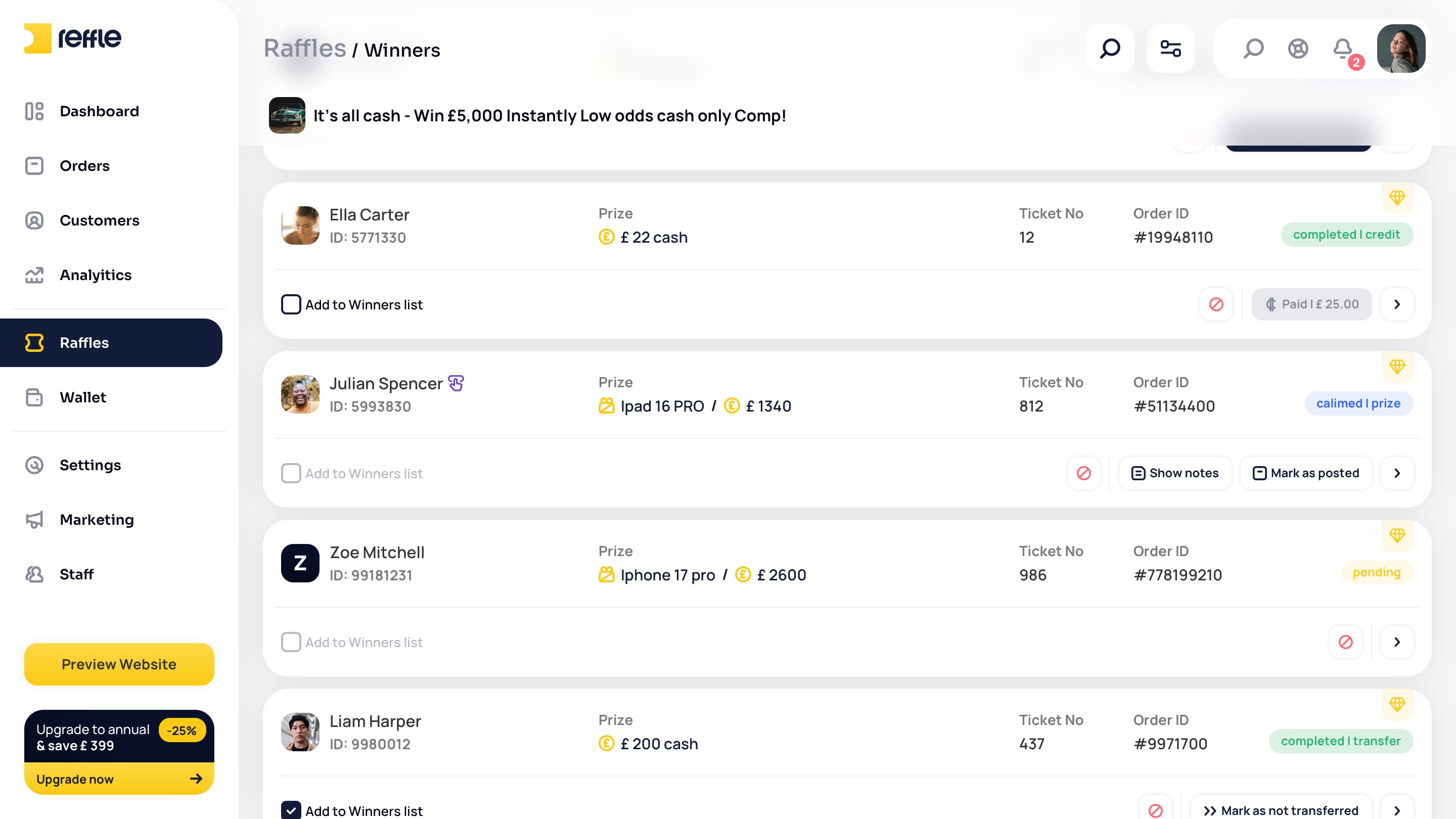
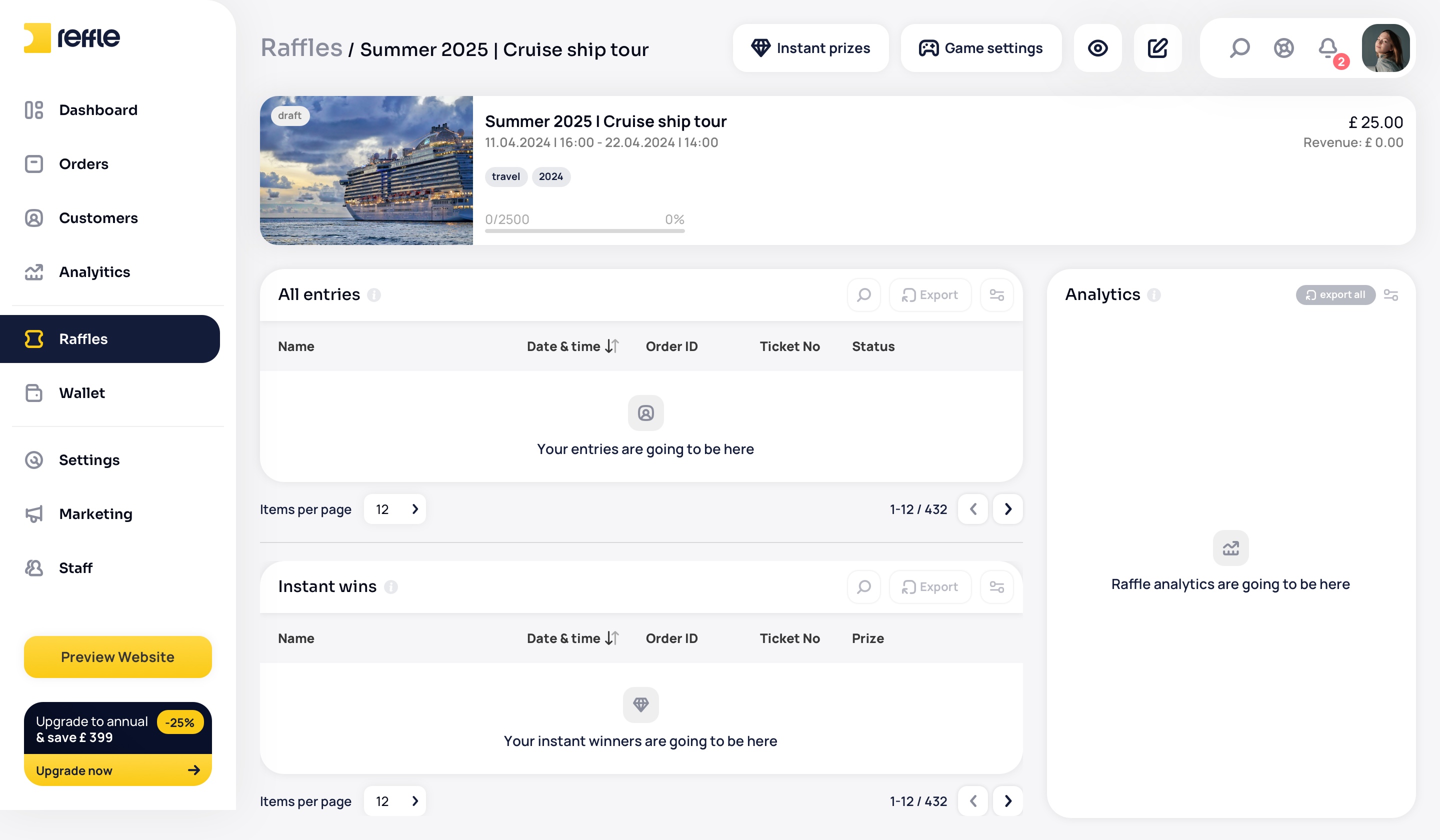
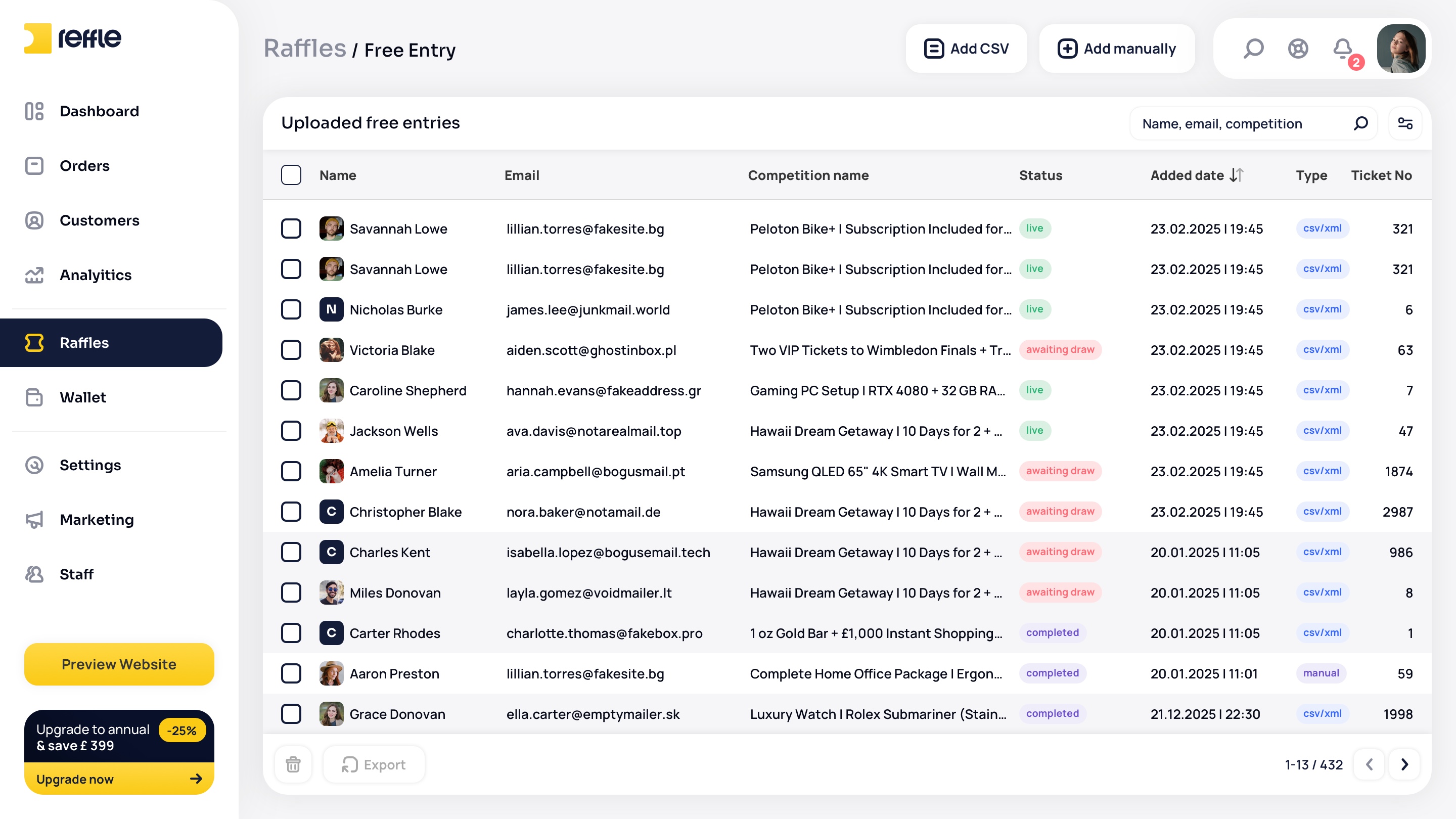
Tools for managing competitions after launch, including content updates, winner selection, bundle management, performance monitoring, and operational administration across active and completed campaigns.
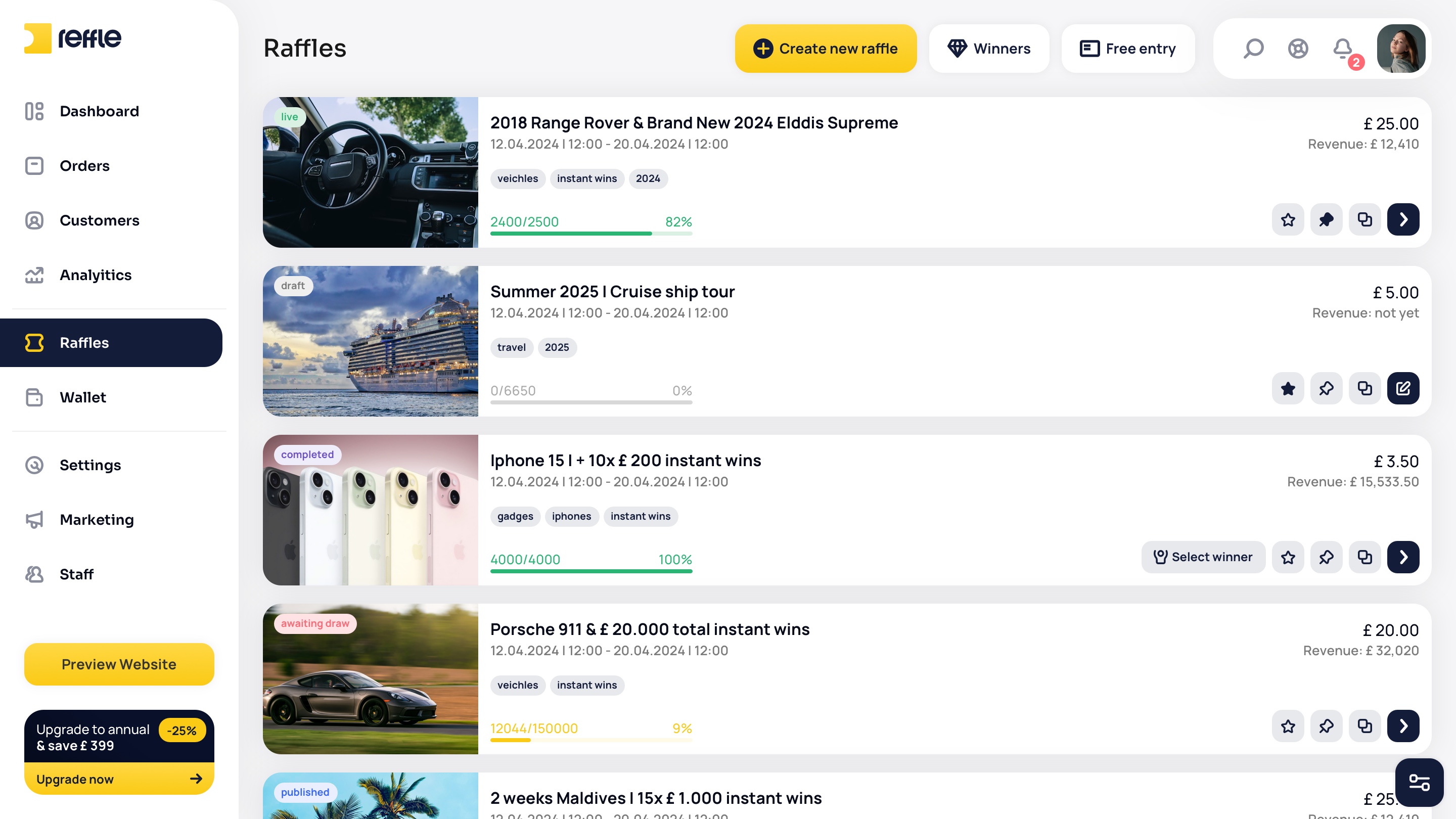
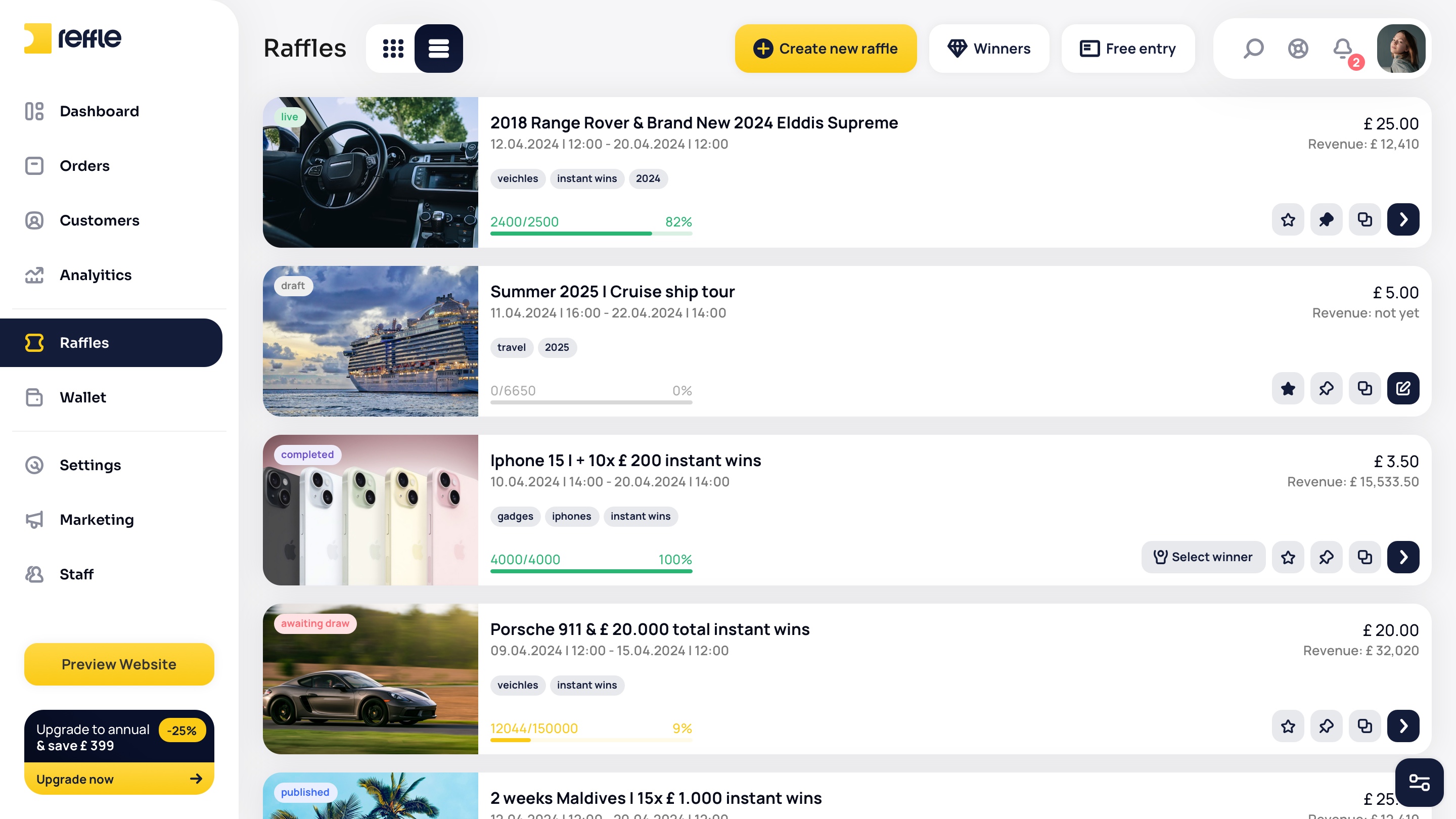
Raffle Management screen 1Raffle Management screen 2Raffle Management screen 3Raffle Management screen 4Raffle Management screen 5Raffle Management screen 6Raffle Management screen 7Raffle Management screen 8Raffle Management screen 9Raffle Management screen 10Raffle Management screen 11Raffle Management screen 12Raffle Management screen 13Raffle Management screen 14Raffle Management screen 15Raffle Management screen 16Raffle Management screen 17Raffle Management screen 18Raffle Management screen 19Raffle Management screen 20Raffle Management screen 21Raffle Management screen 22Raffle Management screen 23Raffle Management screen 24Raffle Management screen 25
1 / 25

Raffle Creation

Competition Builder
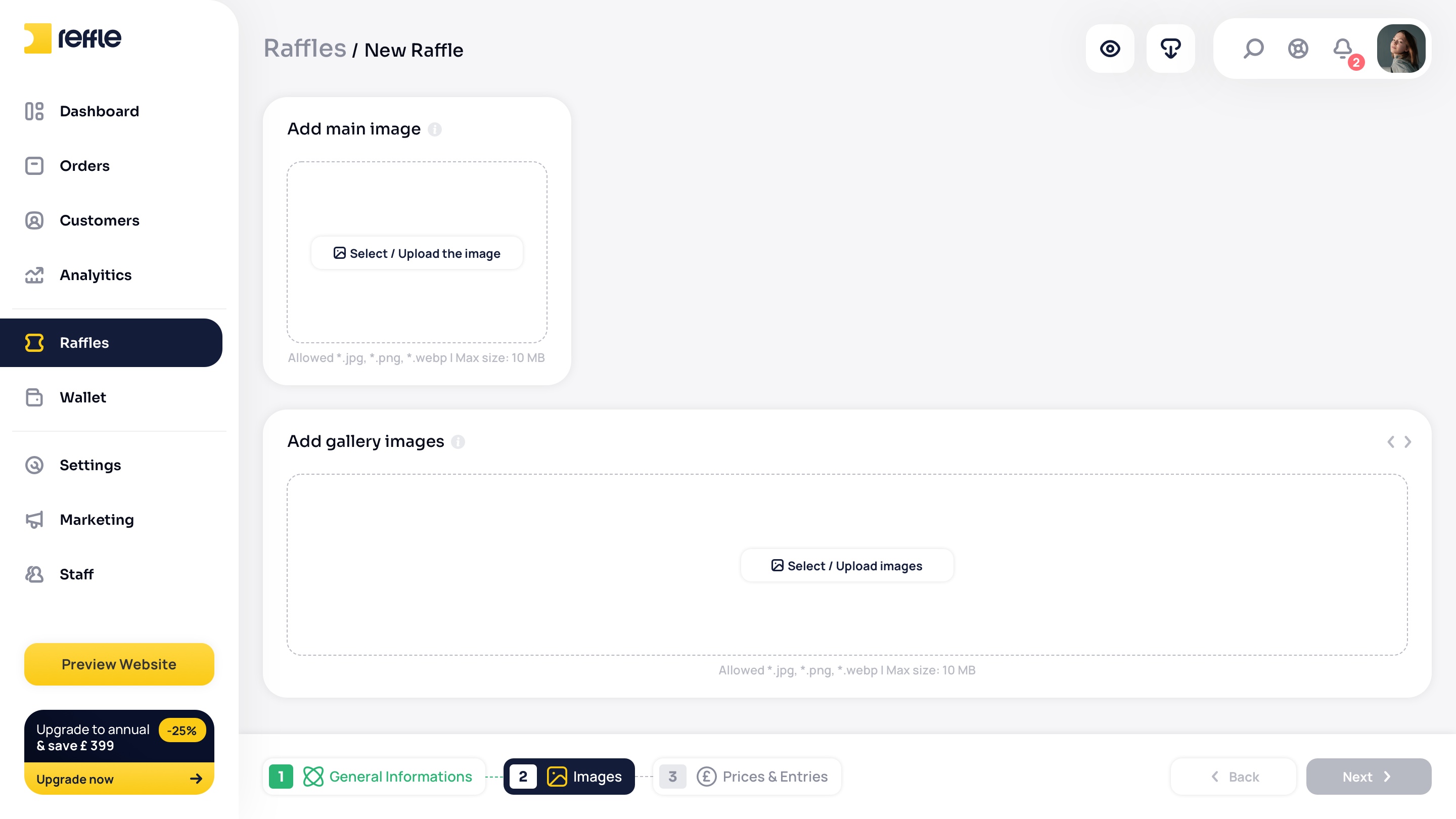
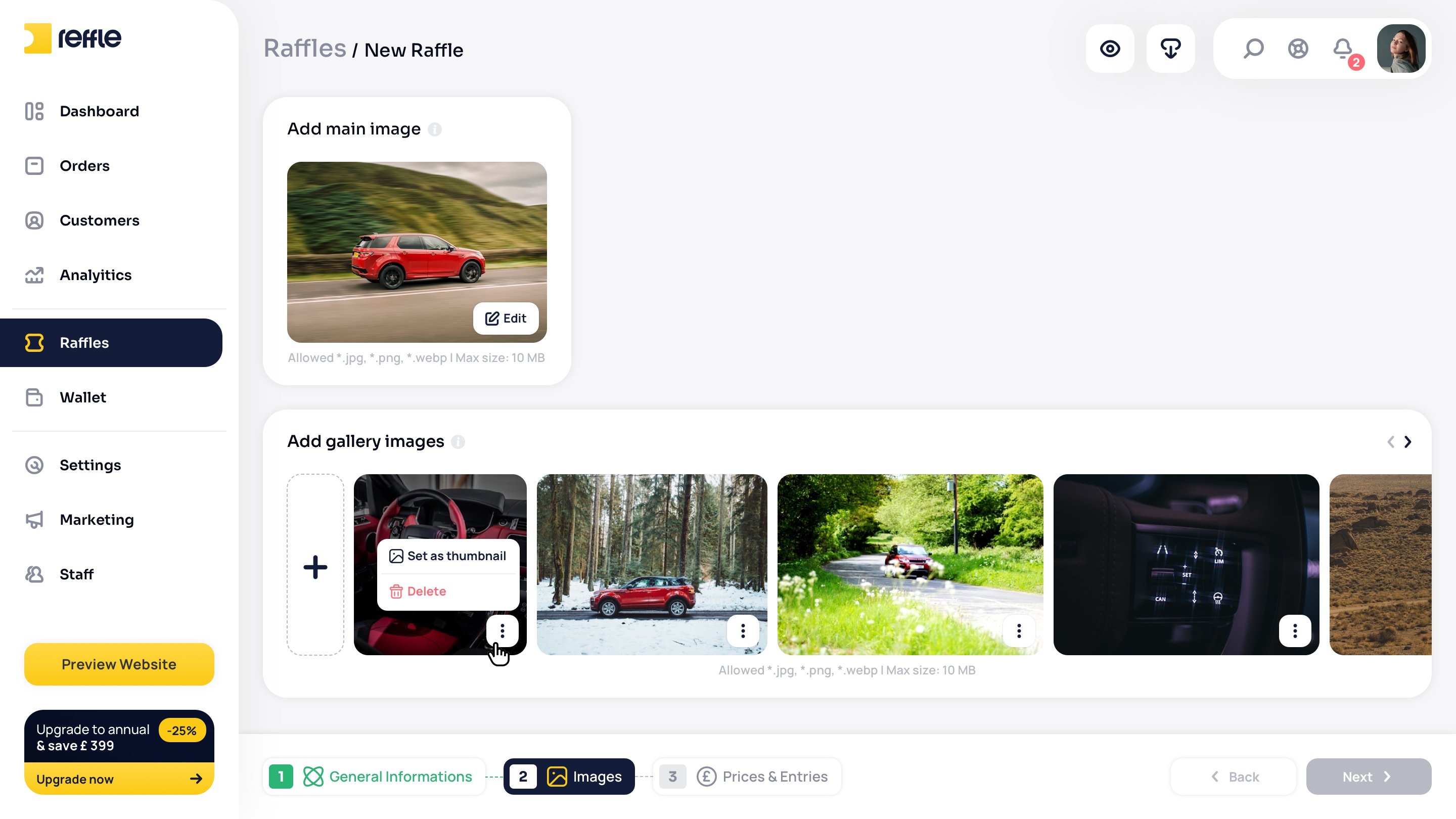
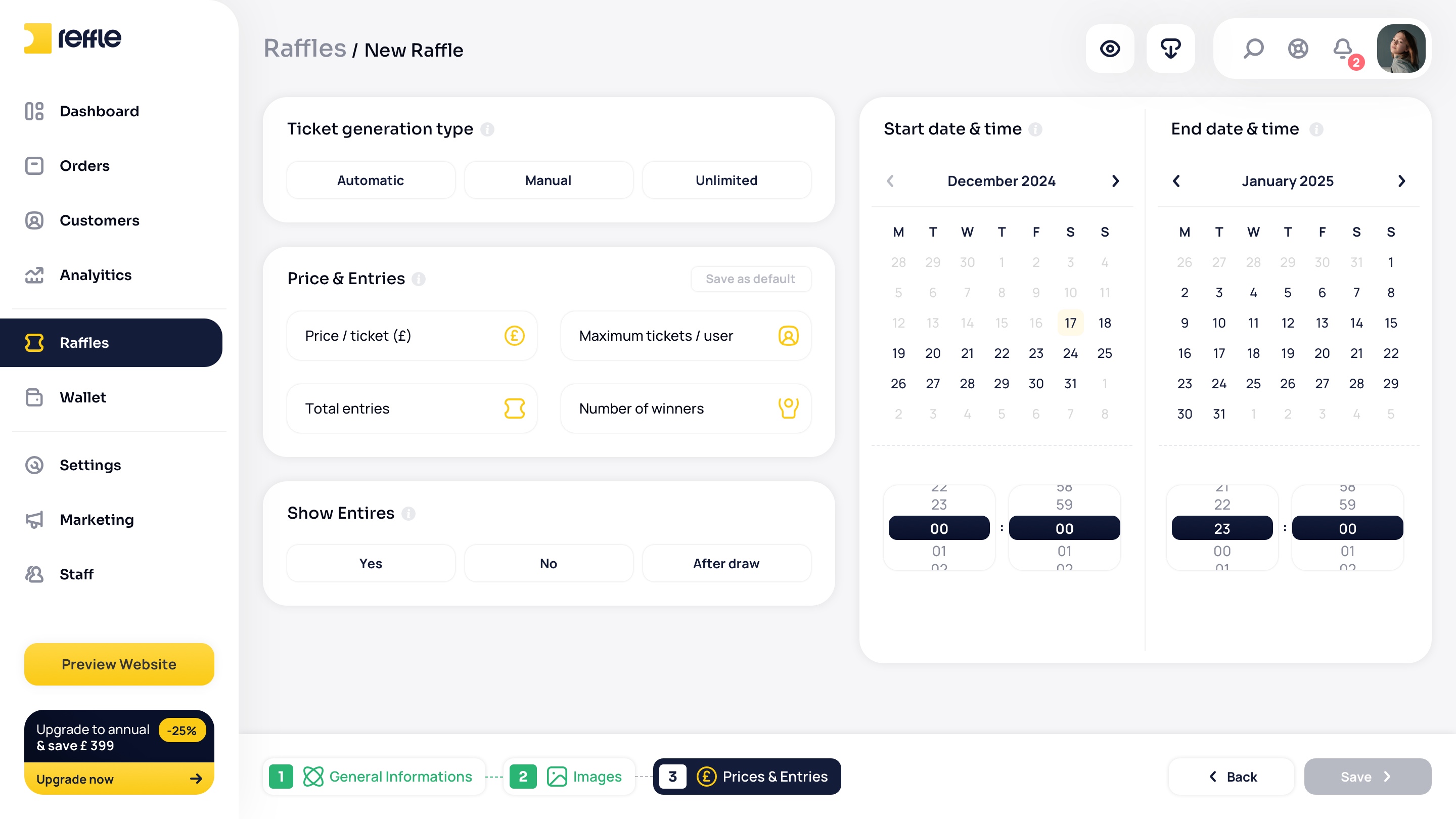
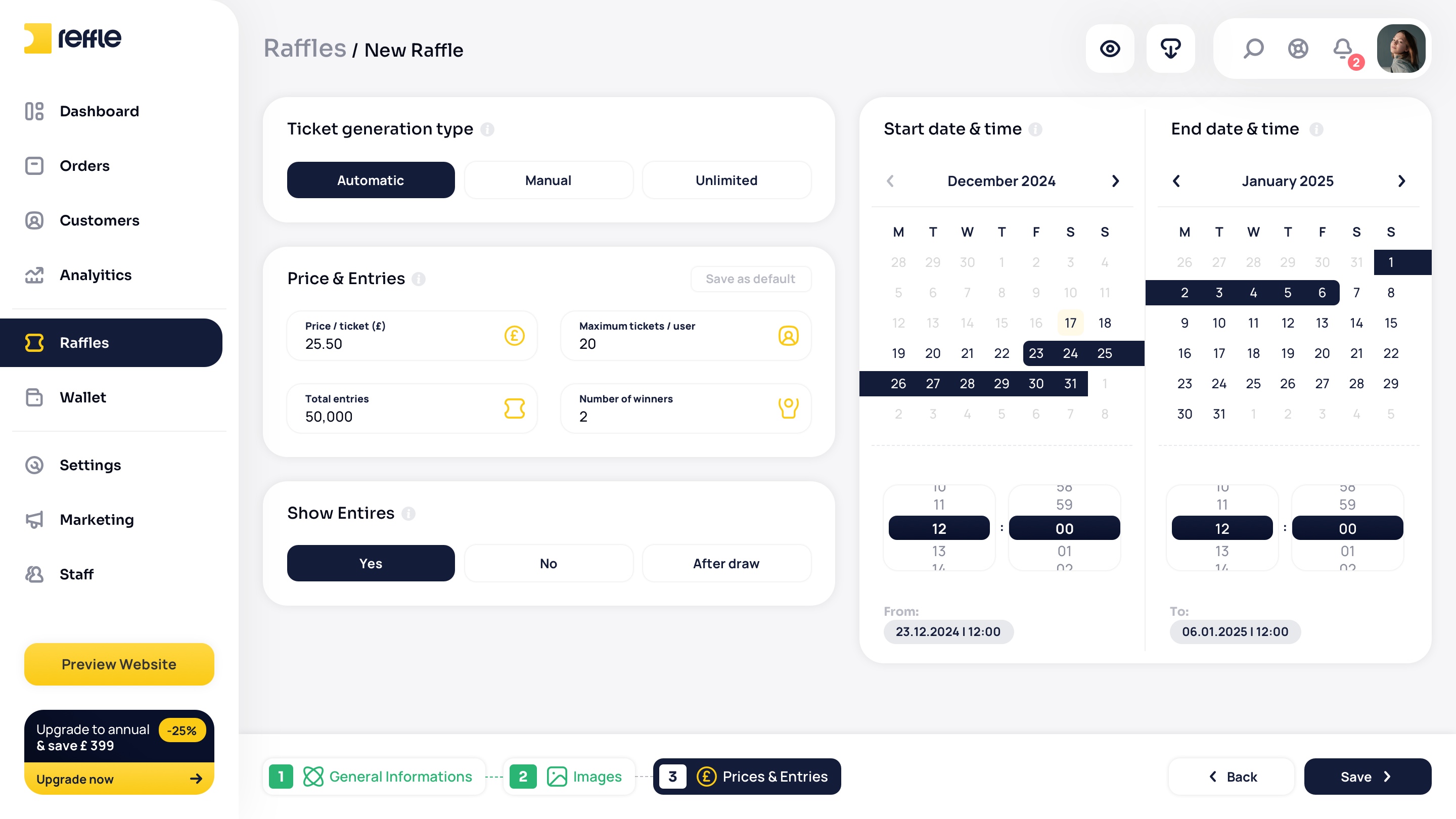
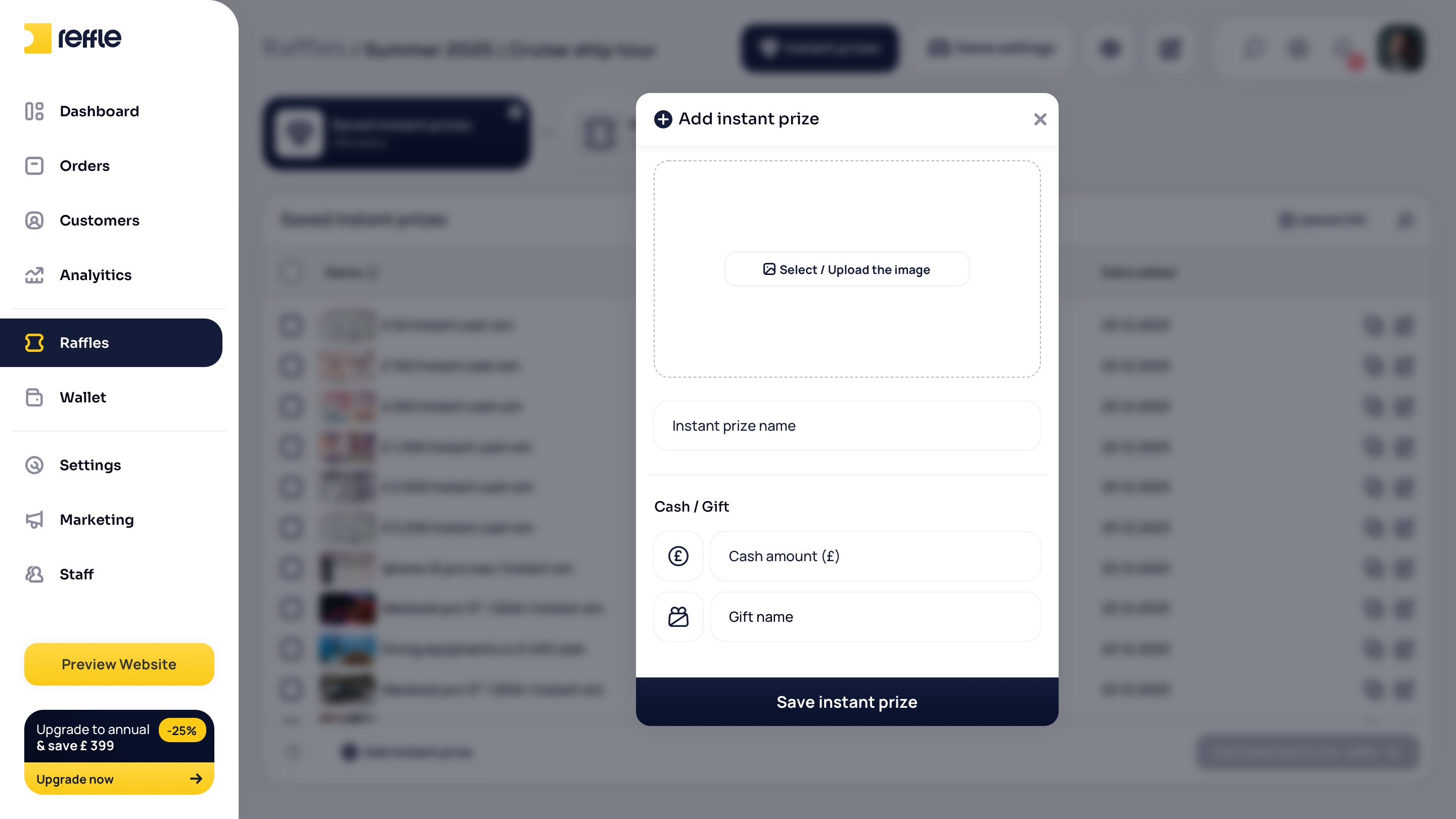
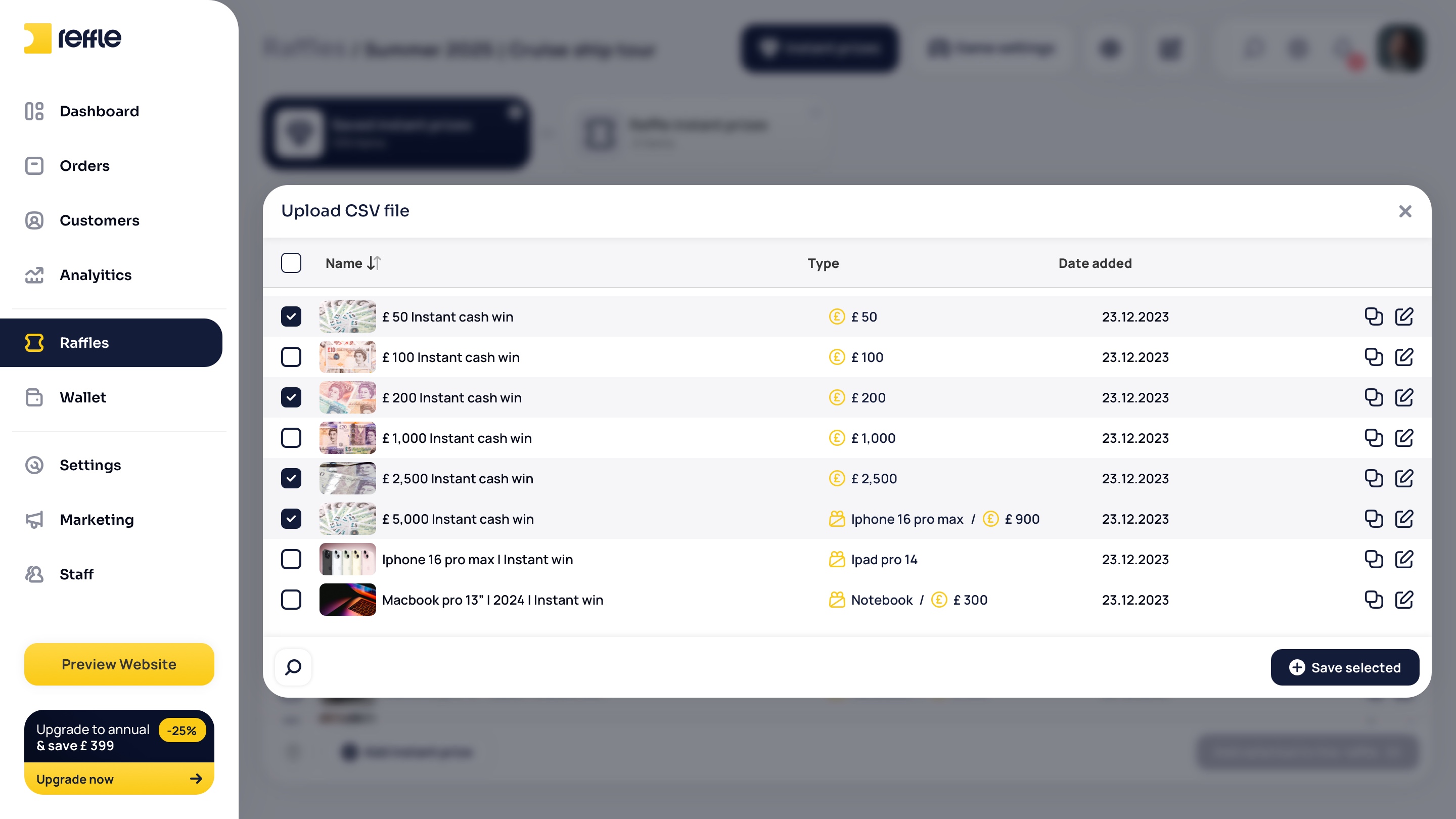
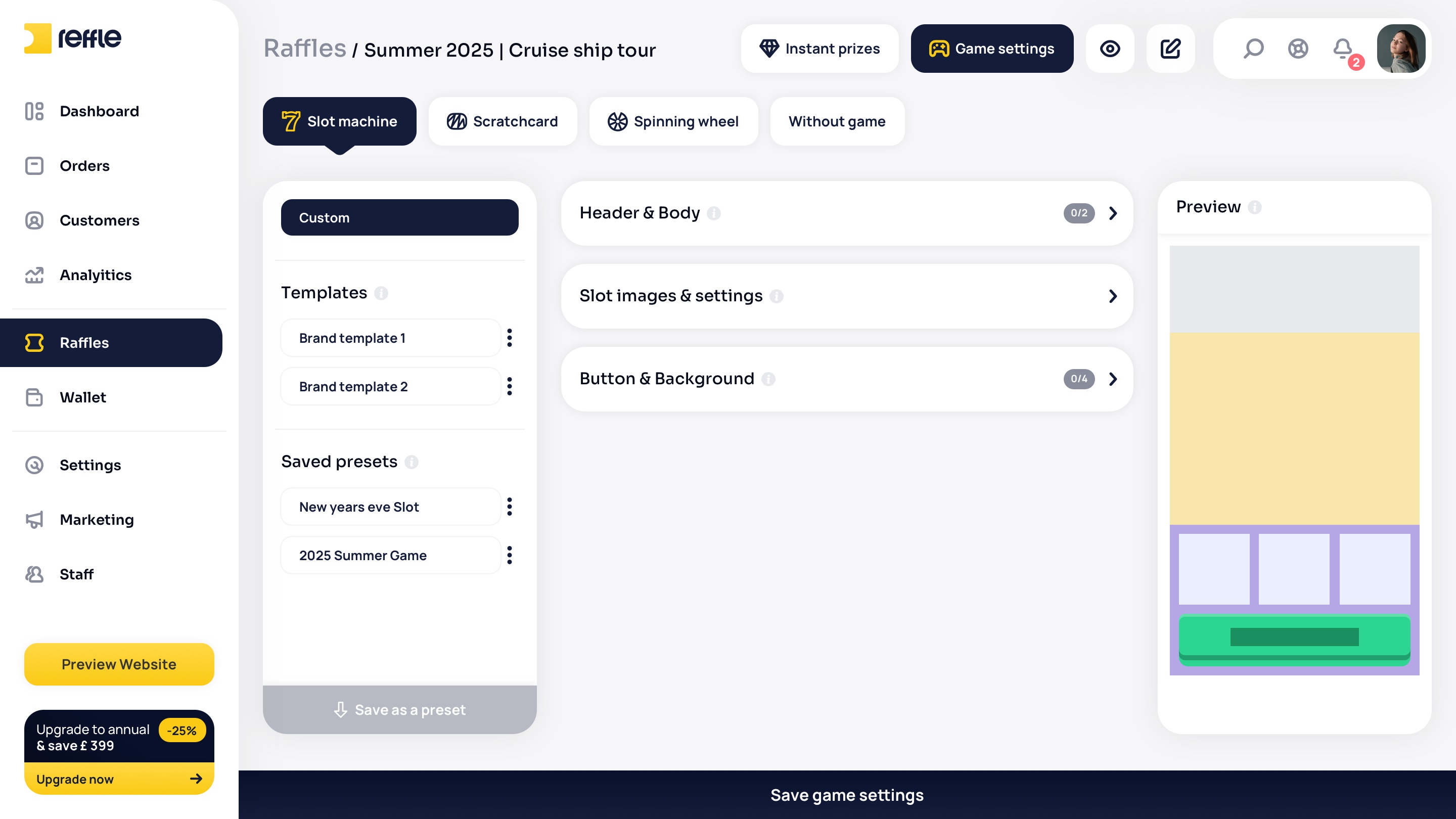
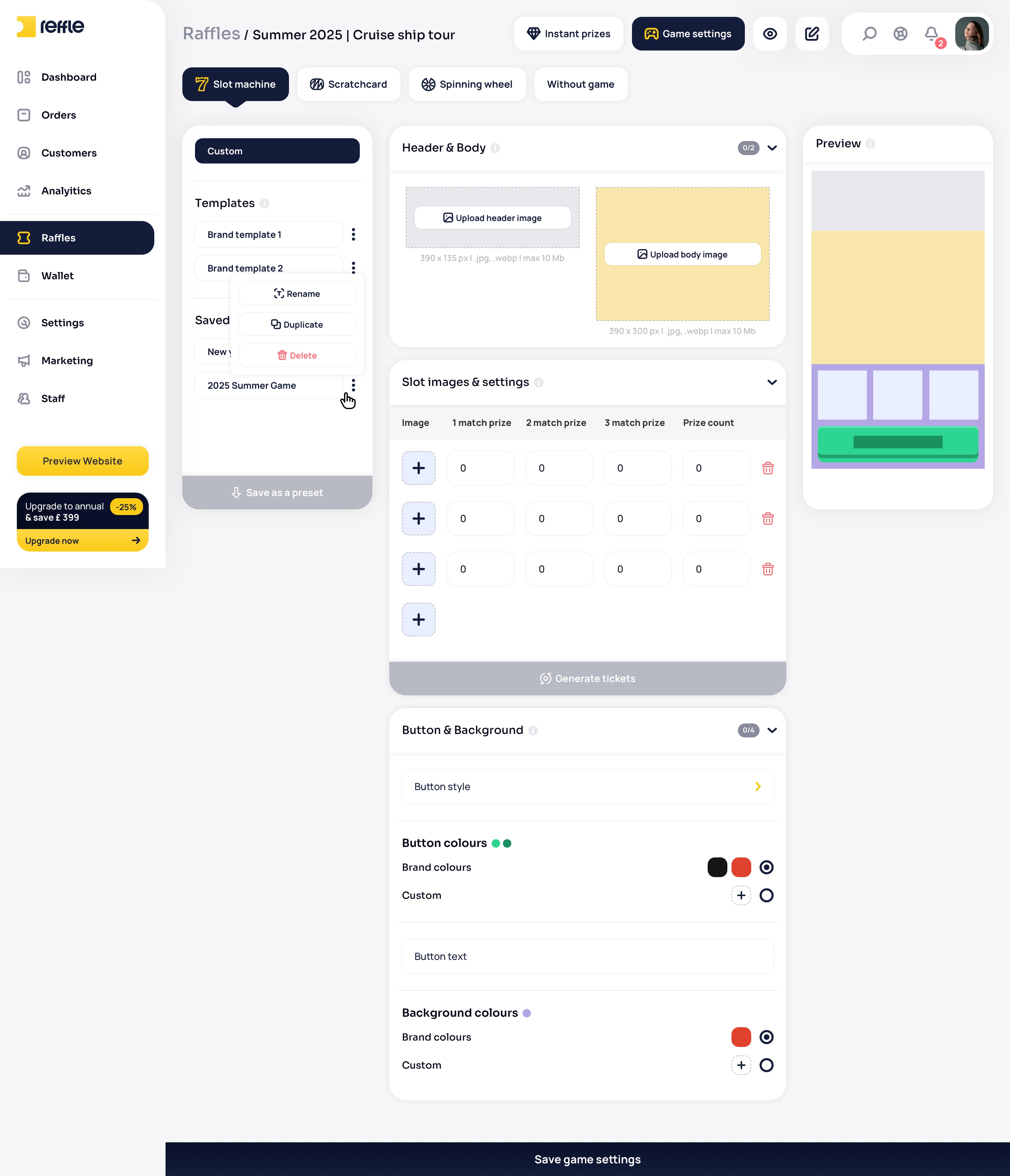
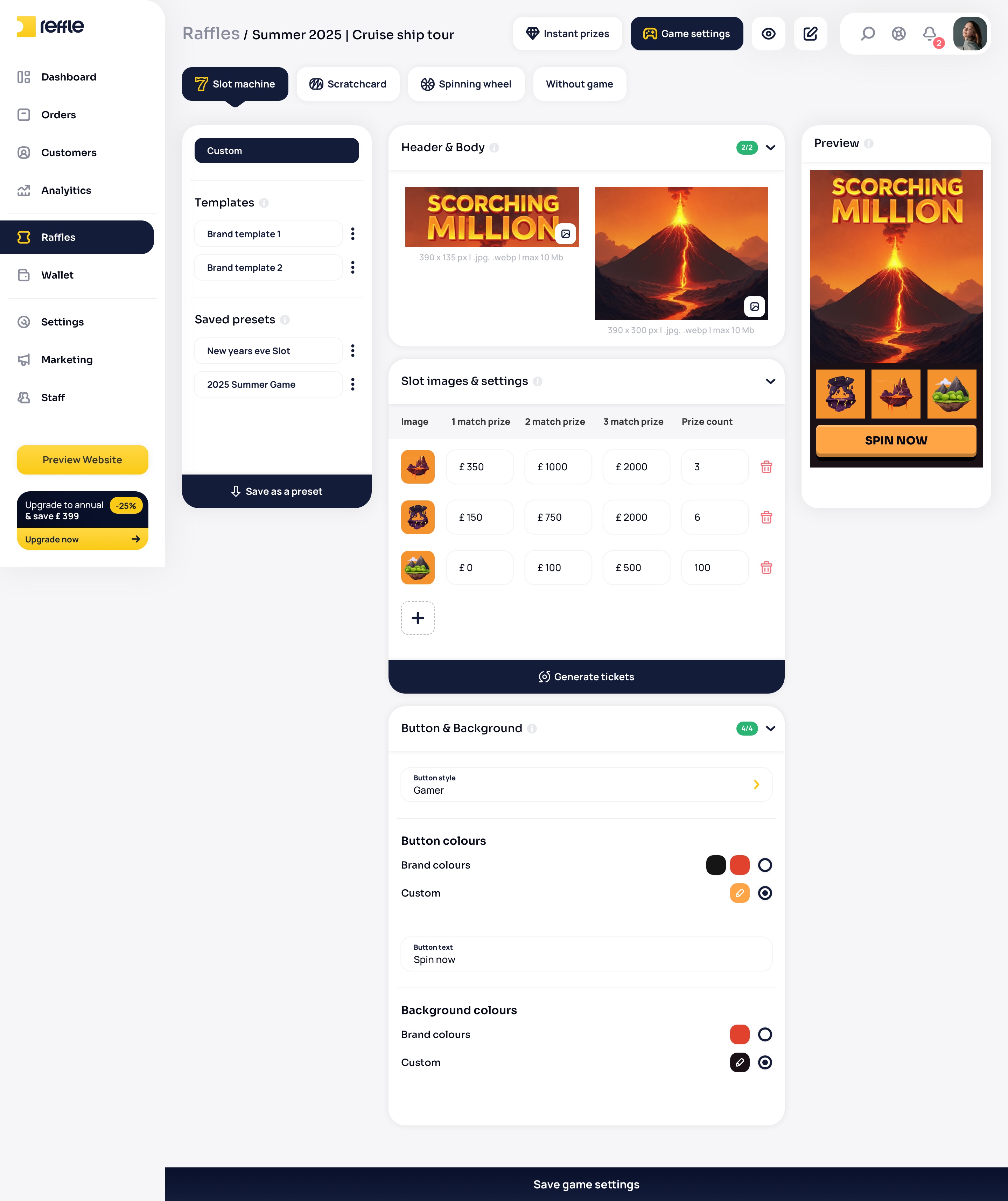
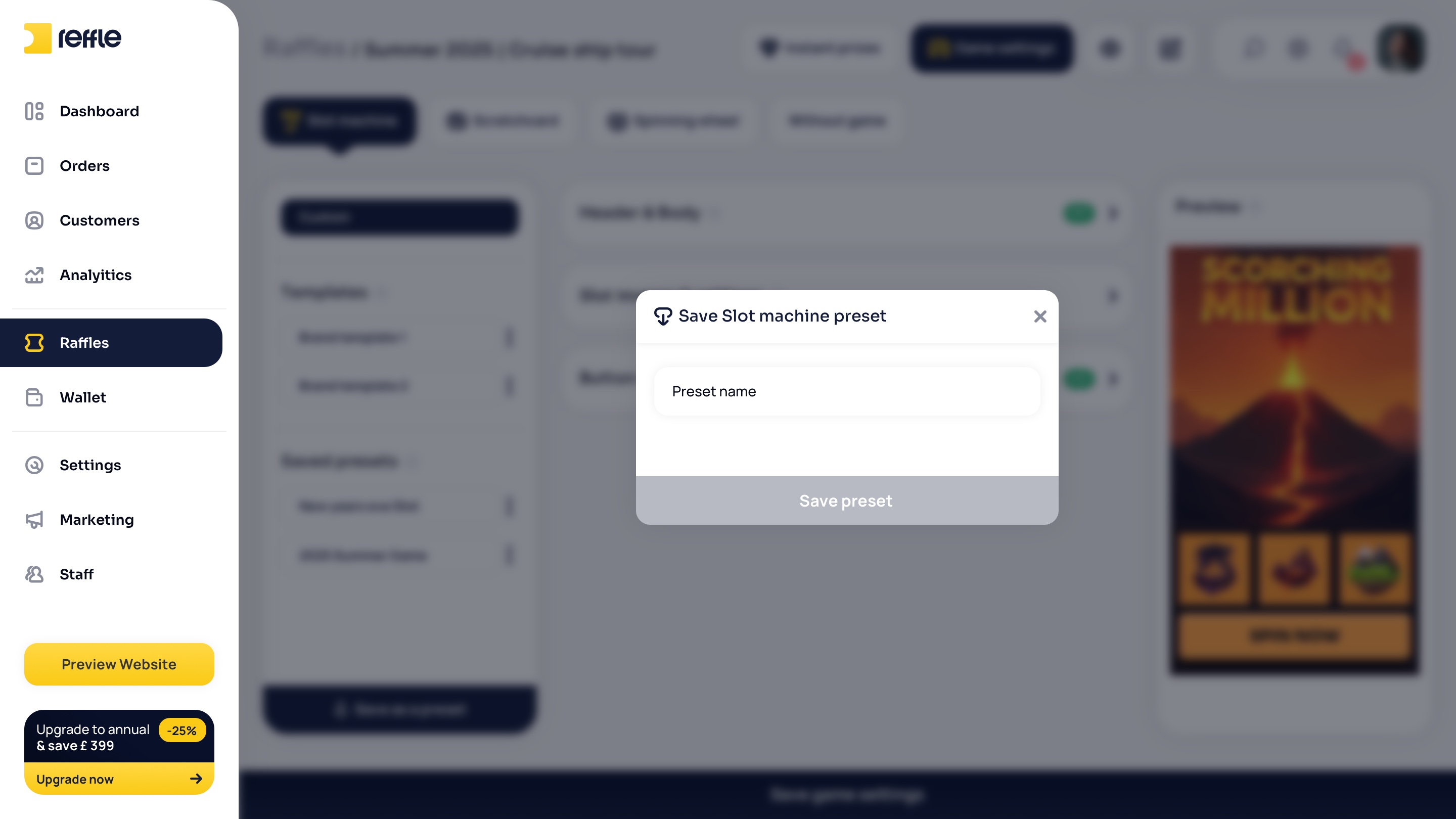
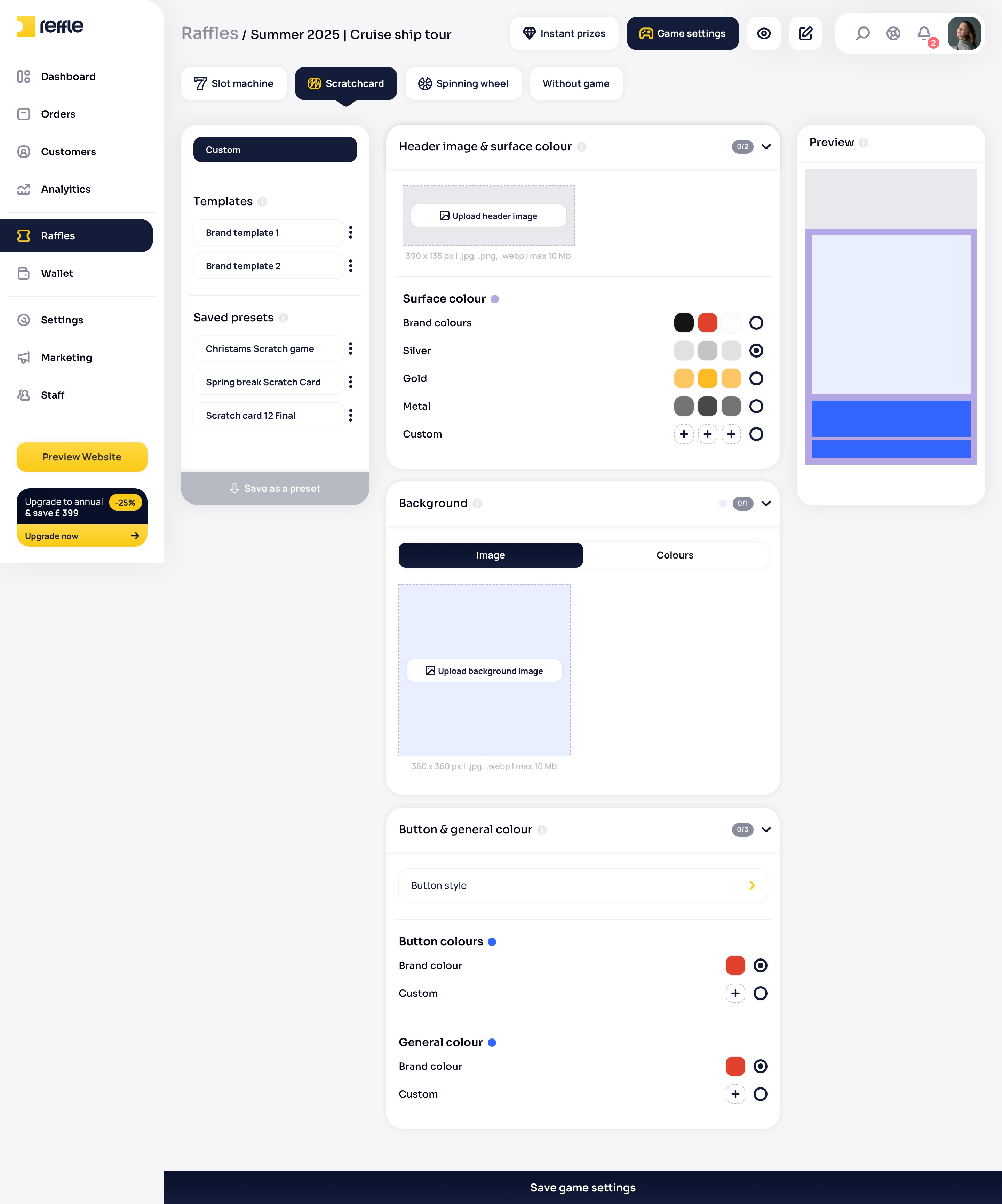
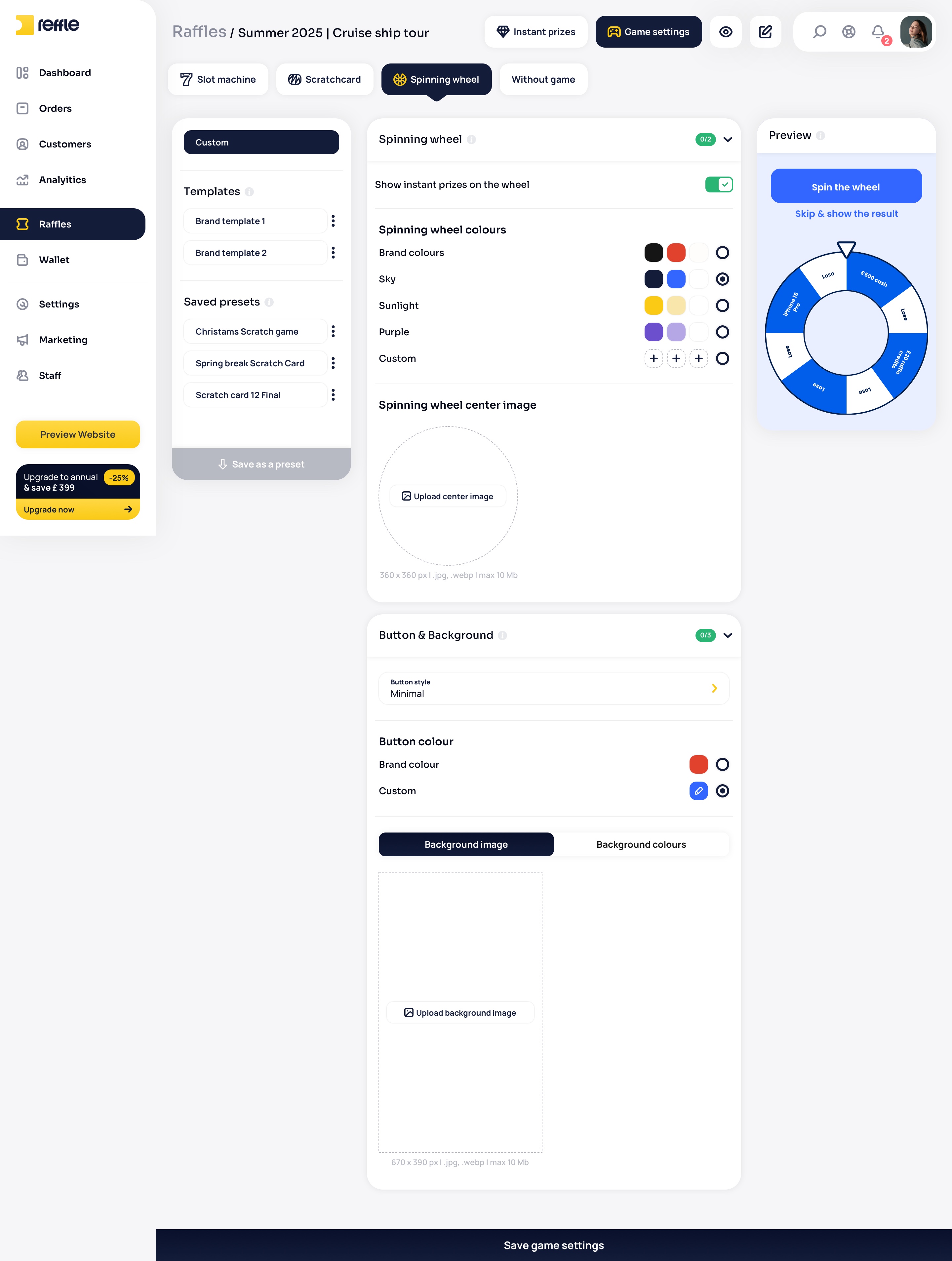
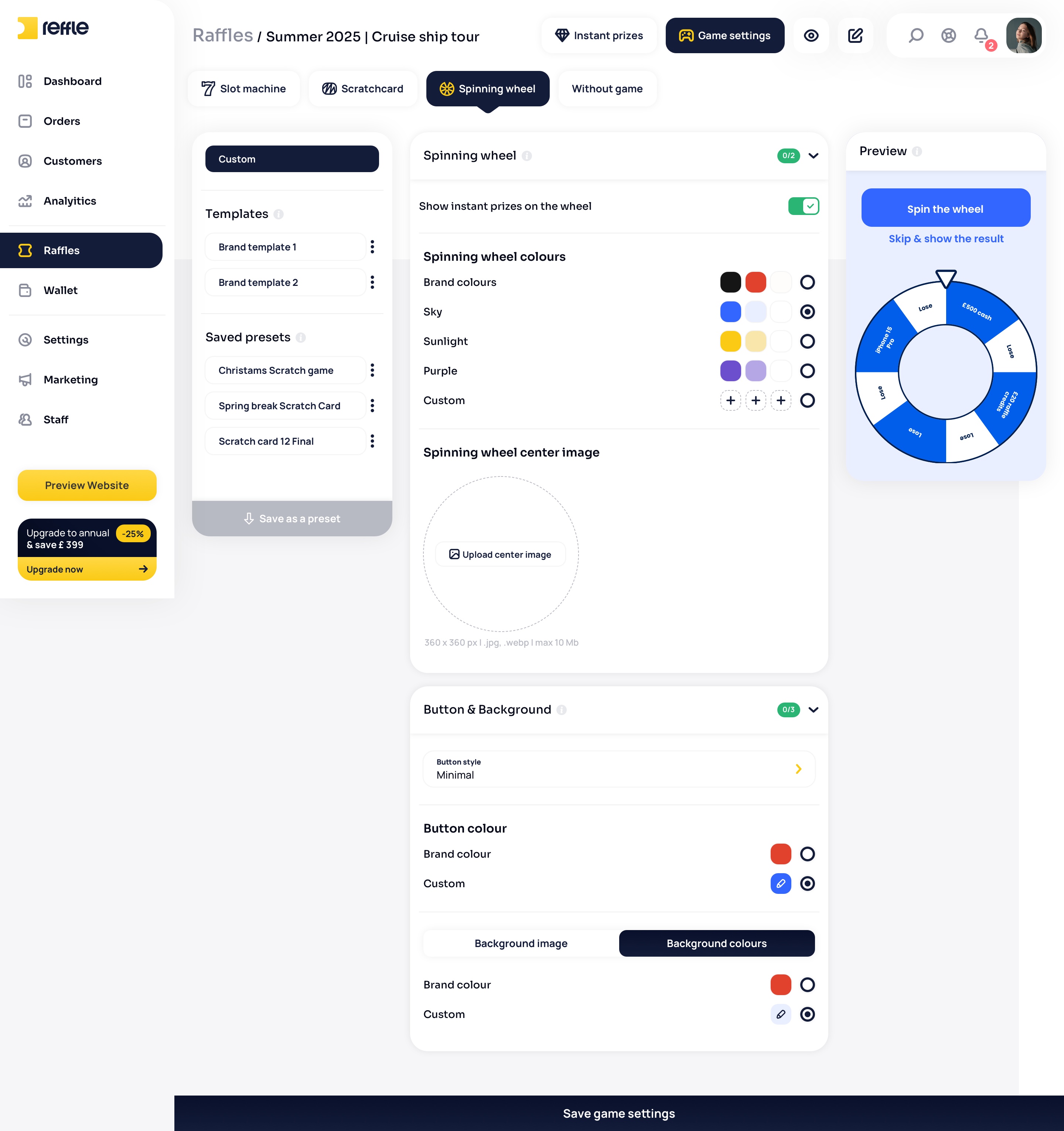
A multi-step competition builder designed to simplify the setup of complex prize campaigns, helping operators configure products, ticket mechanics, instant wins, reward games, scheduling, and promotional settings before launch.
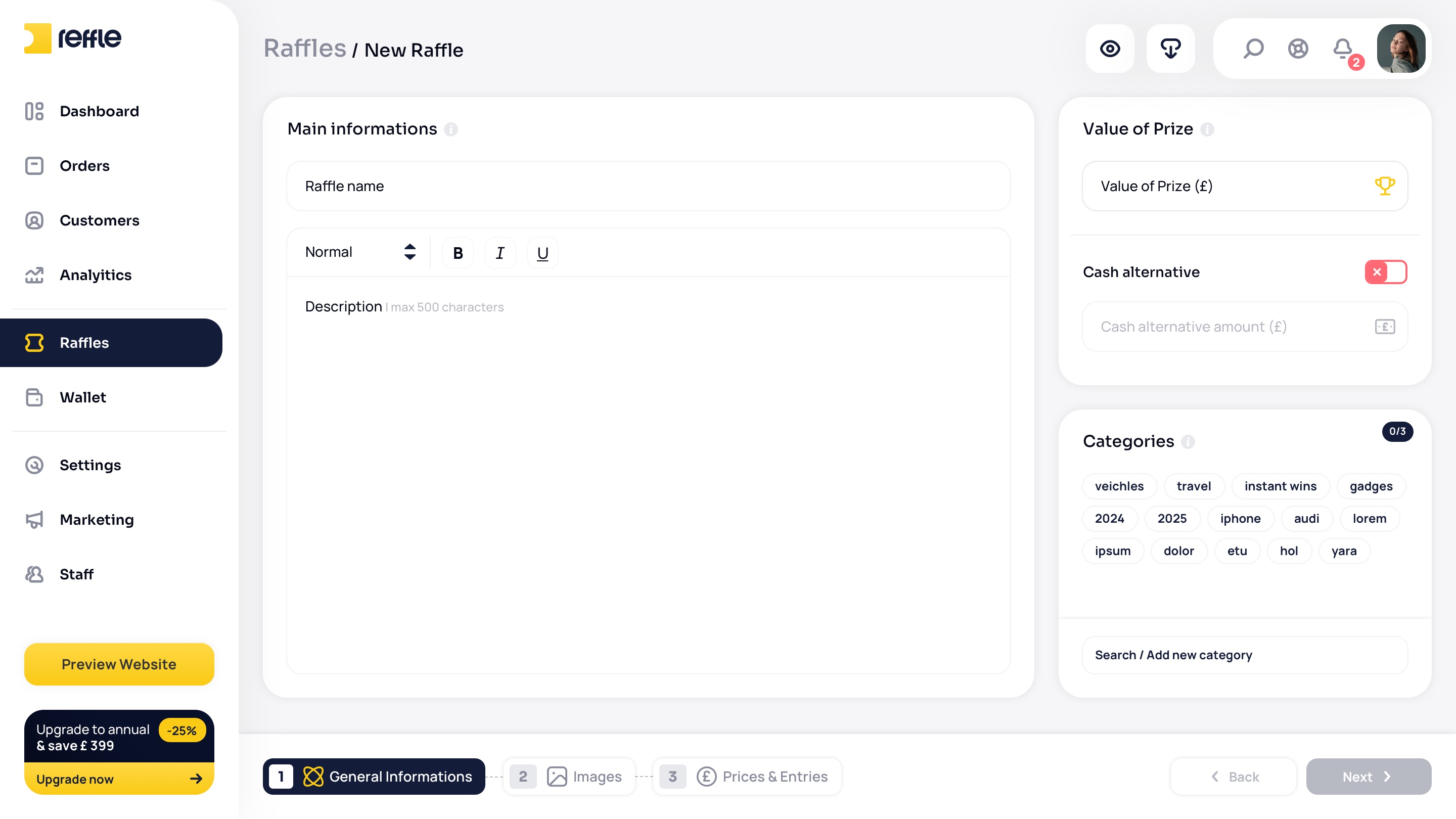
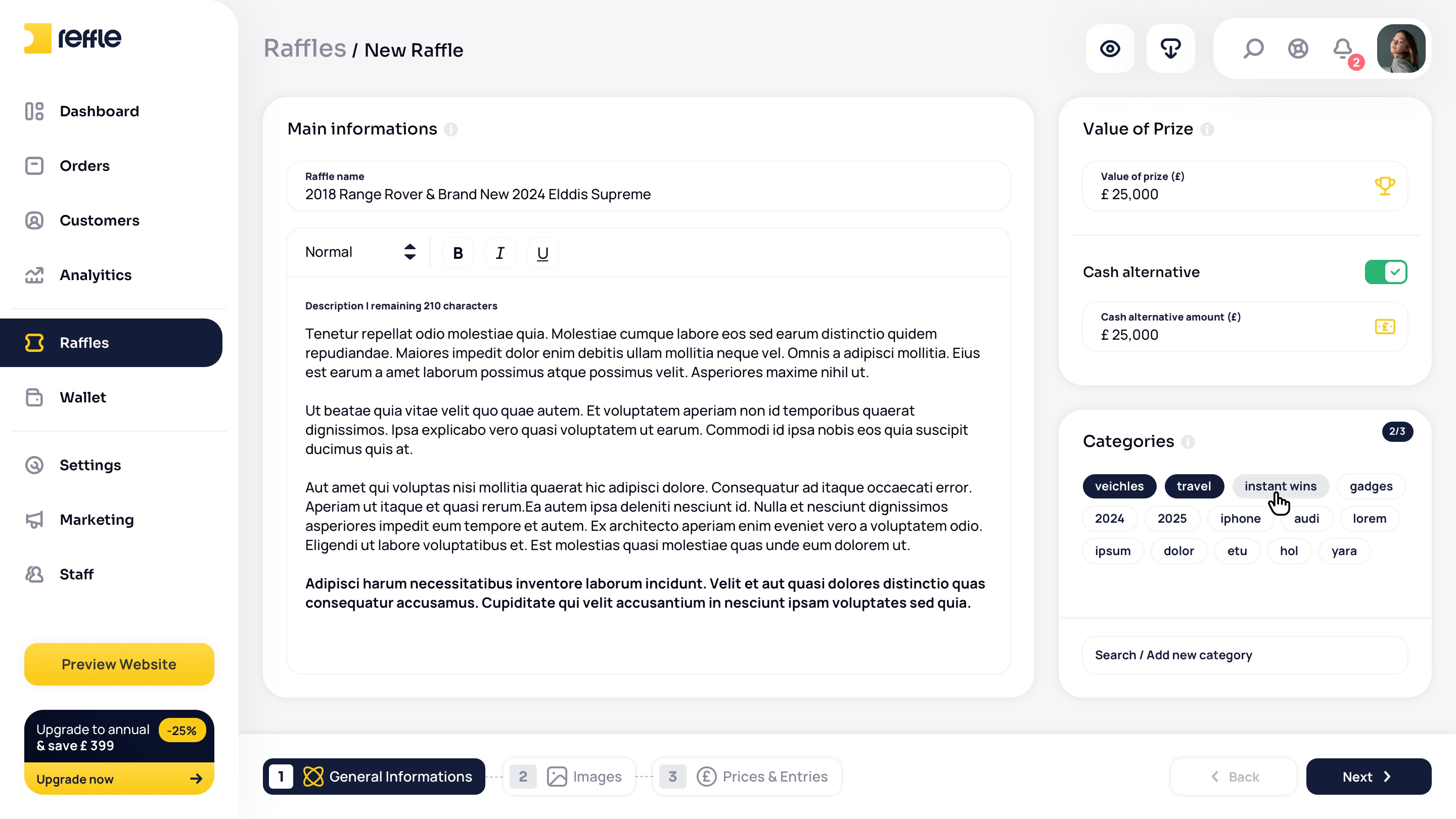
Raffle Creation screen 1Raffle Creation screen 2Raffle Creation screen 3Raffle Creation screen 4Raffle Creation screen 5Raffle Creation screen 6Raffle Creation screen 7Raffle Creation screen 8Raffle Creation screen 9Raffle Creation screen 10Raffle Creation screen 11Raffle Creation screen 12Raffle Creation screen 13Raffle Creation screen 14Raffle Creation screen 15Raffle Creation screen 16Raffle Creation screen 17Raffle Creation screen 18Raffle Creation screen 19Raffle Creation screen 20Raffle Creation screen 21Raffle Creation screen 22Raffle Creation screen 23Raffle Creation screen 24Raffle Creation screen 25Raffle Creation screen 26Raffle Creation screen 27Raffle Creation screen 28Raffle Creation screen 29Raffle Creation screen 30Raffle Creation screen 31Raffle Creation screen 32Raffle Creation screen 33Raffle Creation screen 34Raffle Creation screen 35Raffle Creation screen 36Raffle Creation screen 37Raffle Creation screen 38Raffle Creation screen 39Raffle Creation screen 40Raffle Creation screen 41Raffle Creation screen 42Raffle Creation screen 43Raffle Creation screen 44Raffle Creation screen 45Raffle Creation screen 46Raffle Creation screen 47Raffle Creation screen 48Raffle Creation screen 49Raffle Creation screen 50Raffle Creation screen 51Raffle Creation screen 52Raffle Creation screen 53
1 / 53

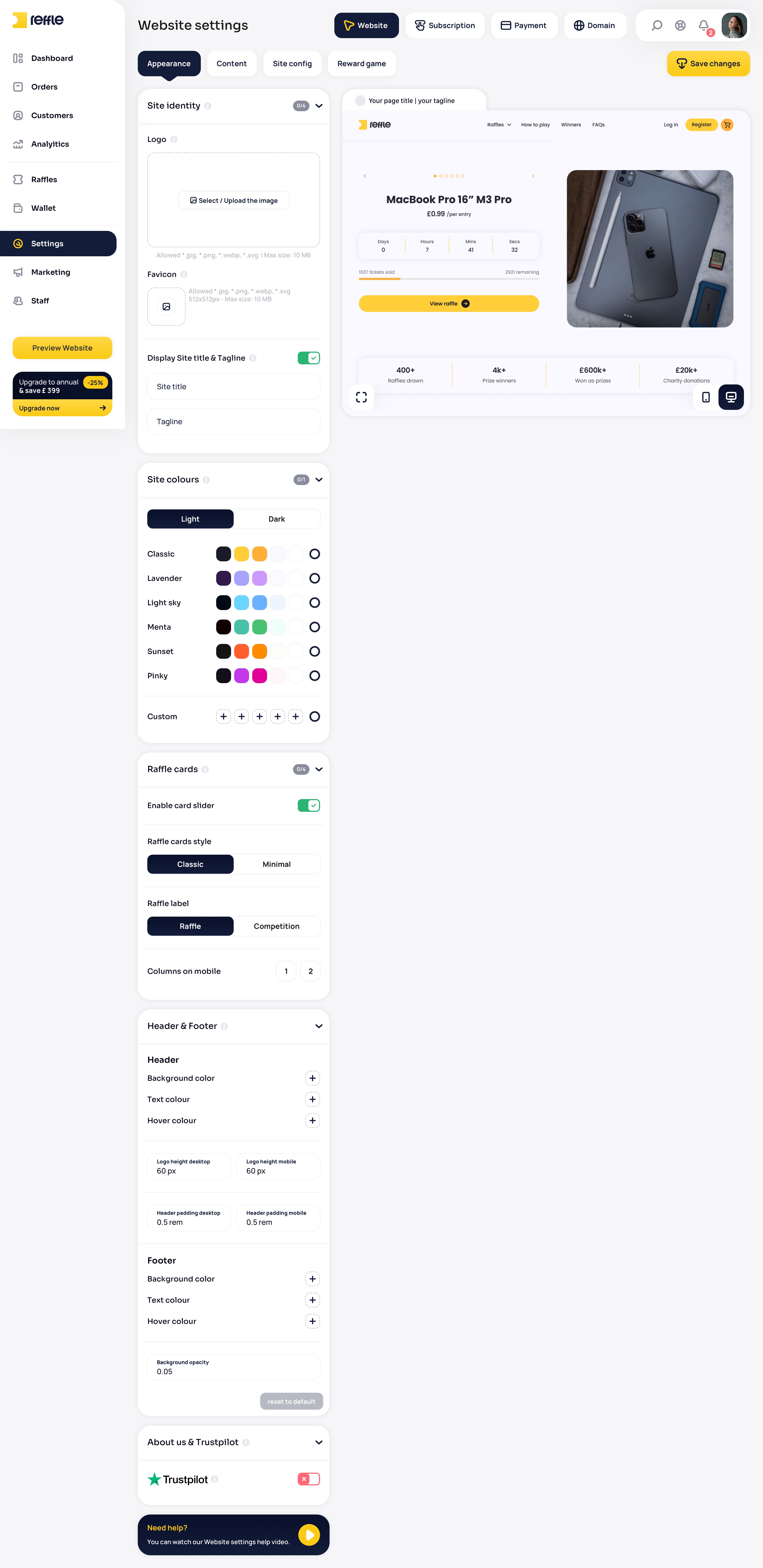
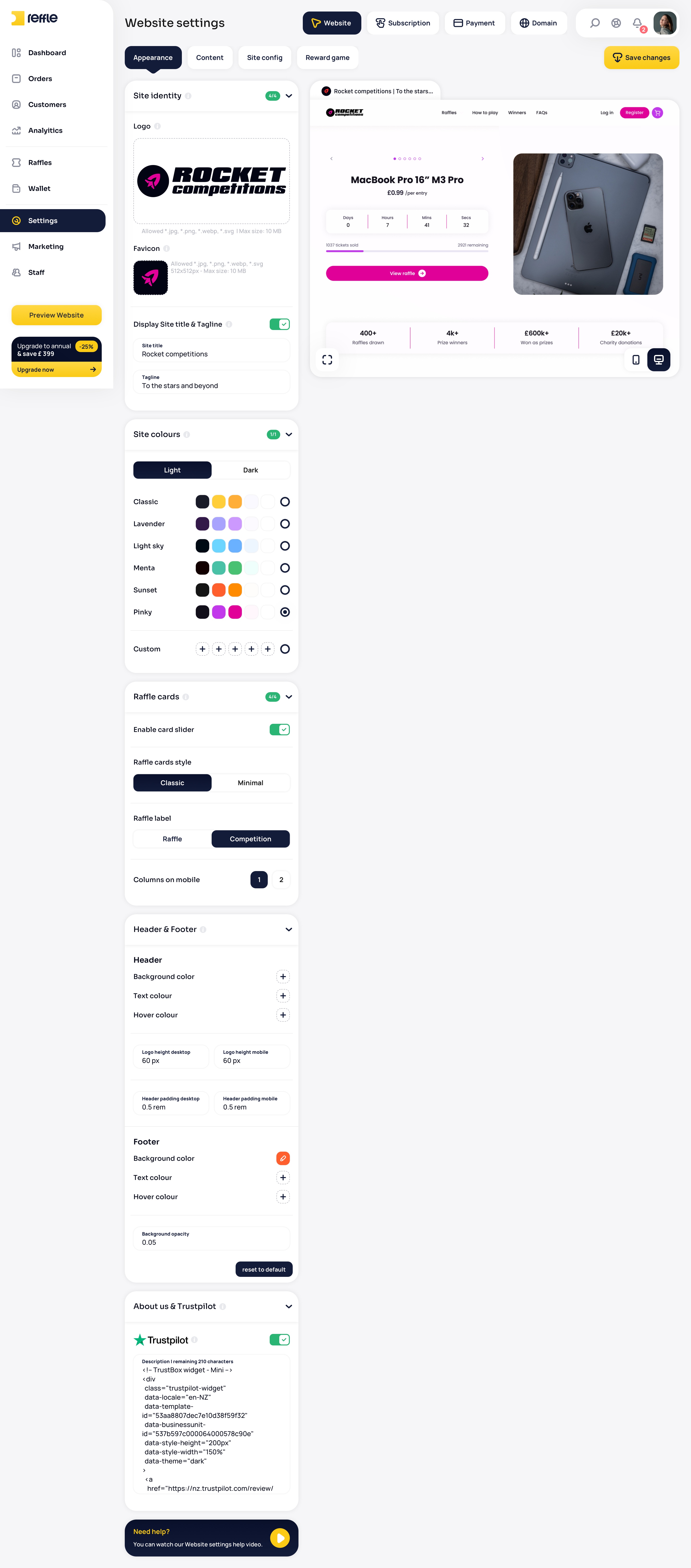
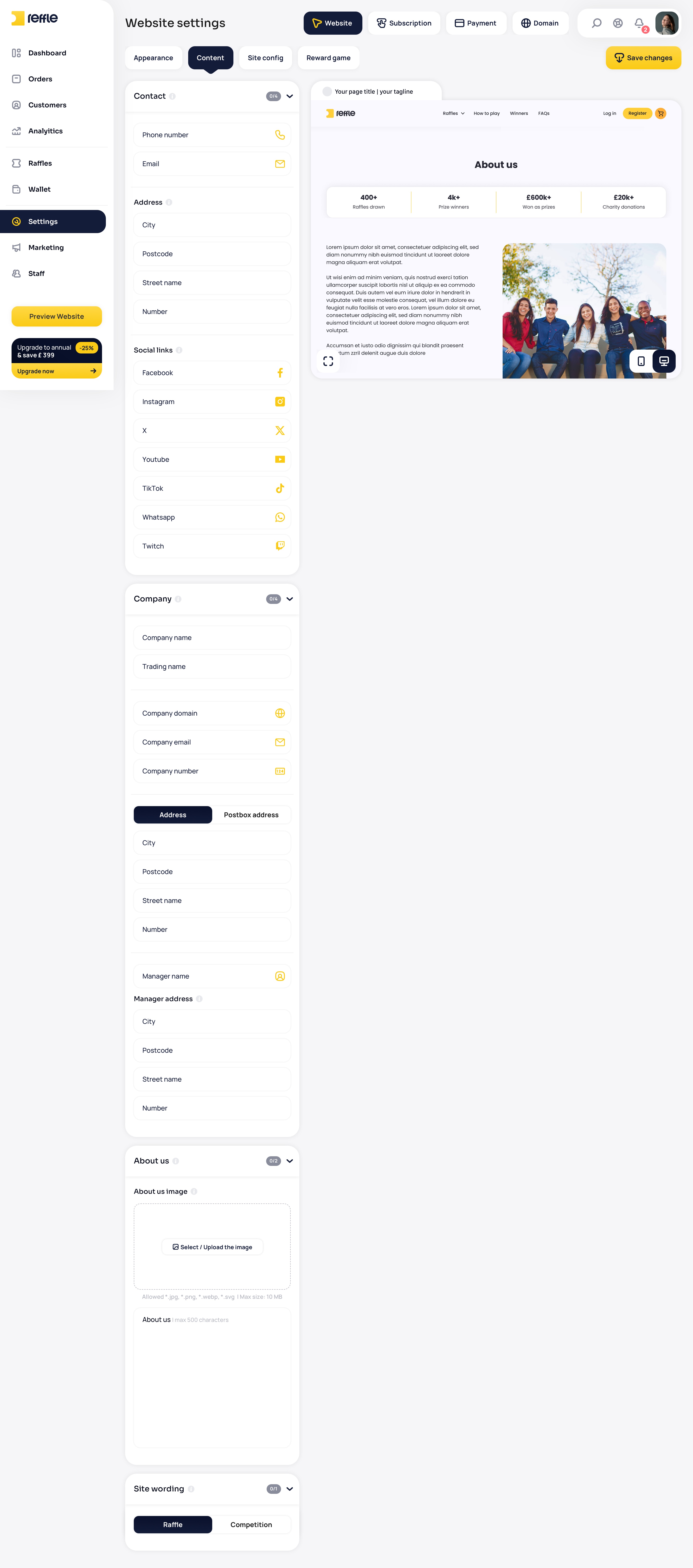
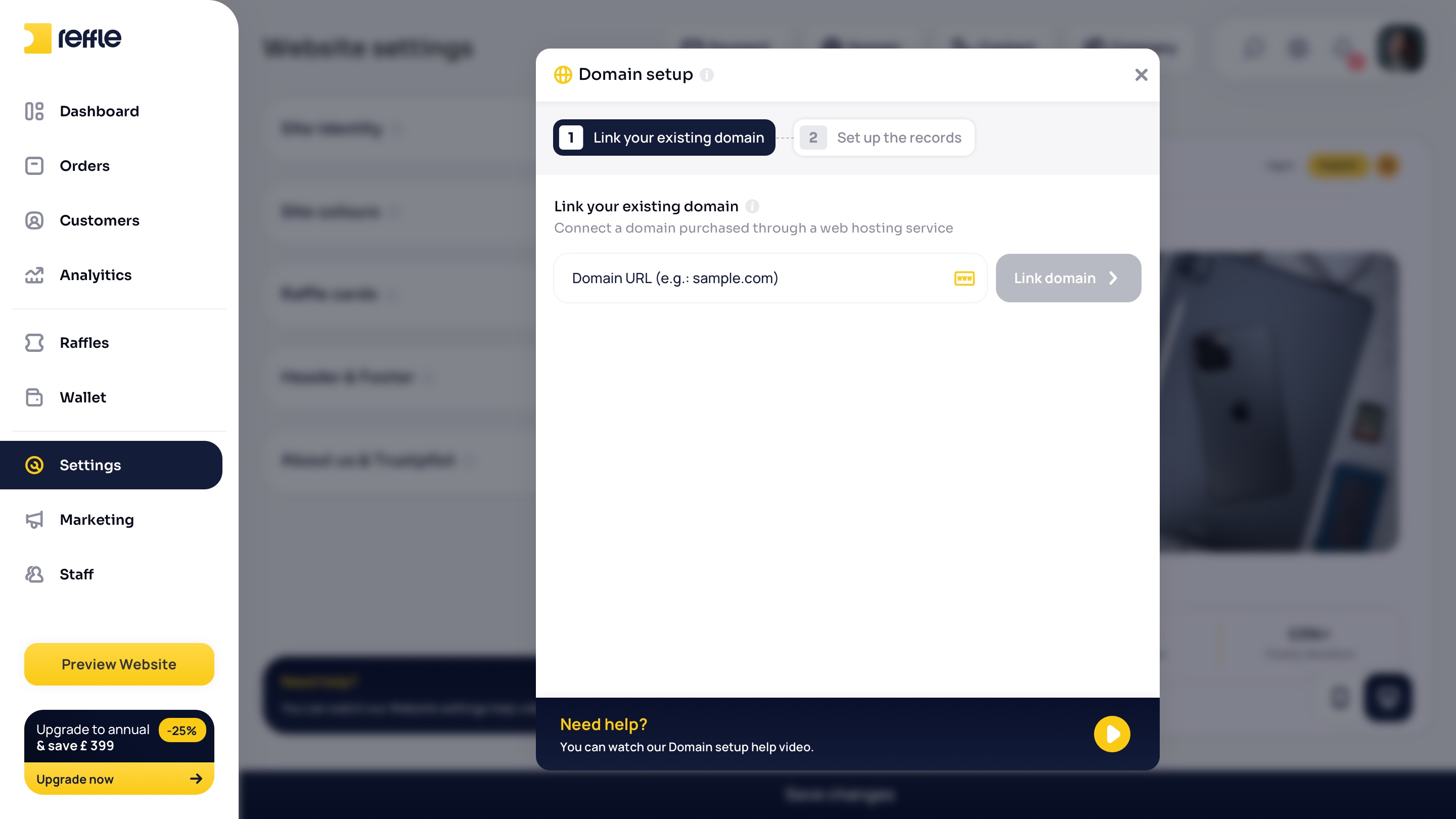
Website Settings

Website & Business Configuration
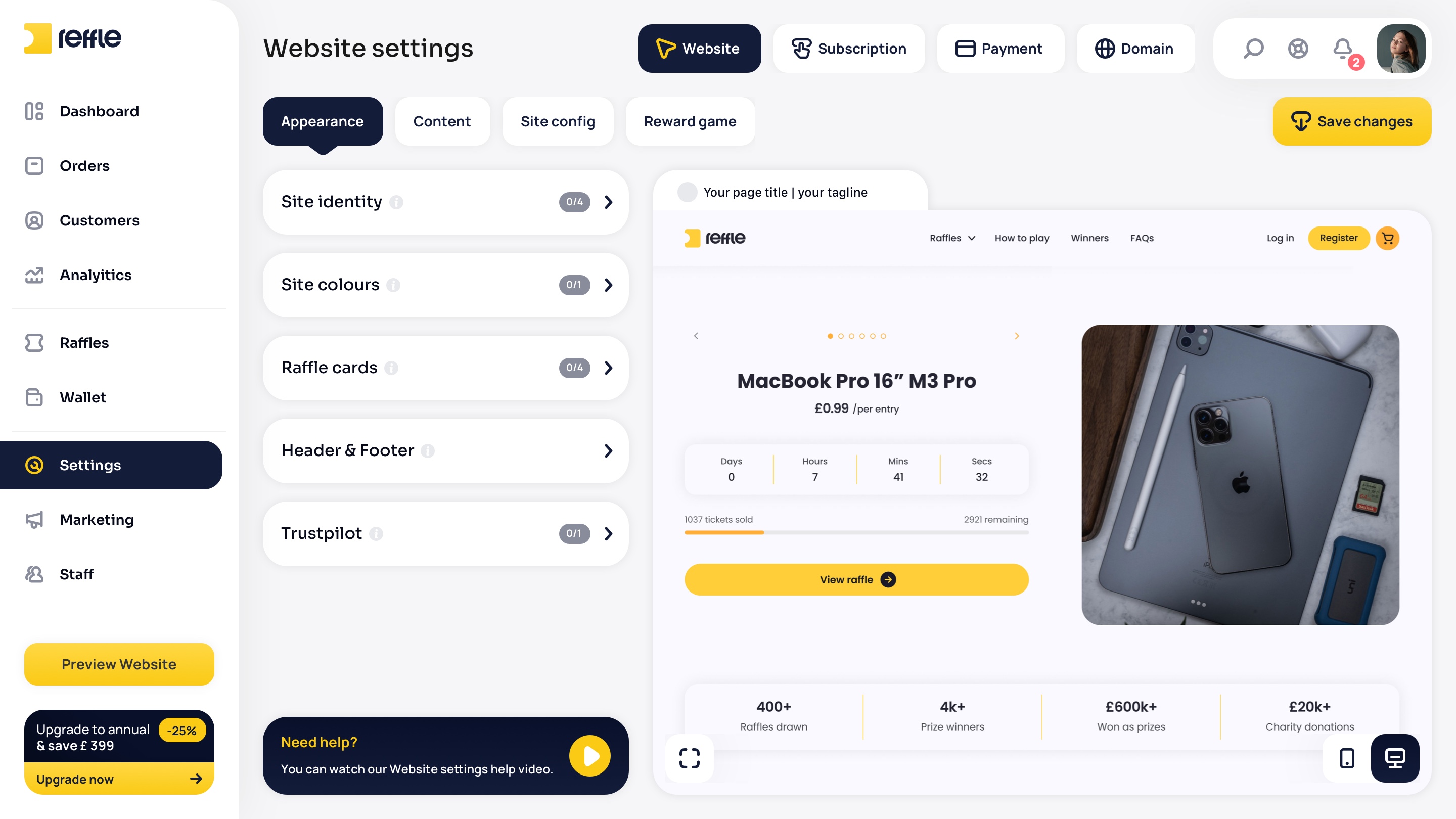
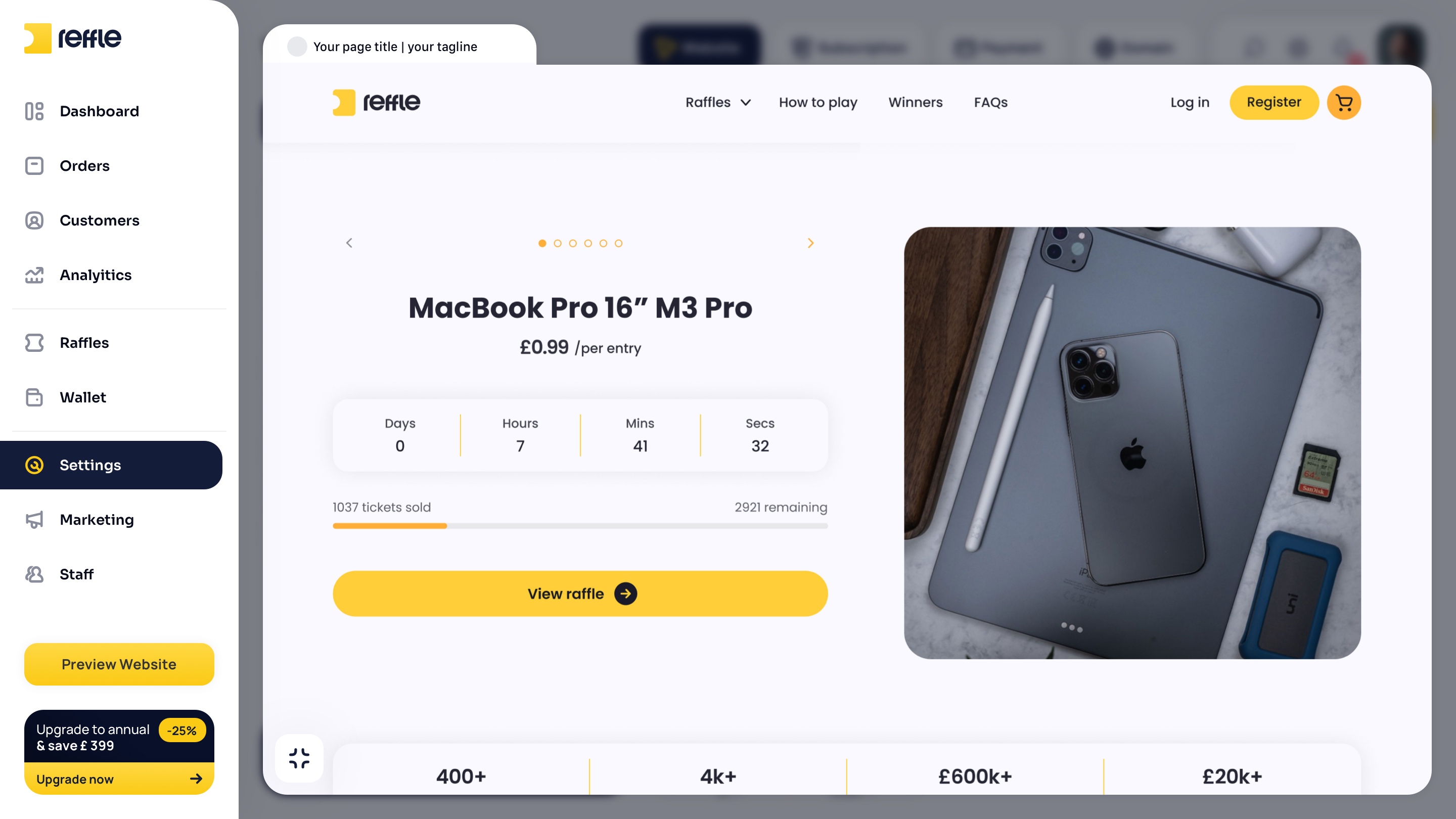
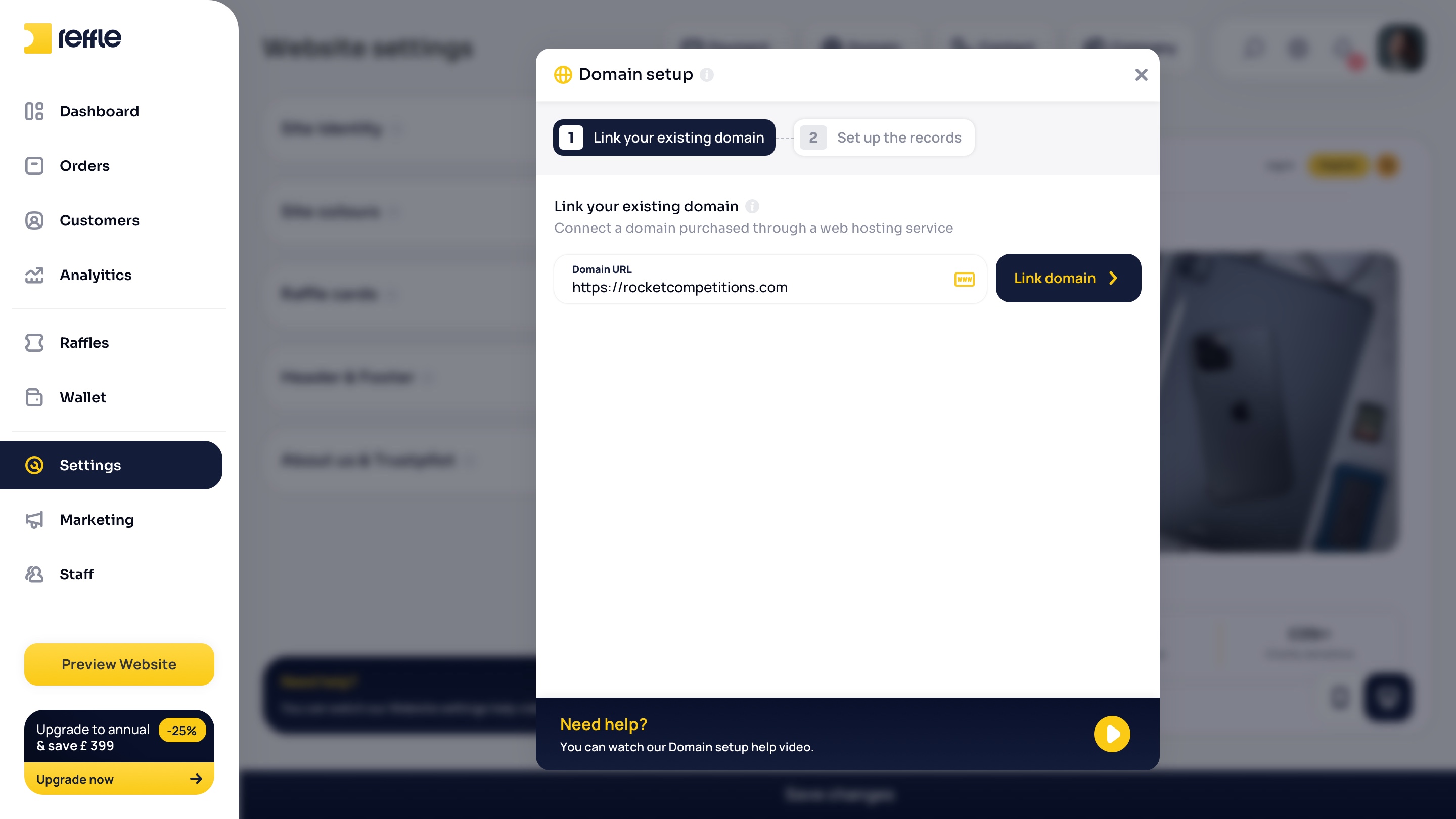
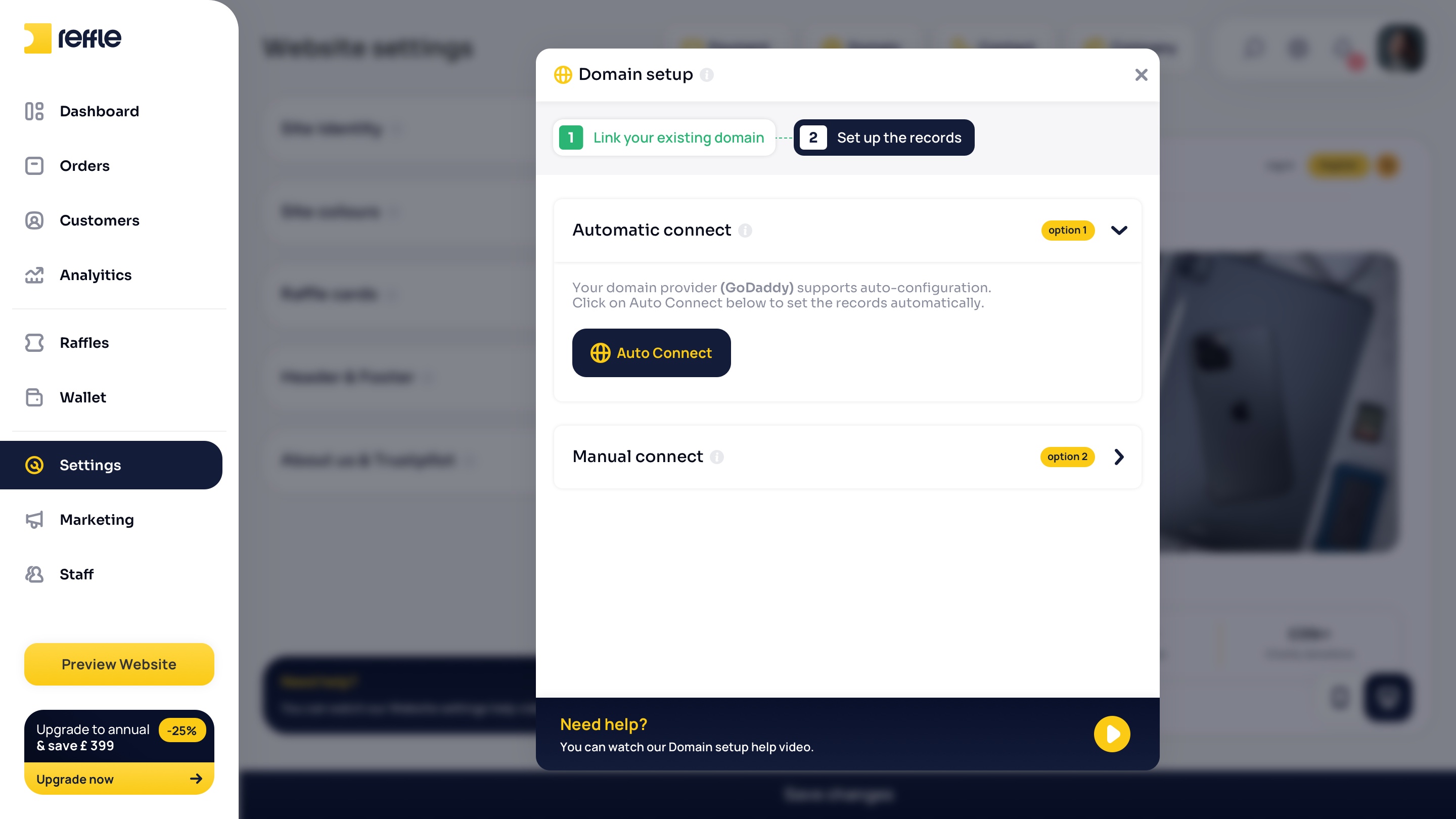
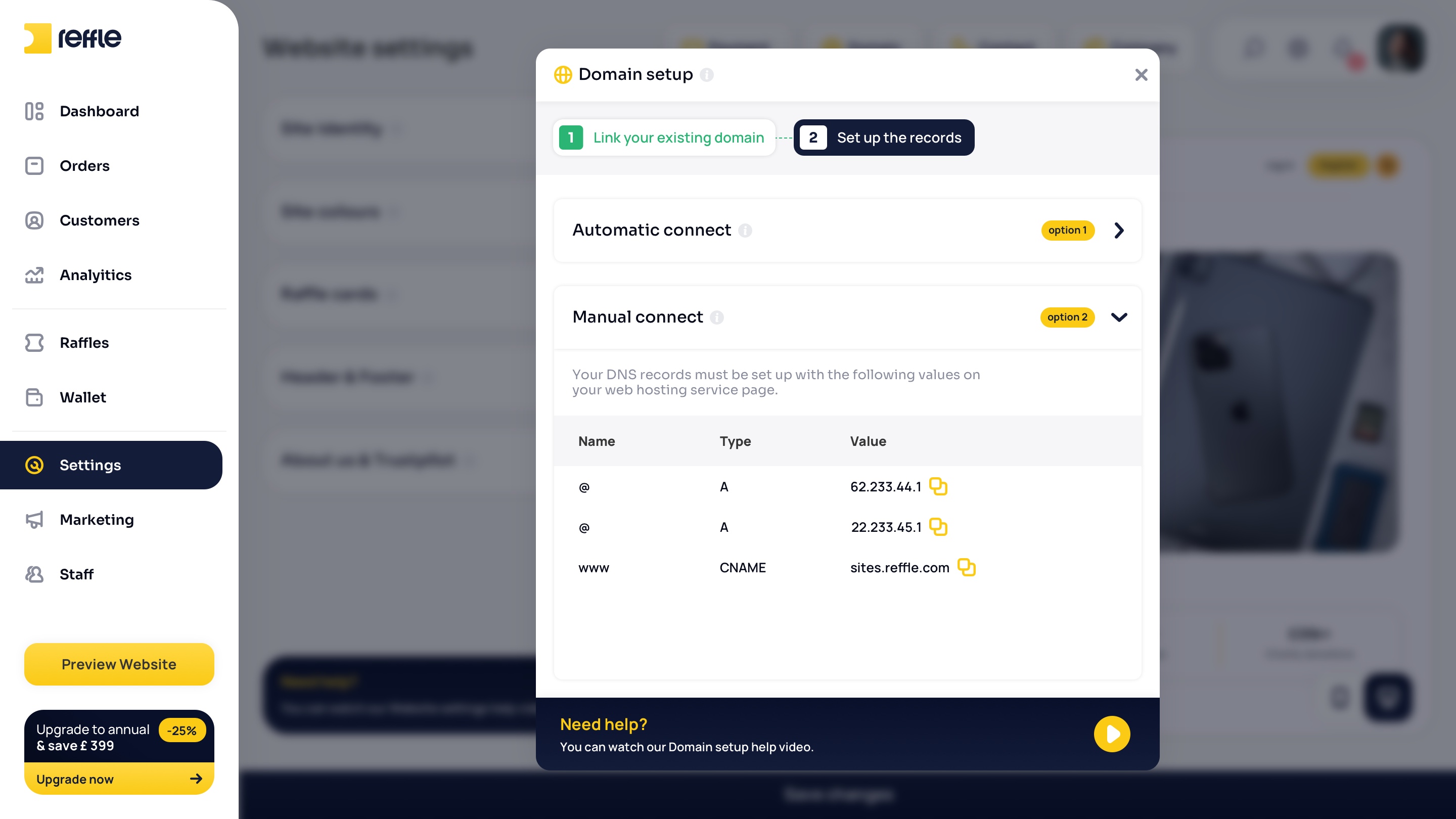
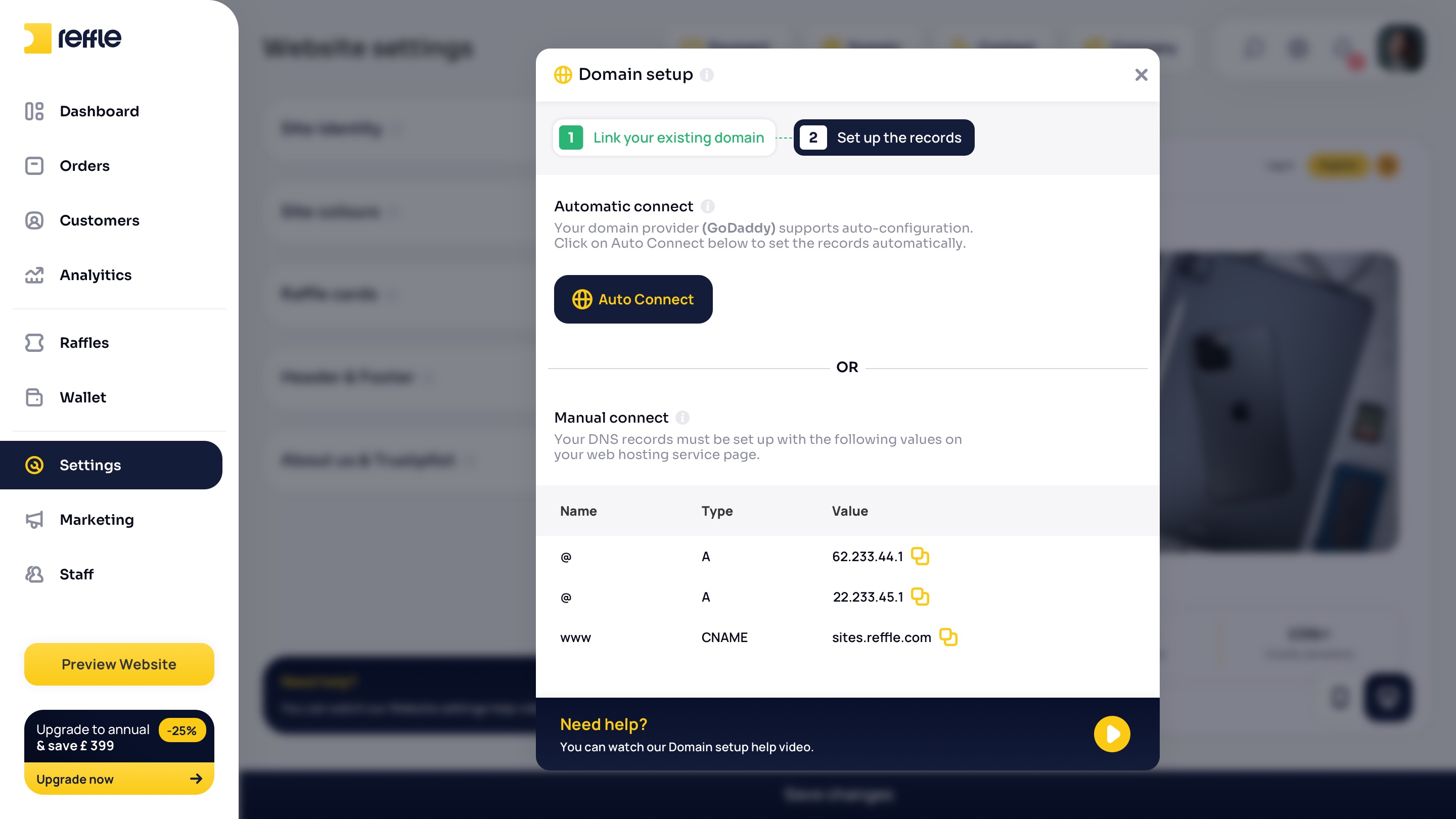
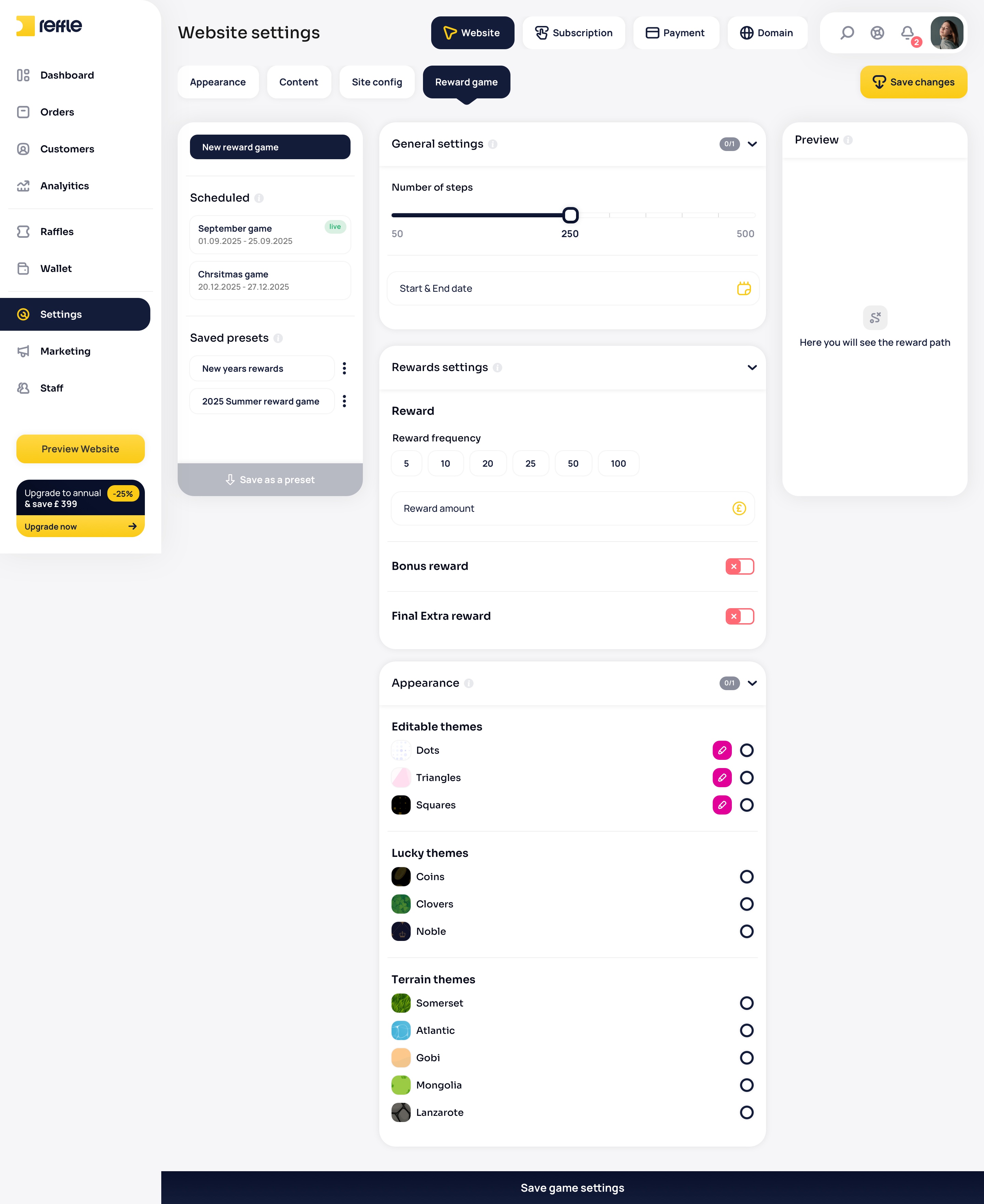
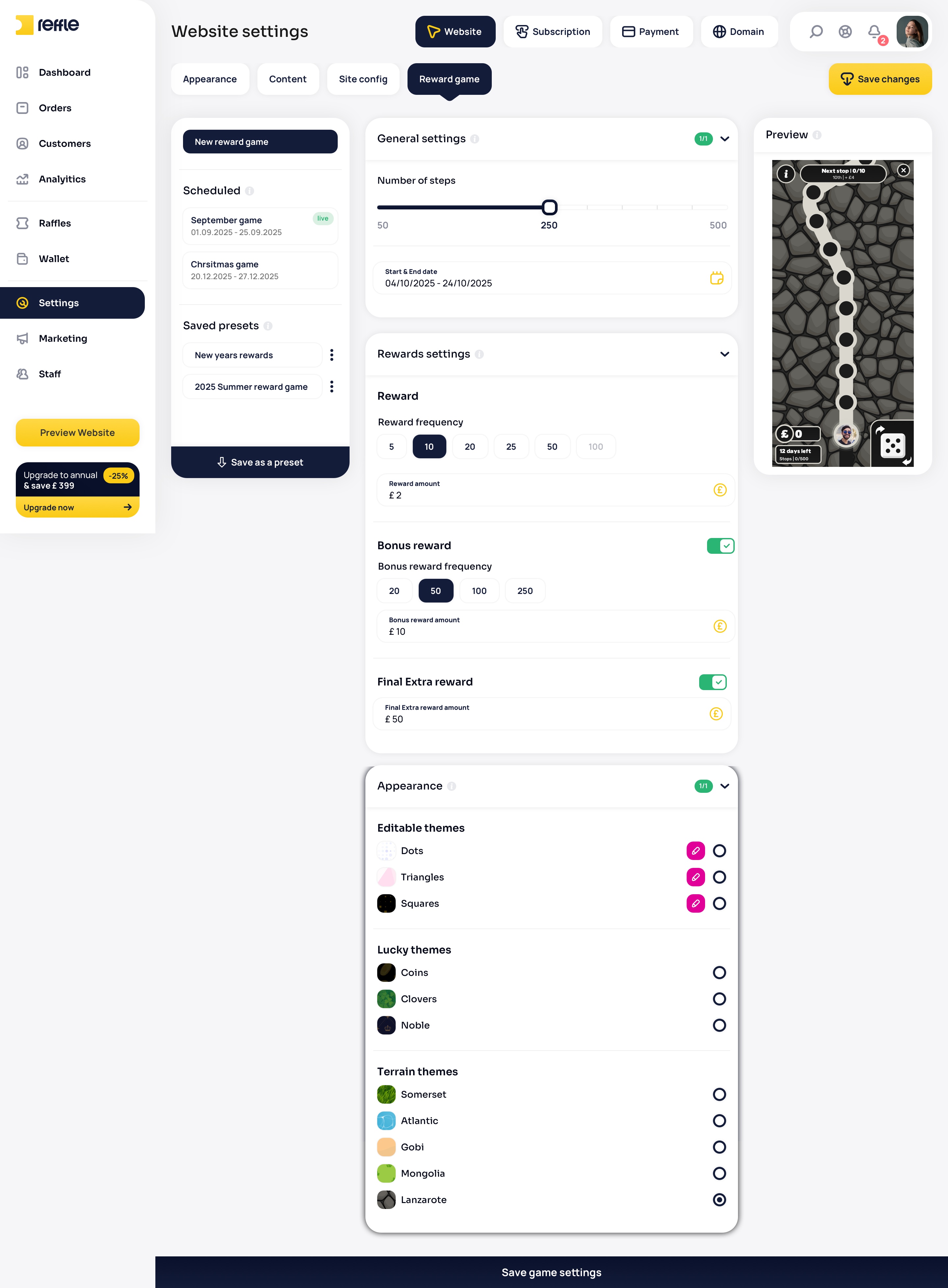
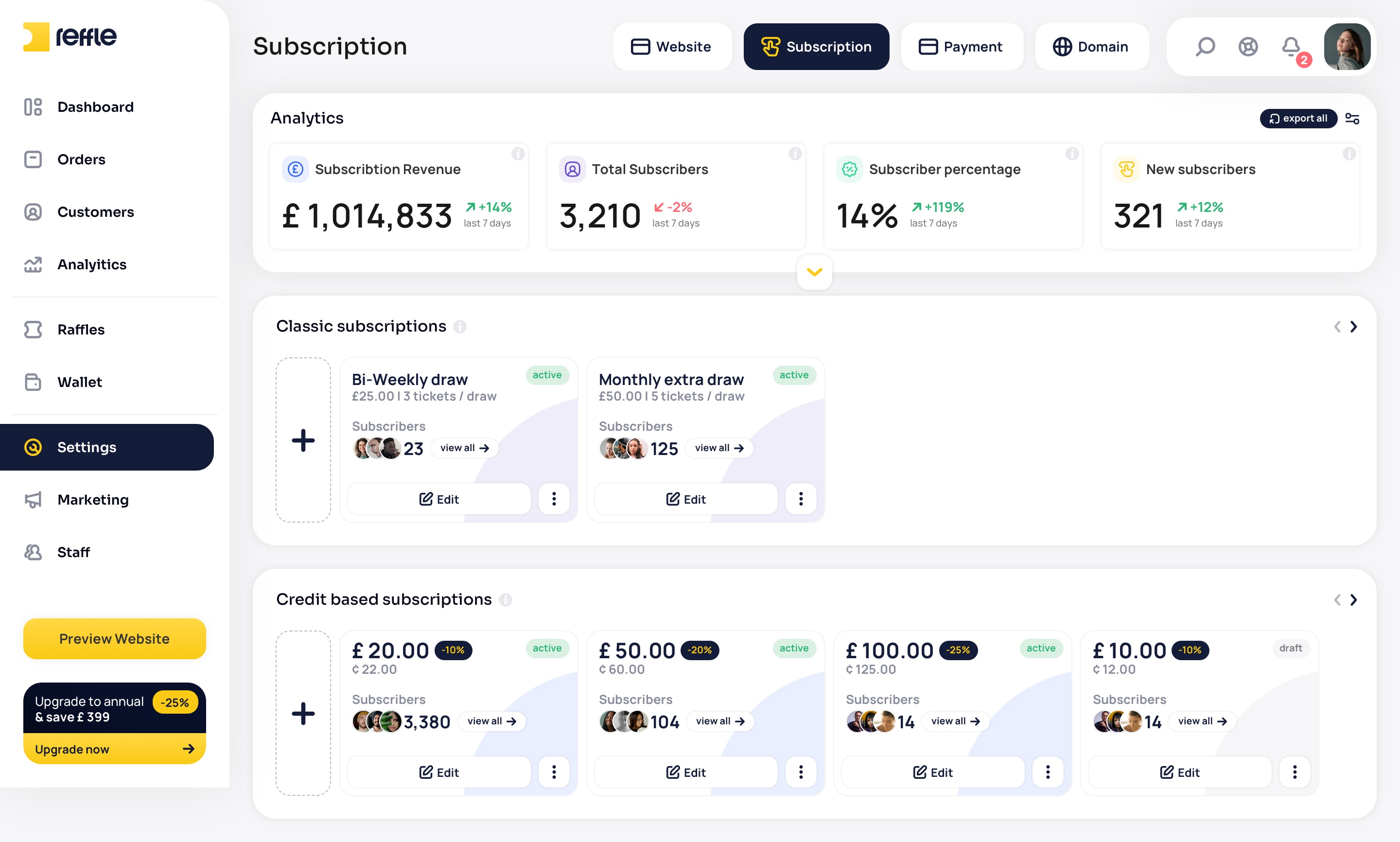
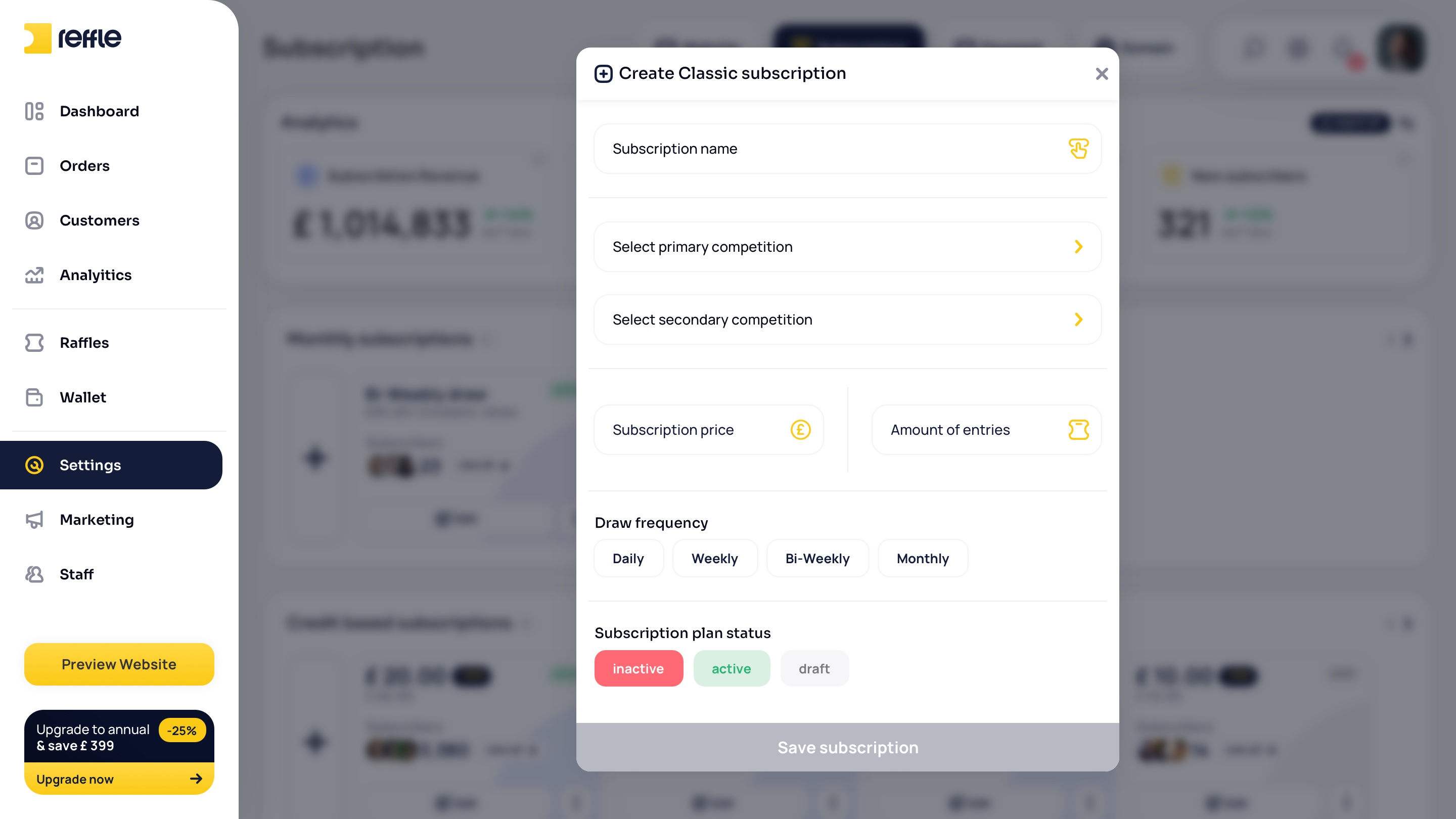
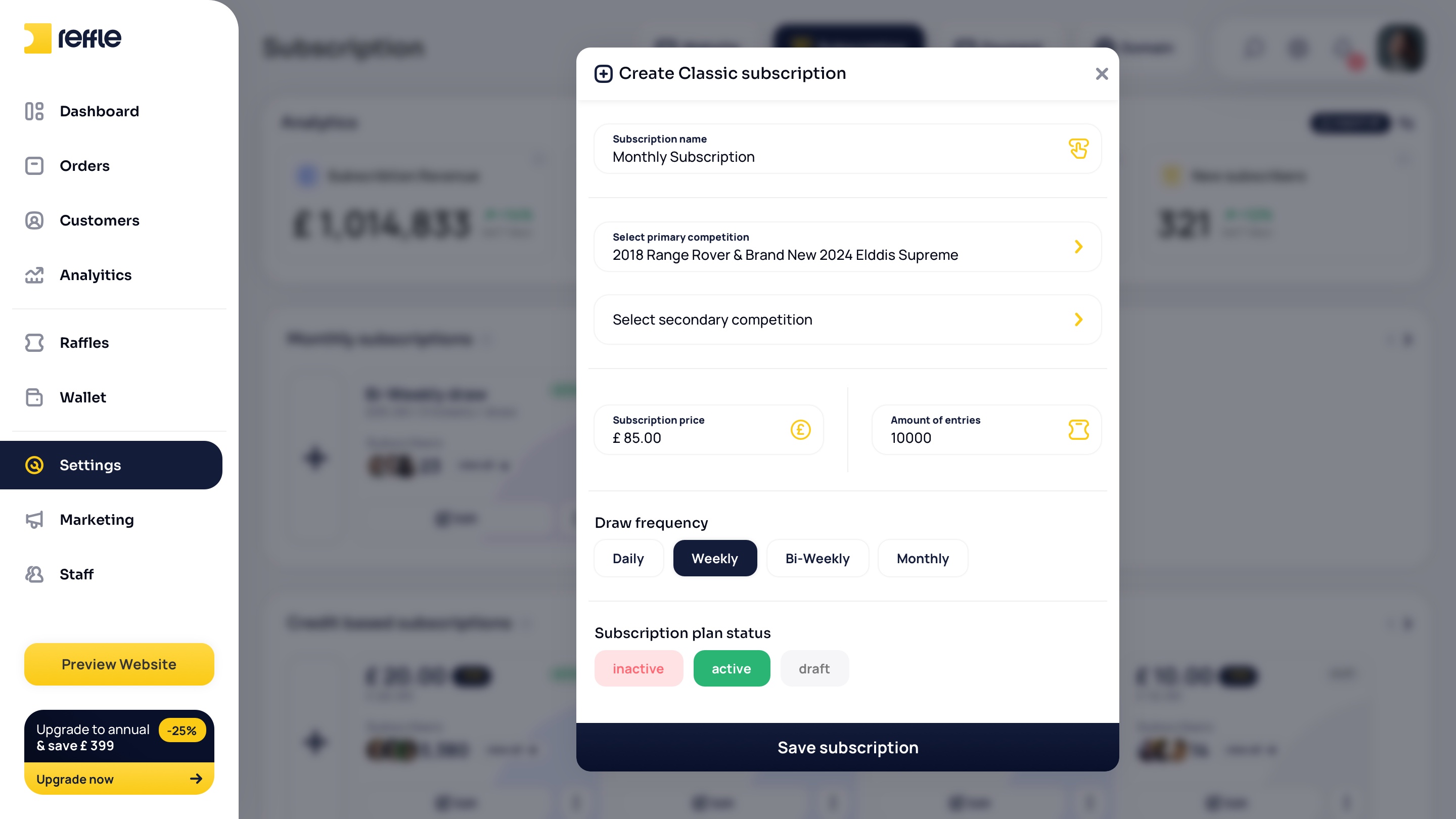
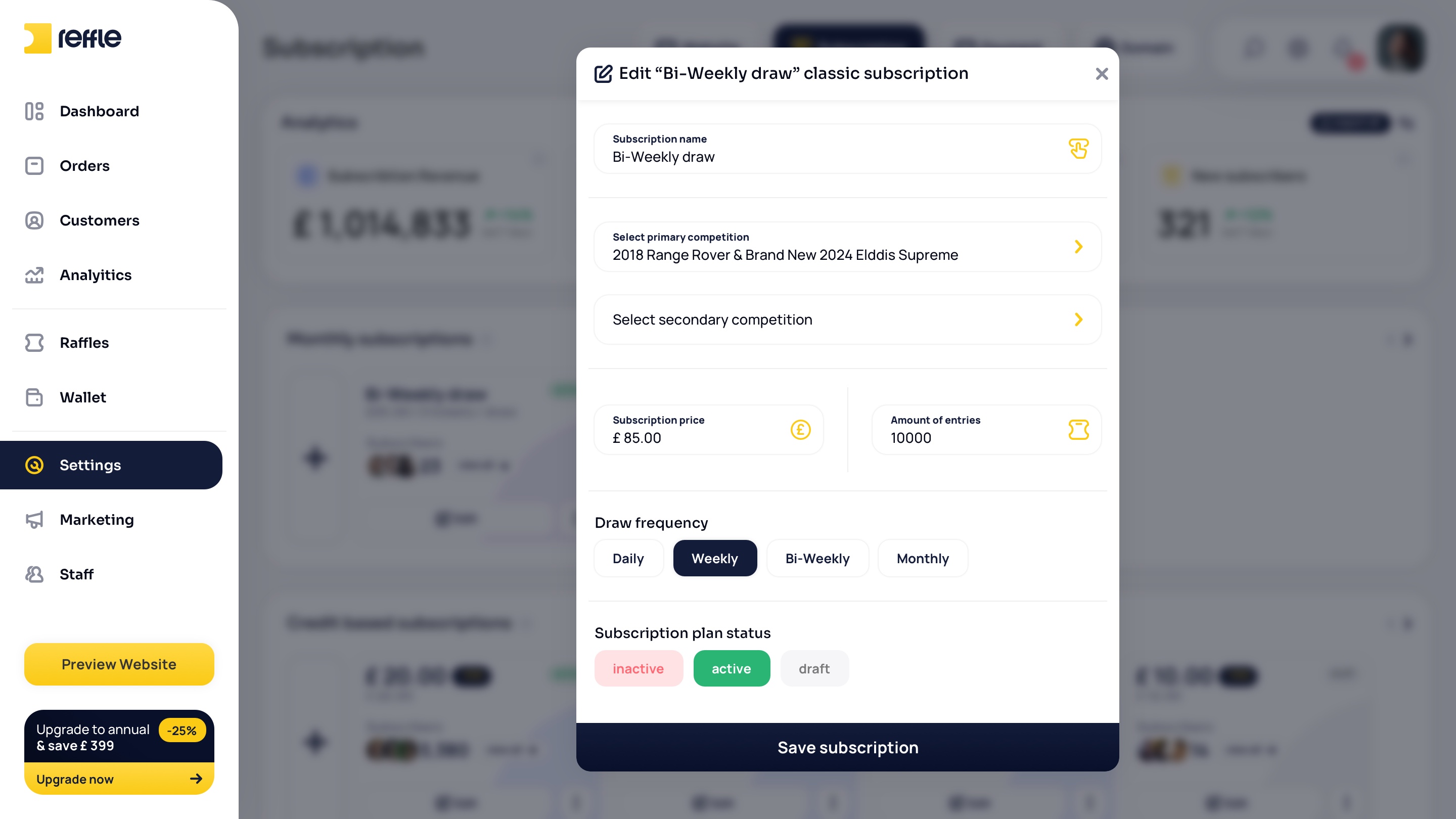
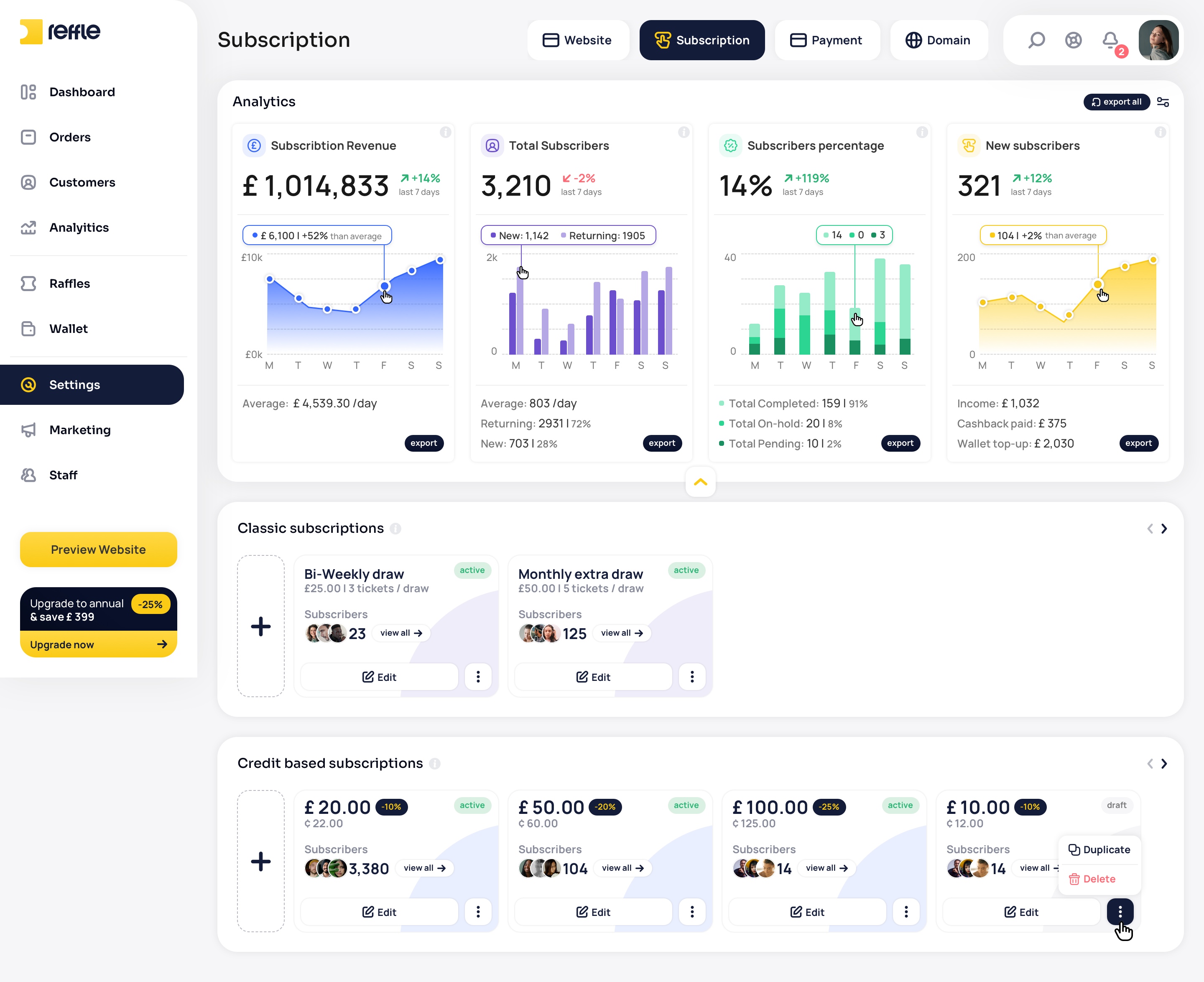
A comprehensive configuration area for managing website content, branding, domains, payment settings, subscription plans, reward games, and other business-critical platform settings.
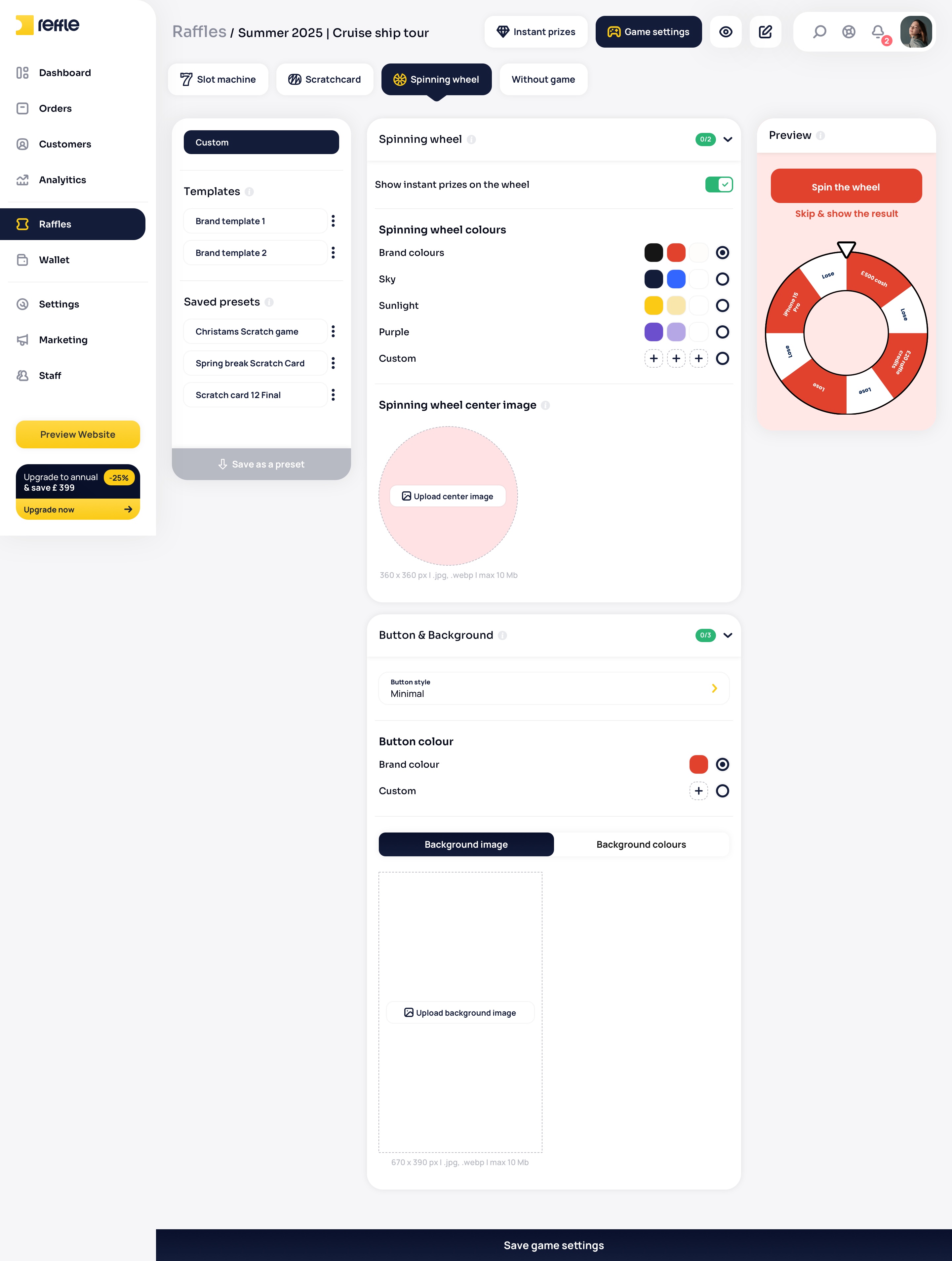
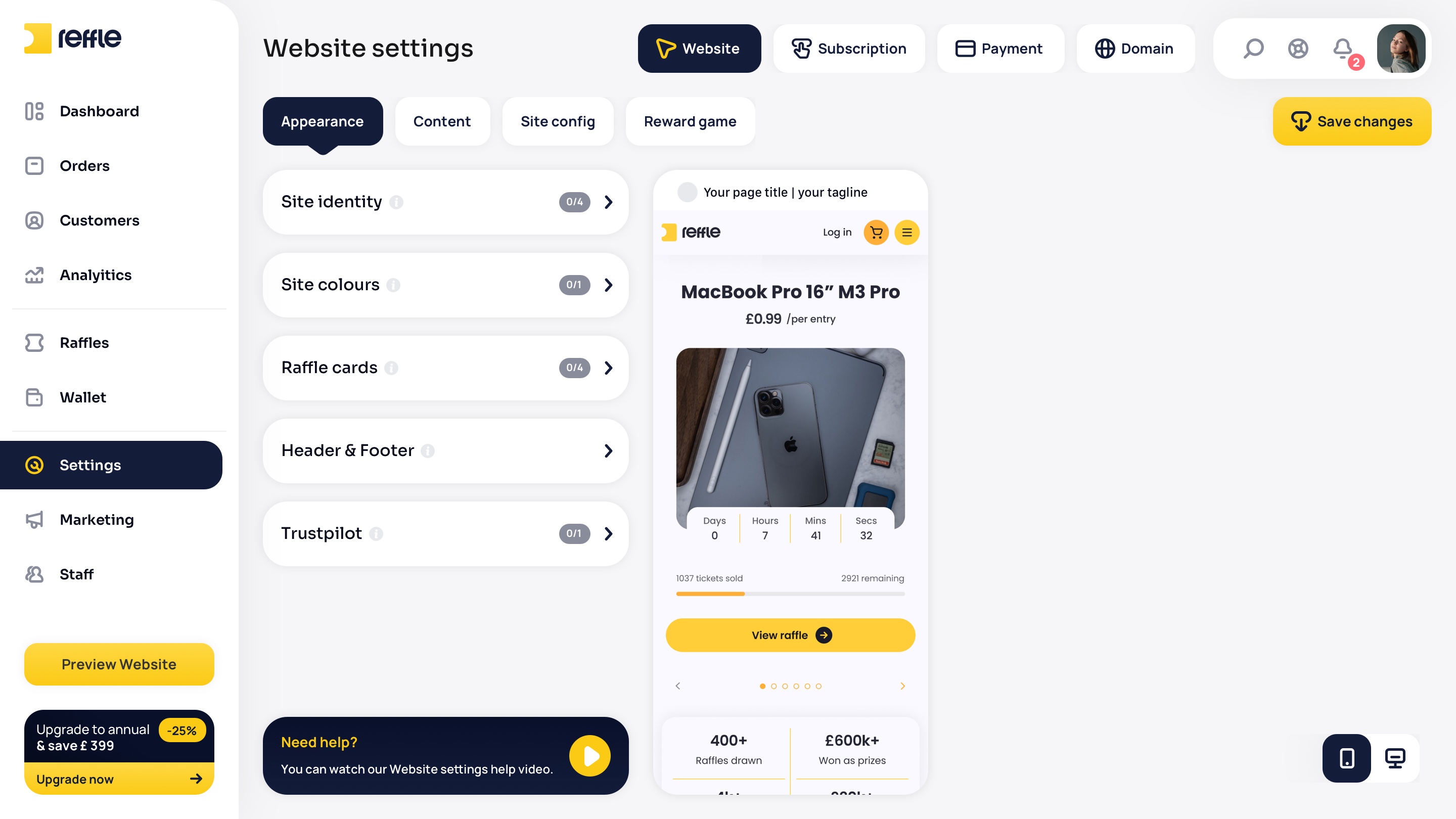
Website Settings screen 1Website Settings screen 2Website Settings screen 3Website Settings screen 4Website Settings screen 5Website Settings screen 6Website Settings screen 7Website Settings screen 8Website Settings screen 9Website Settings screen 10Website Settings screen 11Website Settings screen 12Website Settings screen 13Website Settings screen 14Website Settings screen 15Website Settings screen 16Website Settings screen 17Website Settings screen 18Website Settings screen 19Website Settings screen 20Website Settings screen 21Website Settings screen 22
1 / 22

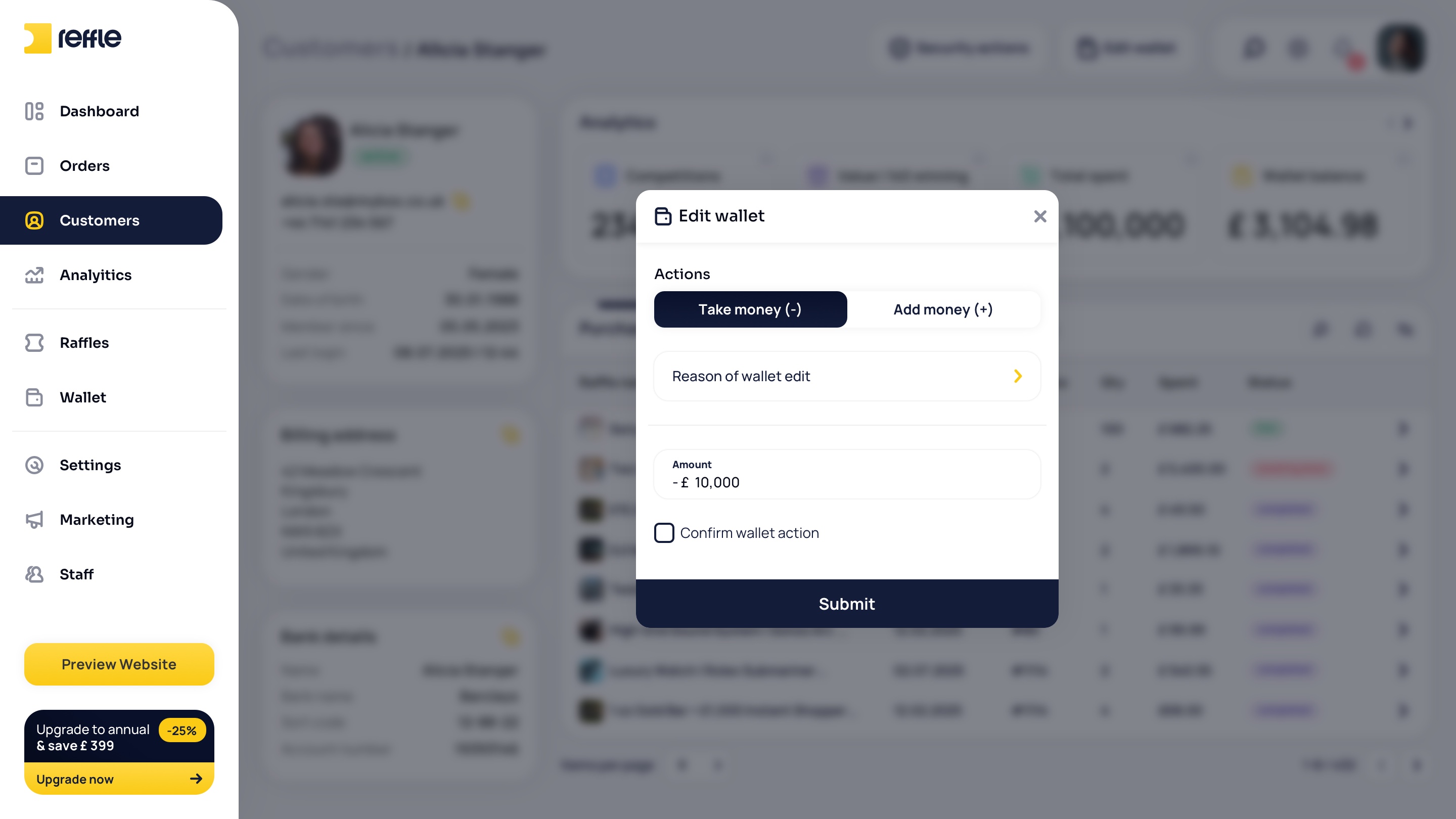
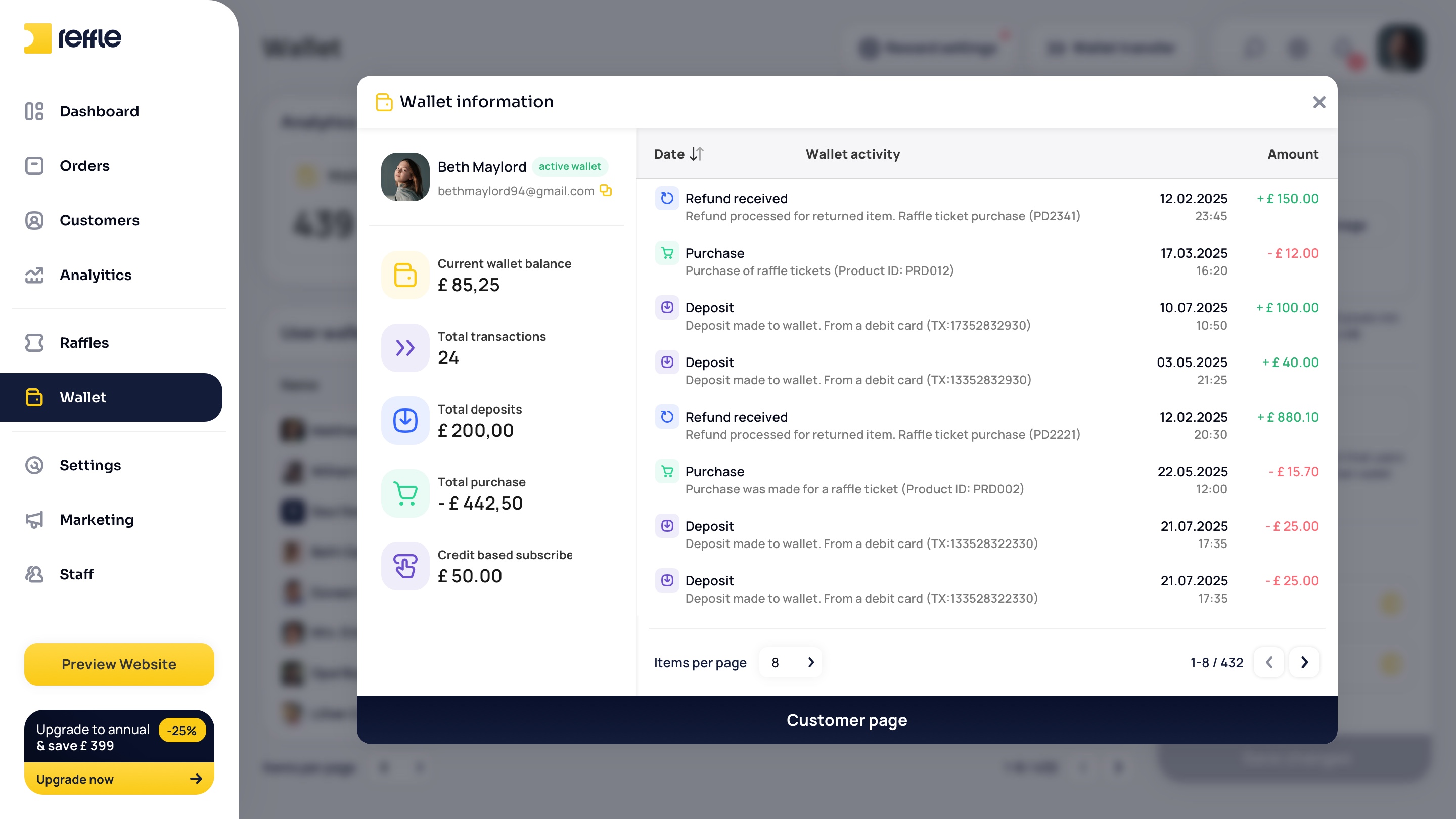
Wallet

Digital Wallet & Credit Management
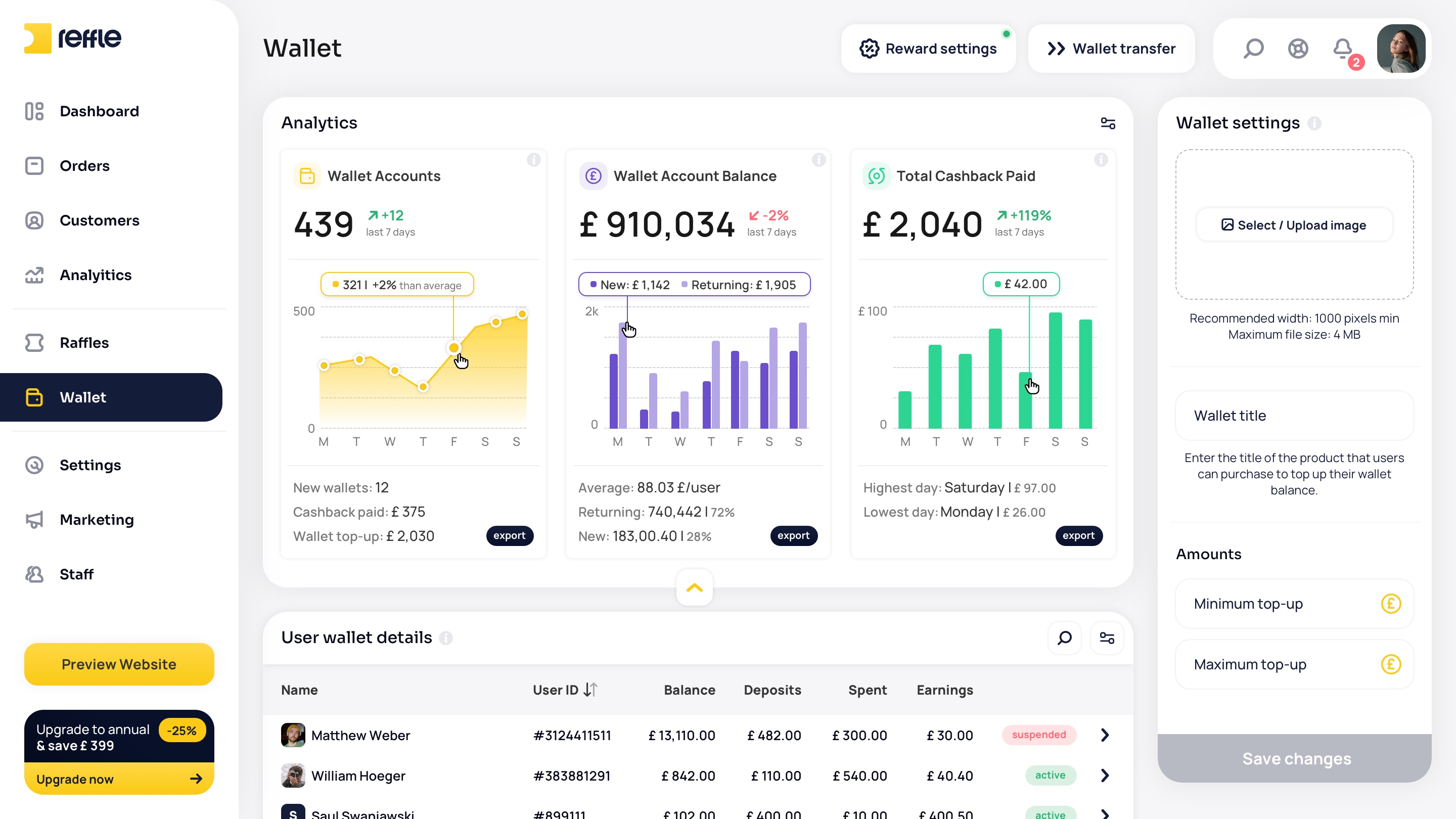
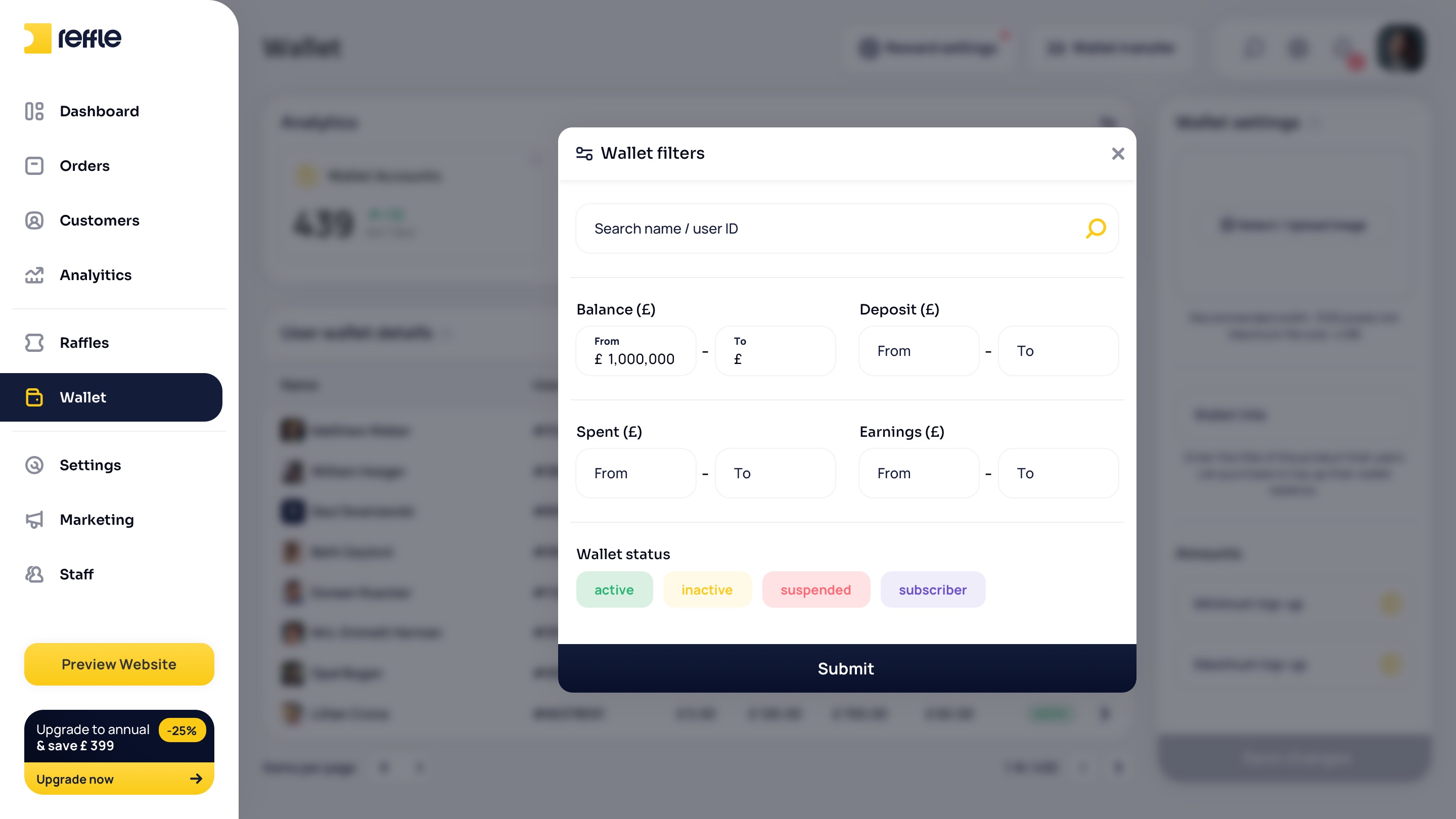
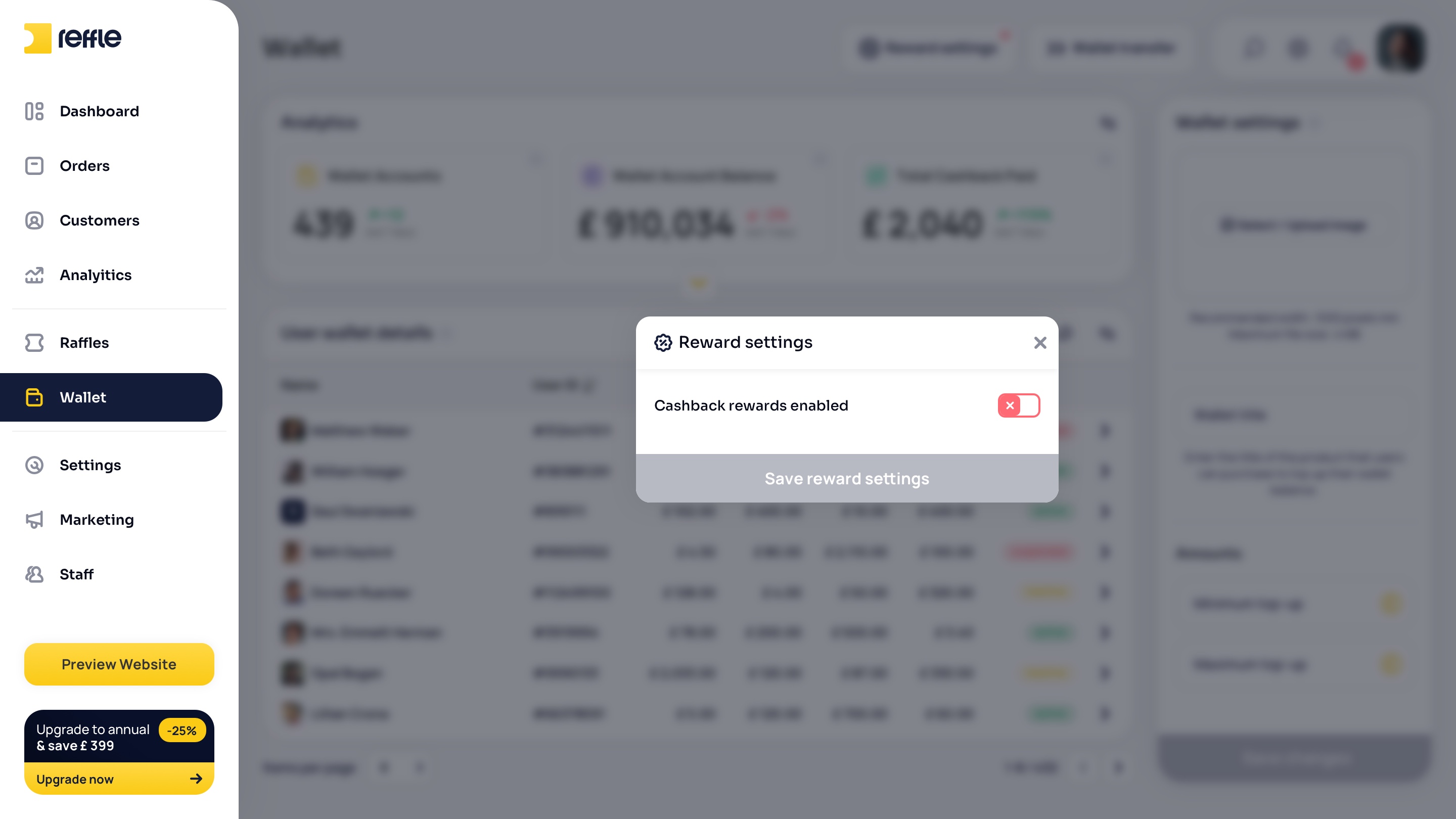
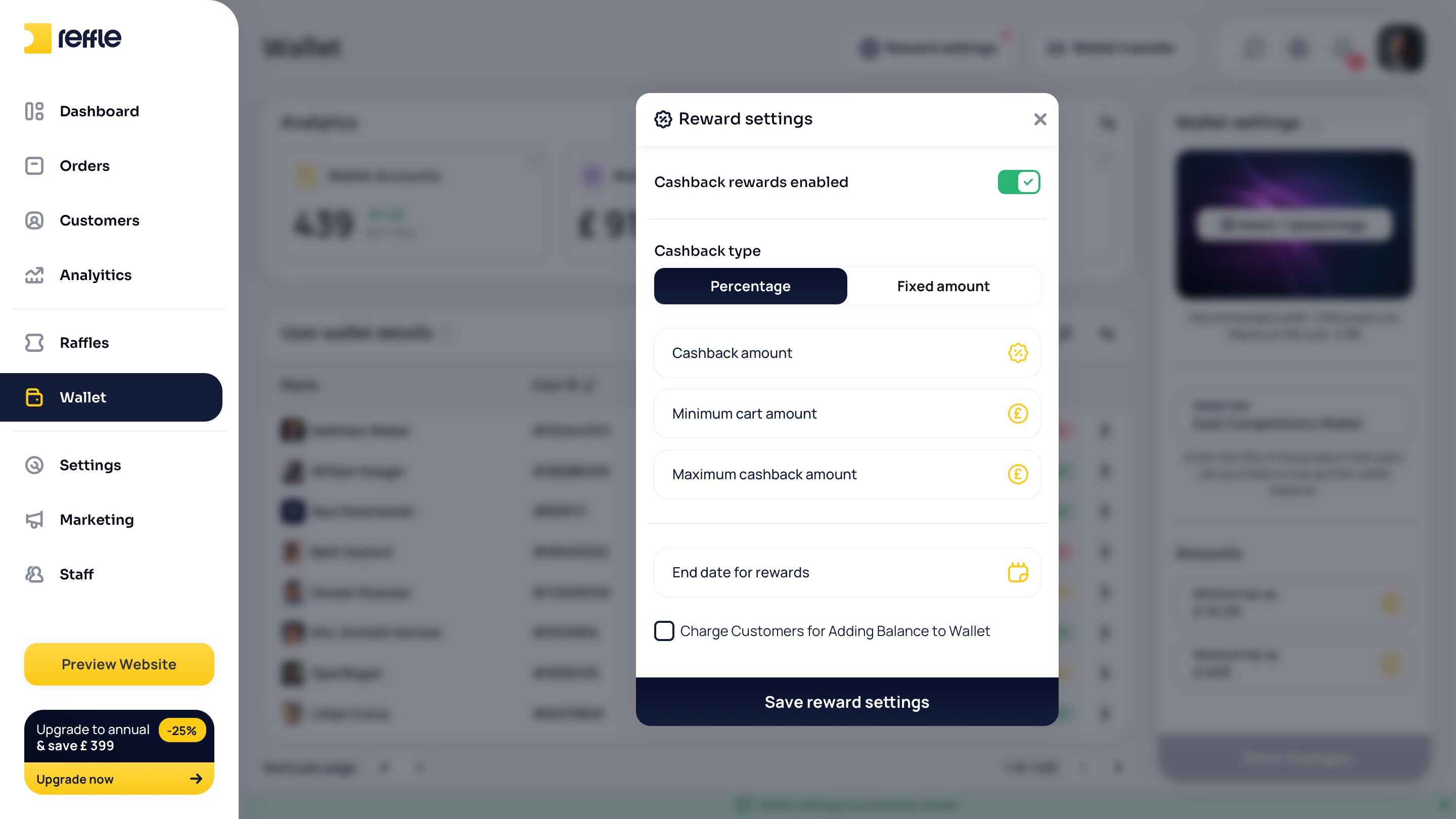
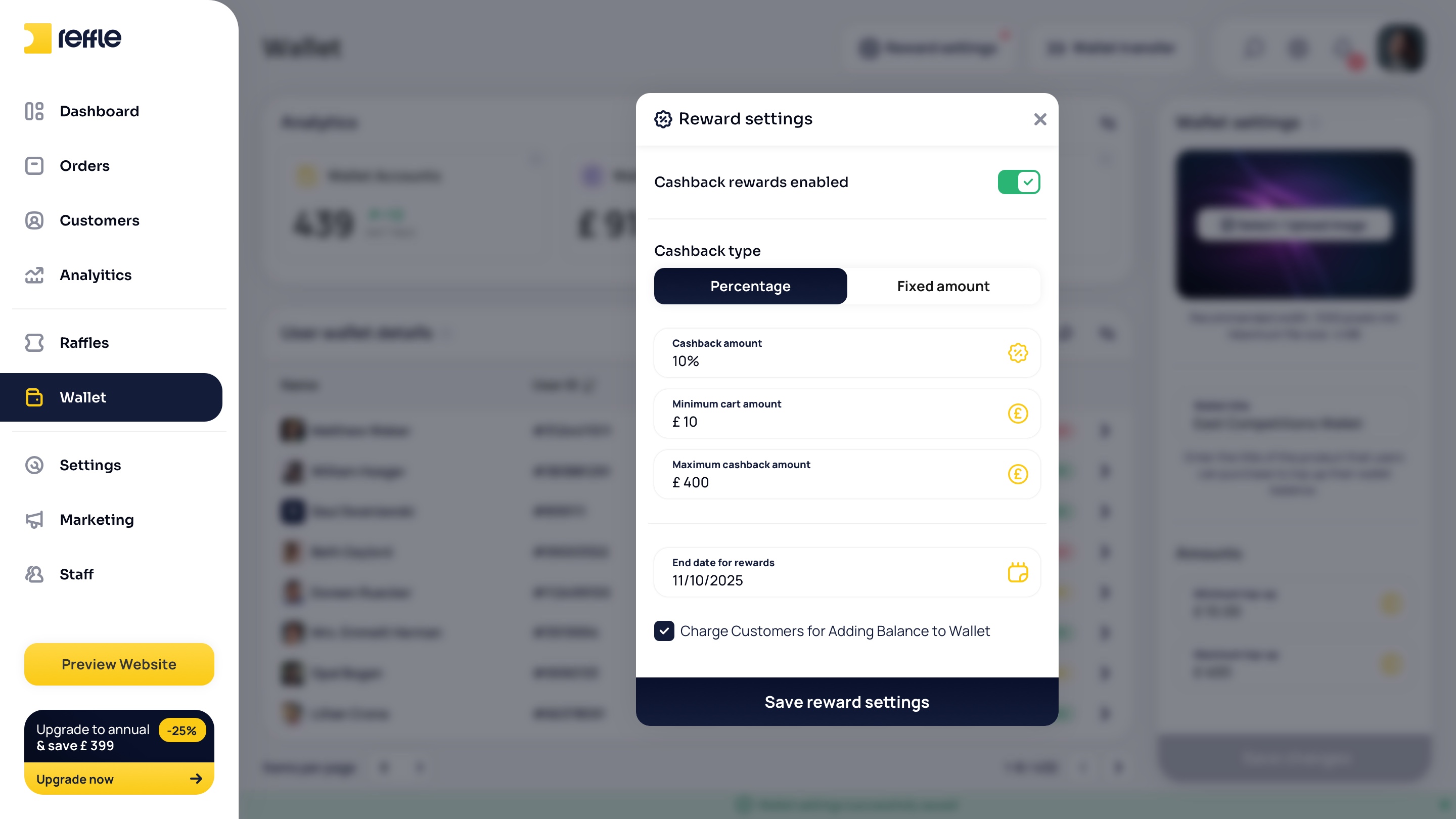
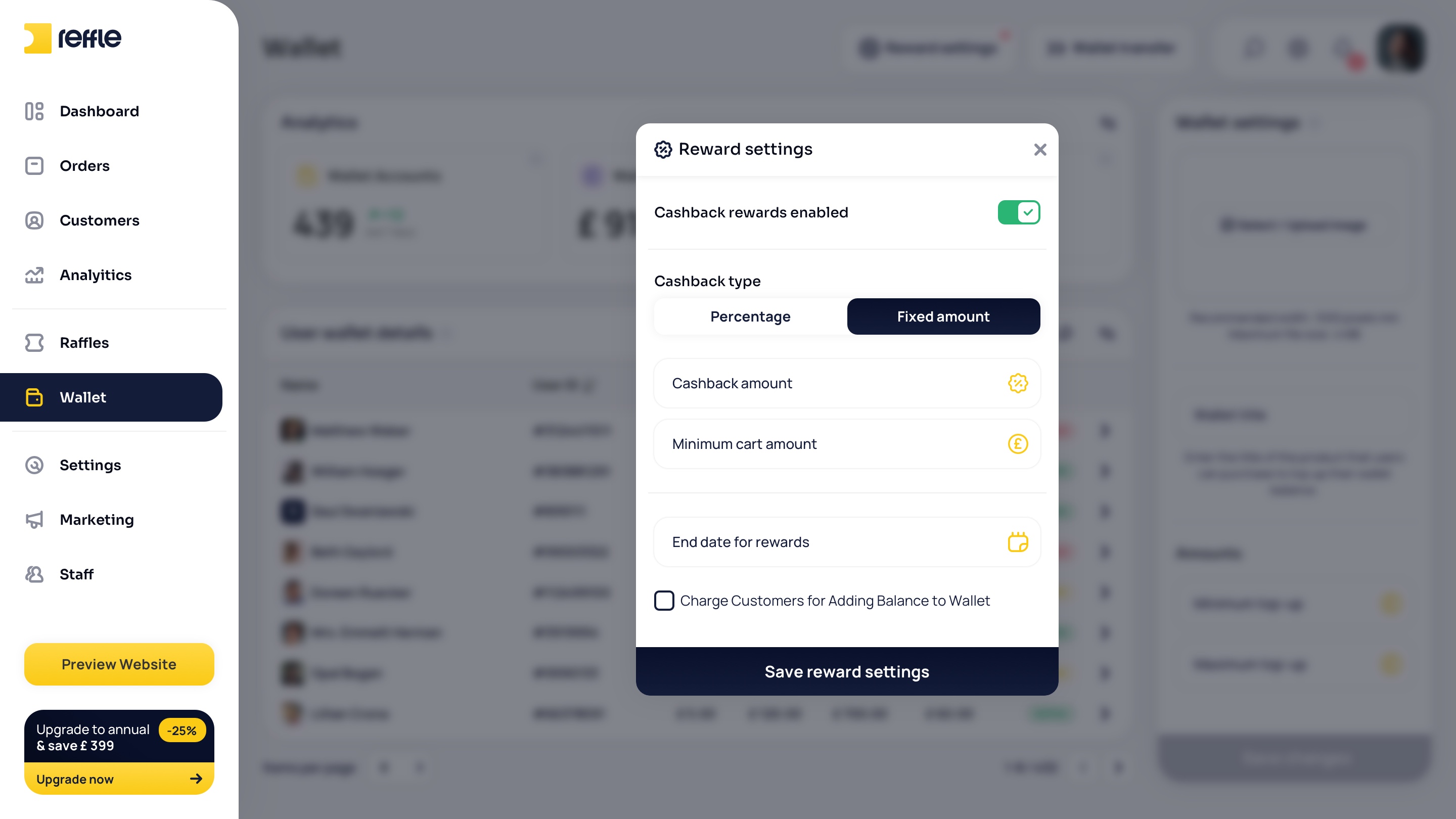
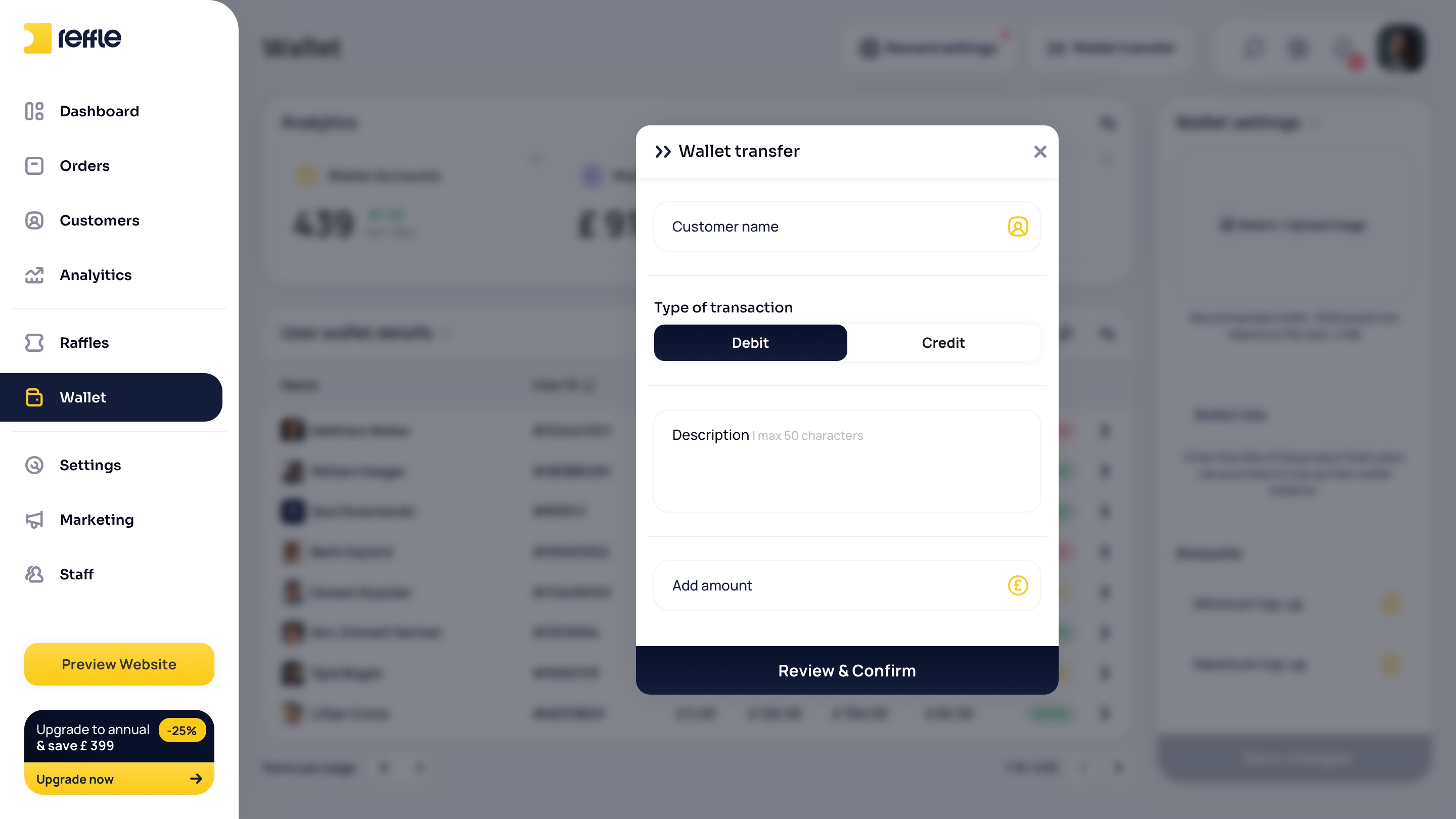
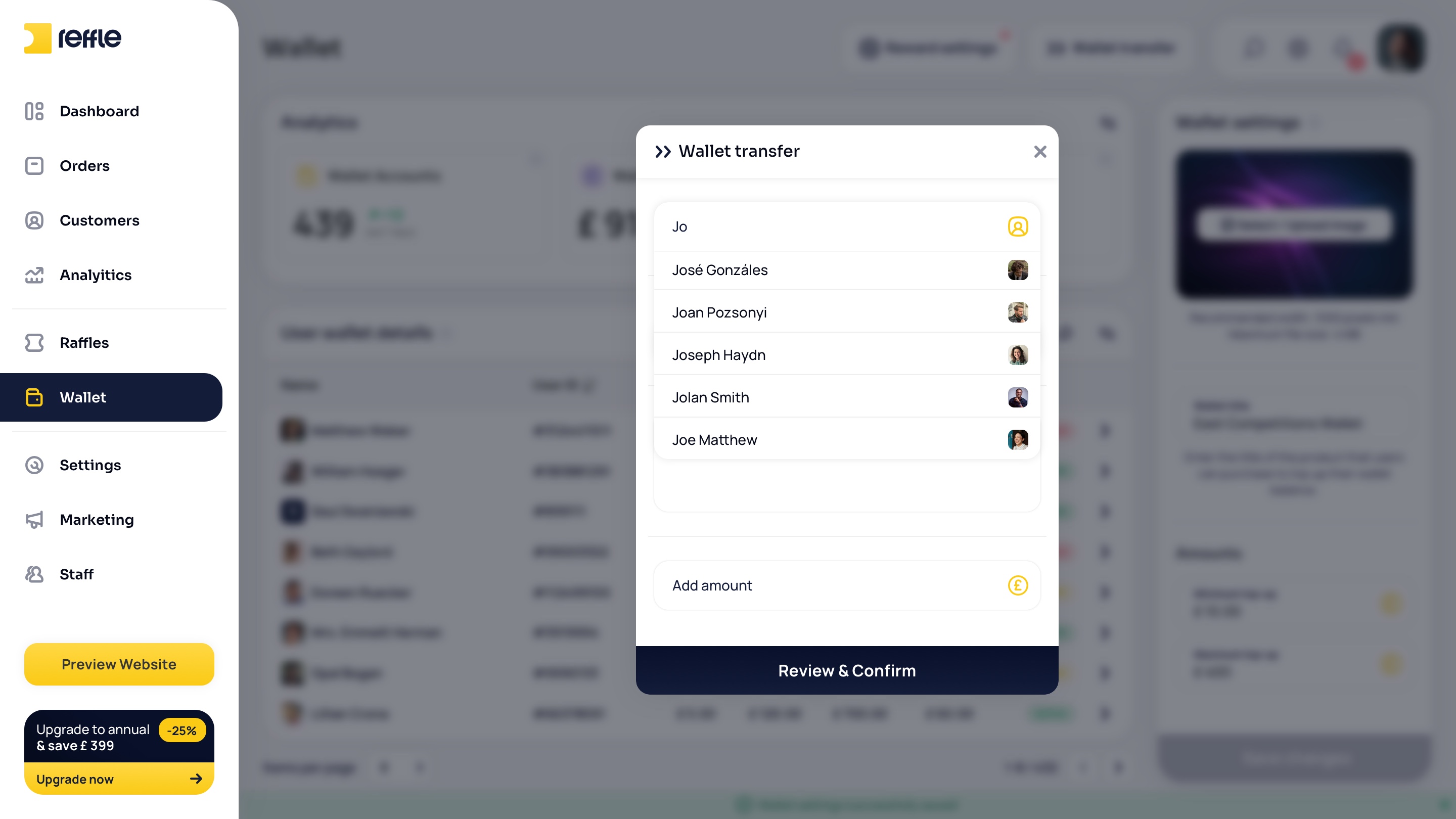
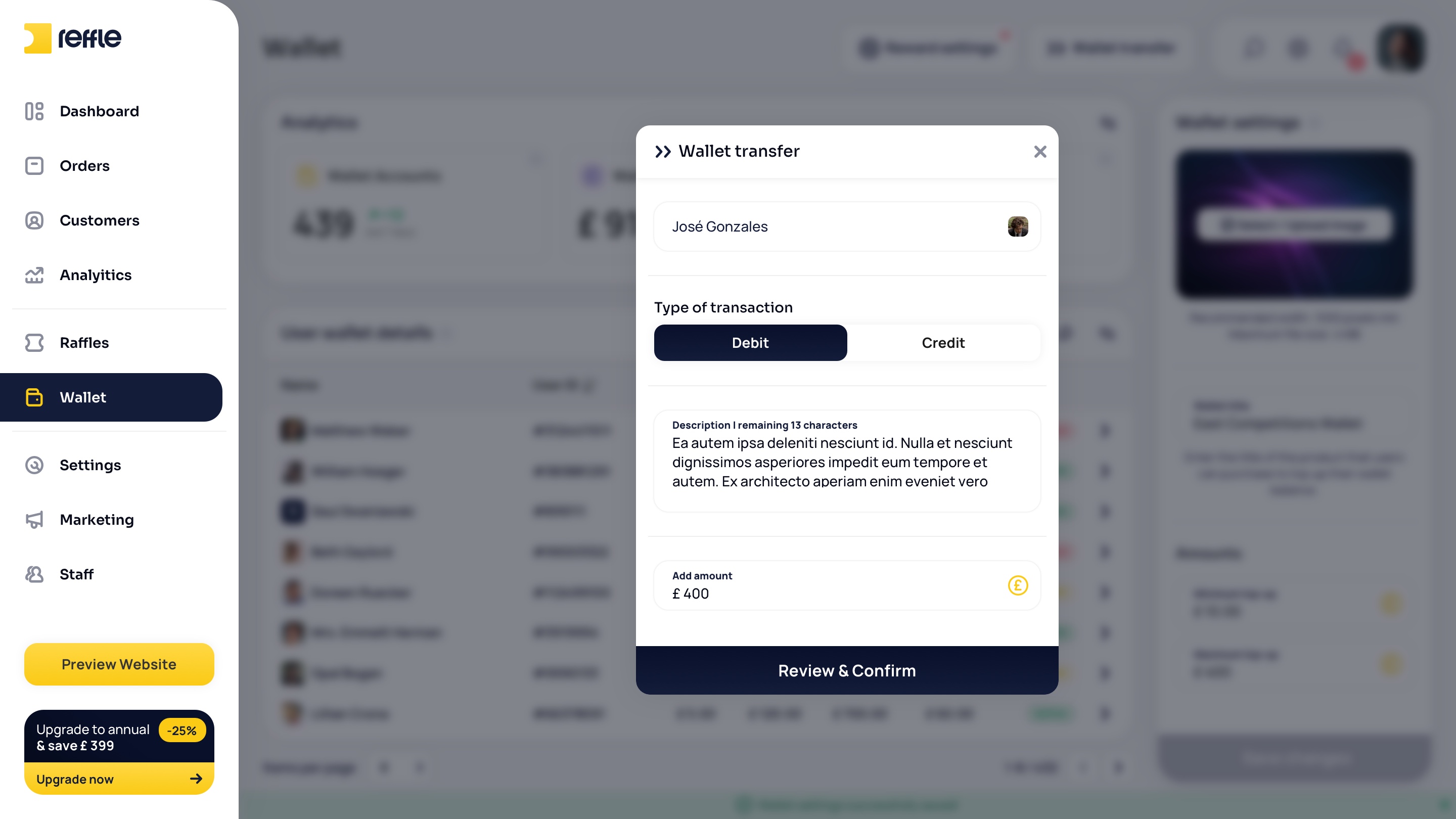
A wallet system enabling operators to manage customer balances, credits, bonus funds, and promotional rewards while maintaining full transaction visibility.
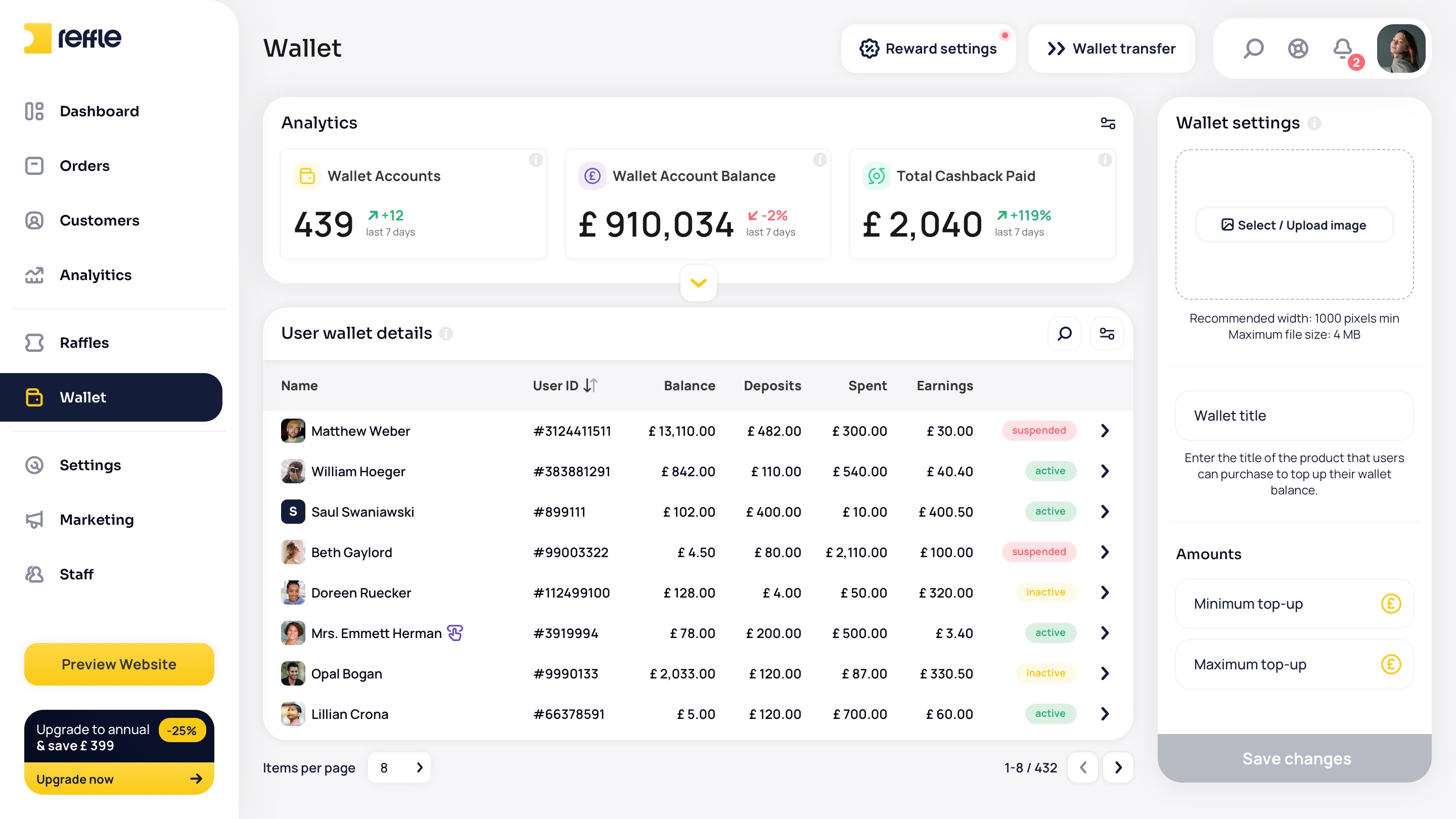
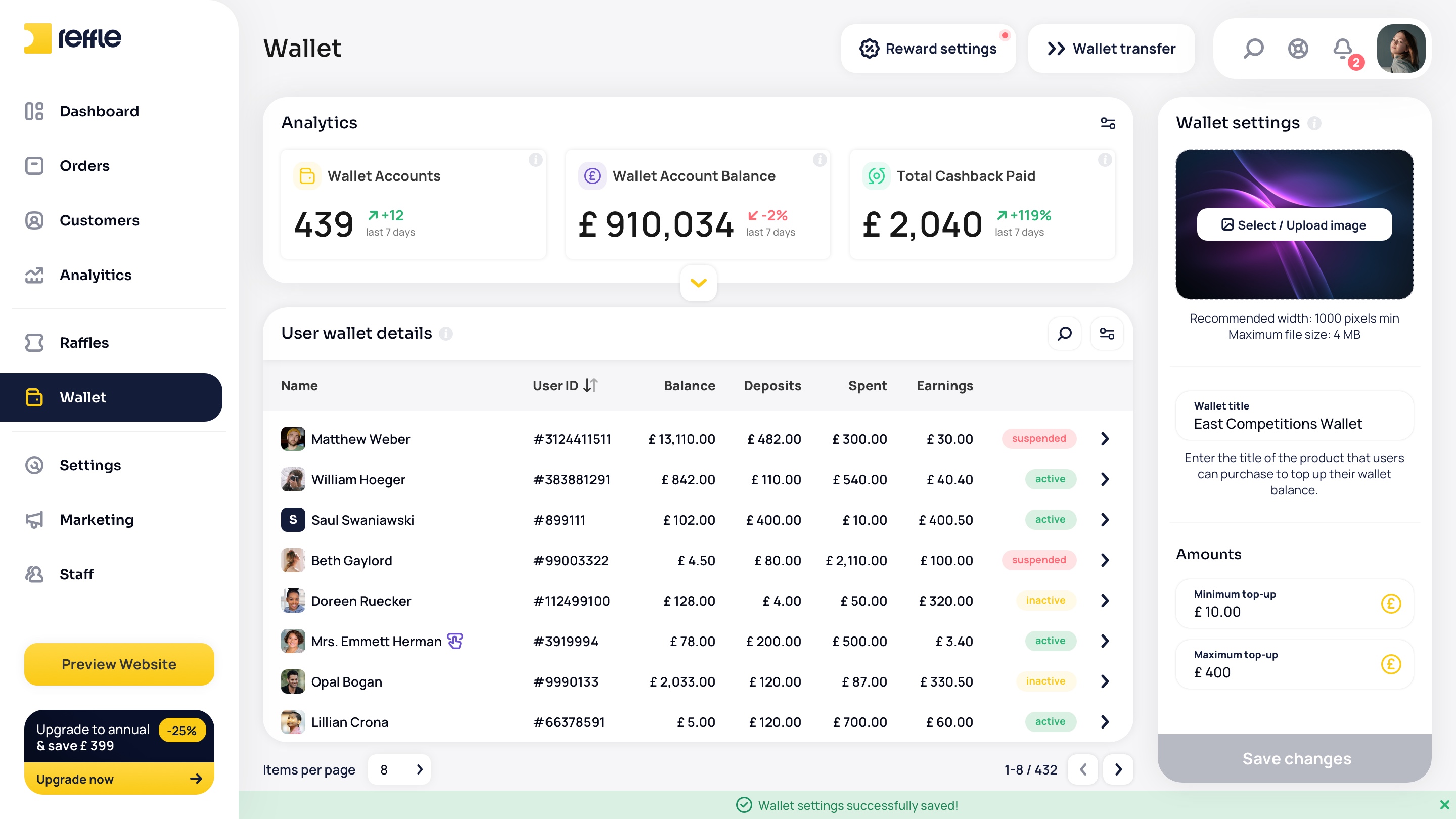
Wallet screen 1Wallet screen 2Wallet screen 3Wallet screen 4Wallet screen 5Wallet screen 6Wallet screen 7Wallet screen 8Wallet screen 9Wallet screen 10Wallet screen 11Wallet screen 12Wallet screen 13
1 / 13

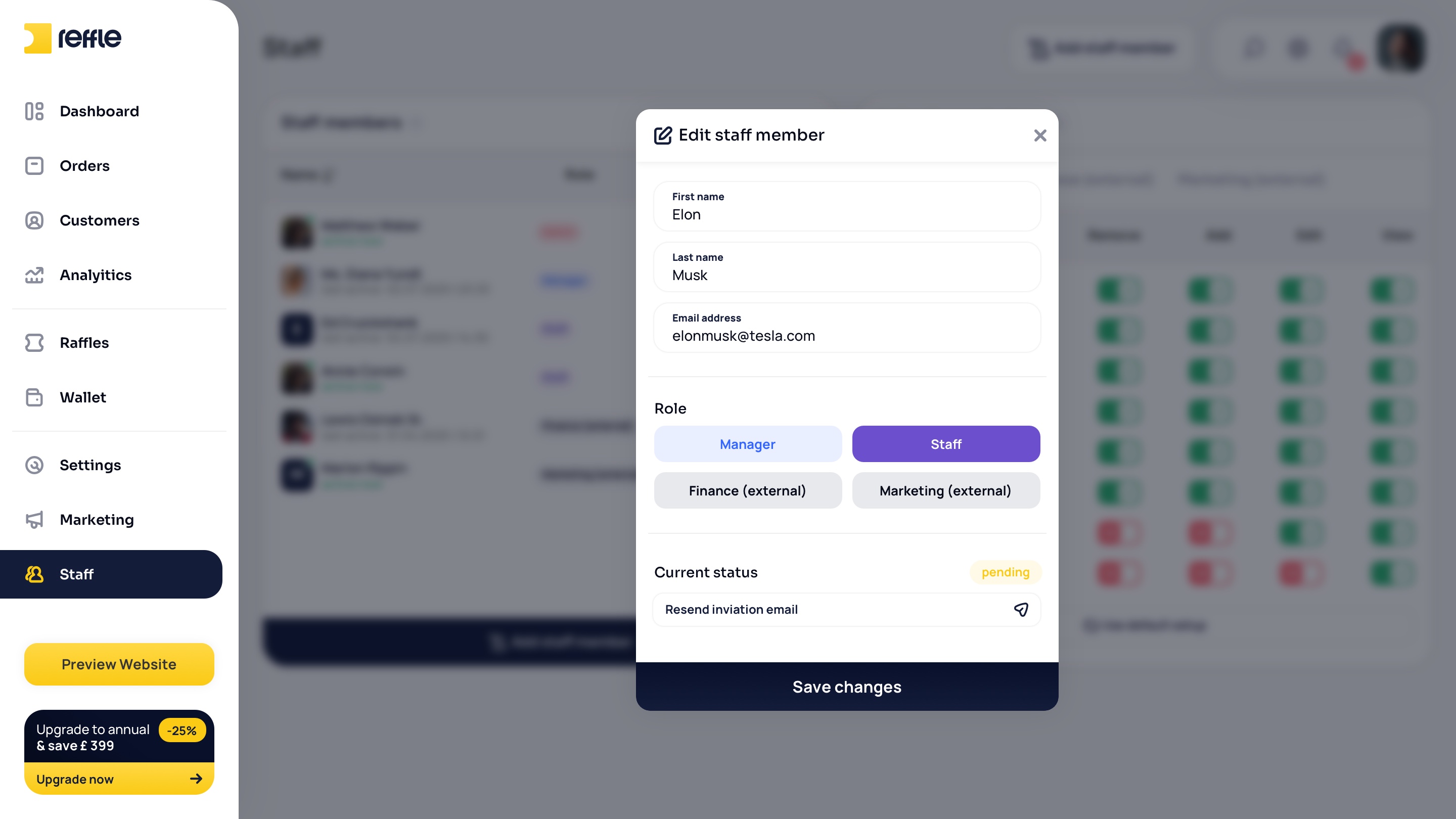
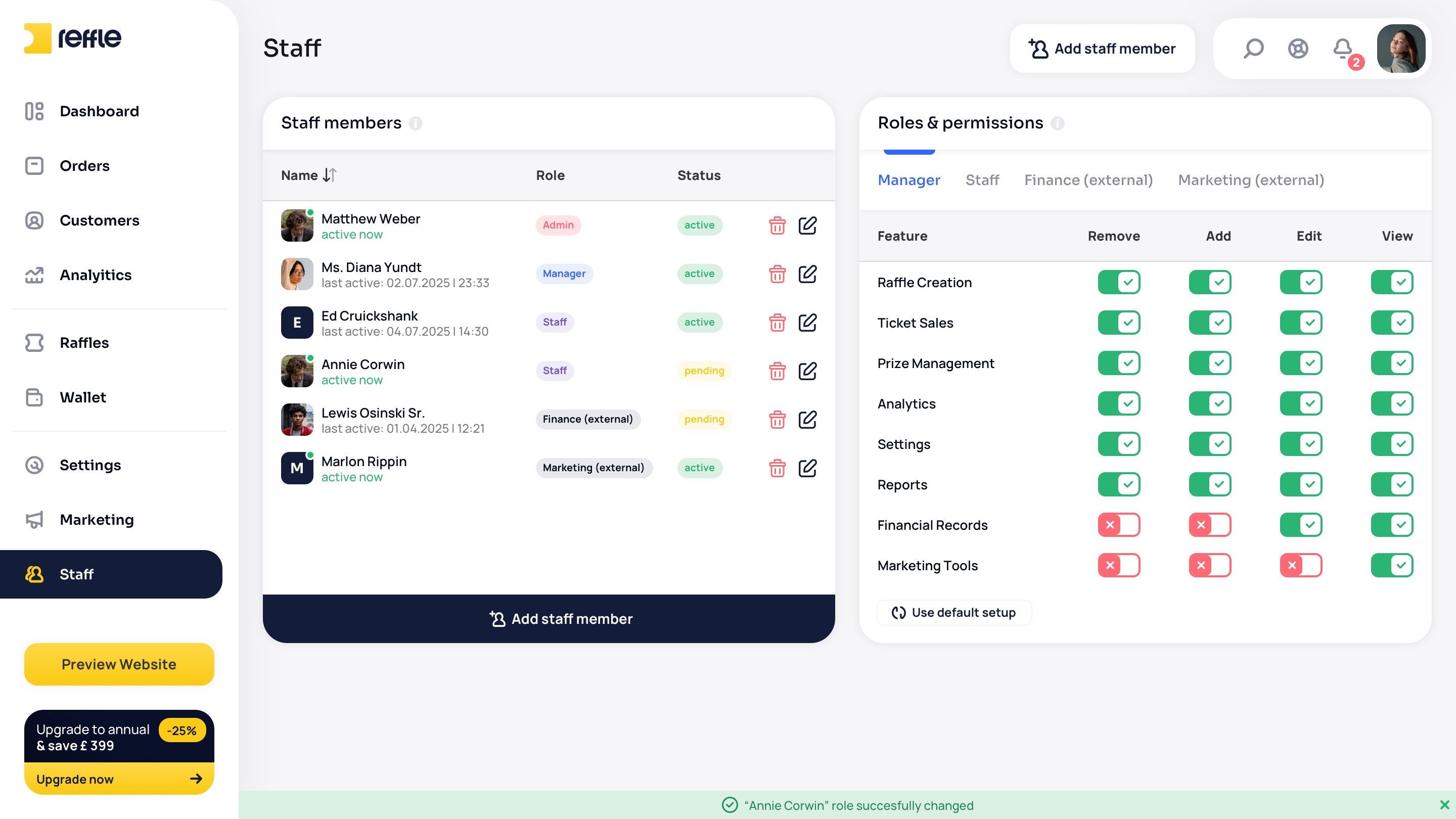
Staff

Team & Access Control
Role-based staff management allowing businesses to control permissions, monitor activity history, and securely manage team access across the platform.
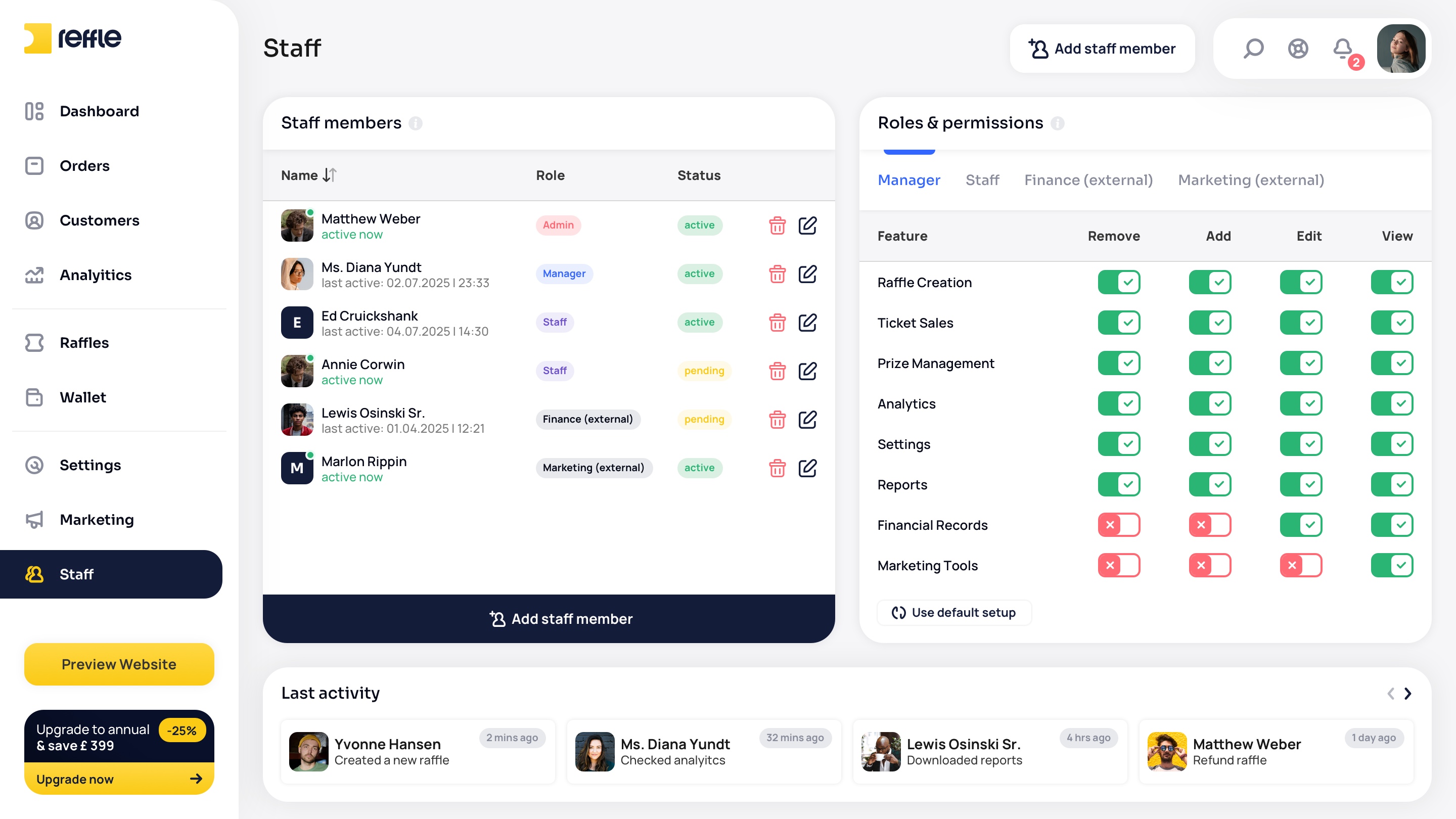
Staff screen 1Staff screen 2Staff screen 3Staff screen 4Staff screen 5Staff screen 6
1 / 6

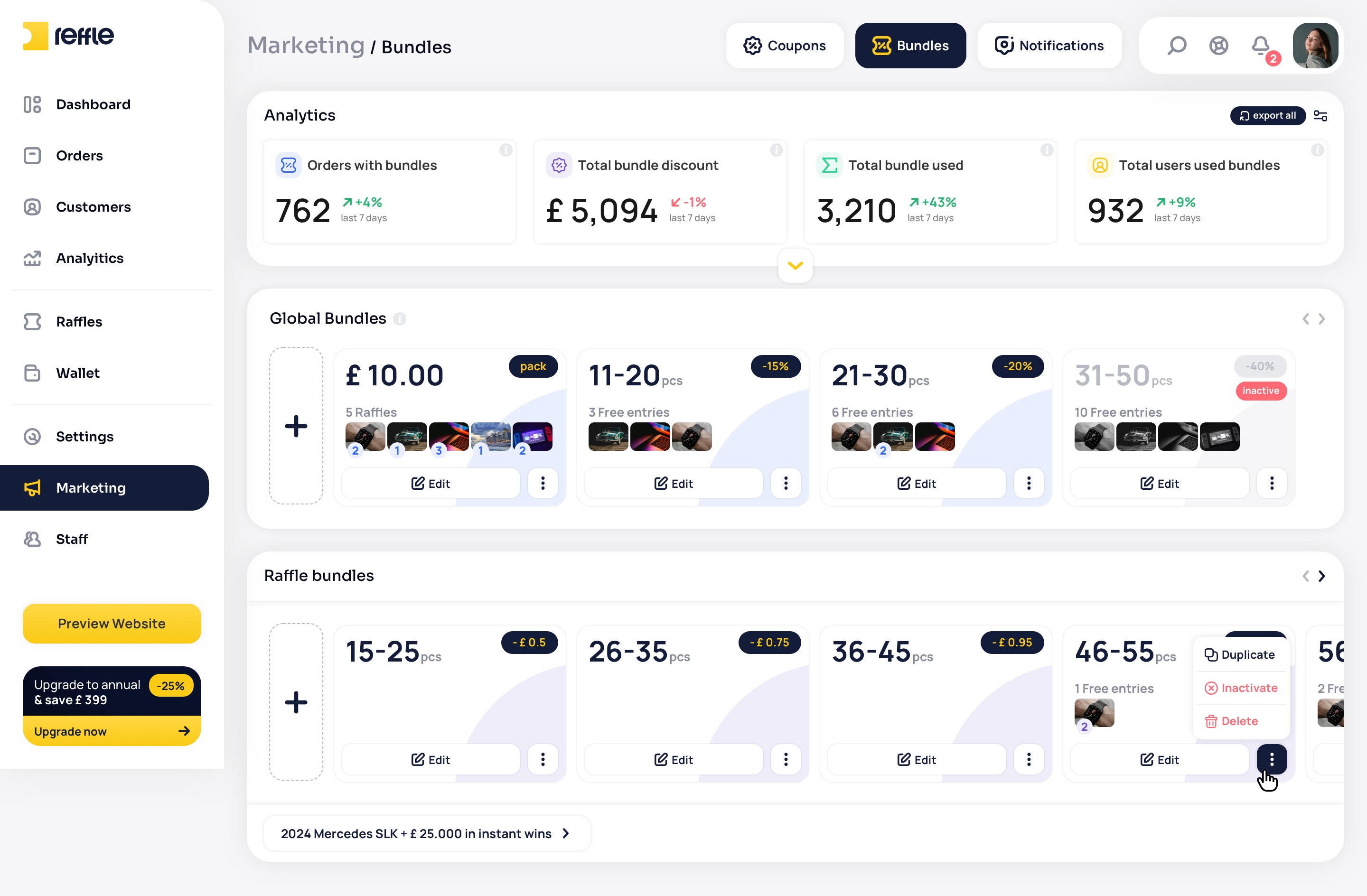
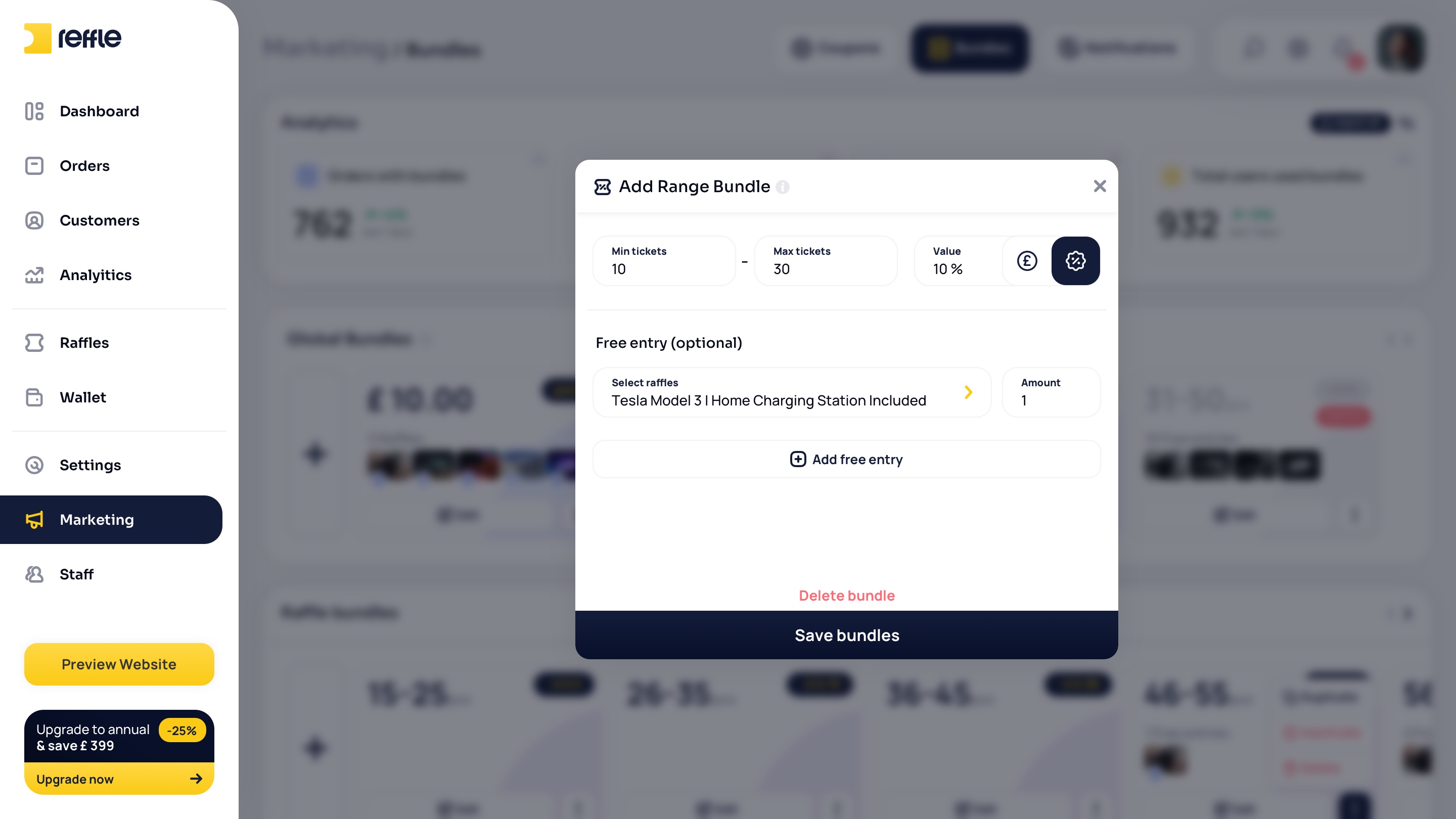
Marketing

Growth & Retention Tools
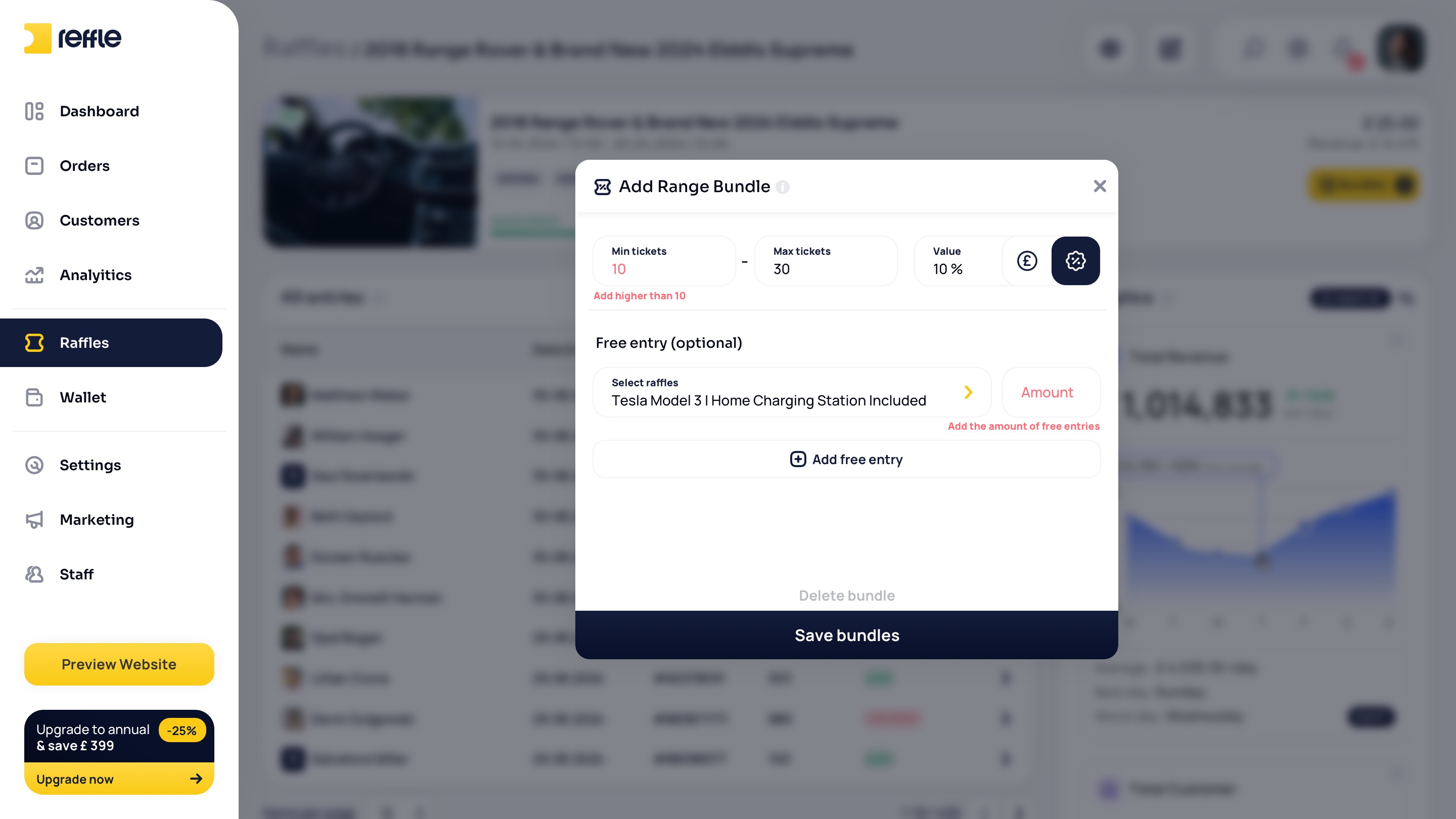
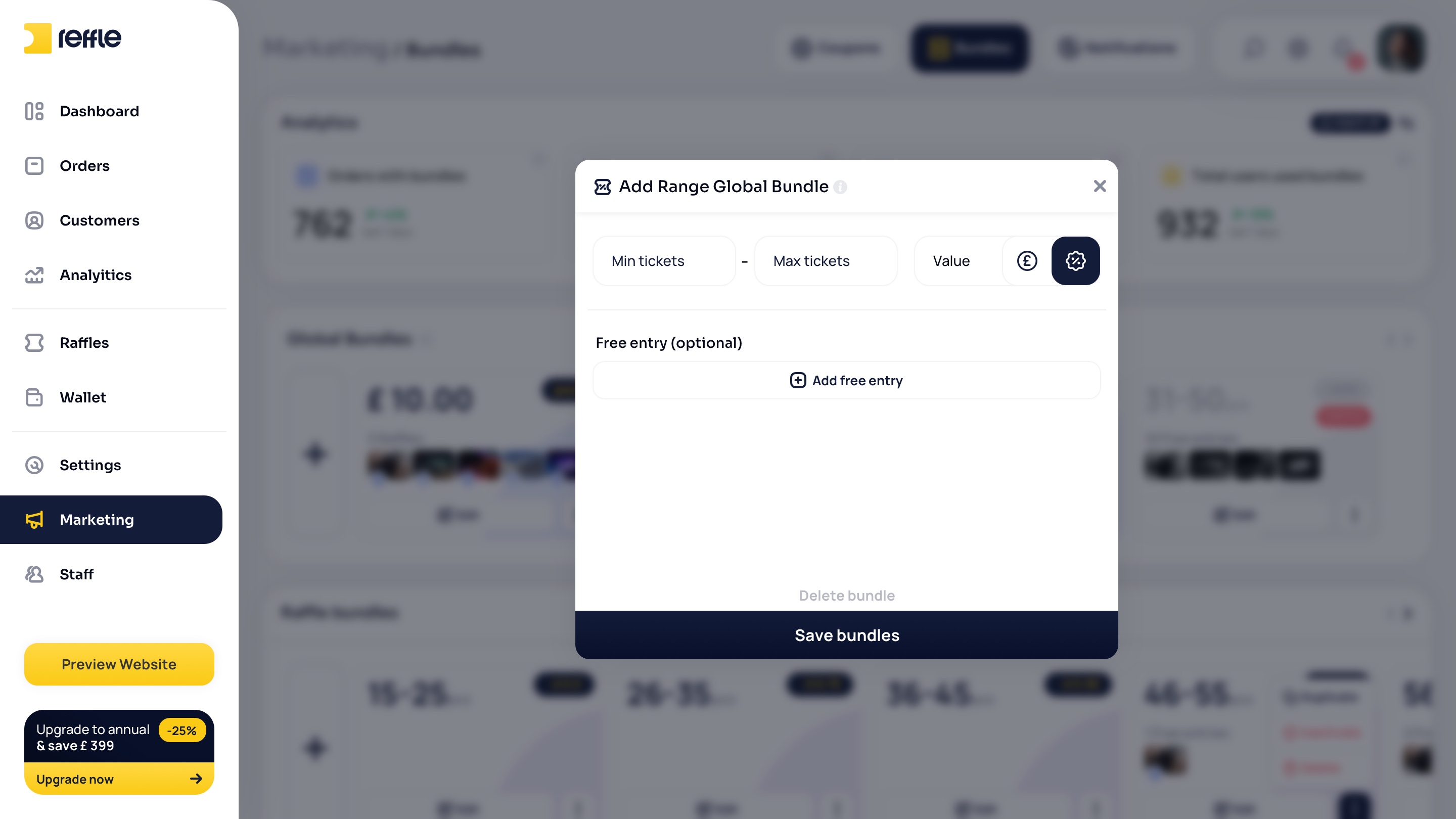
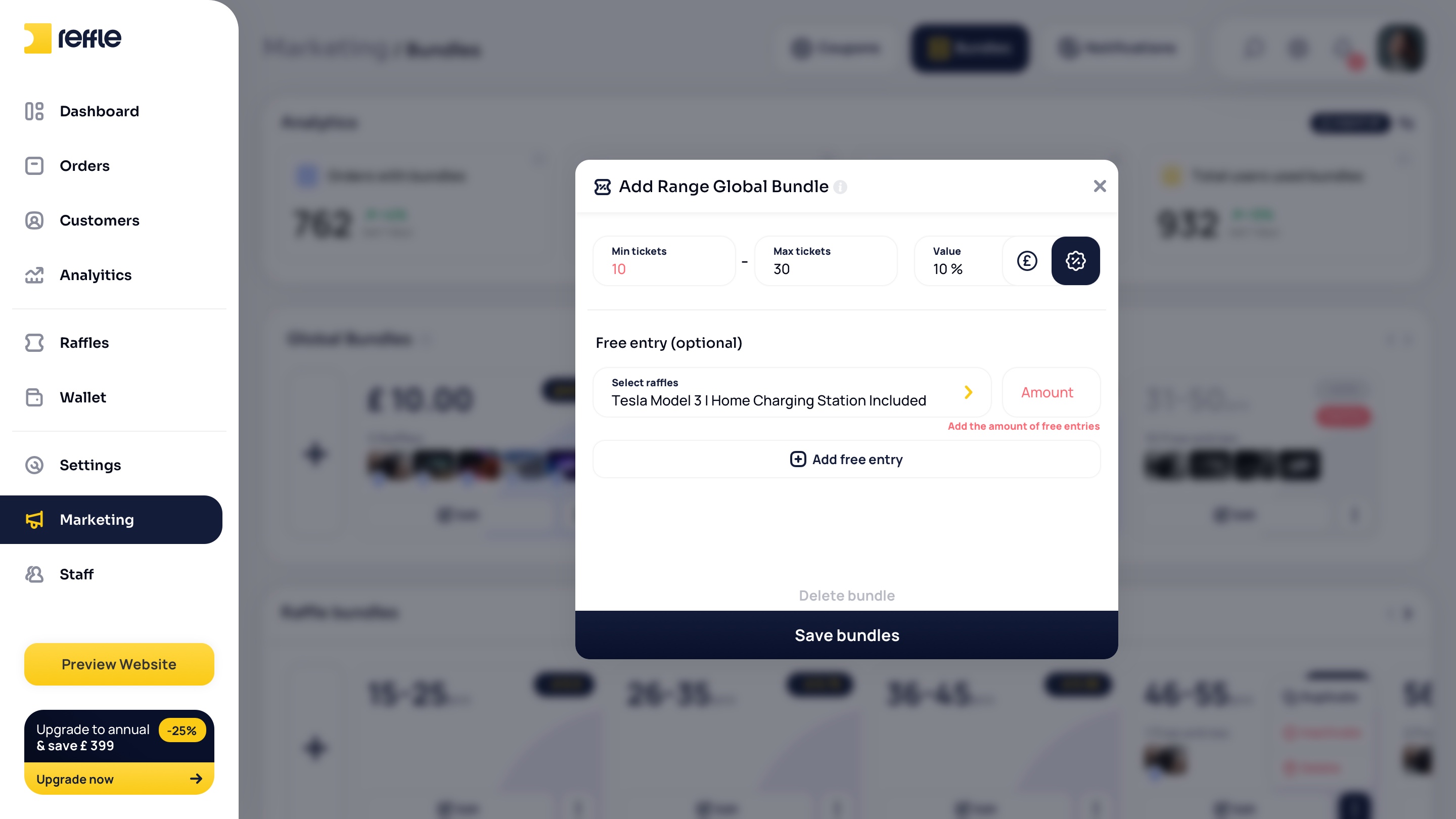
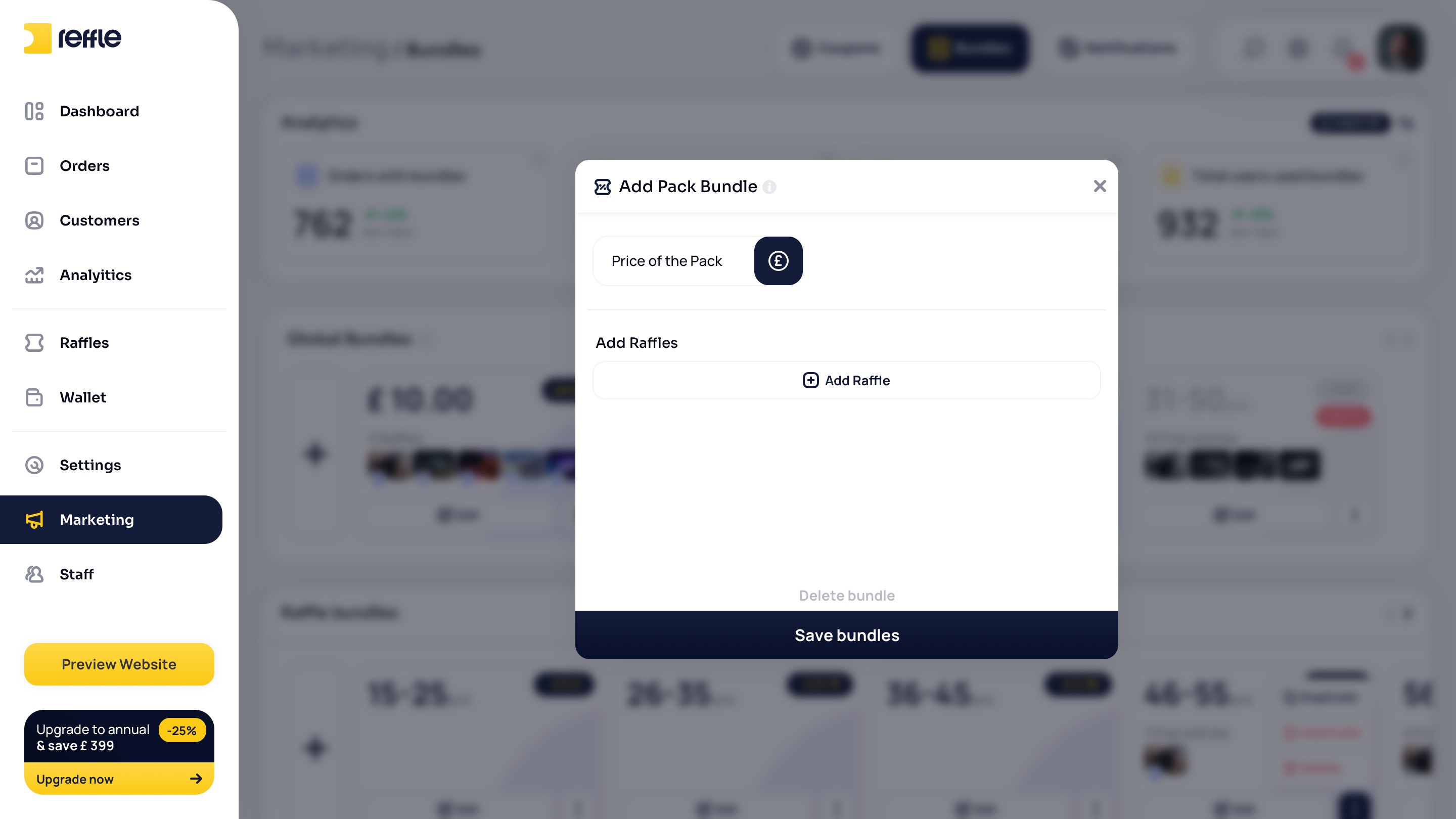
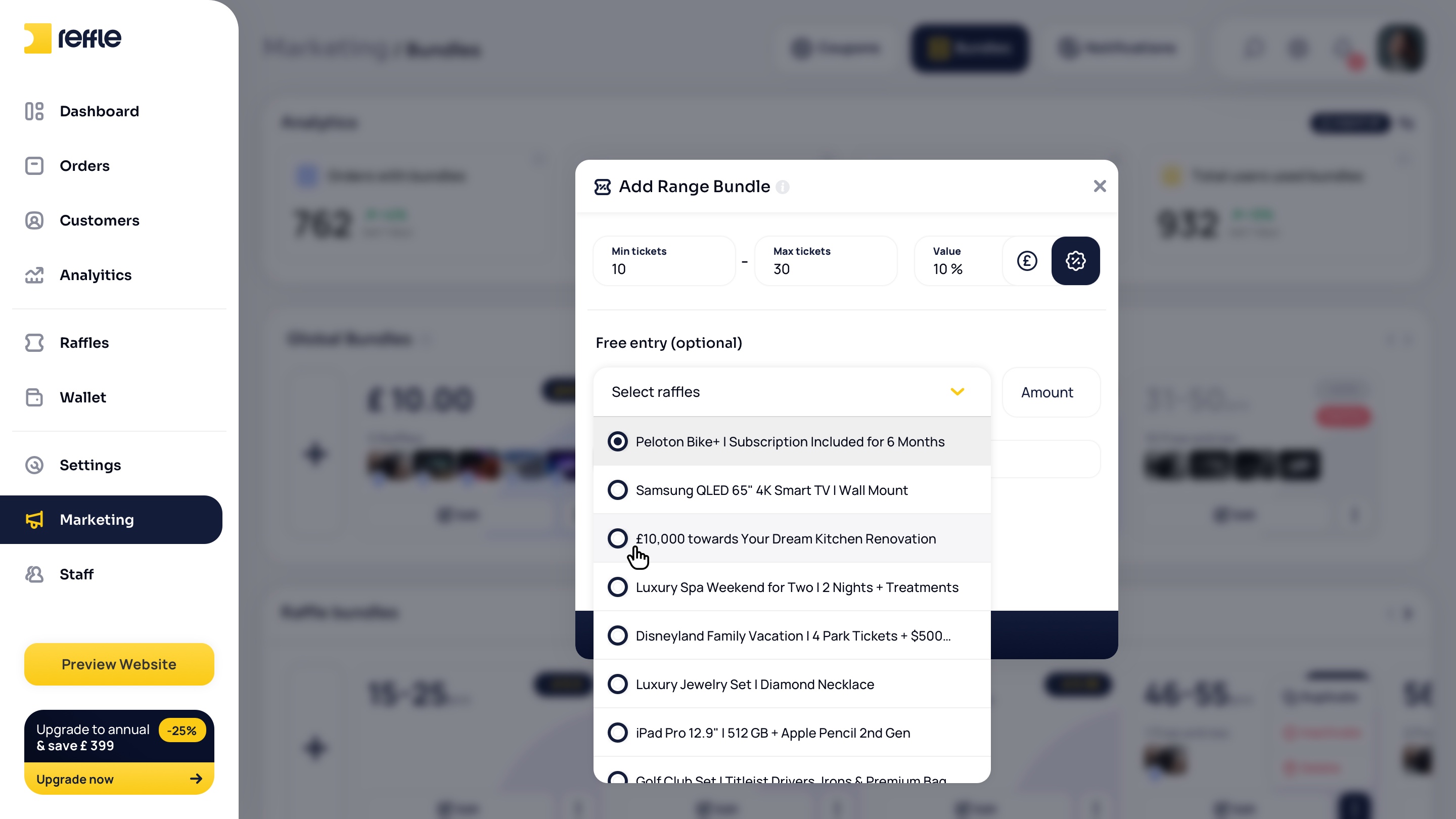
Built-in marketing features including coupons, bundles, promotional campaigns, notifications, and customer engagement tools designed to increase sales and retention.

Marketing screen 1Marketing screen 2Marketing screen 3Marketing screen 4Marketing screen 5Marketing screen 6Marketing screen 7Marketing screen 8Marketing screen 9Marketing screen 10Marketing screen 11Marketing screen 12Marketing screen 13Marketing screen 14Marketing screen 15Marketing screen 16
1 / 16

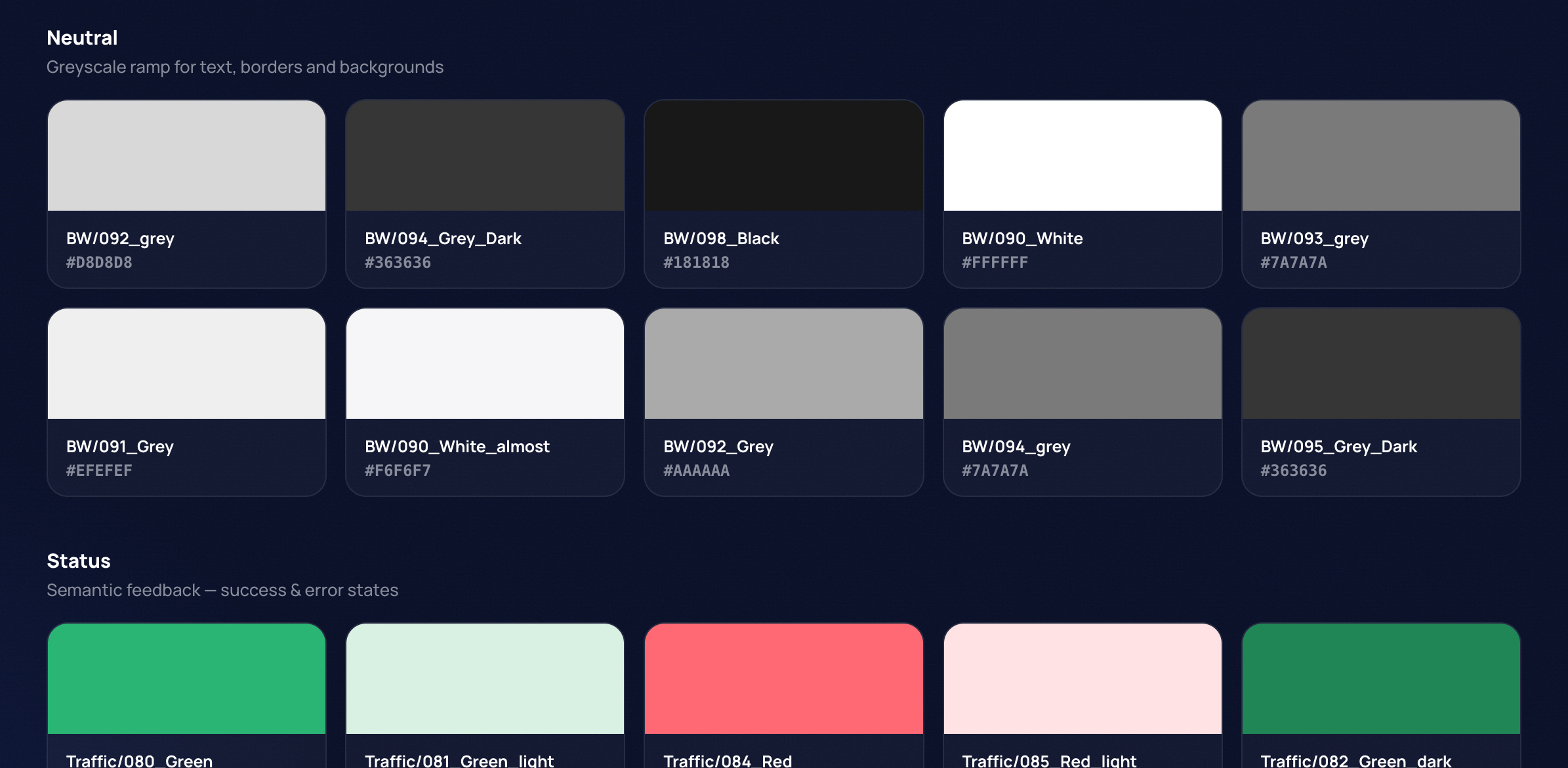
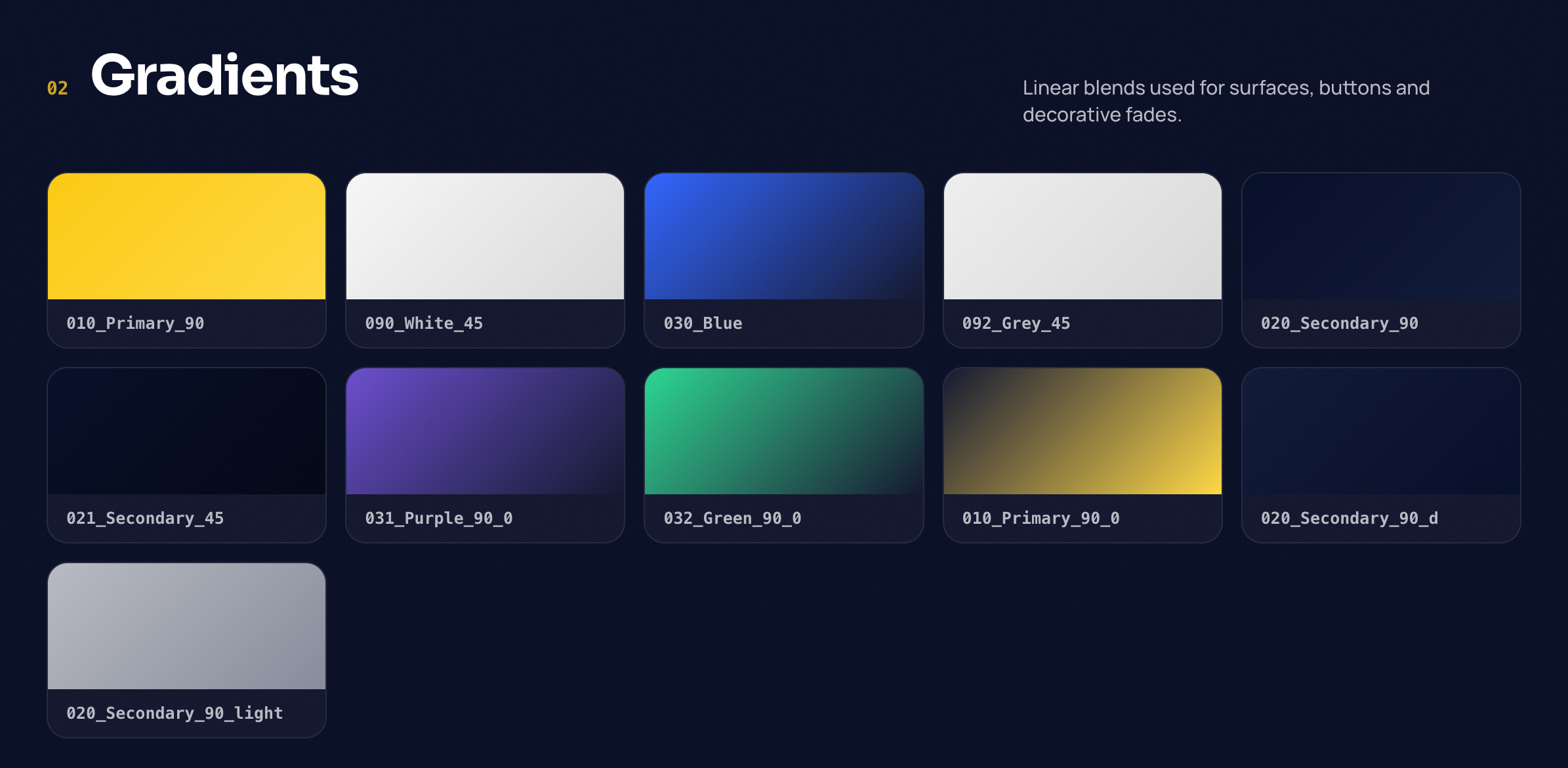
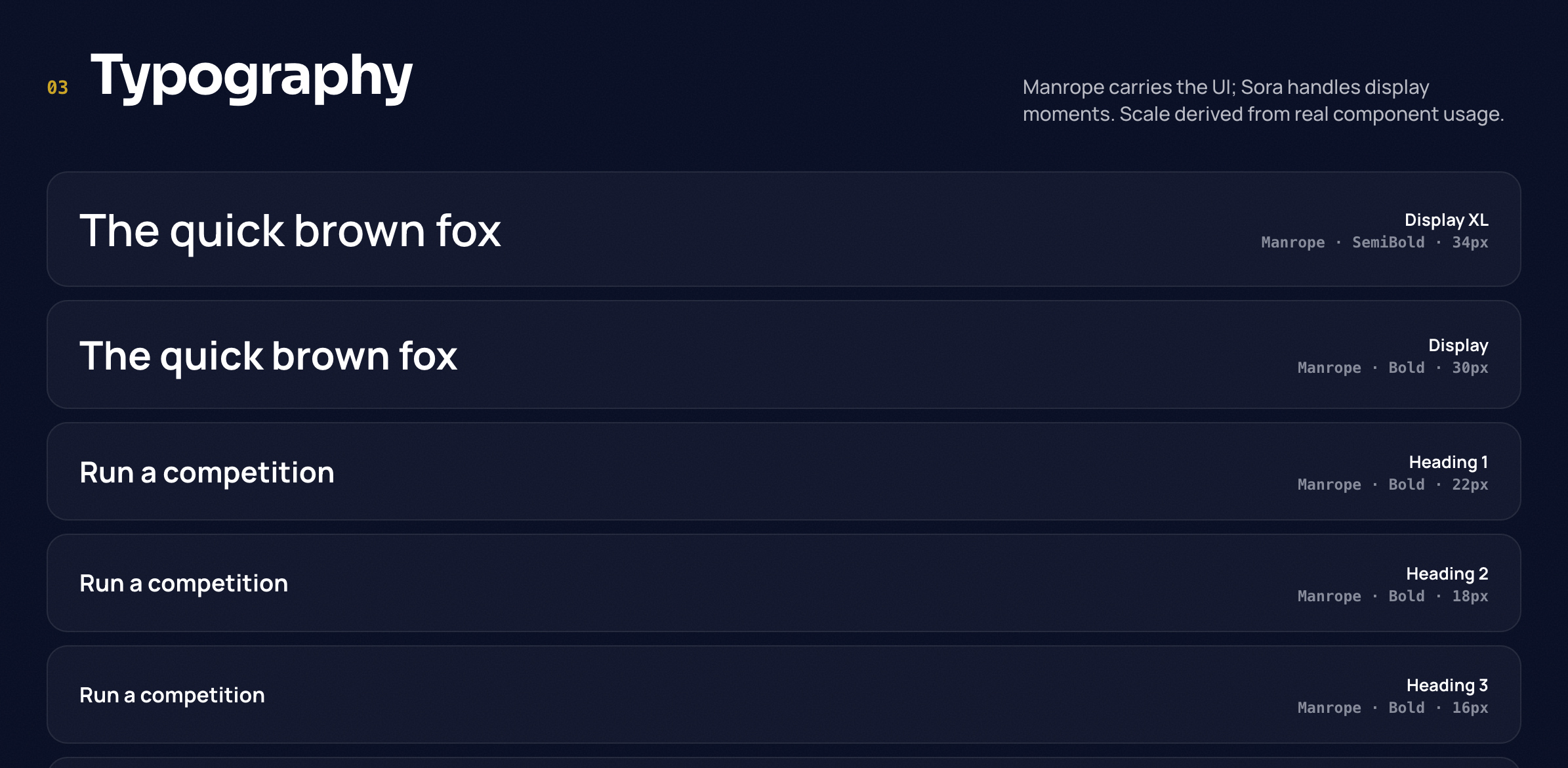
Design System

Bridging Design and Development
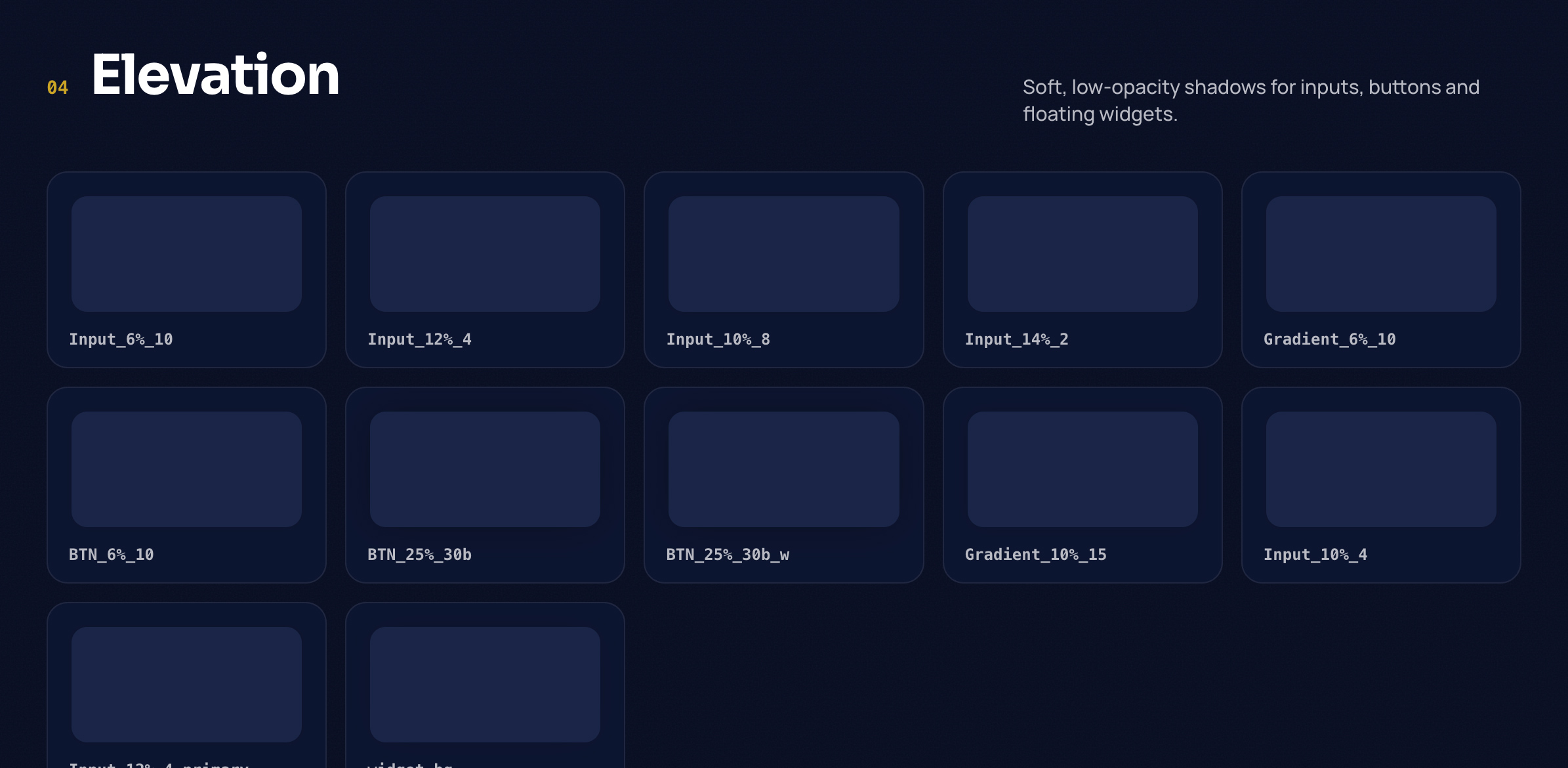
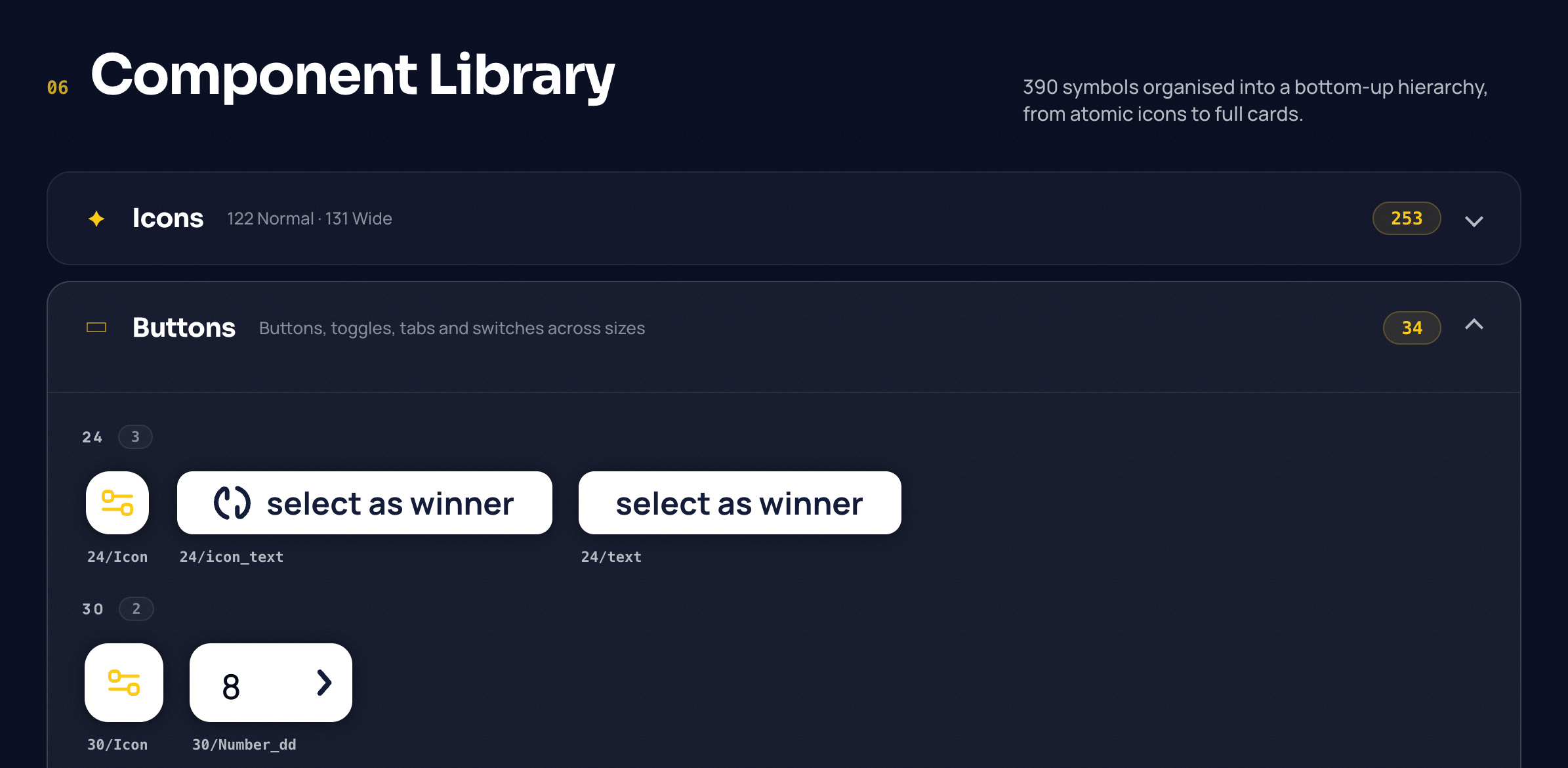
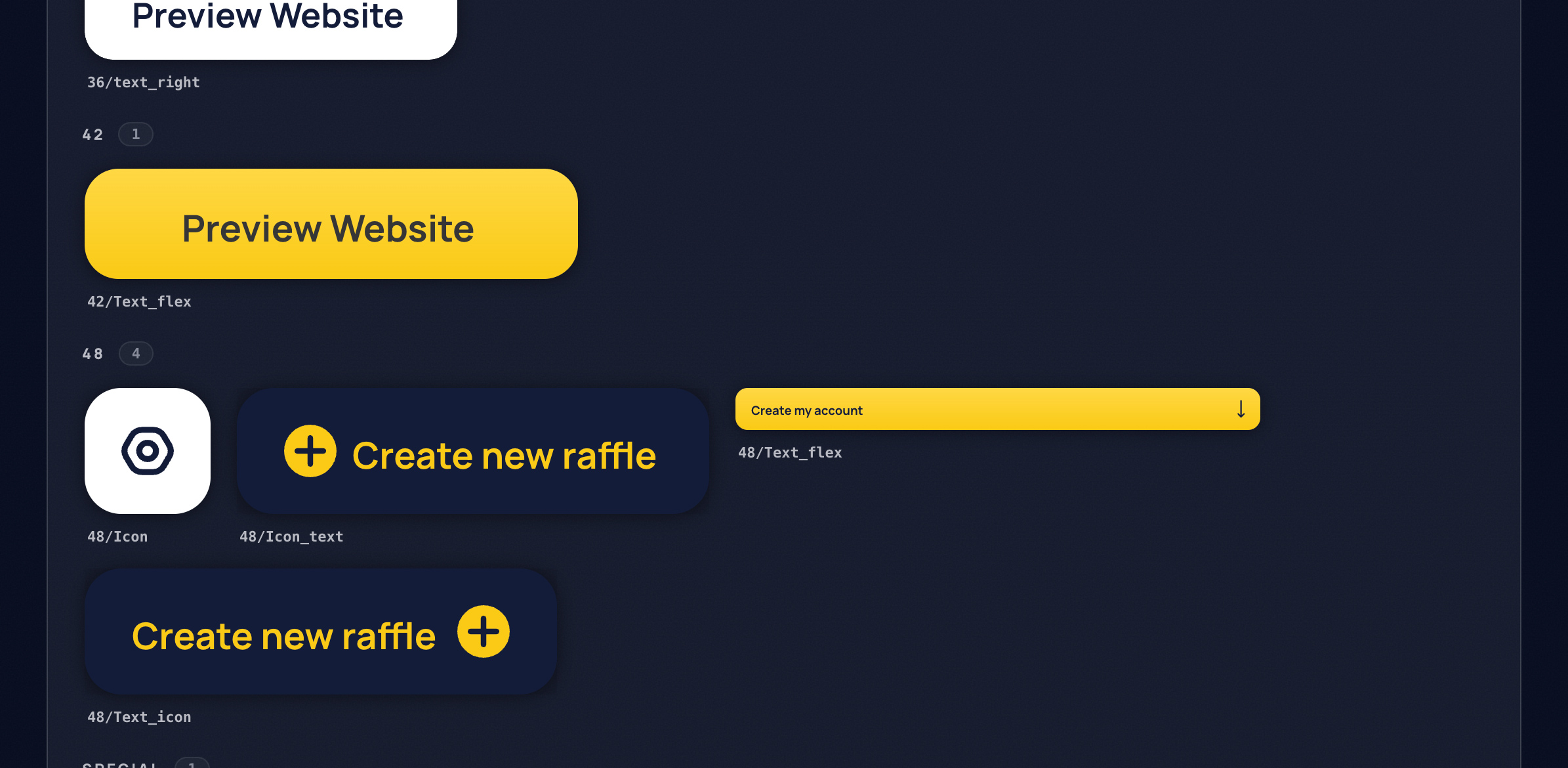
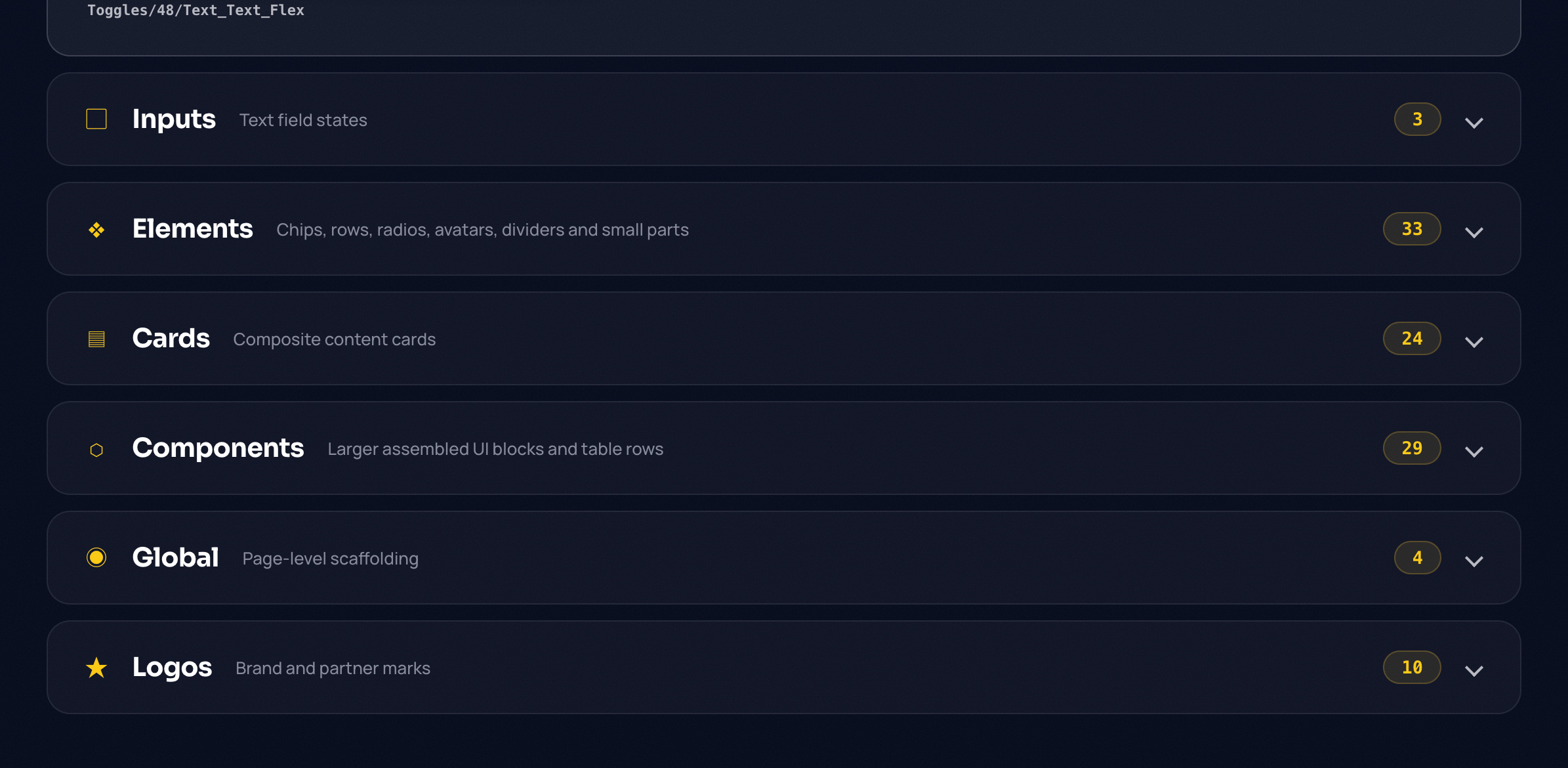
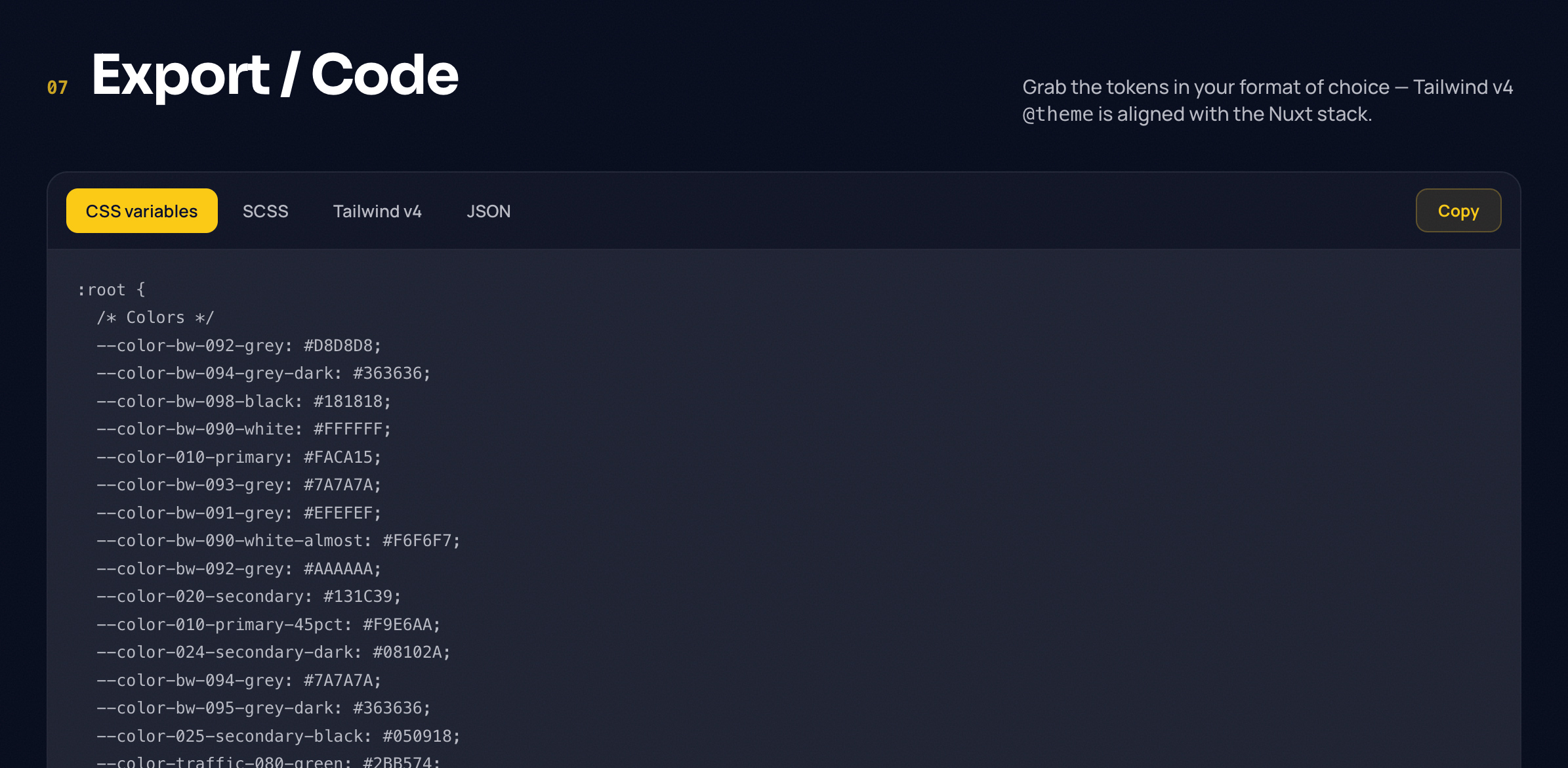
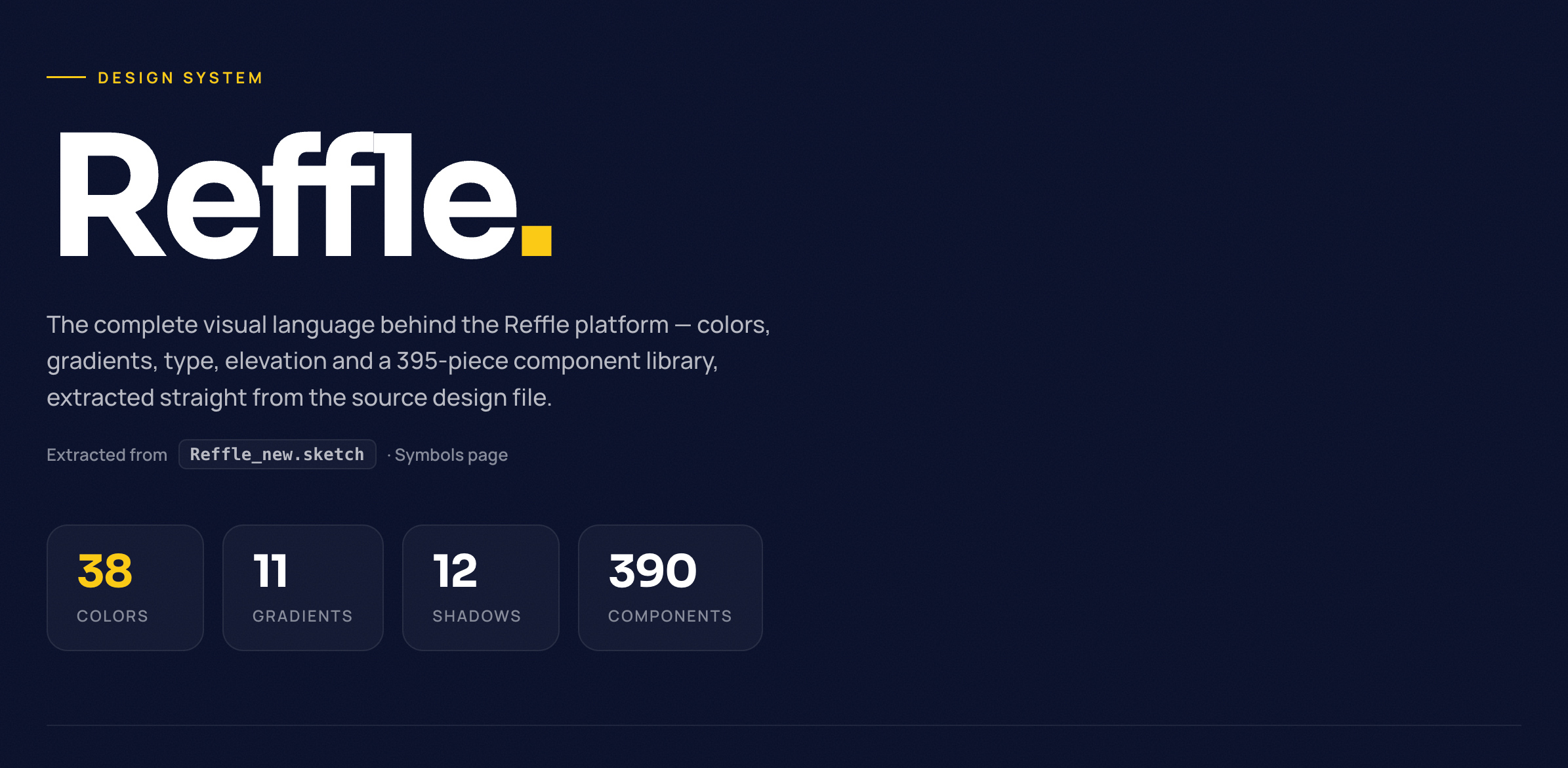
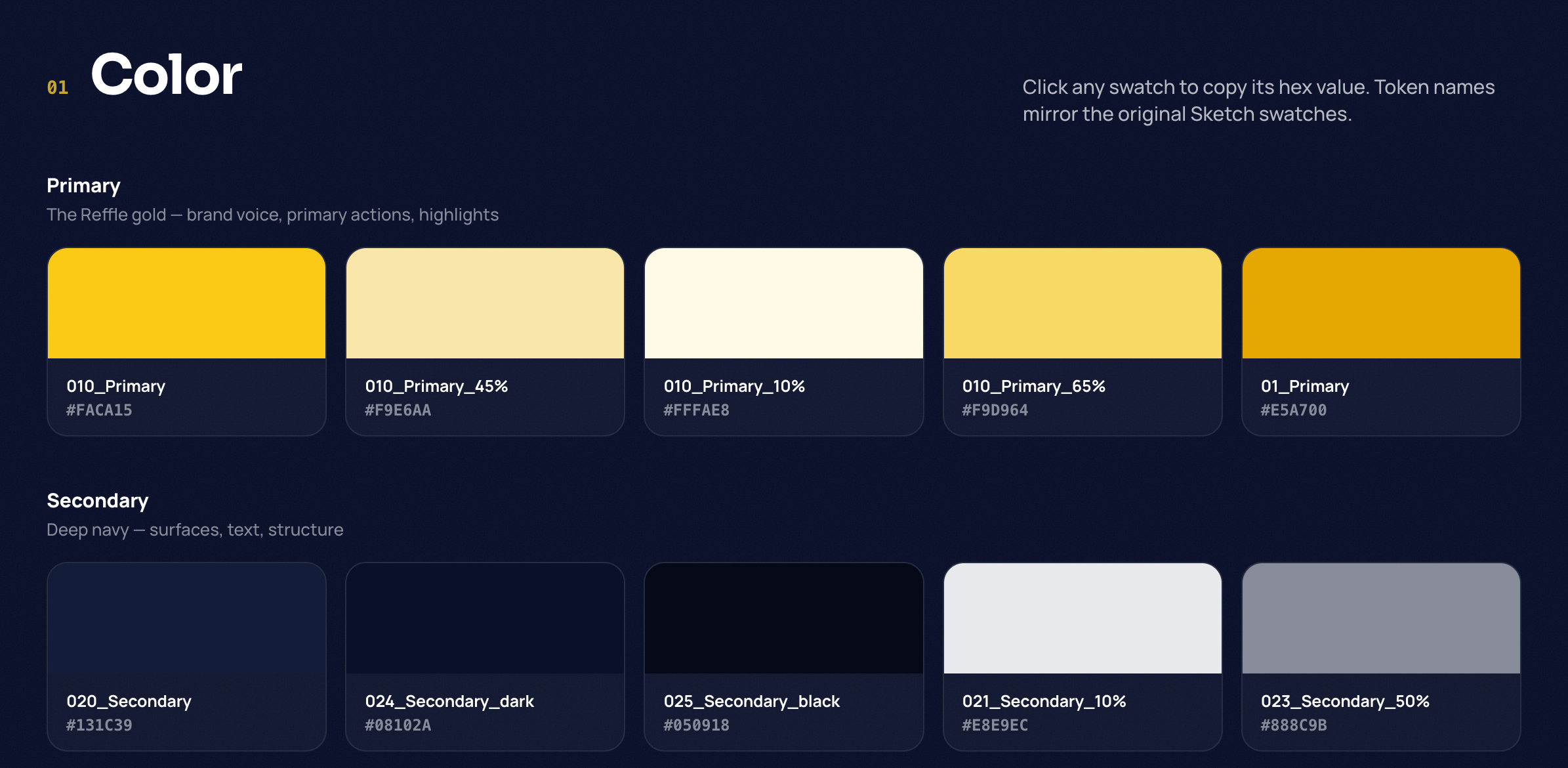
To support rapid product iteration, we built a living design system that combines visual design documentation with copyable implementation code. The portal serves as a shared reference for designers, developers, and AI-assisted workflows, making it possible to move from design concepts to production-ready interfaces faster and with greater consistency. Features include design tokens, reusable components, code references, and implementation standards used across the entire platform.
Design system link
Design system 1Design system 2Design system 3Design system 4Design system 5Design system 6Design system 7Design system 8Design system 9Design system 10Design system 11Design system 12